Try AI Restoration on a Water-Damaged Photo
Try AI restoration on a photo with water marks or stains. Results vary, so compare the full generated image with your original before downloading.
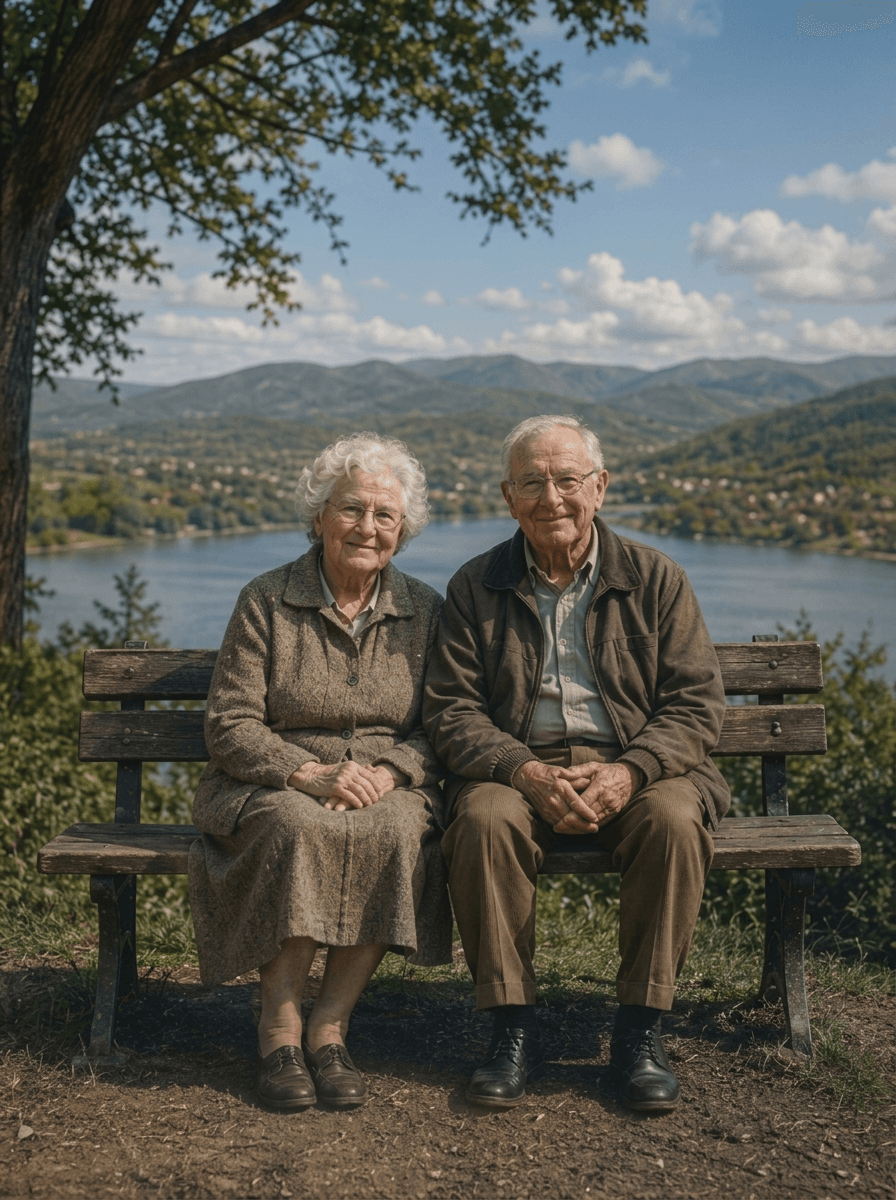
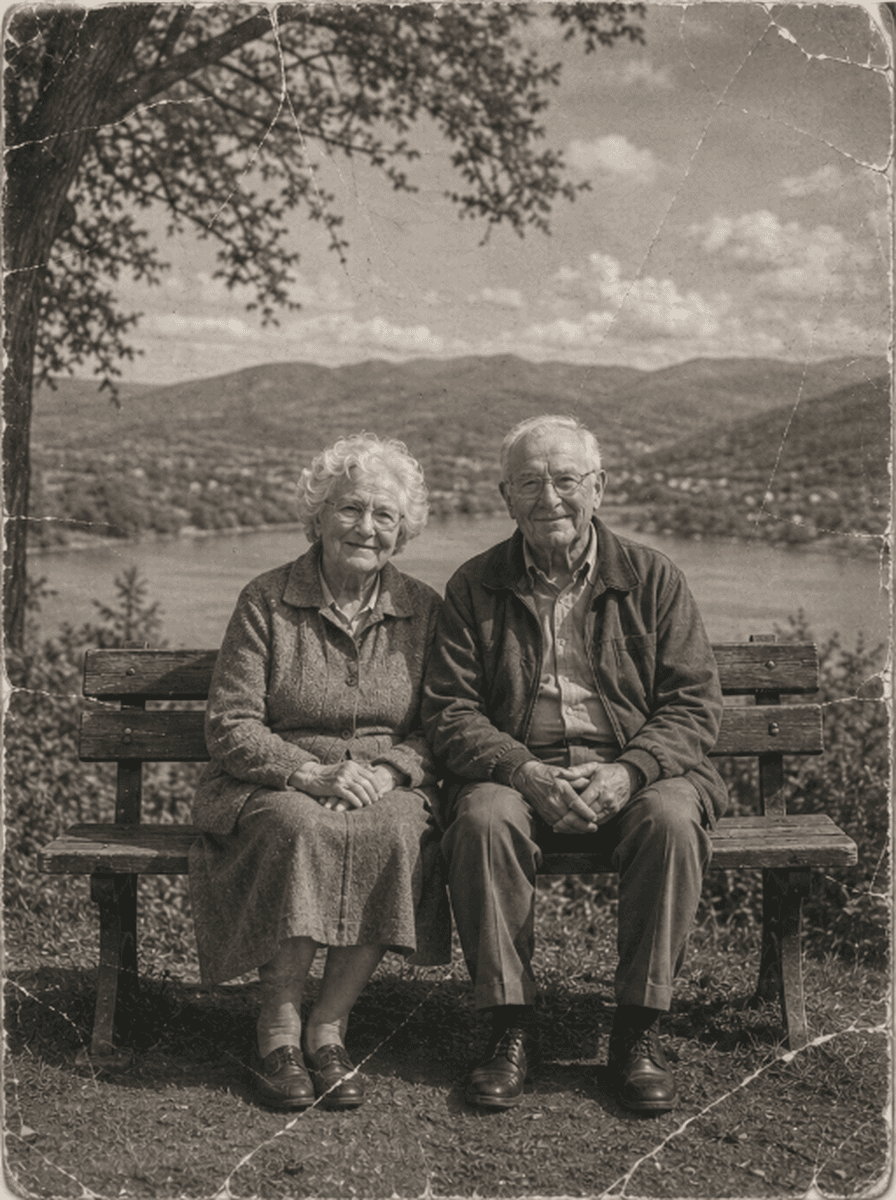
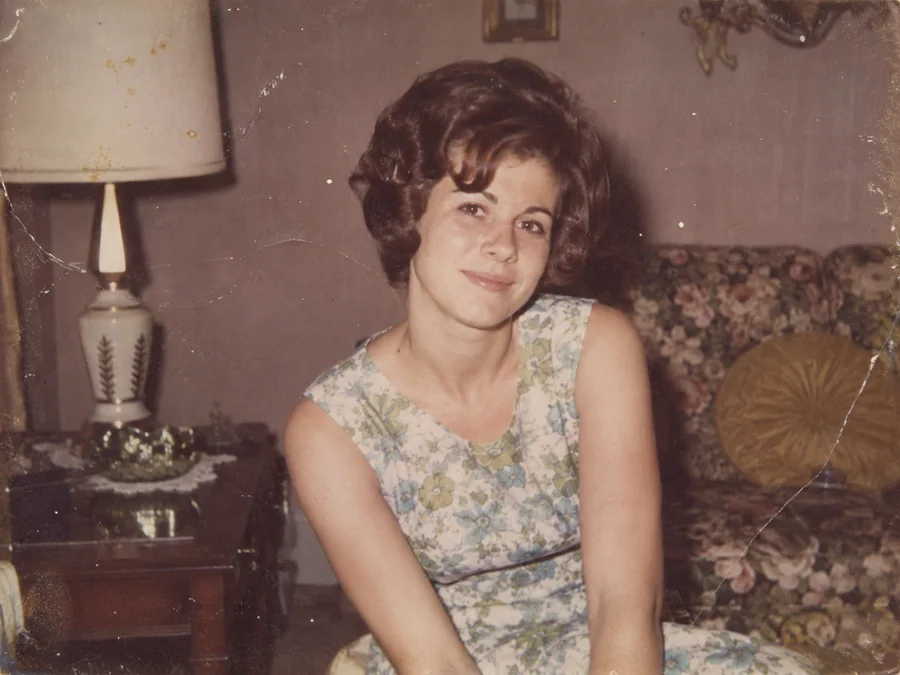
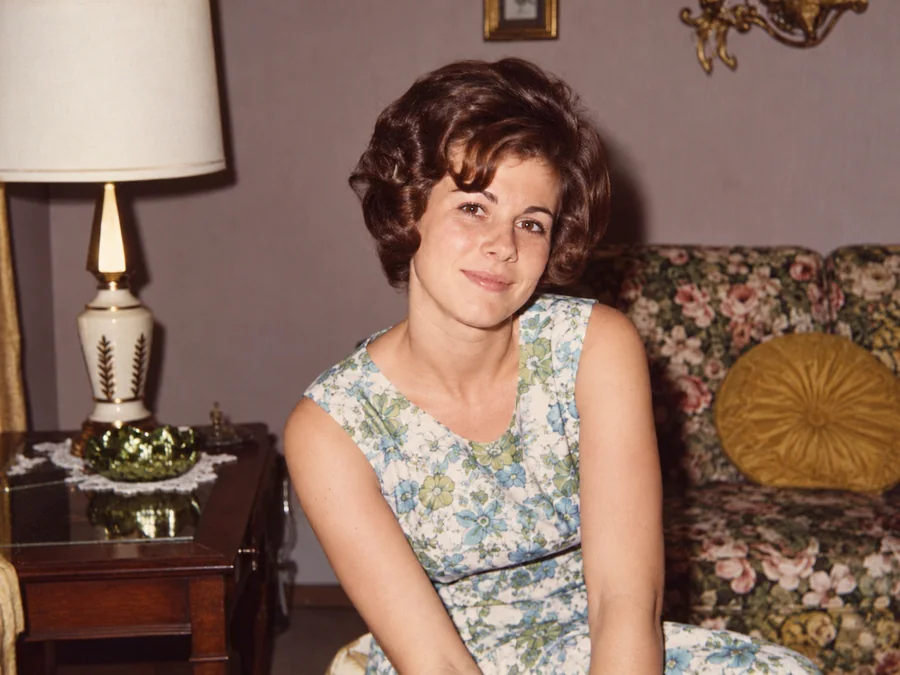
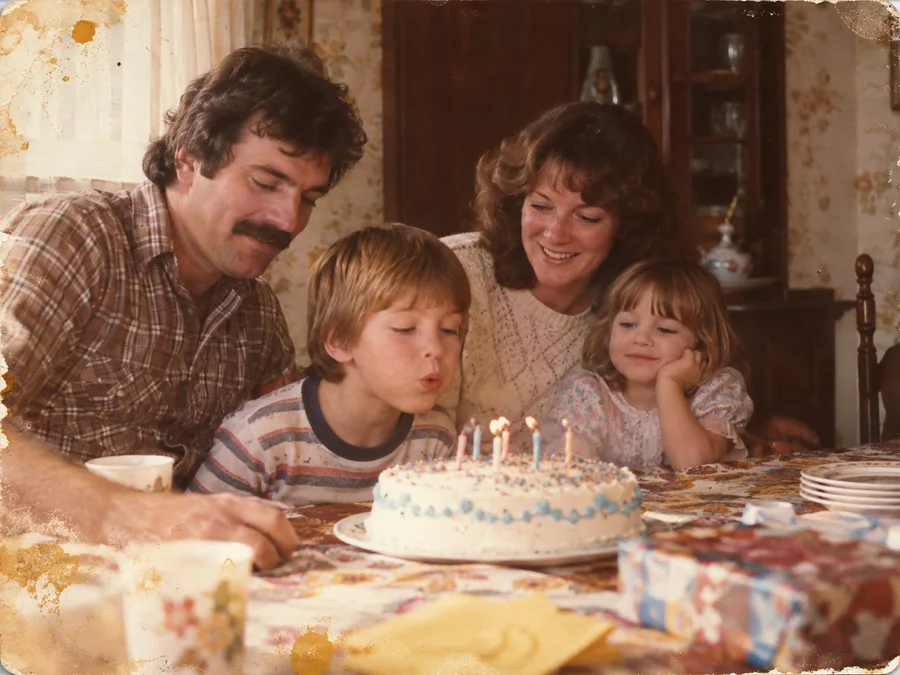
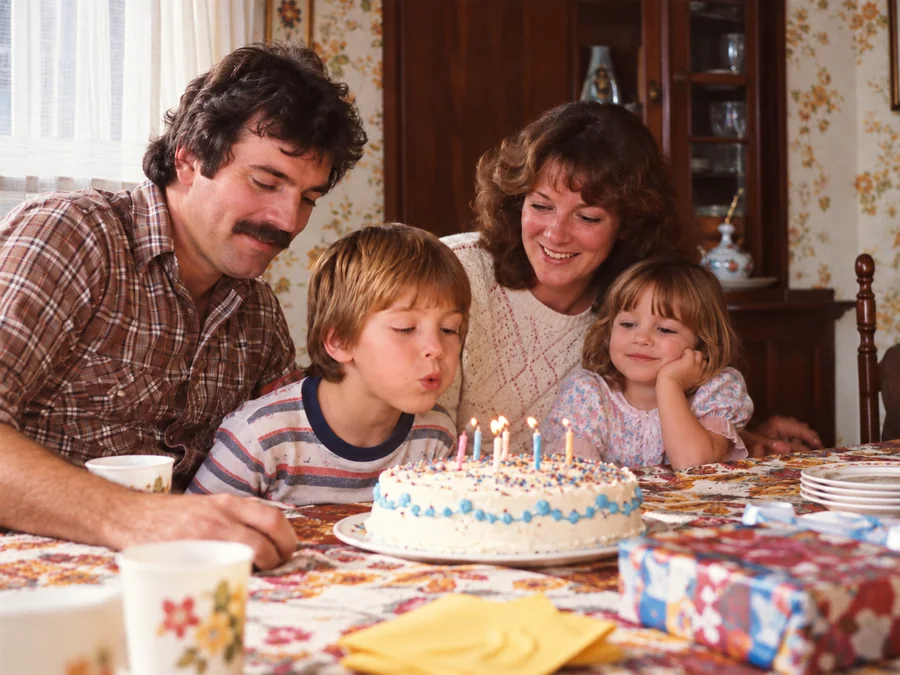
Shared restoration and colorization example. This is the same sample across our guides; it does not demonstrate every type of damage. Results vary by source photo.
How to Restore Water-Damaged Photos
Upload a Photo
Upload a JPEG, PNG, or WebP image up to 10 MB.
Generate a Restored Image
ImgHeal uses AI to generate a restored image. Processing time and results vary with the source photo.
Compare and Download
Compare the generated image with the original, then download it if you are happy with the result.
Liquid Defects Treated by Our AI
How moisture chemically damages photographic paper and how our restoration pipeline repairs it:
Liquid Tide Lines
Dark concentric rings formed when dirty or chlorinated water evaporates, leaving concentrated chemical salts behind.
Emulsion Dissolution
Gelatin layer loss where water weakened the binder, causing portions of the image to peel or dissolve into liquid slurry.
Mold & Mildew Spots
Microbiological fungal growths that feast on the gelatin binder, causing black, white, and yellow foxing stains.
Uneven Fading & Washout
Differential fading where damp spots accelerated chemical oxidation faster than surrounding dry paper areas.
Water Damage Restoration Questions
Can AI restore photos with severe water stains and tide lines?+
You can try AI restoration on a digital copy with water marks or stains. Results depend on visible source detail; severely obscured areas may contain generated rather than recovered content.
What should I do physically before scanning a water-damaged photo?+
ImgHeal edits a digital copy and does not provide physical conservation. If the original is wet, fragile, or stuck to another surface, seek advice from a photograph conservator before handling or scanning it.
Can ImgHeal remove mold and mildew specks from old prints?+
AI may change the appearance of marks in a digital copy, but it does not remove mold from a physical print. Generated images can change surrounding details, so review the full result.
Can I restore water-damaged photos for free?+
New accounts receive three complimentary restorations. Upload a photo with water marks, compare the generated result with the original, and download it if it meets your needs.
Does the restoration affect authentic vintage toning?+
AI can change tonal balance. Keep the original scan and compare the generated colors or monochrome tones before deciding whether to download the result.
Restore a scan of a water-stained photograph
Water marks, stains, and uneven fading can obscure parts of a photograph. ImgHeal changes a digital copy; it cannot dry, clean, or repair the physical print. If a valuable original is still wet, stuck to another surface, or fragile, obtain physical preservation advice before attempting to handle it.
Before you upload
When you have a stable print or an existing scan, capture the whole image in even light. Keep stain boundaries and nearby undamaged areas visible so you can compare them later. Avoid digital filters that flatten the remaining detail before uploading for restoration.
What to check in the result
Inspect the edges of stains and any faces or text inside them. A pale or missing patch may be replaced with generated content rather than recovered detail. Save the unedited scan, and do not interpret a clean digital result as evidence that the physical photograph has been preserved.
Photo Restoration Tools
Explore Dedicated Restoration Services
Choose a photo restoration workflow based on the image you want to improve.
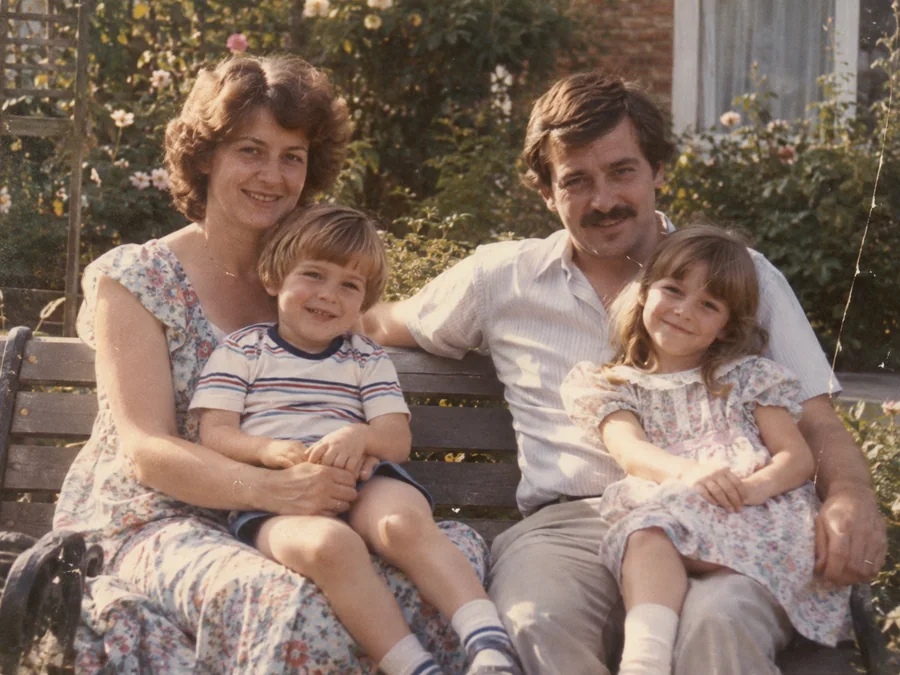
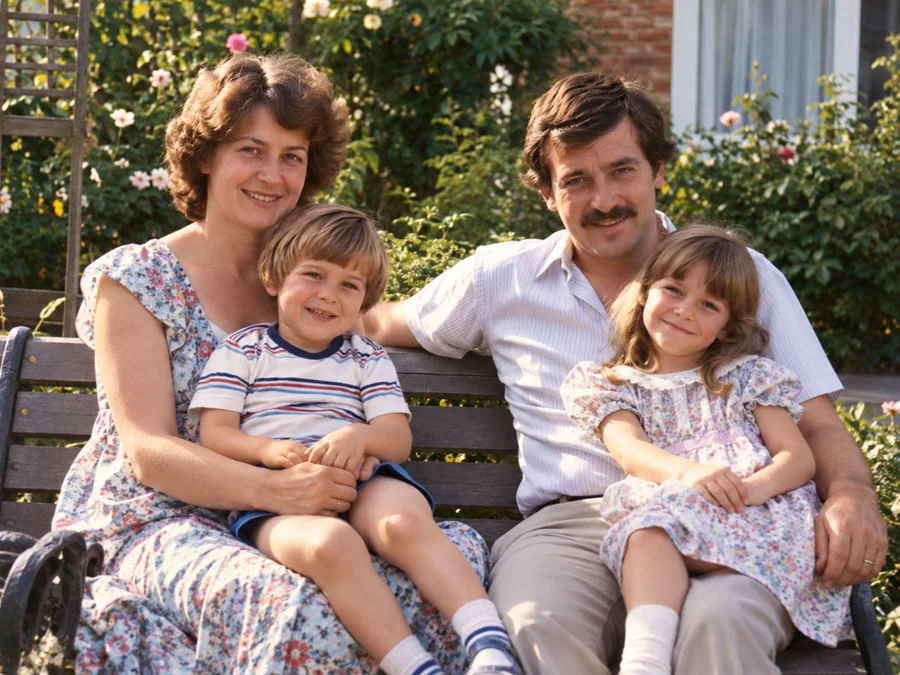 BeforeAfterIllustrative
AI Photo Restoration
Use AI to create a restored version of an old or damaged photograph.
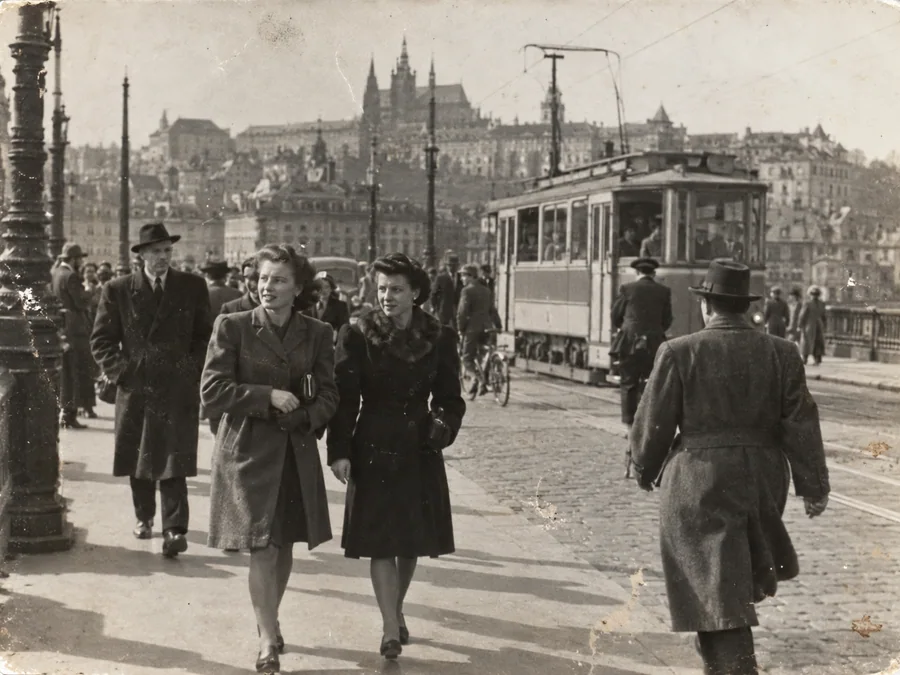
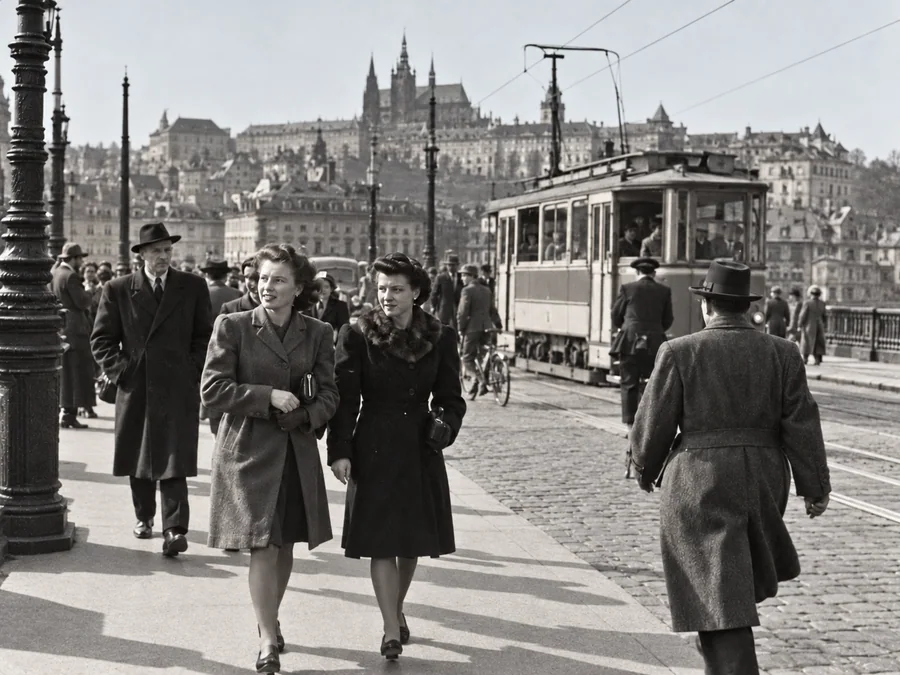 BeforeAfterIllustrative
Restore Old Photos
Try AI restoration on a faded, scratched, or damaged old photograph.
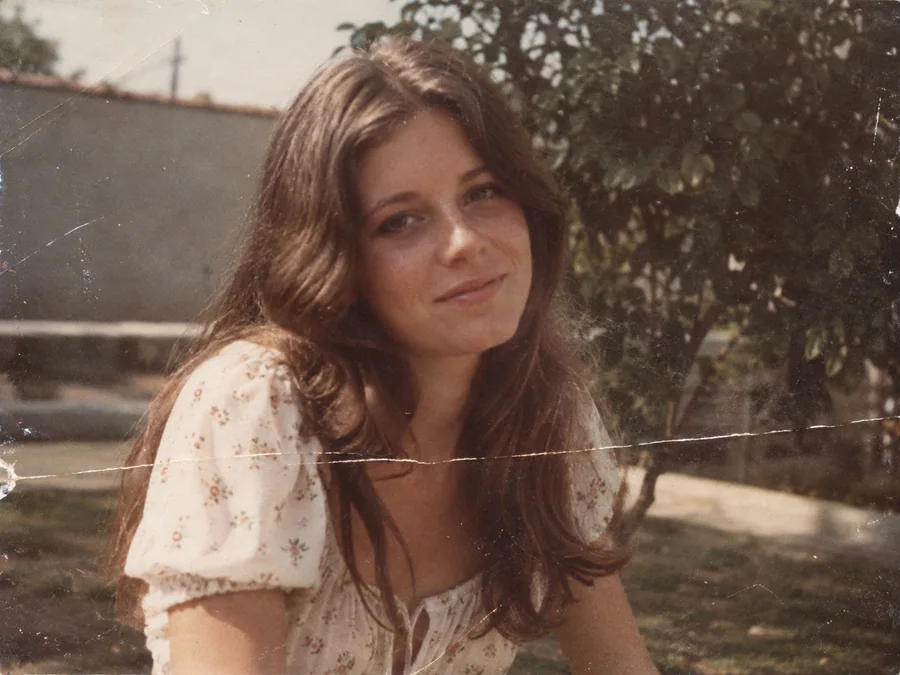
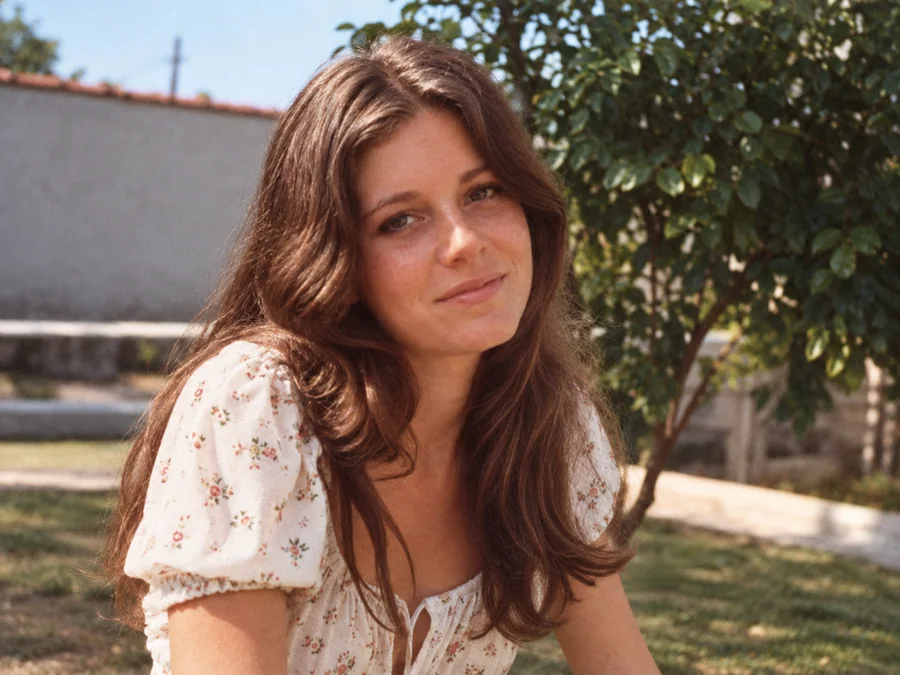 BeforeAfterIllustrative
Remove Scratches & Creases
Try AI restoration on a photo with scratches or creases.
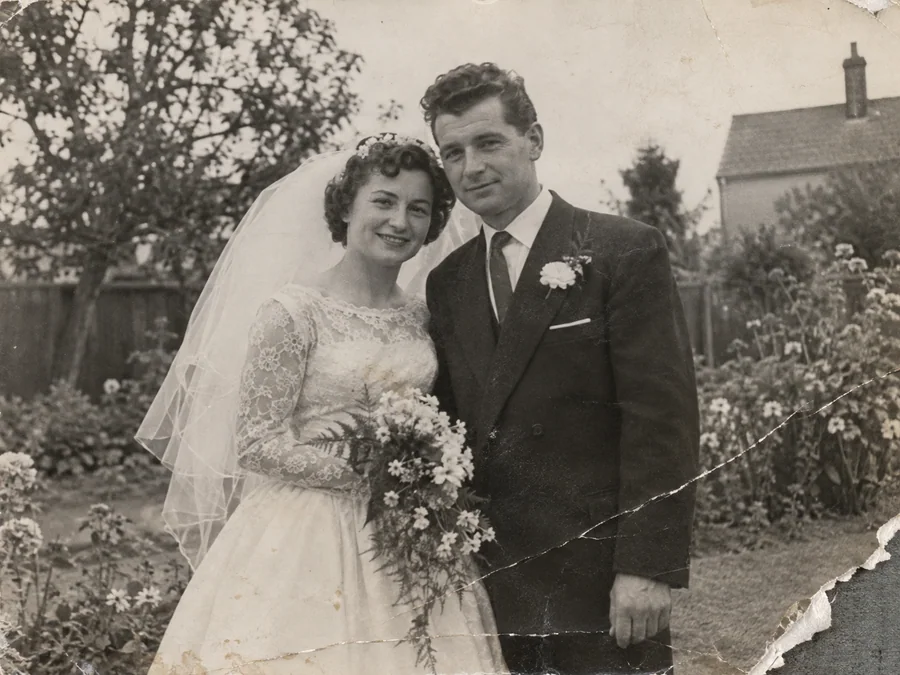
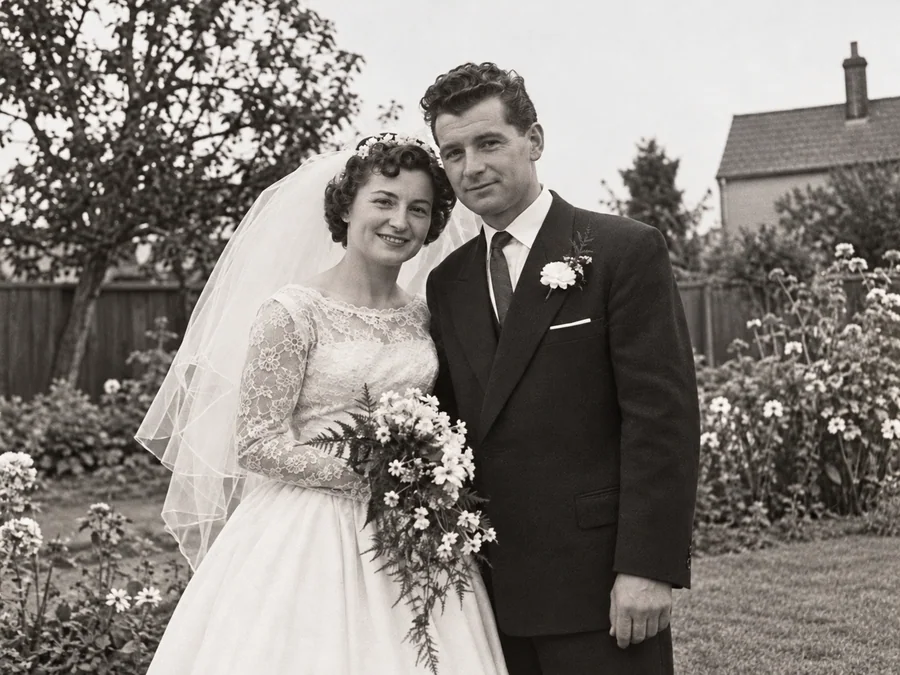 BeforeAfterIllustrative
Repair Damaged Photos
Generate a restored version of a torn, creased, or damaged photo.
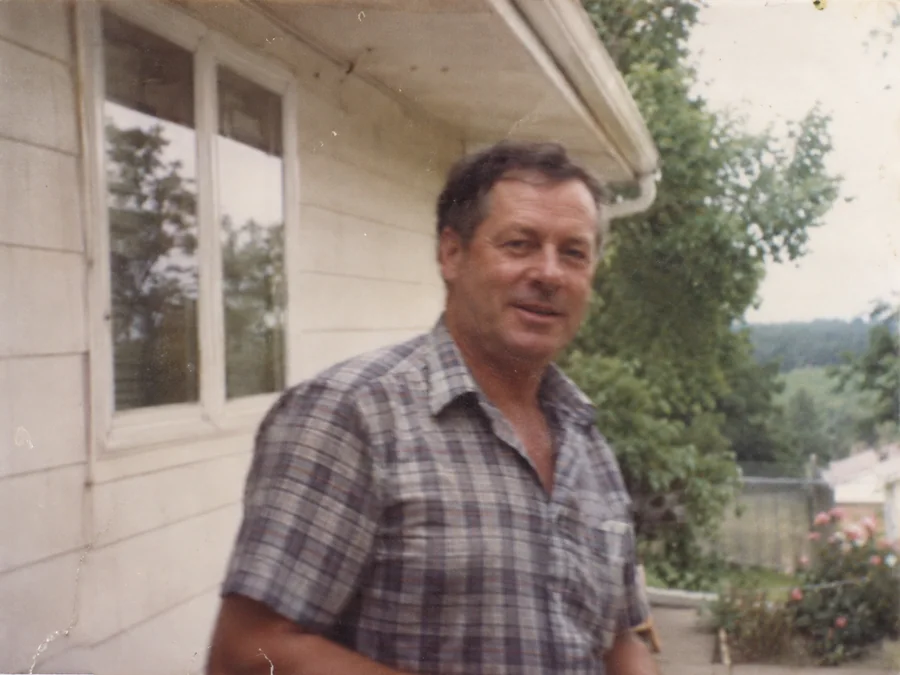
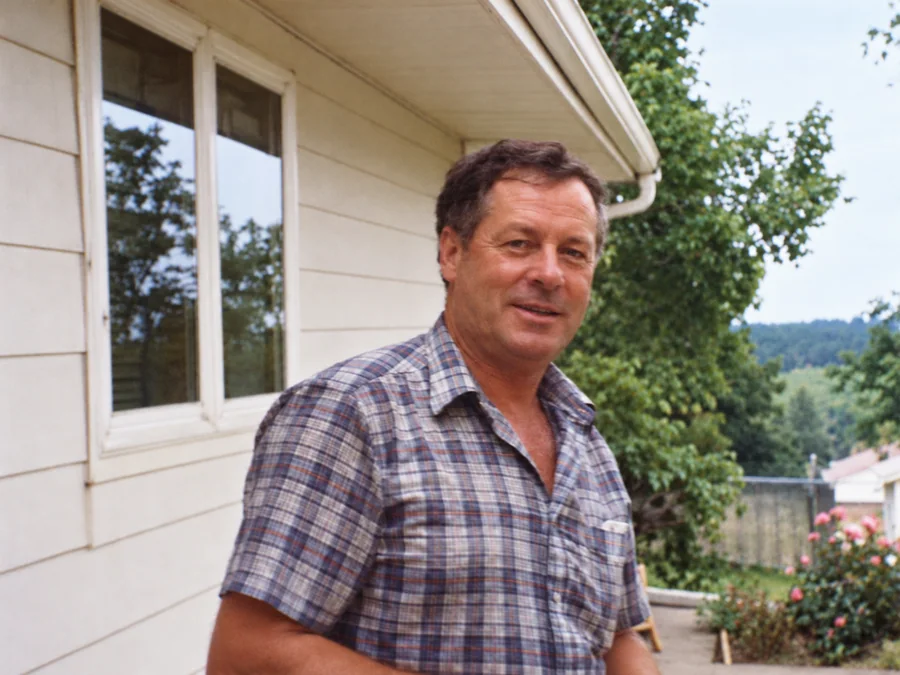 BeforeAfterIllustrative
Fix Blurry Photos
Try AI restoration on a soft or blurry photo. Results vary by image.
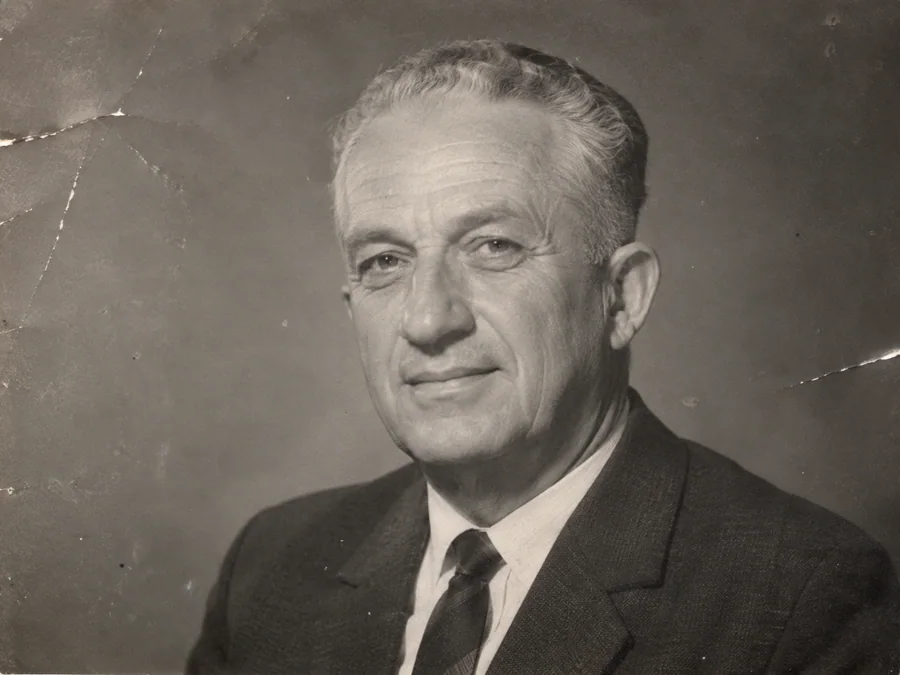
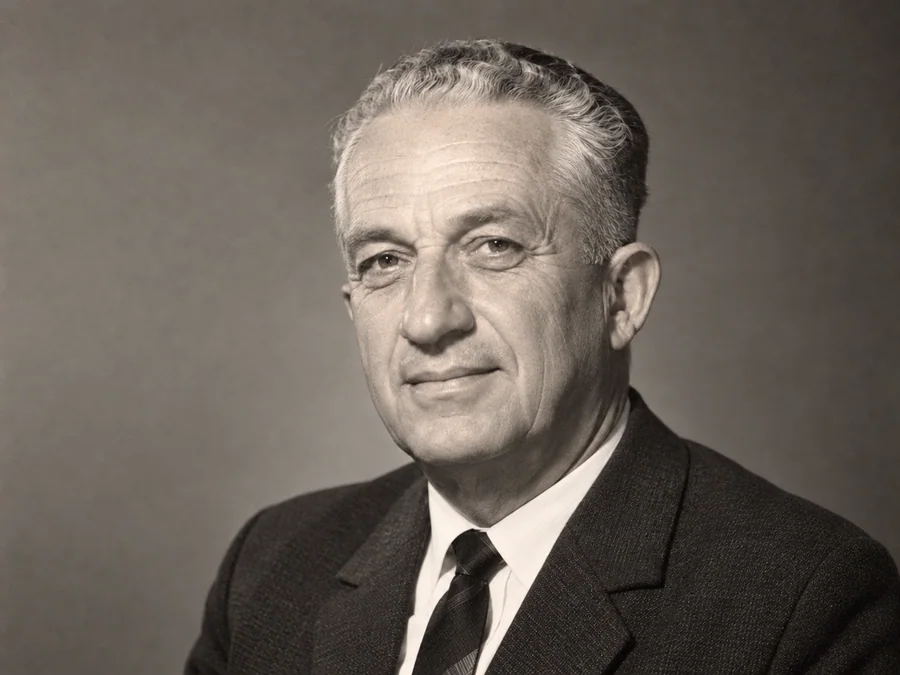 BeforeAfterIllustrative
AI Face Restoration
Try AI restoration on an old portrait and compare the result.
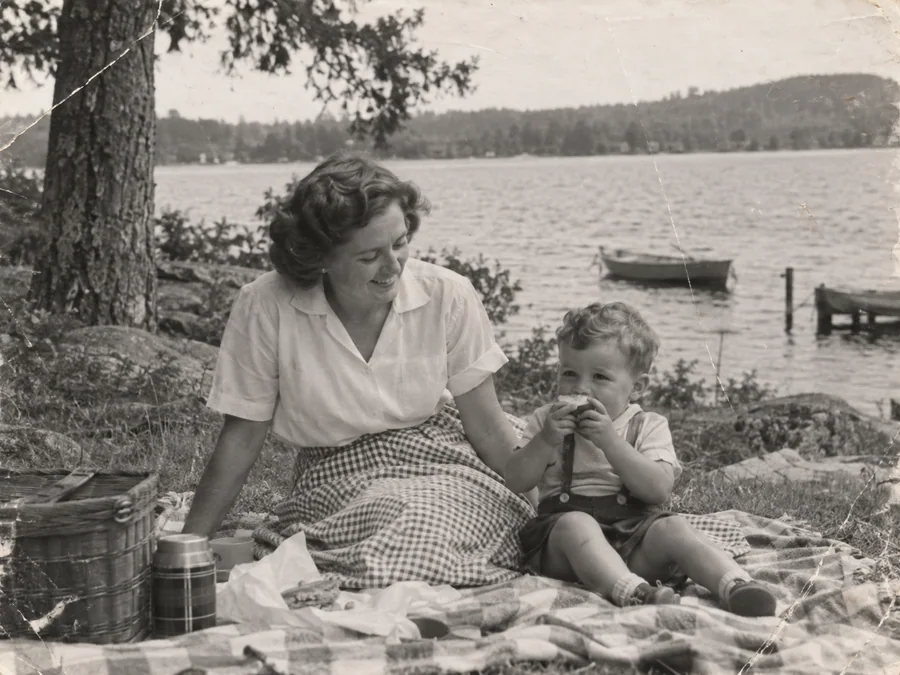
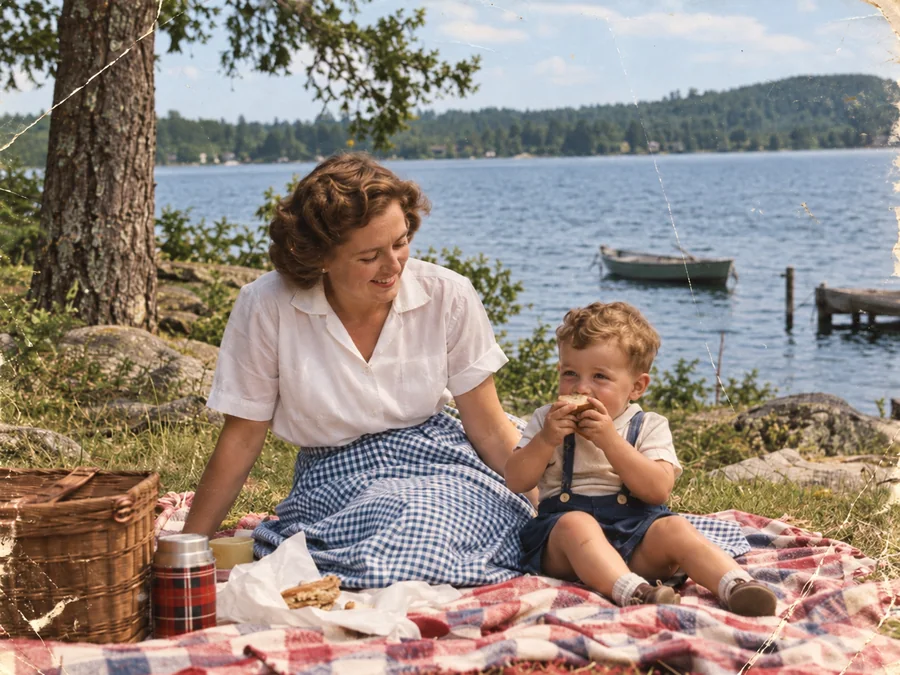 BeforeAfterIllustrative
Colorize B&W Photos
Generate AI color for a black-and-white or sepia photo.
 BeforeAfterIllustrative
Restore Vintage Photos
Try AI restoration on a vintage or faded photograph.
 BeforeAfterIllustrative
Restore Family Photos
Create a restored version of an old family photo.