Try AI Restoration on a Blurry Photo
Try AI restoration on a blurry photo or a soft scan. Upload the clearest source you have and compare the generated image with the original before downloading.
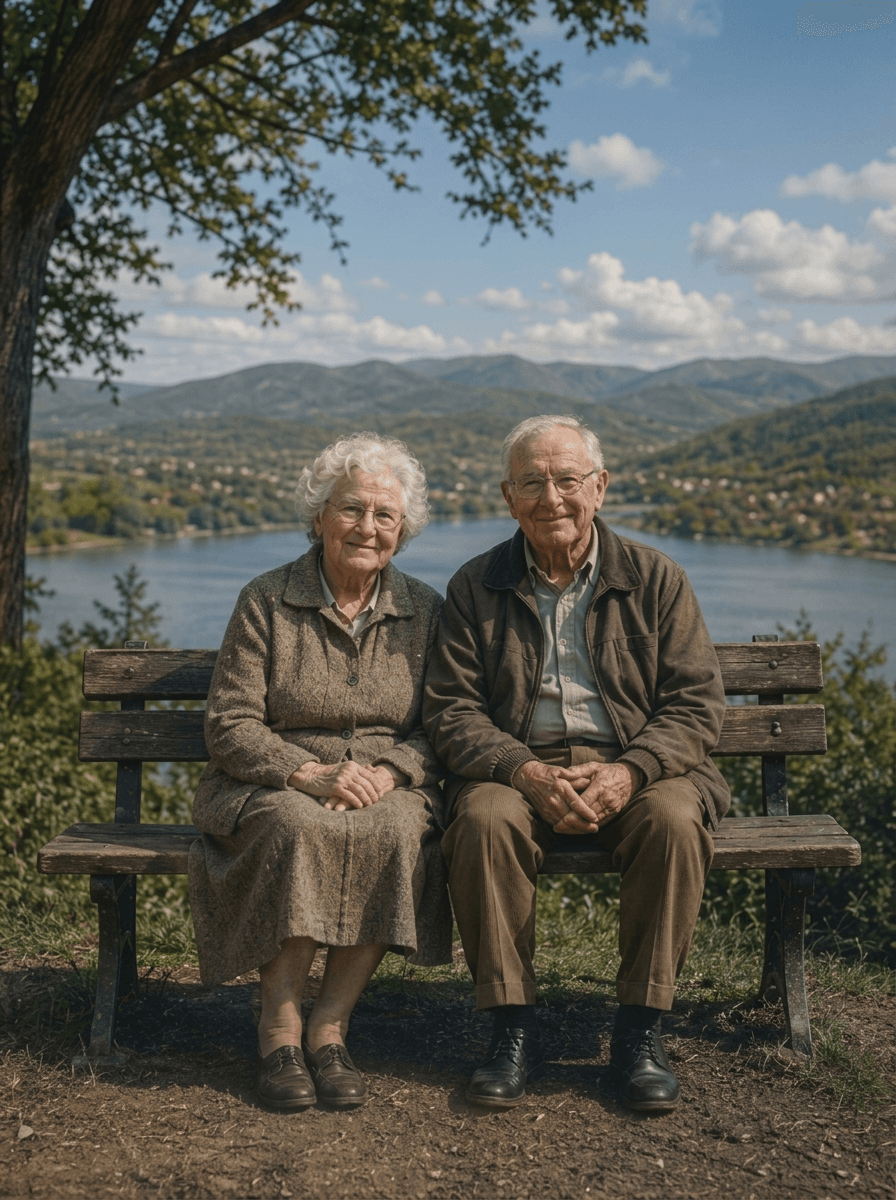
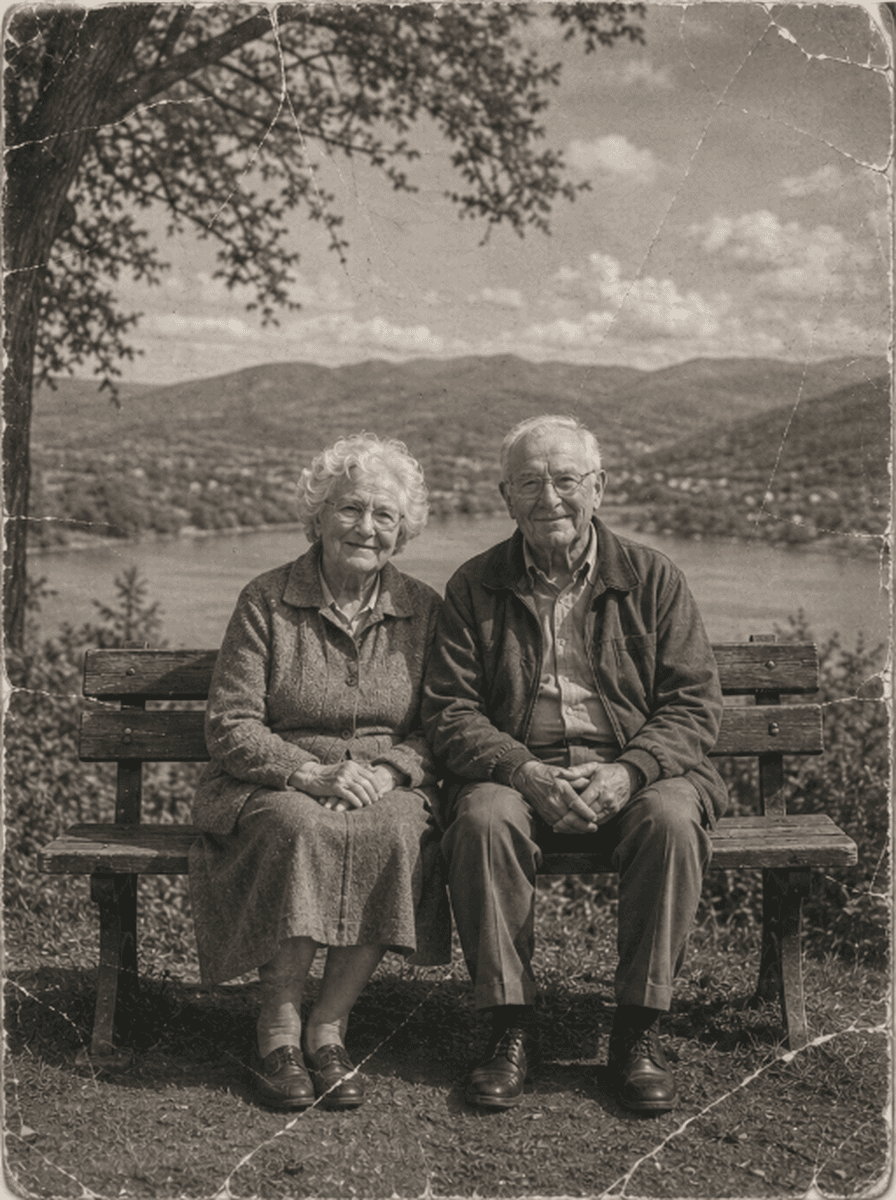
Shared restoration and colorization example. This is the same sample across our guides; it does not demonstrate every type of damage. Results vary by source photo.
How to Review a Blurry Photo Restoration
Upload Blurry Photograph Scan
Upload your blurry, soft-focus, or camera-shake photograph (JPEG, PNG, WebP up to 10MB) into the dropzone.
Neural Deblurring & Face Landmark Sharpening
ImgHeal uses AI to generate an adjusted image. Processing time and results vary.
Inspect Interactive Preview & Download
Compare the generated image with the original, then download it if you are happy with the result.
Every Type of Optical Blur Corrected
Understanding why older photos turn out blurry and how our AI resolves each cause:
Missed Focus & Soft Lenses
Manual rangefinder and box camera lenses often missed focal planes, leaving portraits soft. ImgHeal re-establishes focal clarity.
Camera Shake & Motion Blur
Slow shutter speeds in low light caused directional streaks when subjects breathed or photographers shook. ImgHeal cancels motion vectors.
Low-Resolution Pixelation
Try restoration on a low quality digital copy, then compare edges and facial details. ImgHeal does not promise a particular output resolution or recovery of missing detail.
Answers on Unblurring & Sharpening Photos
Can AI fix very blurry or out-of-focus old photos?+
You can try AI restoration on a soft or blurry photograph. Blur can hide information that cannot be recovered reliably; generated detail may differ from the original scene, so compare the result carefully.
How does ImgHeal sharpen photos without introducing noise?+
Traditional sharpening filters (like unsharp mask) amplify grain and create harsh white halos around edges. ImgHeal uses neural deconvolution, which distinguishes between real image textures (eyes, hair, lace) and noise, sharpening only the true structural details.
Can I fix blurry photos online for free?+
New accounts receive three complimentary restorations. Try the restoration workflow on a blurry image, then compare the generated result with your original.
Will the AI alter my family members' natural appearances?+
AI-generated results may alter image details, including faces. Compare the result with the original before deciding whether to use it.
What image formats can I upload for unblurring?+
ImgHeal accepts JPEG, PNG, and WebP images up to 10 MB. It does not guarantee that missing detail can be recovered from a blurry source.
Distinguish a soft scan from a blurry original
A low quality scan can hide detail that still exists on a print. Camera movement and missed focus can instead leave the original photograph blurry. If a better scan is available, start there; AI restoration cannot guarantee recovery of information that the camera never captured.
Before you upload
Use the original image file or scan instead of a screenshot, compressed social media copy, or enlarged thumbnail. Capture the print with the camera parallel to it and in focus. Try restoration on this clearer source and compare the new image at the same viewing size.
What to check in the result
Look for changes to eyes, facial expressions, lettering, and fine patterns. Sharper edges can look convincing while introducing invented detail. Do not use reconstructed text or faces as evidence of what the original photograph contained, and retain the source when sharing the result.
Photo Restoration Tools
Explore Dedicated Restoration Services
Choose a photo restoration workflow based on the image you want to improve.
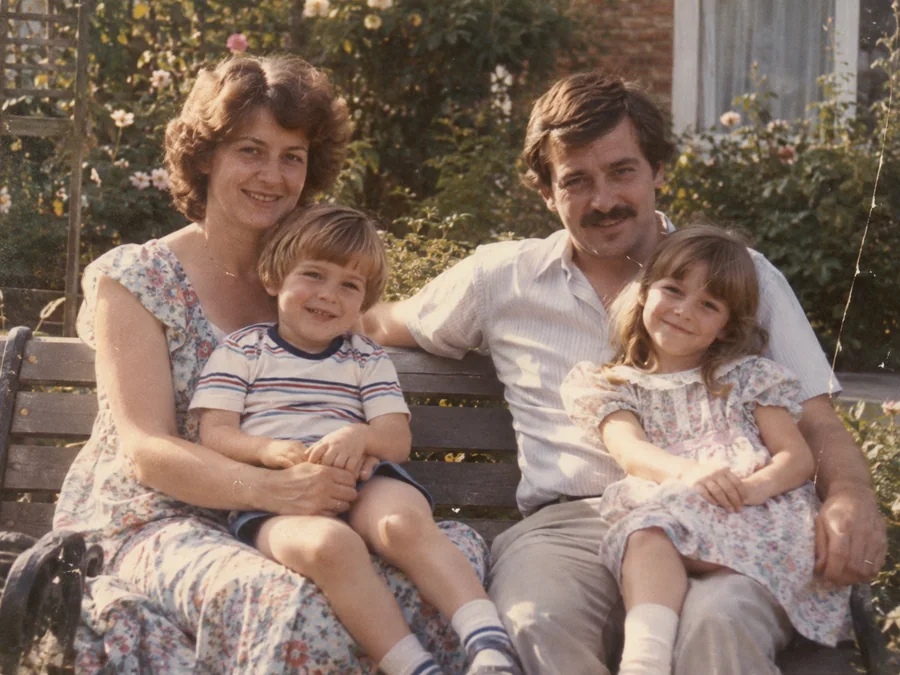
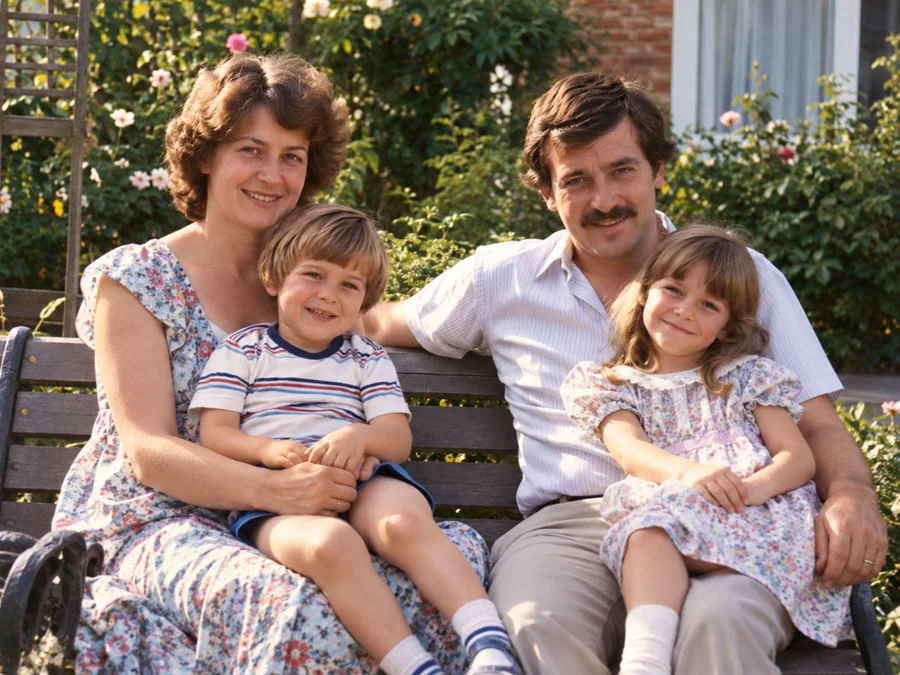 BeforeAfterIllustrative
AI Photo Restoration
Use AI to create a restored version of an old or damaged photograph.
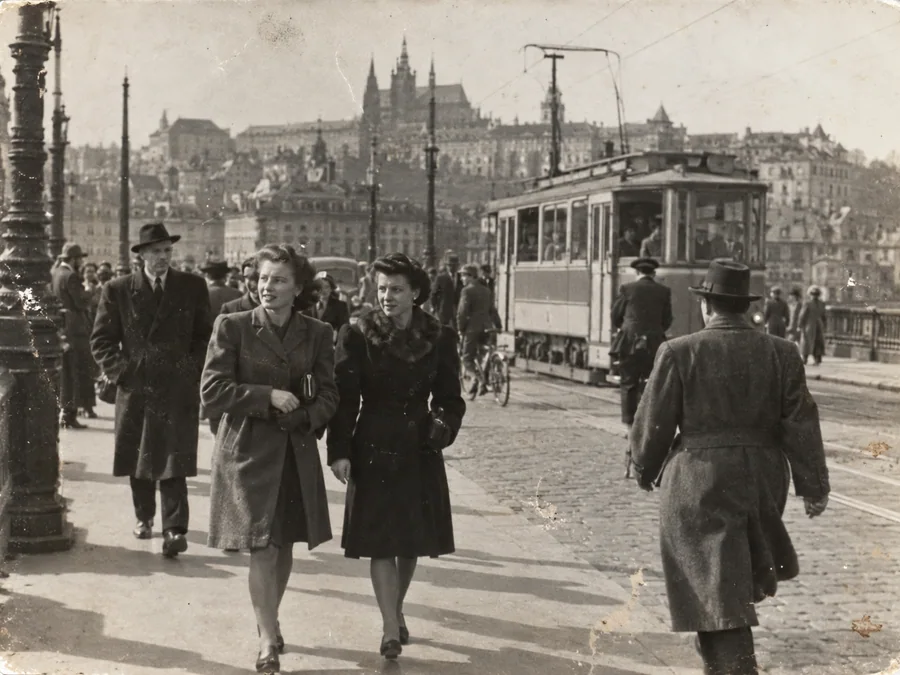
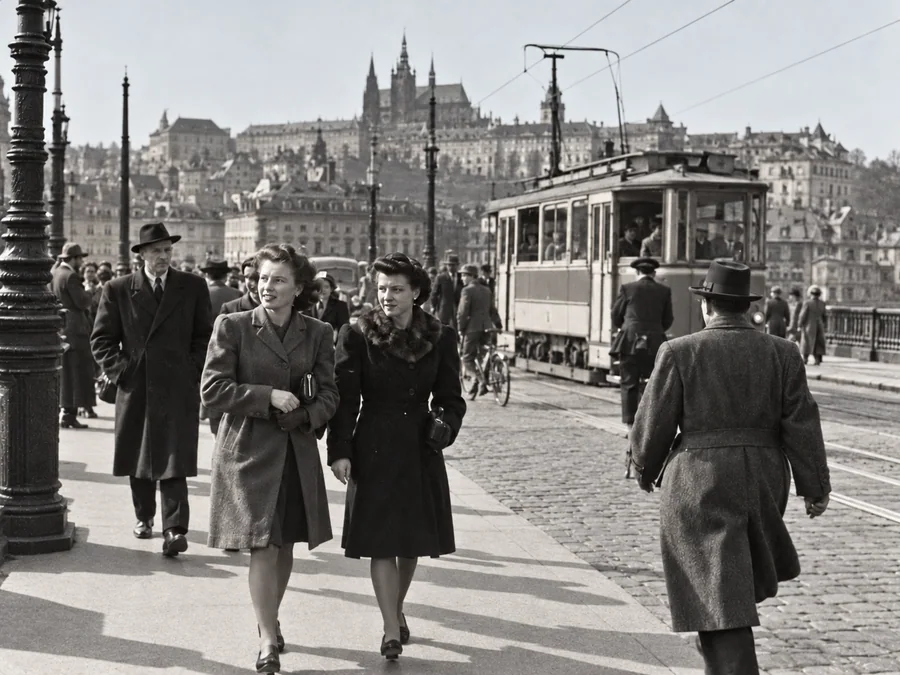 BeforeAfterIllustrative
Restore Old Photos
Try AI restoration on a faded, scratched, or damaged old photograph.
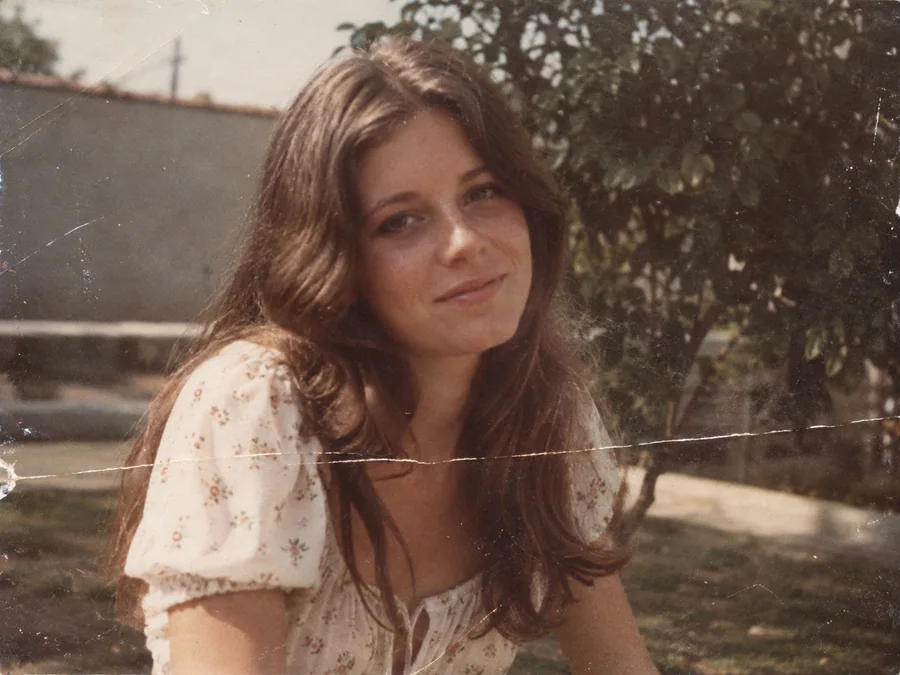
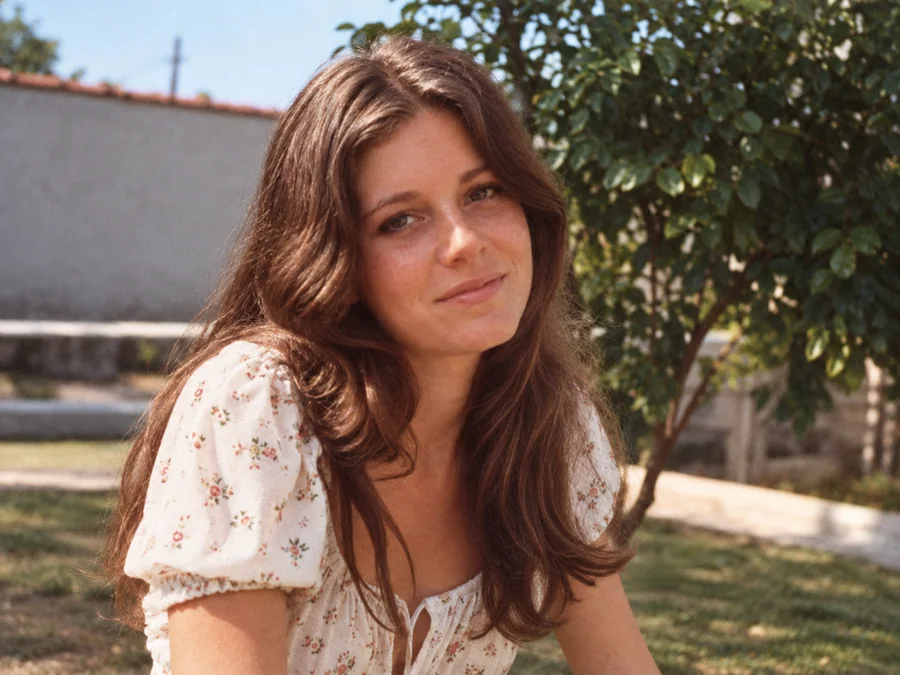 BeforeAfterIllustrative
Remove Scratches & Creases
Try AI restoration on a photo with scratches or creases.
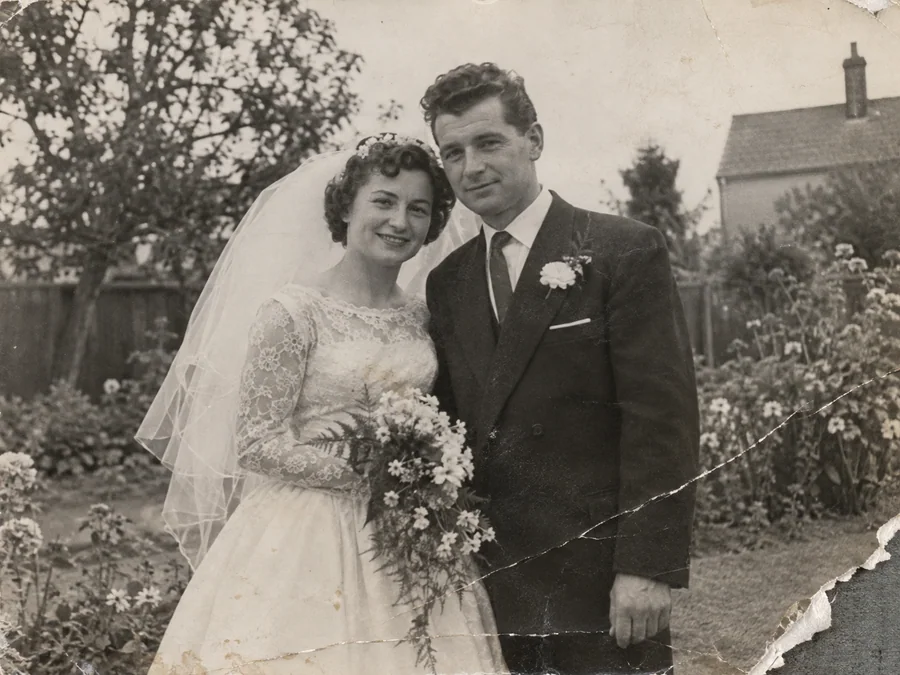
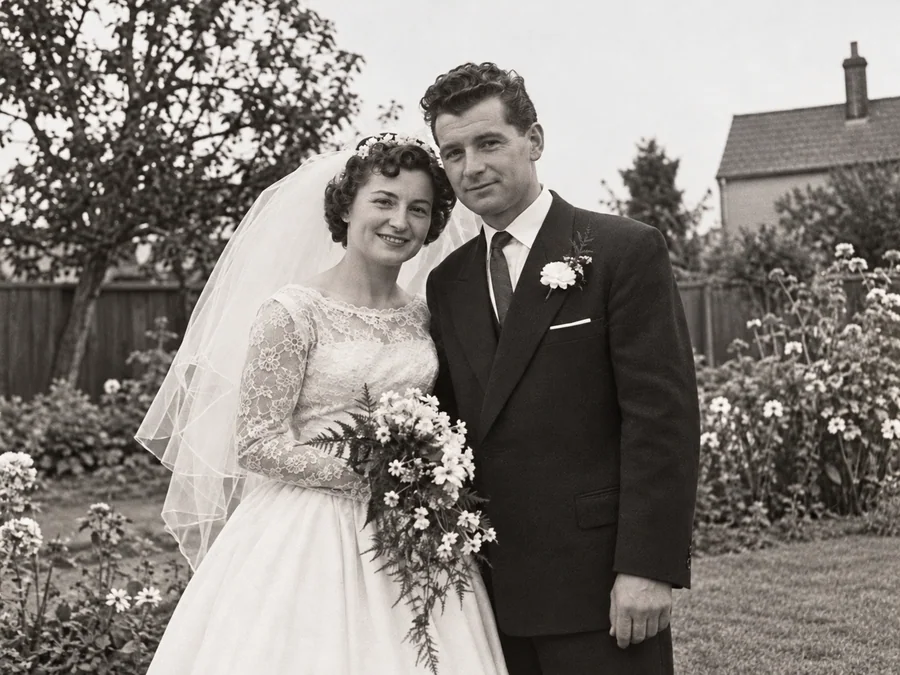 BeforeAfterIllustrative
Repair Damaged Photos
Generate a restored version of a torn, creased, or damaged photo.
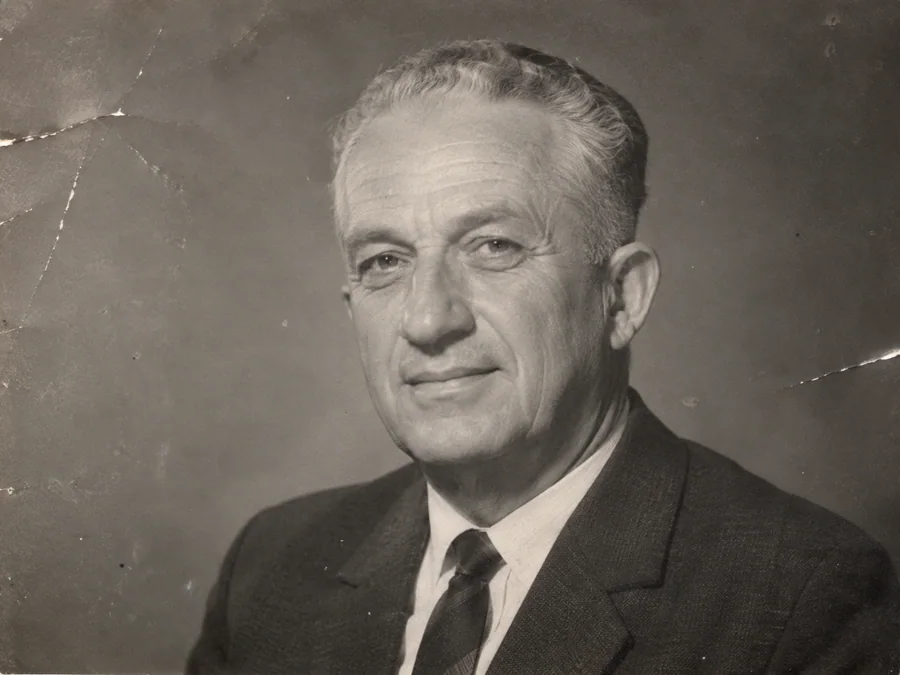
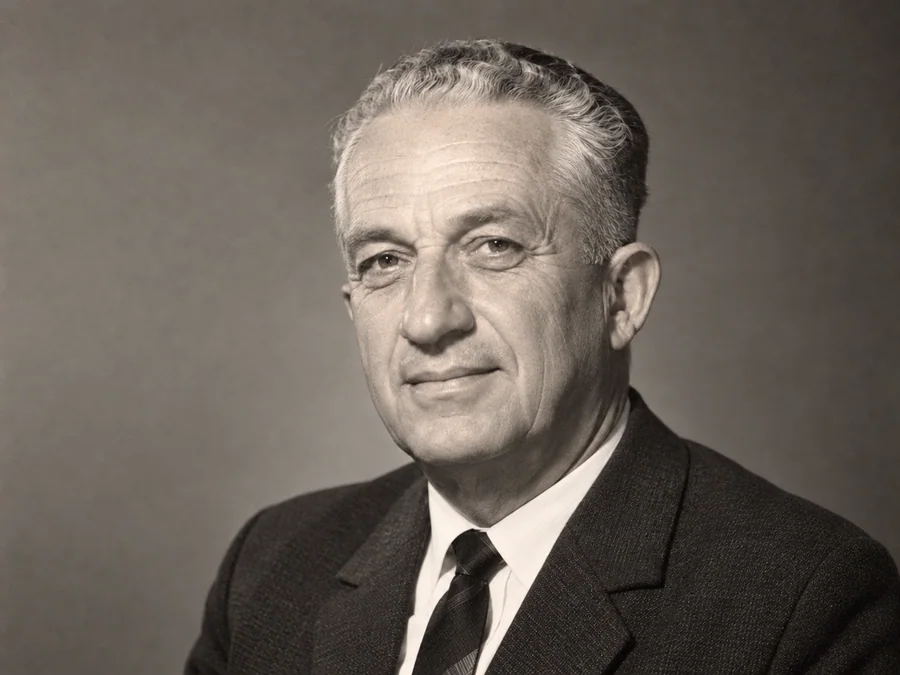 BeforeAfterIllustrative
AI Face Restoration
Try AI restoration on an old portrait and compare the result.
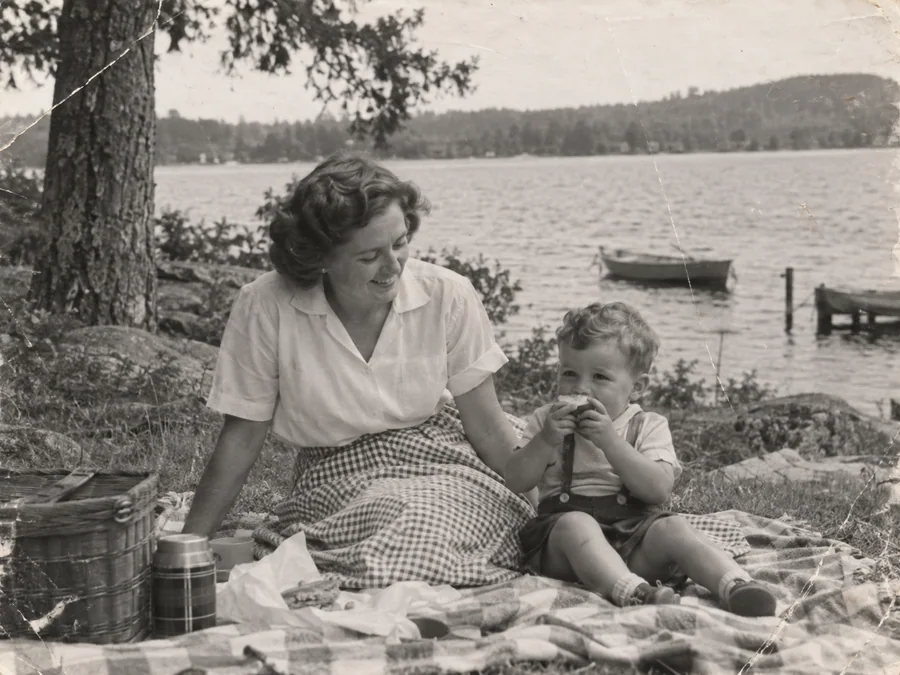
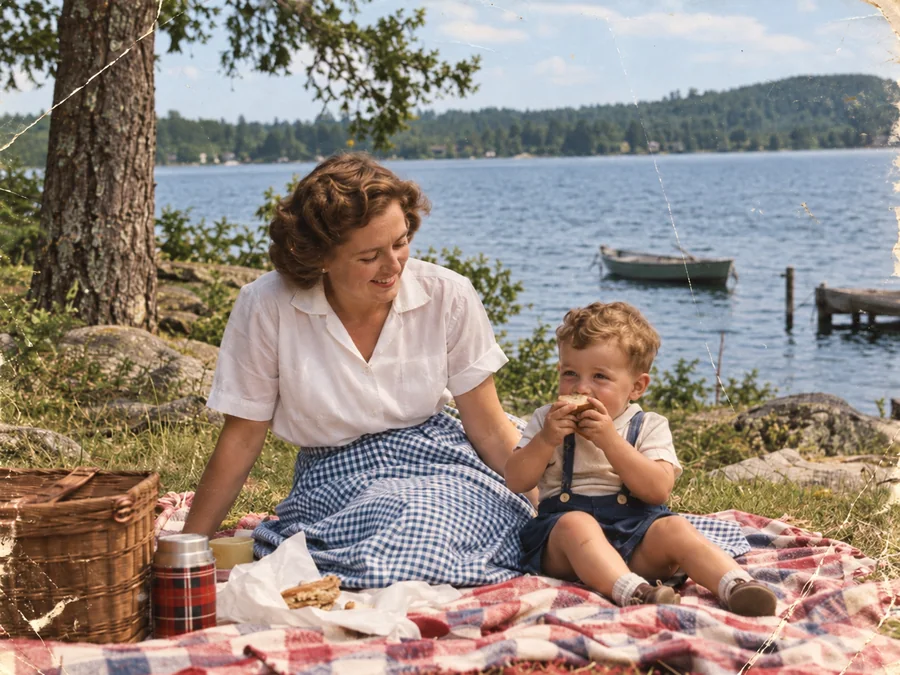 BeforeAfterIllustrative
Colorize B&W Photos
Generate AI color for a black-and-white or sepia photo.
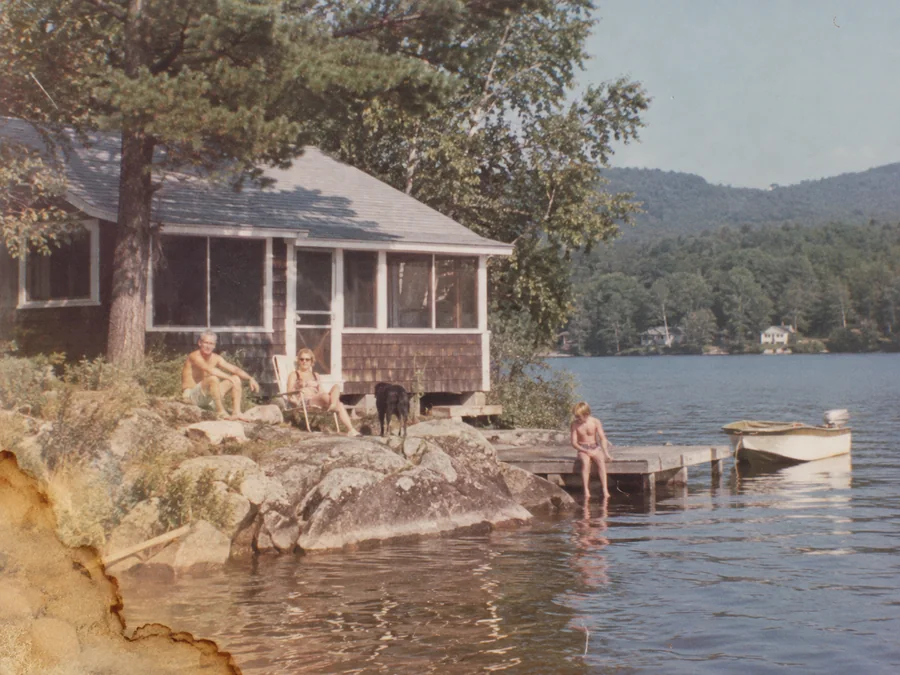
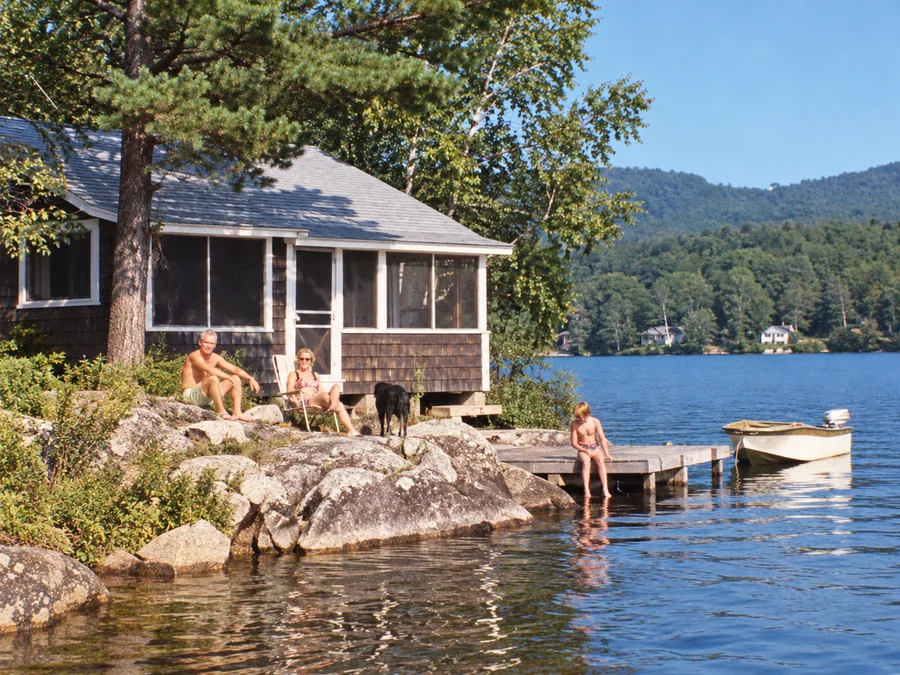 BeforeAfterIllustrative
Water Damage Repair
Try AI restoration on photos with water marks or stains.
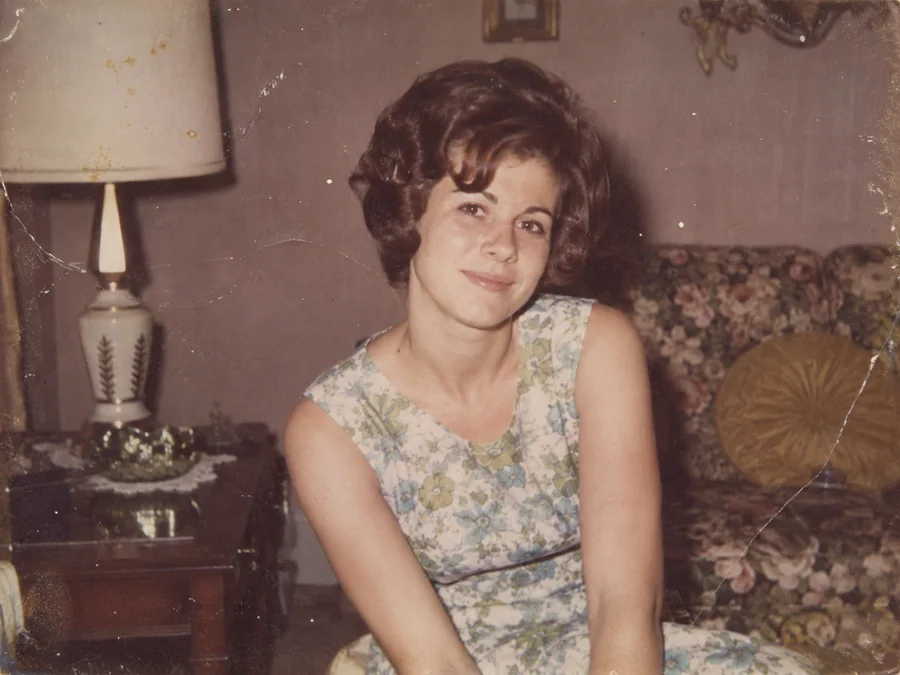
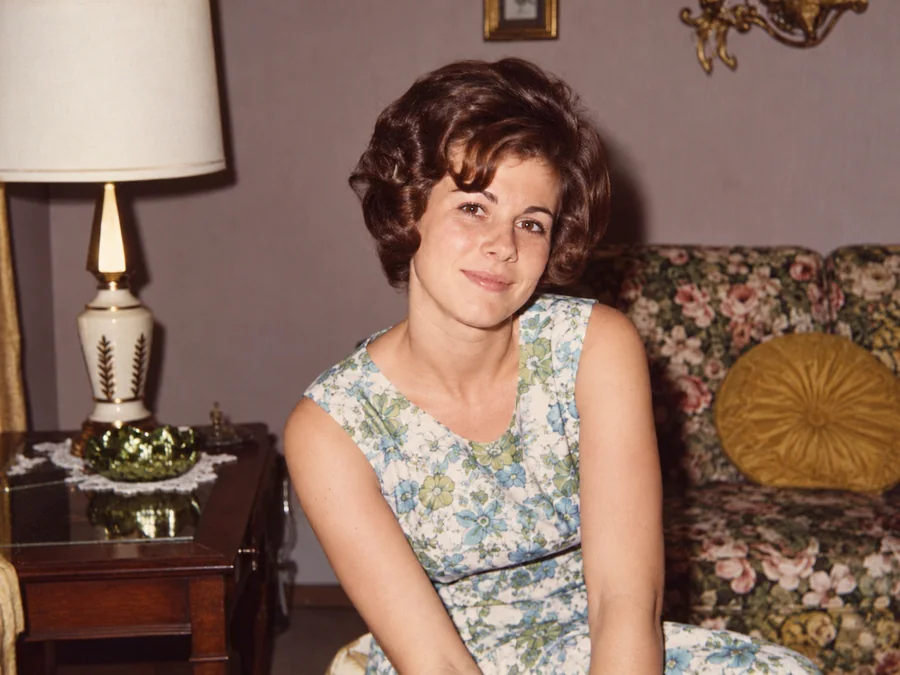 BeforeAfterIllustrative
Restore Vintage Photos
Try AI restoration on a vintage or faded photograph.
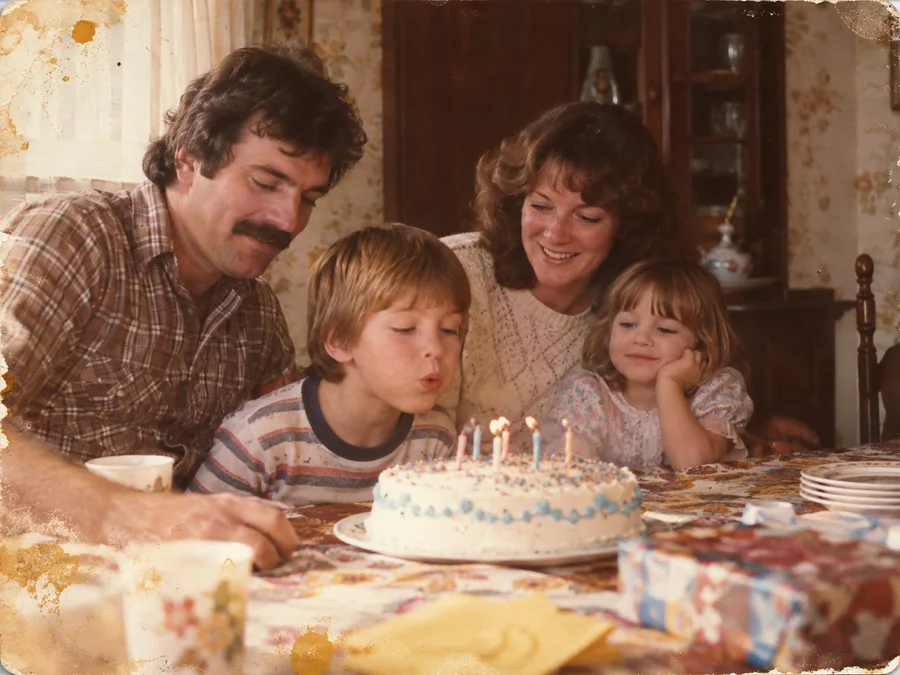
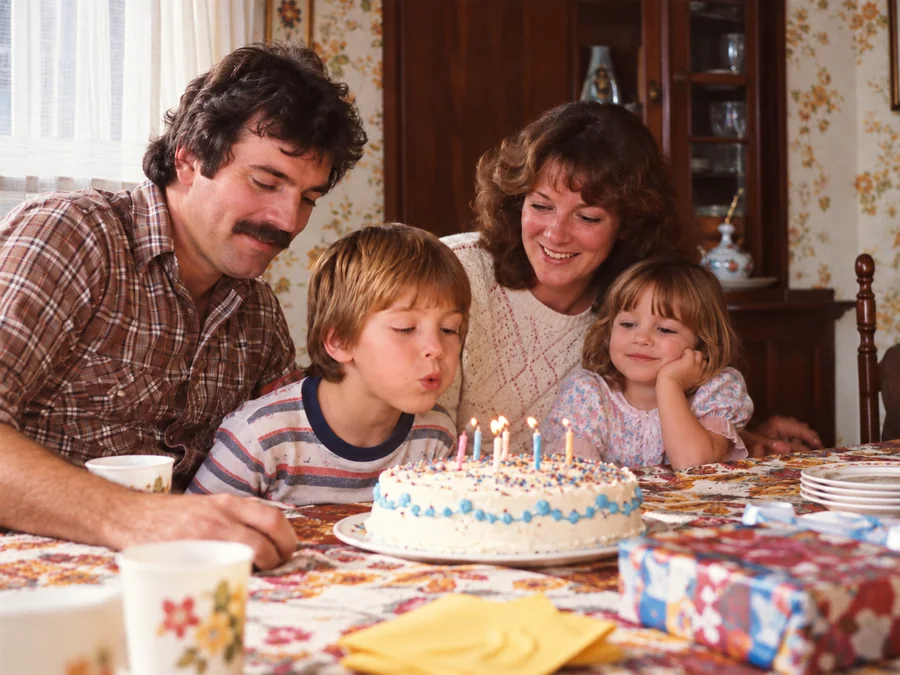 BeforeAfterIllustrative
Restore Family Photos
Create a restored version of an old family photo.