Restore an Old Photo with AI
Restore old photos online from a scan of a faded, scratched, or worn print. ImgHeal generates a new digital version for you to compare with the original; results depend on the source photograph.
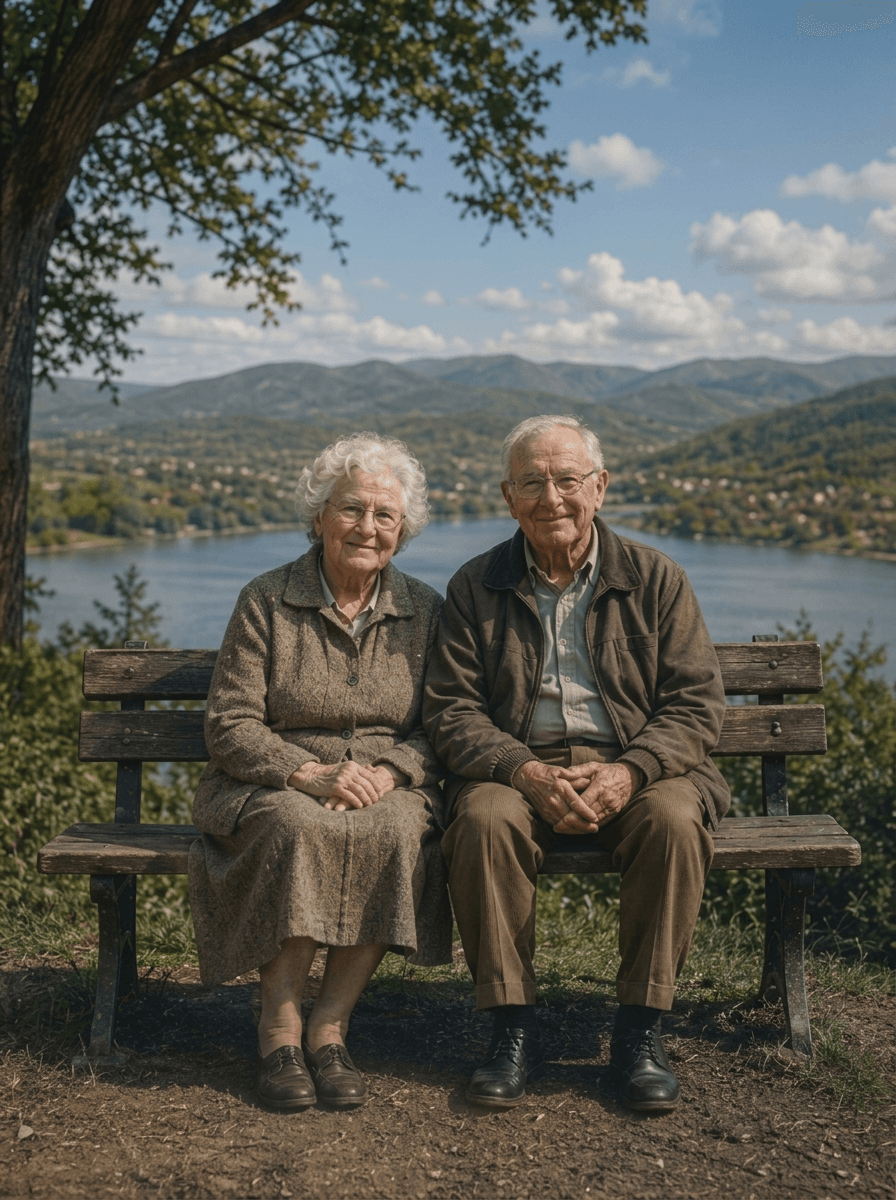
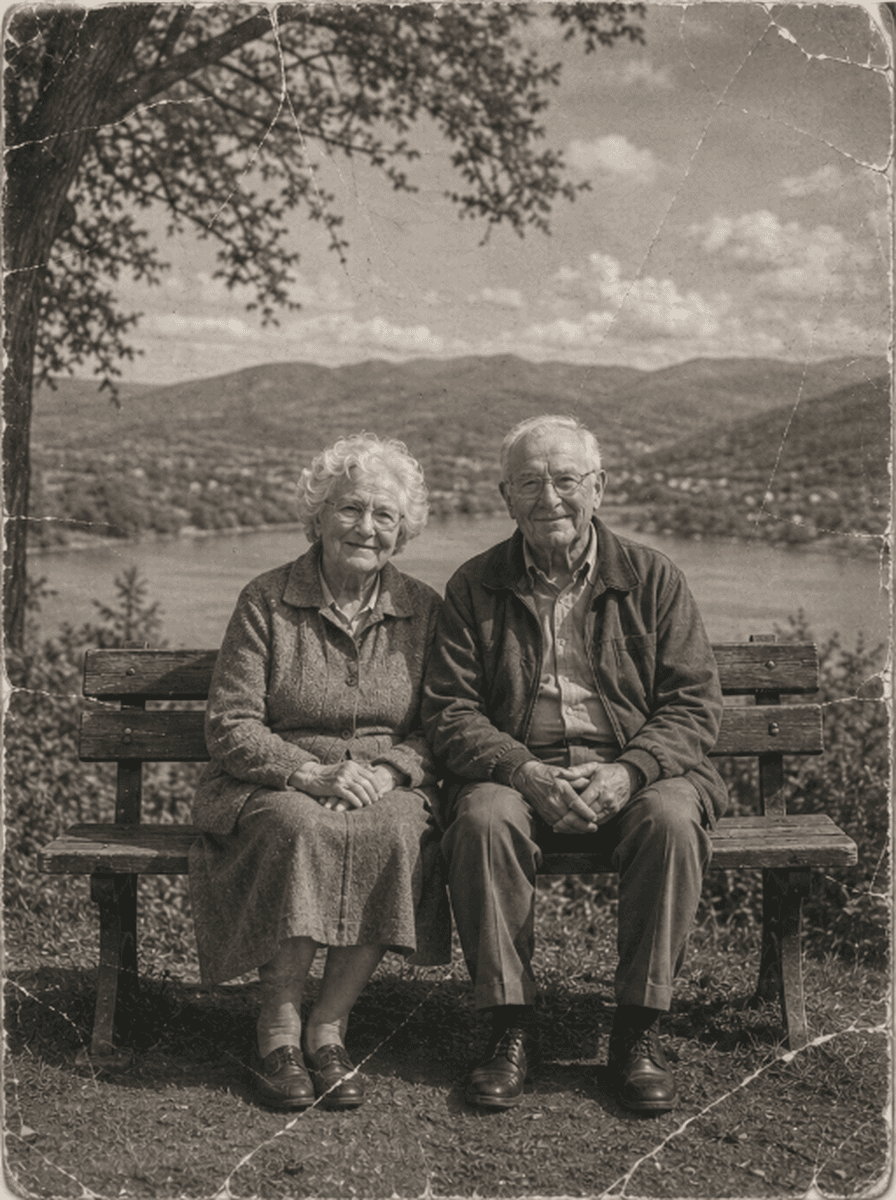
Shared restoration and colorization example. This is the same sample across our guides; it does not demonstrate every type of damage. Results vary by source photo.
How to Restore Old Photos Online
Upload Old Photo Scan
Upload your vintage scan or phone photo (JPEG, PNG, WebP up to 10MB) to our secure intake tray.
Automated AI Contrast & Emulsion Repair
ImgHeal generates a restored image from your upload. The result and processing time vary by photo.
Inspect Comparison & Download Master
Use the comparison slider to review the output beside the original, then download the result.
Why Old Photographs Deteriorate Over Time
Analog prints are delicate chemical artifacts susceptible to natural environmental breakdown:
Fading & Chemical Oxidation
Decades of ambient light exposure break down photographic silver salts, washing out deep shadows into murky brown or grey tones.
Paper Grain & Scan Speckles
Scanning aged prints magnifies physical paper fibers, dust specks, and adhesive residue. ImgHeal filters noise while preserving true focal sharpness.
Preservation of Authentic Character
We preserve original vintage studio lighting and natural facial proportions rather than wiping faces clean with plastic beauty filters.
Answers on Old Photo Restoration
Can I restore old photos online for free?+
New accounts receive three complimentary restorations. Upload an old photo, compare the generated result with the original, and download it if it meets your needs.
How does AI restore old and faded photographs?+
Over decades, chemical dyes and silver-gelatin emulsion oxidize from exposure to light, heat, and air, leading to yellowing, fading, and contrast loss. ImgHeal's neural vision models rebalance the dynamic range, deepen faded shadows, neutralize yellow oxidation, and reconstruct lost facial textures without artificial distortion.
What is the best way to scan old photographs before restoration?+
For optimal restoration results, scan prints using a flatbed scanner at 600 DPI (or 1200 DPI for small wallet pictures) saved as PNG or high-quality JPEG. Avoid phone flashes that create glare on glossy paper.
Does the AI change or hallucinate facial features in old pictures?+
AI may change details, including faces. Review the output beside your original before deciding whether to download it.
Can old black and white photos be colorized as well?+
ImgHeal offers AI colorization for black-and-white and sepia photos. The added colors are generated interpretations and may differ from the original scene.
Prepare an old print before restoring its digital copy
Old photographs can have several problems at once: fading, scratches, creases, and soft detail. A good scan helps you distinguish damage on the paper from details that belonged to the original scene. ImgHeal edits the uploaded copy; it does not repair the physical print.
Before you upload
If you already have several scans, choose the largest clear original instead of an image forwarded through messaging apps. Capture the whole photograph without filters or automatic color effects. Keep a separate untouched copy before you upload it for restoration.
What to check in the result
Check whether faces still resemble the people in the original and whether the restored image preserves the composition. Missing letters, jewelry, and background objects may be reconstructed incorrectly. If color is your goal, colorization is a separate choice and the added colors are an interpretation.
Photo Restoration Tools
Explore Dedicated Restoration Services
Choose a photo restoration workflow based on the image you want to improve.
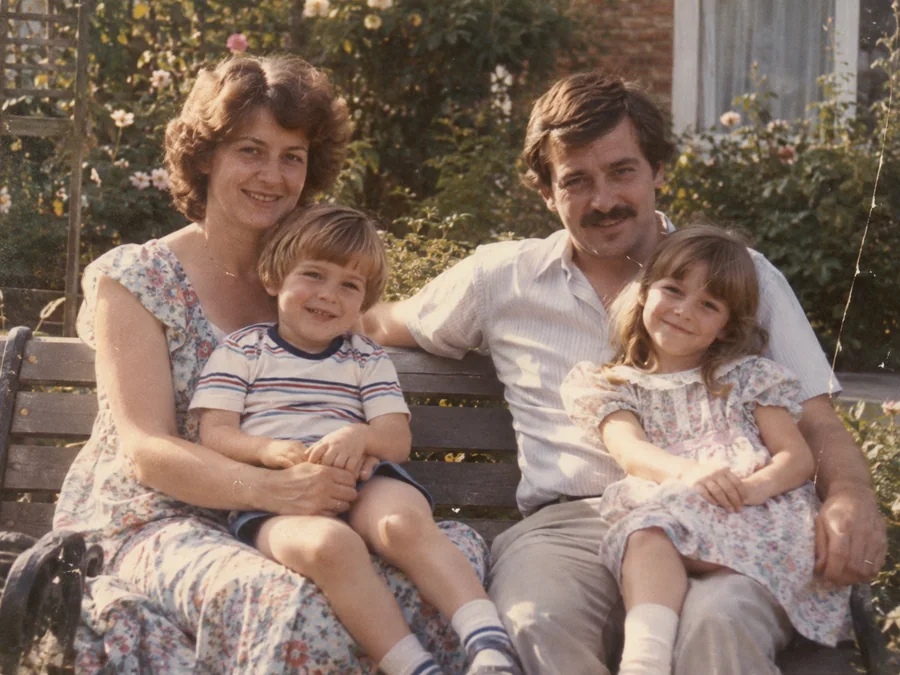
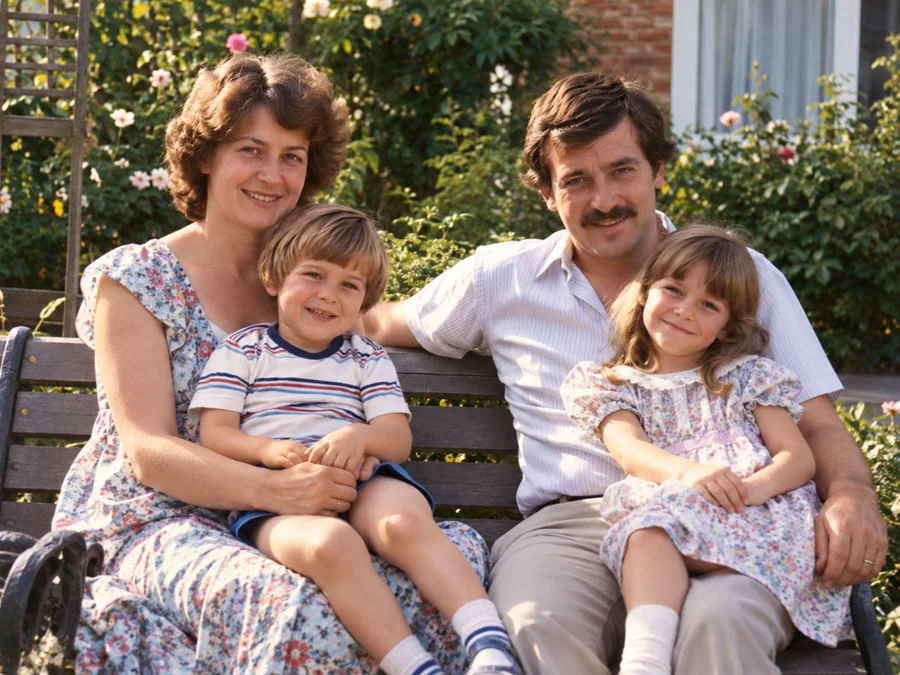 BeforeAfterIllustrative
AI Photo Restoration
Use AI to create a restored version of an old or damaged photograph.
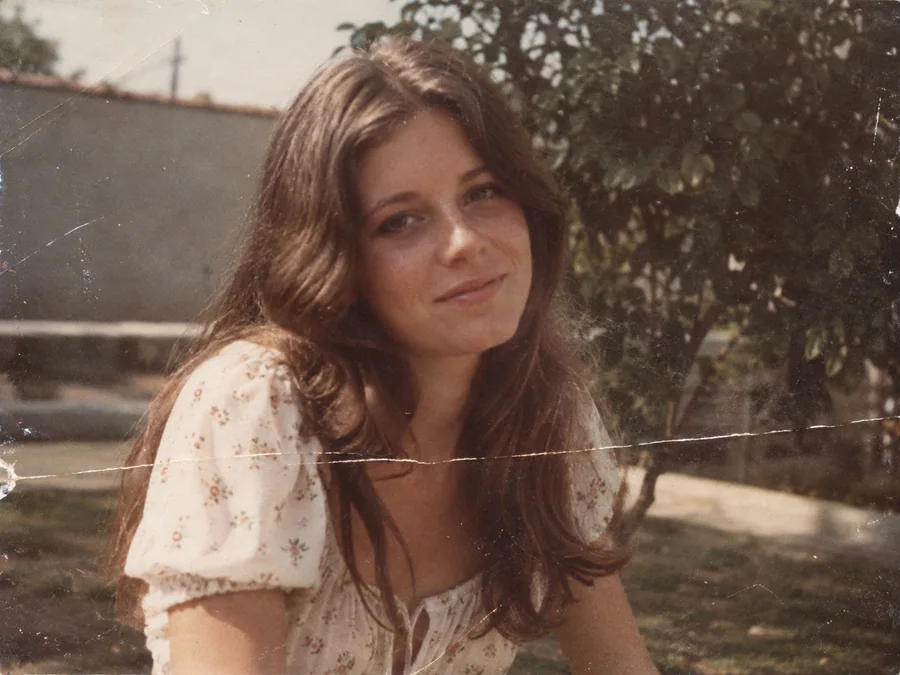
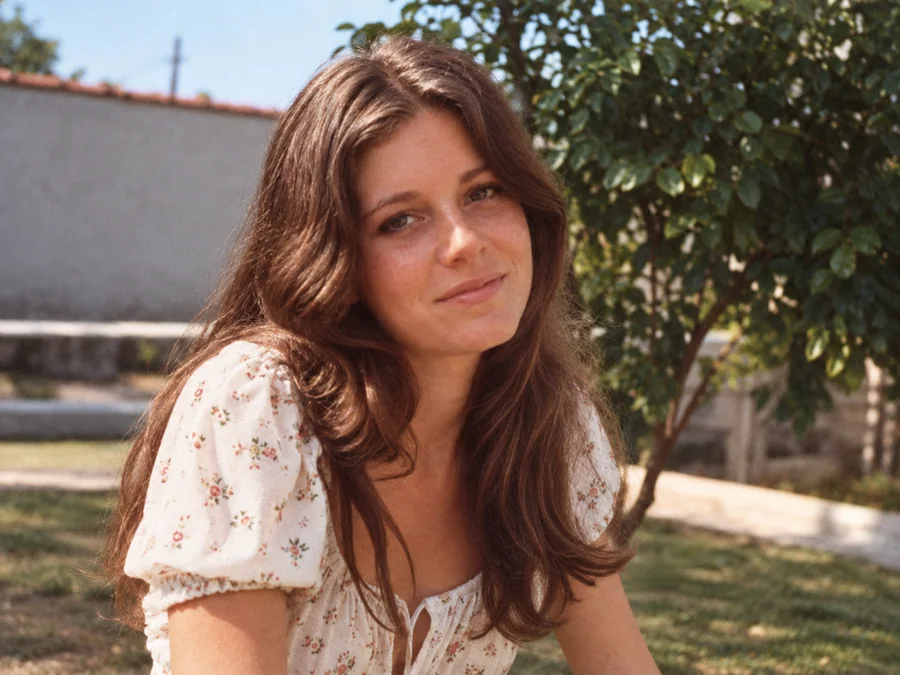 BeforeAfterIllustrative
Remove Scratches & Creases
Try AI restoration on a photo with scratches or creases.
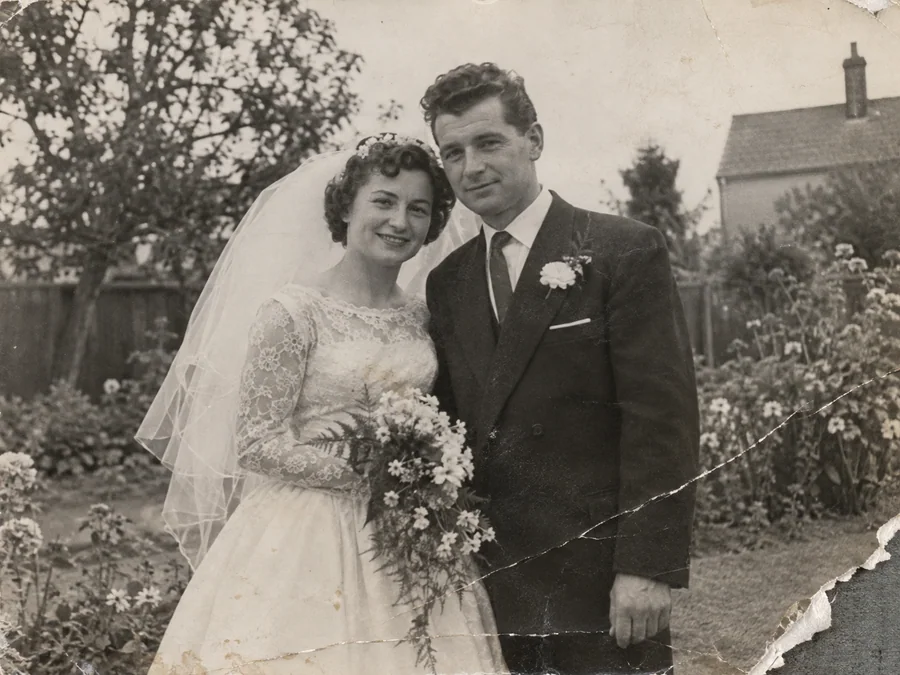
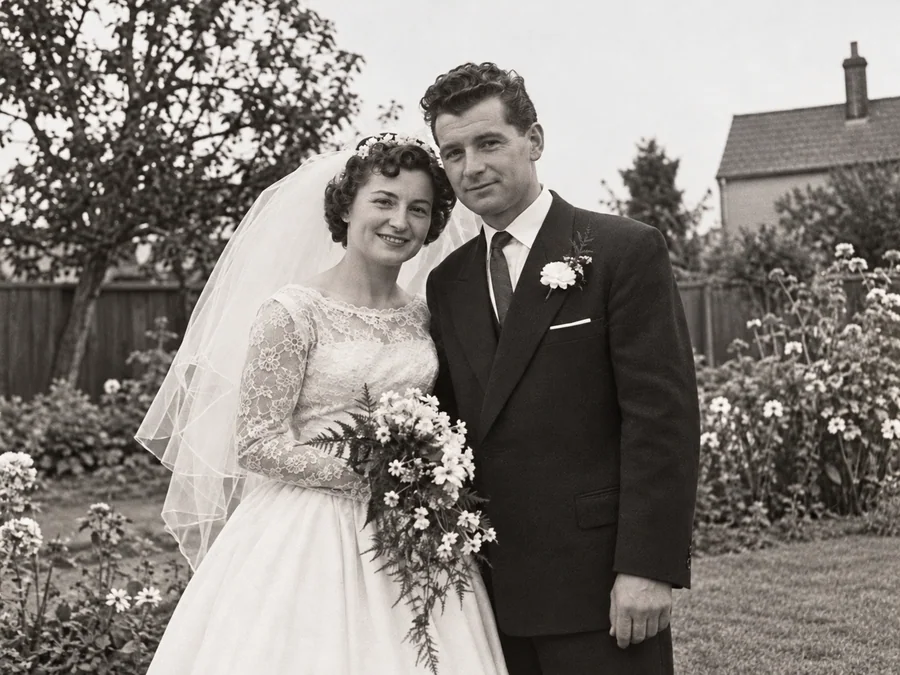 BeforeAfterIllustrative
Repair Damaged Photos
Generate a restored version of a torn, creased, or damaged photo.
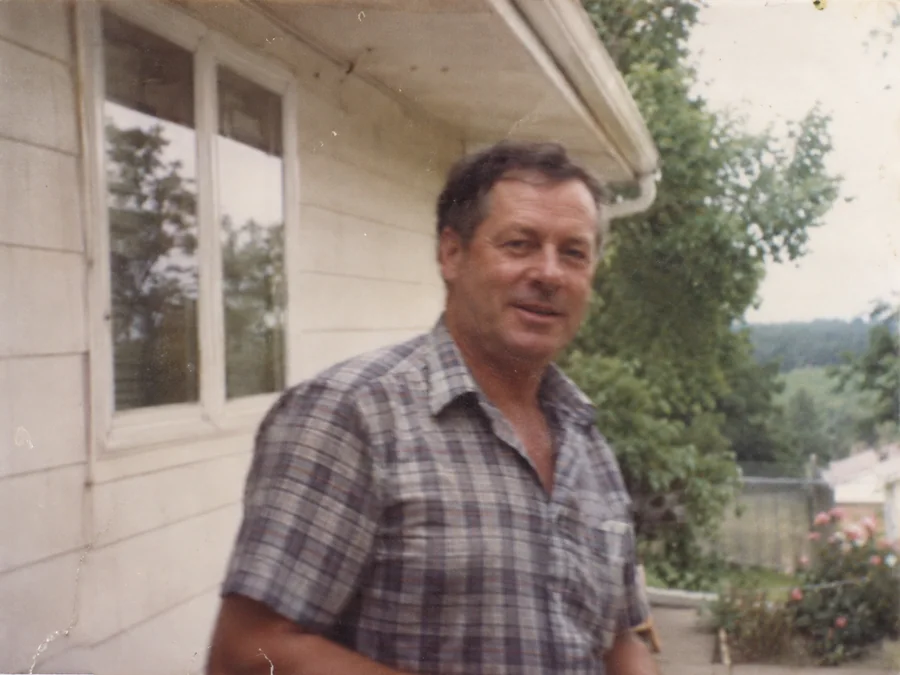
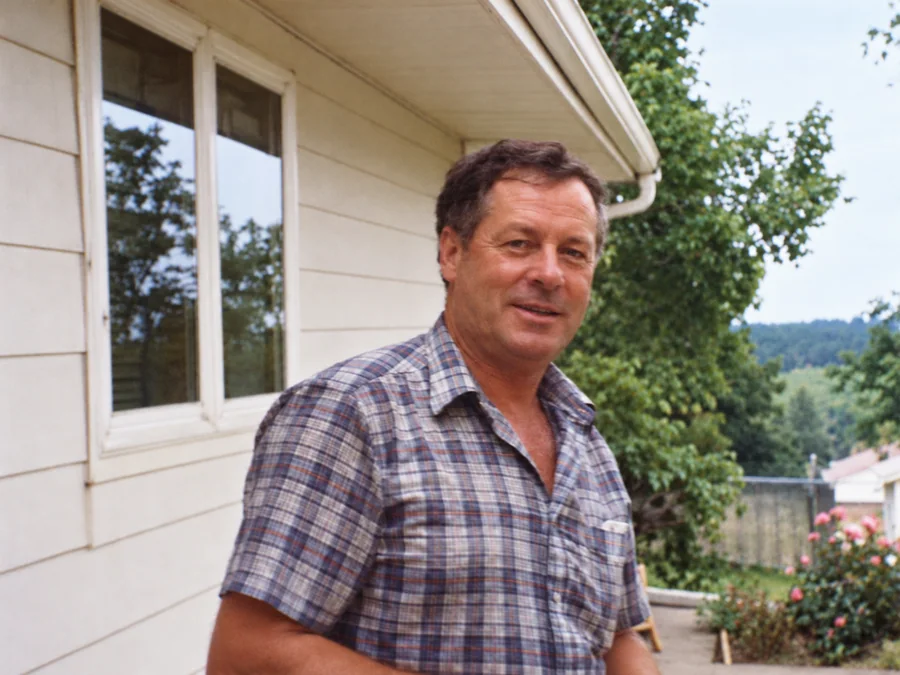 BeforeAfterIllustrative
Fix Blurry Photos
Try AI restoration on a soft or blurry photo. Results vary by image.
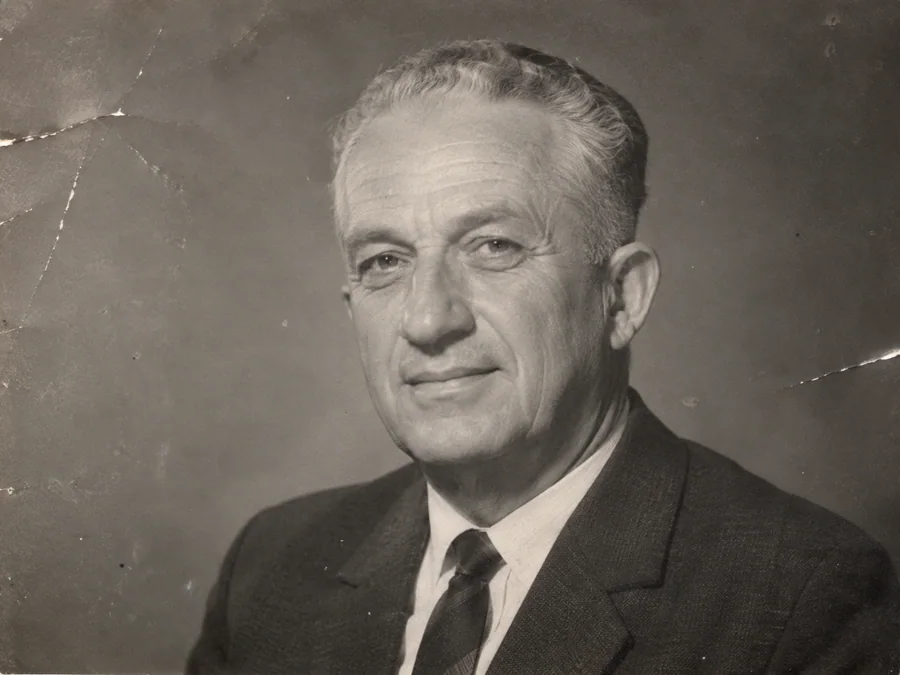
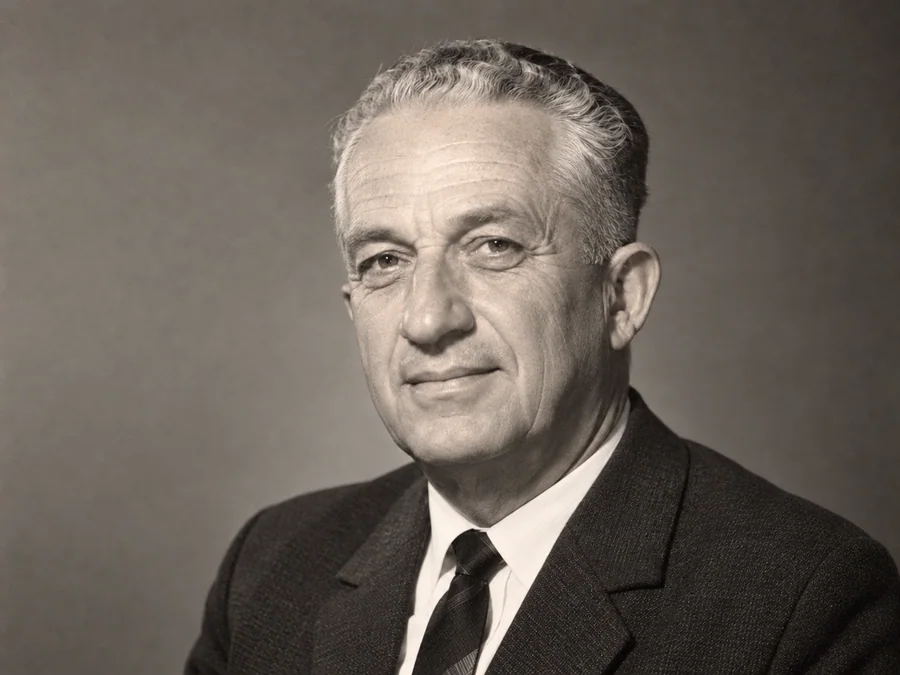 BeforeAfterIllustrative
AI Face Restoration
Try AI restoration on an old portrait and compare the result.
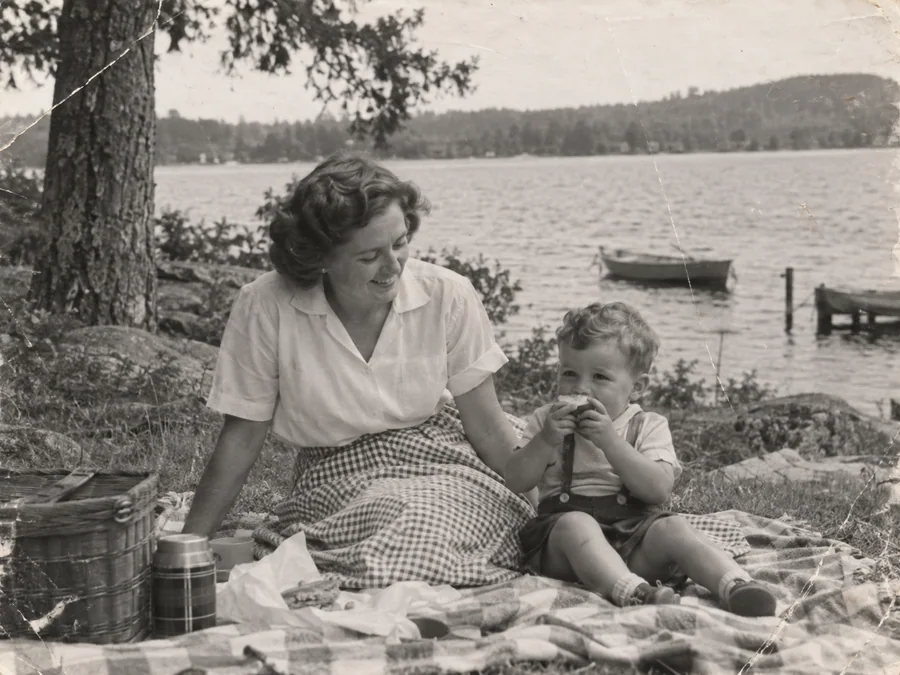
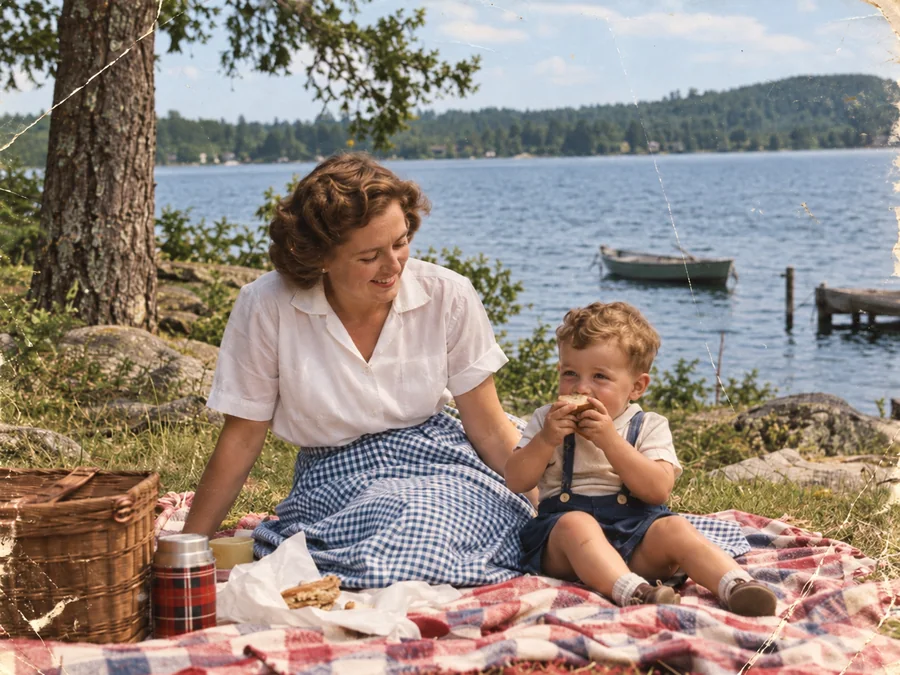 BeforeAfterIllustrative
Colorize B&W Photos
Generate AI color for a black-and-white or sepia photo.
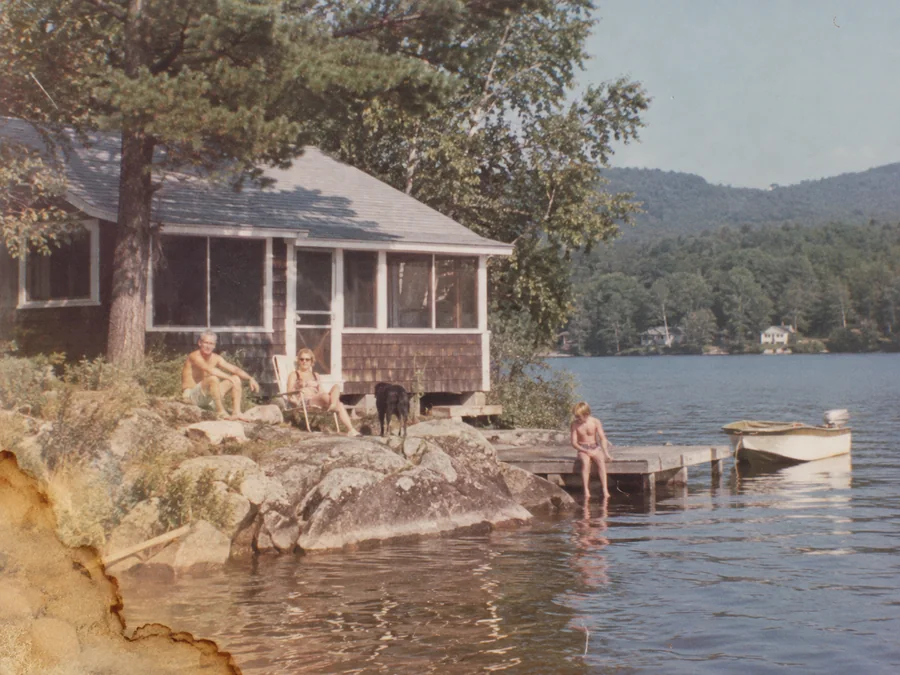
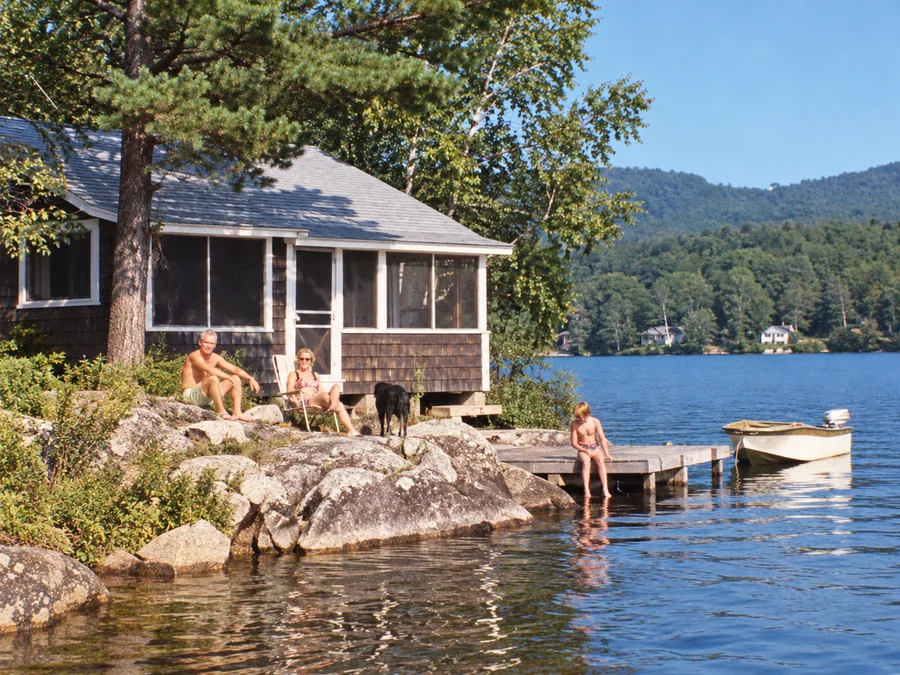 BeforeAfterIllustrative
Water Damage Repair
Try AI restoration on photos with water marks or stains.
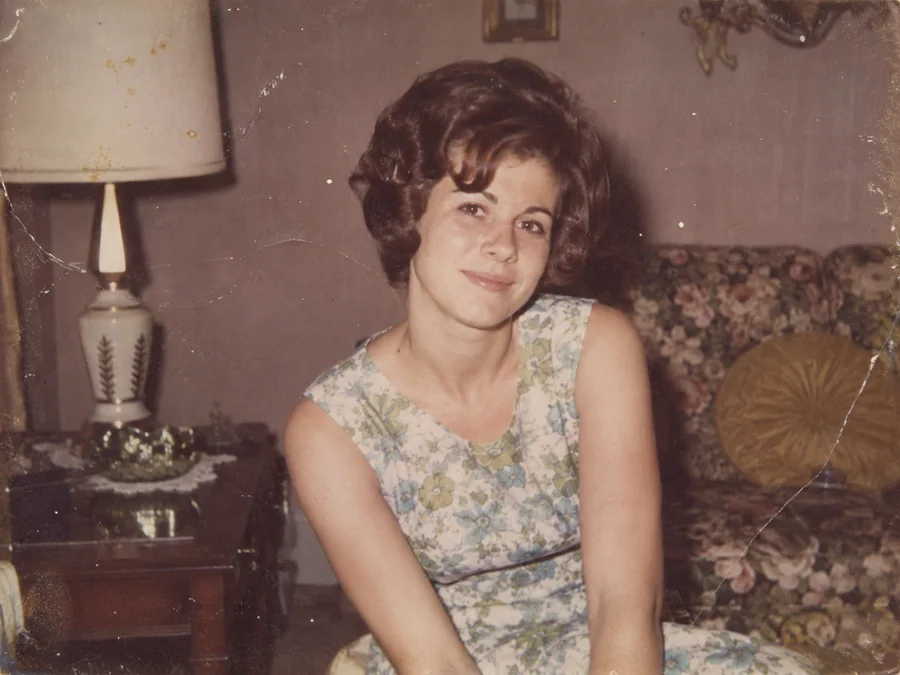
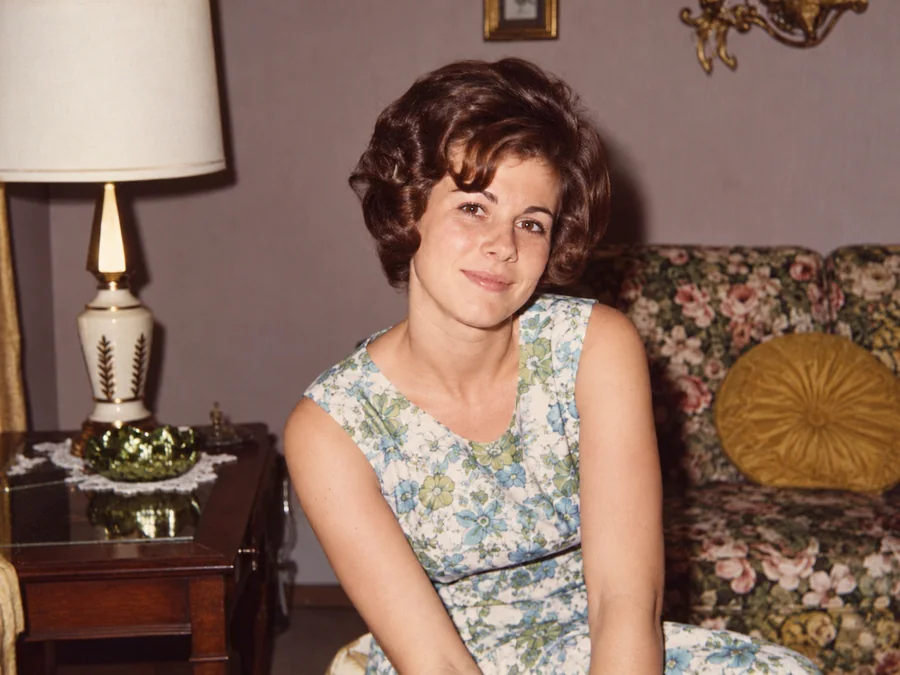 BeforeAfterIllustrative
Restore Vintage Photos
Try AI restoration on a vintage or faded photograph.
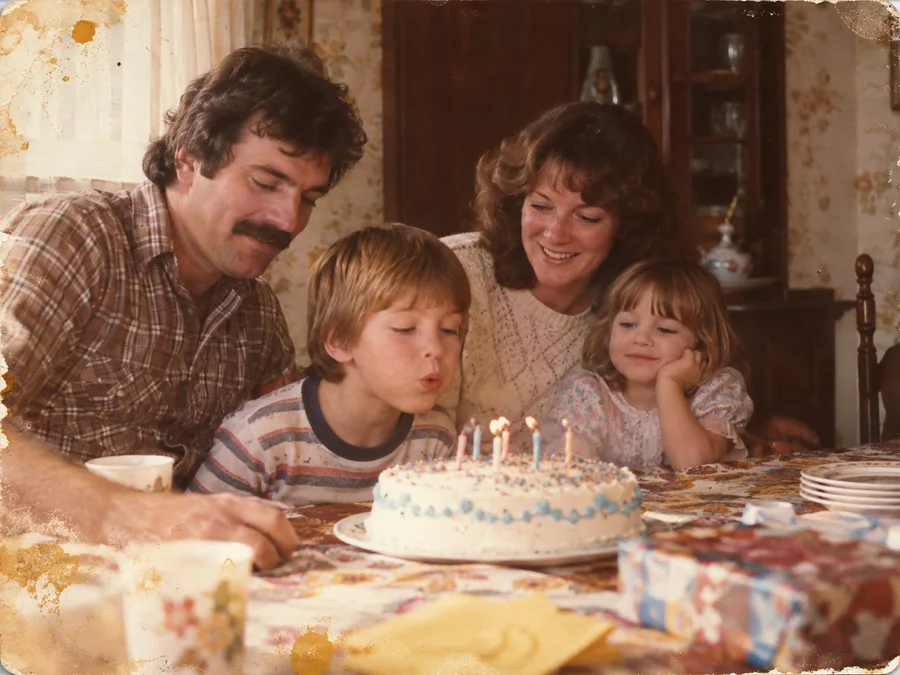
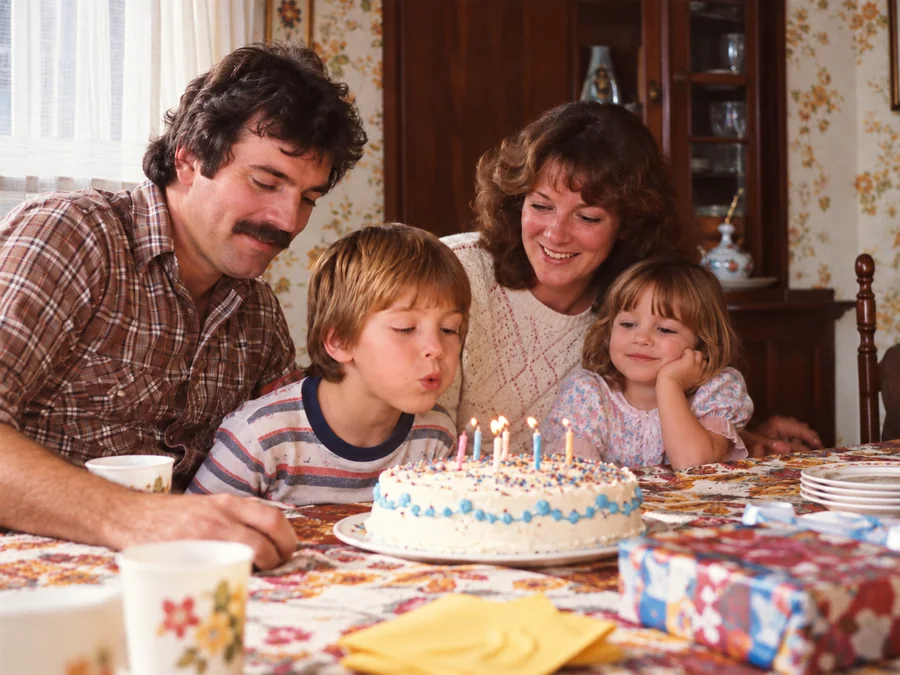 BeforeAfterIllustrative
Restore Family Photos
Create a restored version of an old family photo.