Restore an Old Portrait with AI
Look directly into the eyes of your ancestors. ImgHeal sharpens blurred facial features, expressions, and hair textures without artificial plastic smoothing or synthetic face swapping.
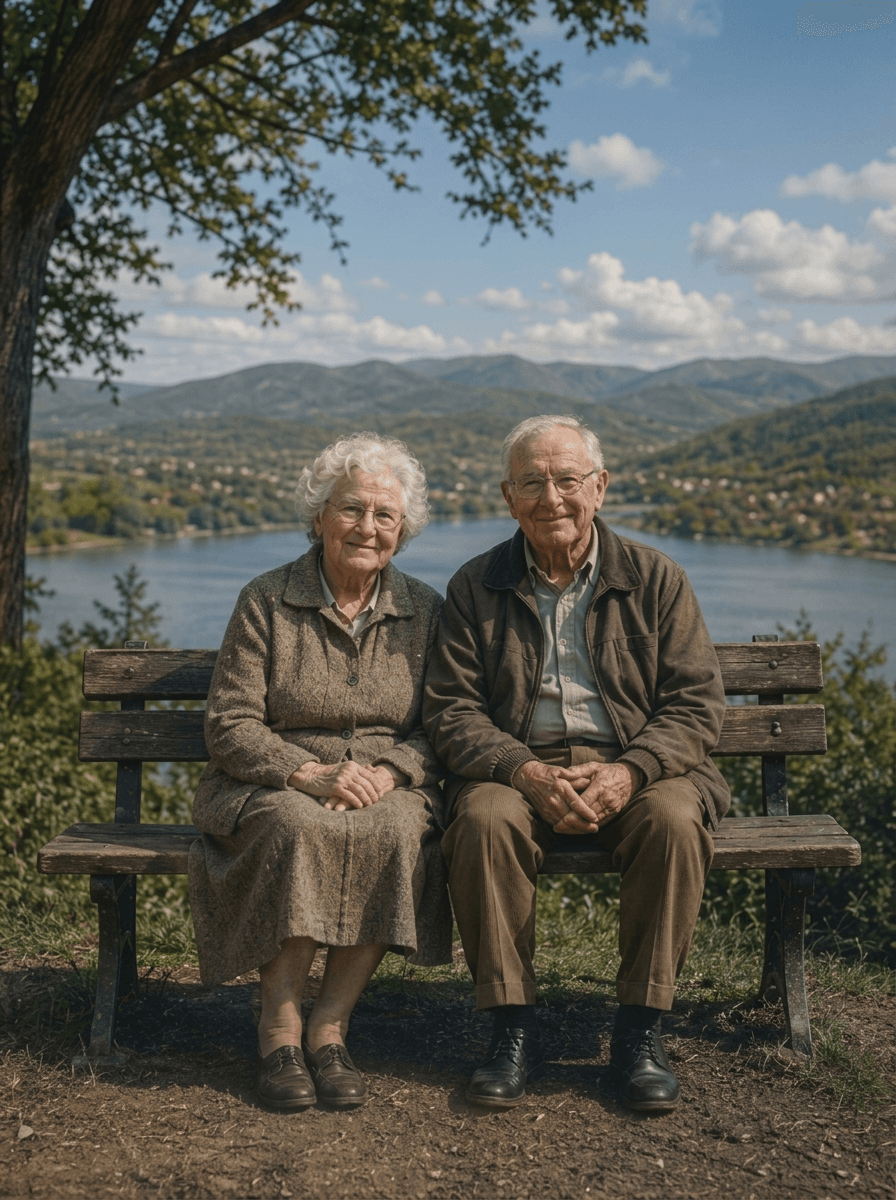
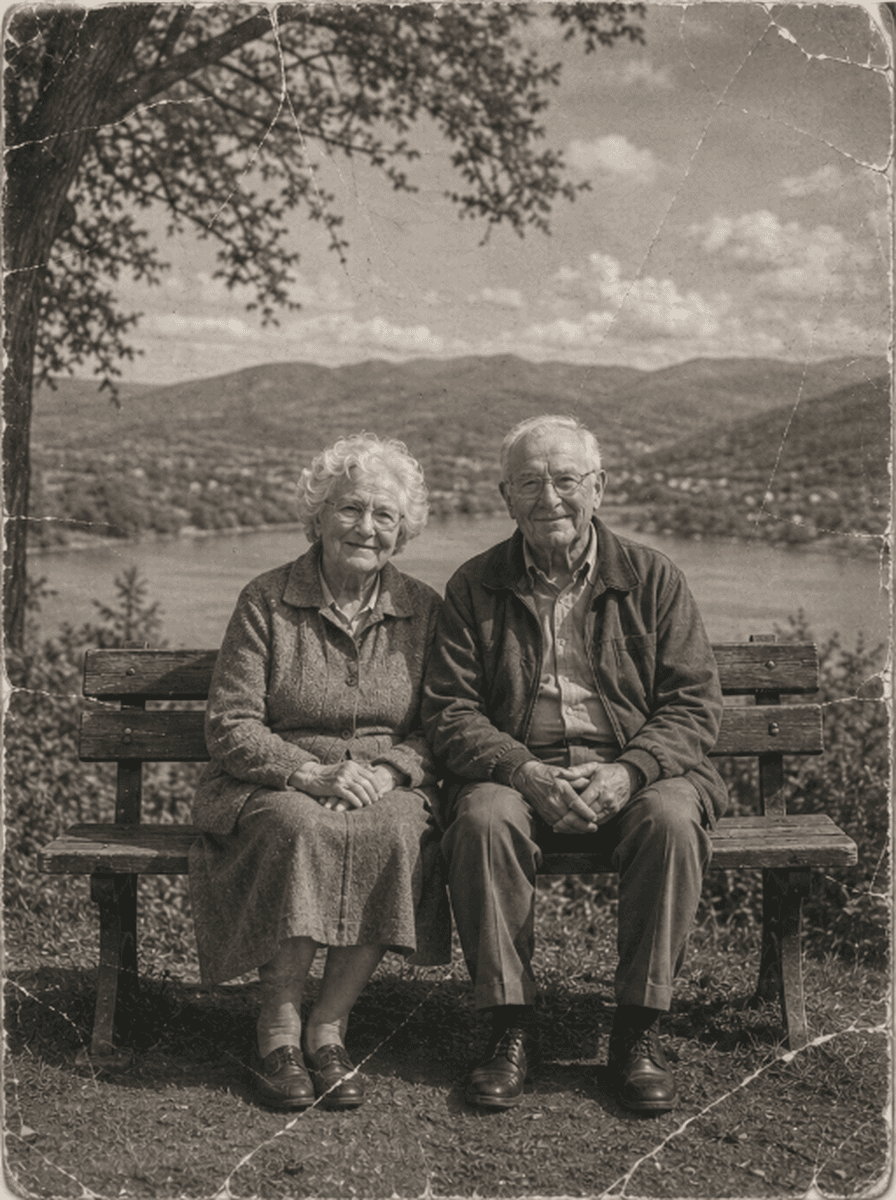
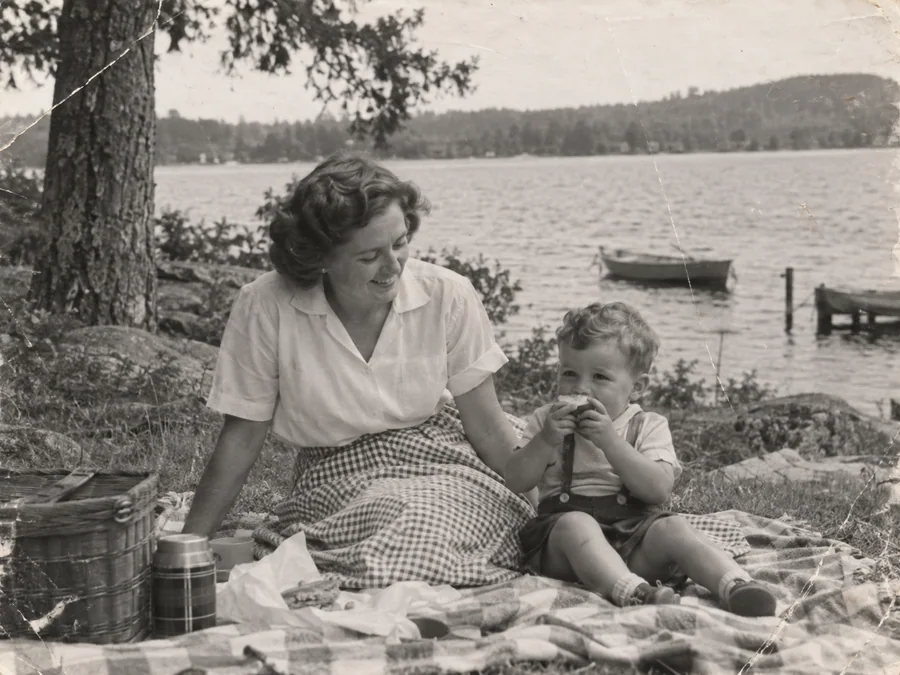
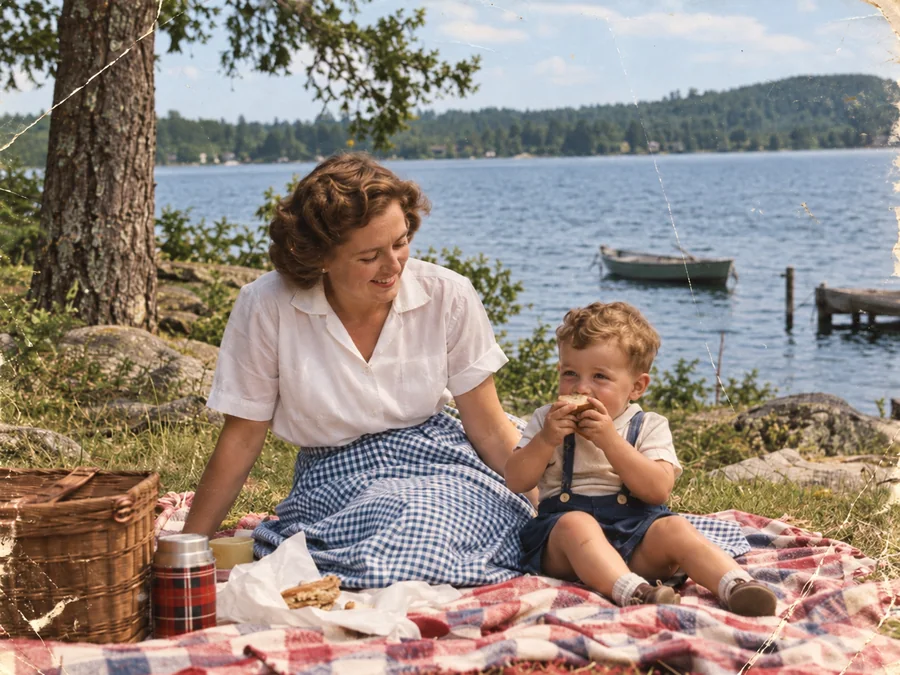
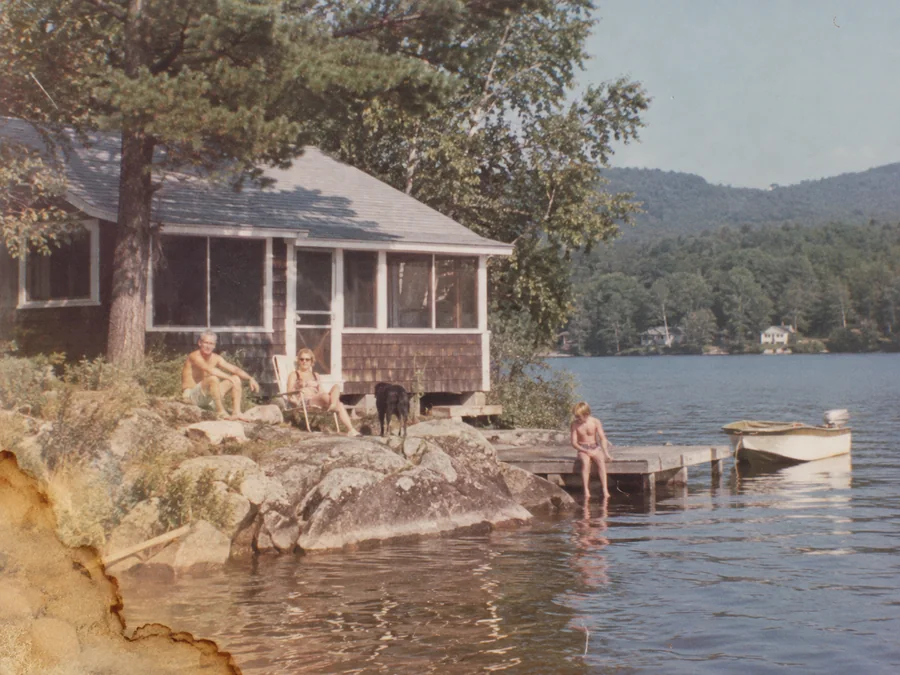
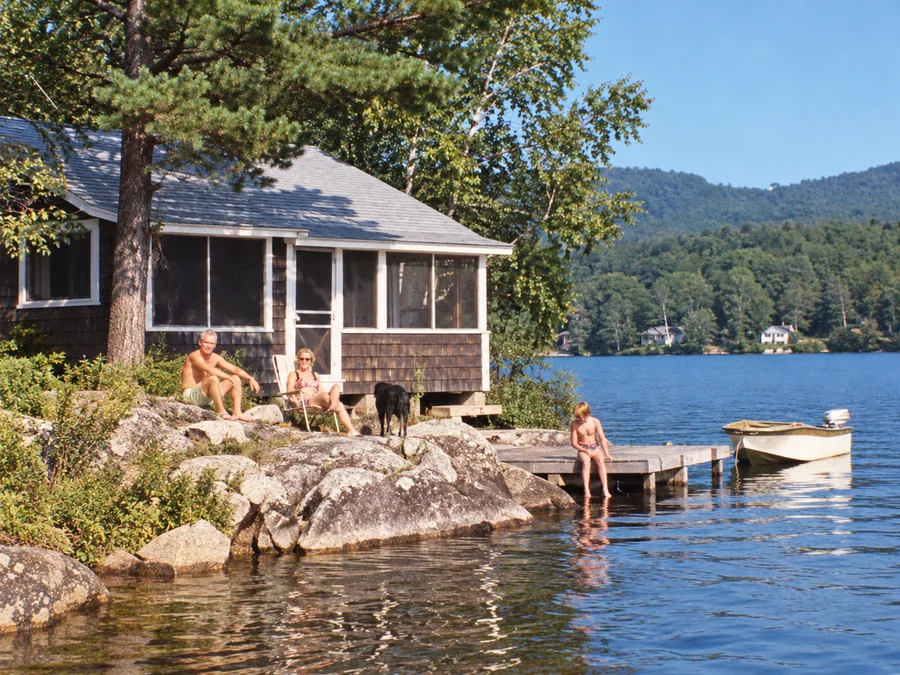
Shared restoration and colorization example. This is the same sample across our guides; it does not demonstrate every type of damage. Results vary by source photo.
How to Clarify Old Faces in 3 Steps
Upload Blurry Portrait or Group Photo
Drop your vintage portrait or family group scan (JPEG, PNG, WebP up to 10MB) into the dropzone.
Facial Landmark Alignment & Clarity
ImgHeal generates a restored image from your portrait. Processing time and results vary by image.
Compare the Portrait and Download
Compare facial details with the original using the slider, then download the image if it meets your needs.
Engineered to Respect Authentic Ancestral Identity
Why genealogy researchers and historical archives choose ImgHeal for face recovery:
Iris & Expression Clarity
Re-sharpens eye reflections, pupil definition, eyelash contours, and dental arches lost to lens blur.
Zero Face Swapping
We never replace real family features with generic AI models. What you see is the true face of your relative.
Natural Skin Texture
Compare skin texture, expression, and facial proportions with the original. Generated details may differ from the person in the source.
Answers on AI Face Restoration
How does AI face restoration work on historical portraits?+
ImgHeal applies its general restoration workflow to portraits. AI-generated results can change facial details, so compare them with the original before downloading.
Will the AI make my ancestors look like synthetic strangers?+
AI can change facial features or invent detail, especially where the original is blurry or damaged. Compare eyes, expressions, and proportions with the source before sharing a restored portrait.
Can it restore faces in small or group photographs?+
You can try restoration on a group photo, but small faces contain less detail and results can vary between people. Review every face in the result against the original.
Can I restore old portrait faces for free?+
New accounts receive three complimentary restorations. Upload a portrait, review the generated result, and download it if it meets your needs.
What scanning resolution works best for face recovery?+
Use the clearest original scan available and avoid enlarging a small preview before uploading. A higher quality scan can preserve existing detail but cannot guarantee recovery of detail missing from the print.
Check resemblance when restoring an old portrait
An old portrait may have fading, scratches, or soft facial detail. AI can generate a clearer-looking face, but resemblance matters more than apparent sharpness. Details such as eye shape, expression, hairline, and age should be compared with the source rather than accepted automatically.
Before you upload
Upload the clearest complete portrait you have. Avoid beauty filters and earlier AI edits, which can make it harder to compare the result with the actual photograph. For a group photo, retain every visible face in the source and review each person individually after restoration.
What to check in the result
Compare facial proportions and expressions, especially where damage covers an eye or mouth. AI may change the person's appearance when the source offers little detail. Keep the original alongside any restored copy you share with relatives, and ask someone familiar with the person to help review it.
Photo Restoration Tools
Explore Dedicated Restoration Services
Choose a photo restoration workflow based on the image you want to improve.
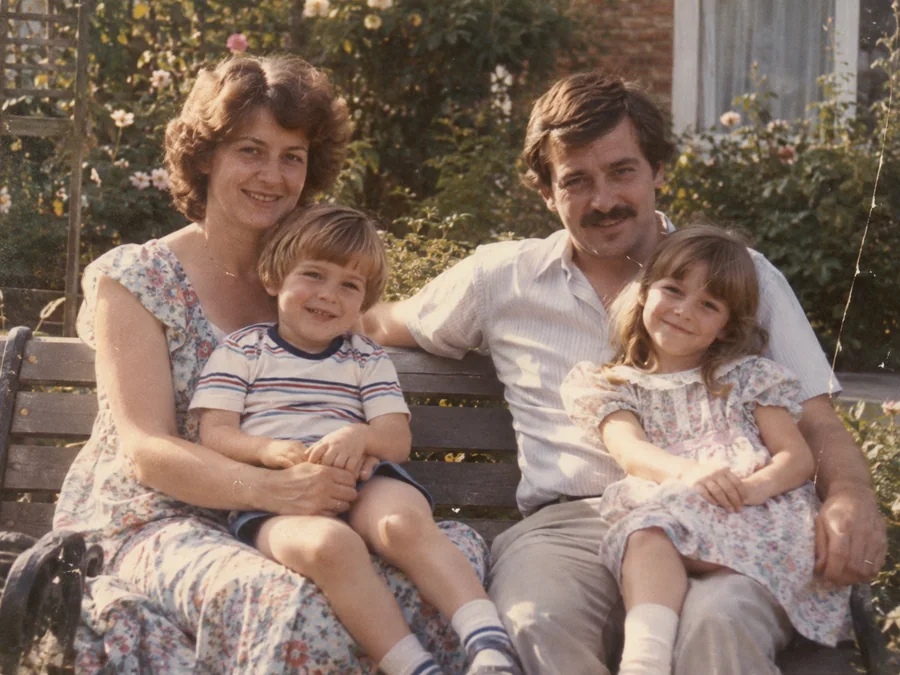
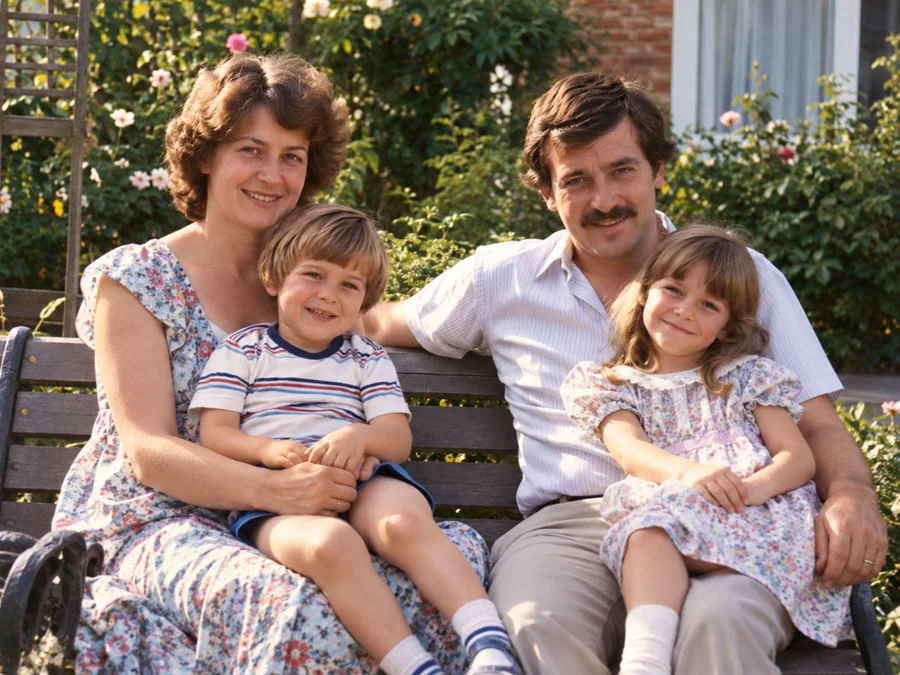 BeforeAfterIllustrative
AI Photo Restoration
Use AI to create a restored version of an old or damaged photograph.
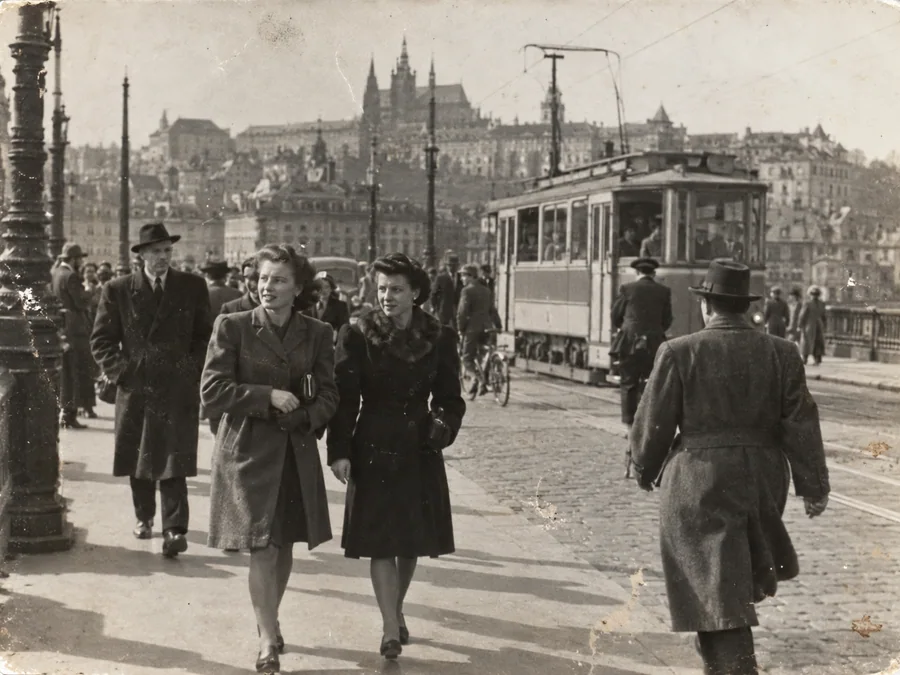
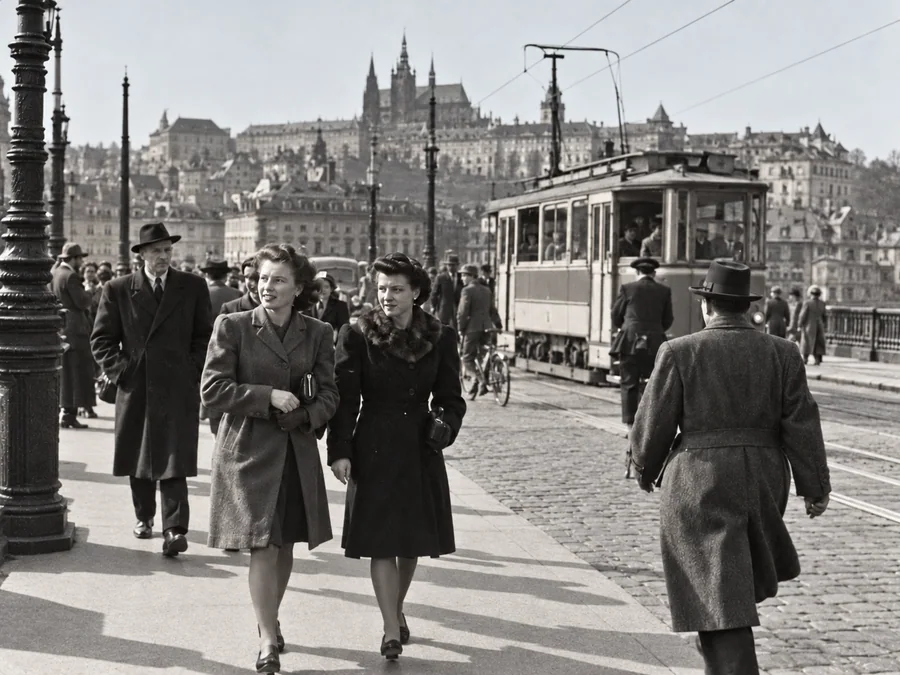 BeforeAfterIllustrative
Restore Old Photos
Try AI restoration on a faded, scratched, or damaged old photograph.
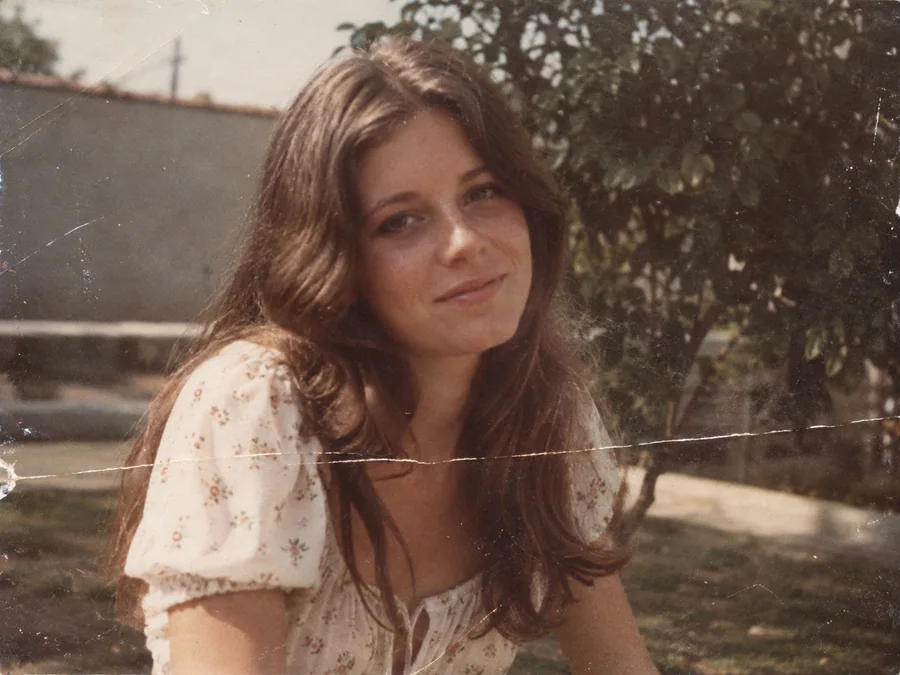
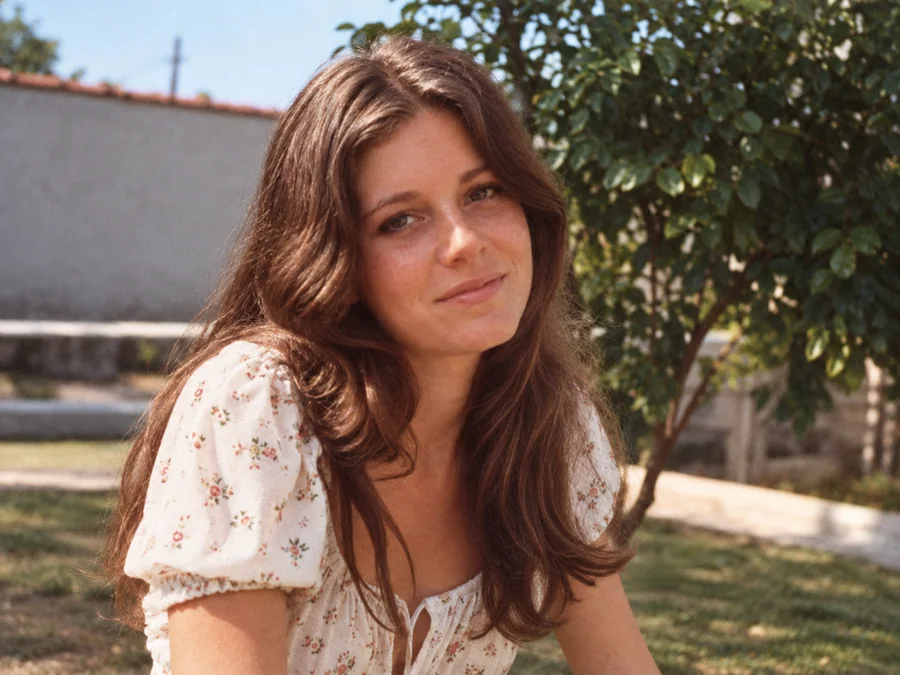 BeforeAfterIllustrative
Remove Scratches & Creases
Try AI restoration on a photo with scratches or creases.
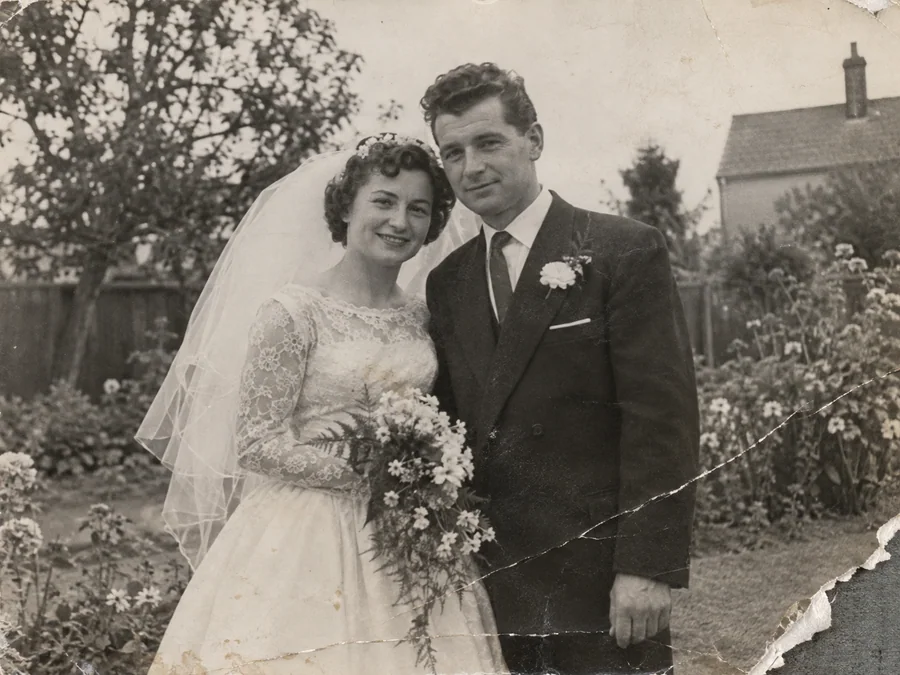
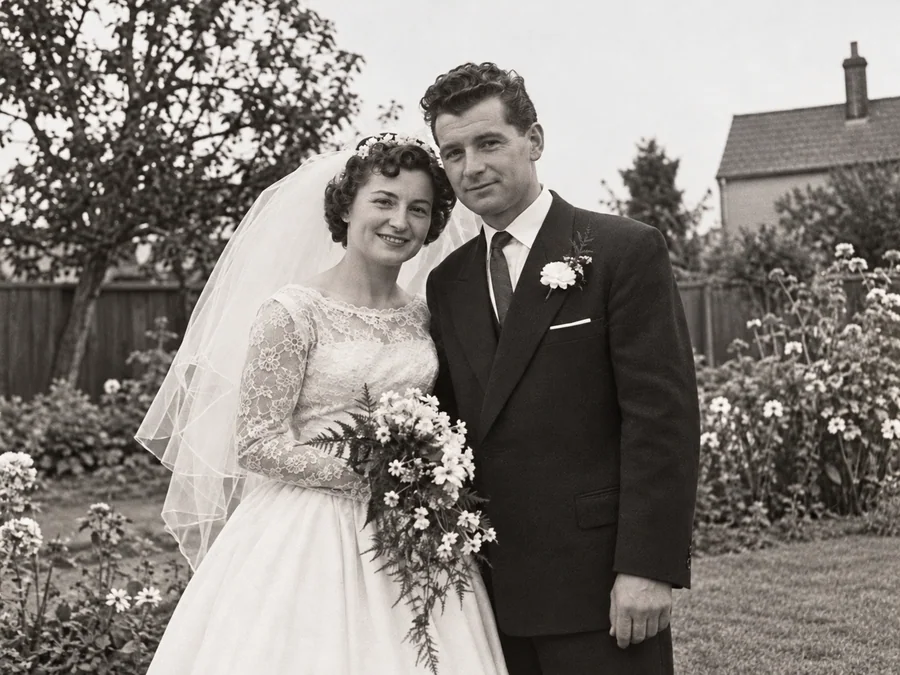 BeforeAfterIllustrative
Repair Damaged Photos
Generate a restored version of a torn, creased, or damaged photo.
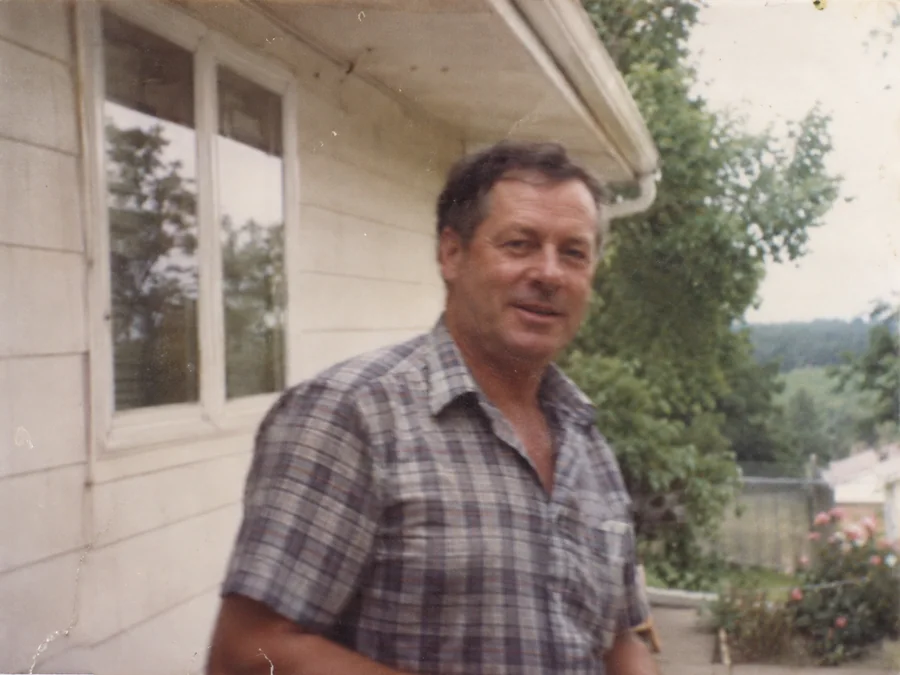
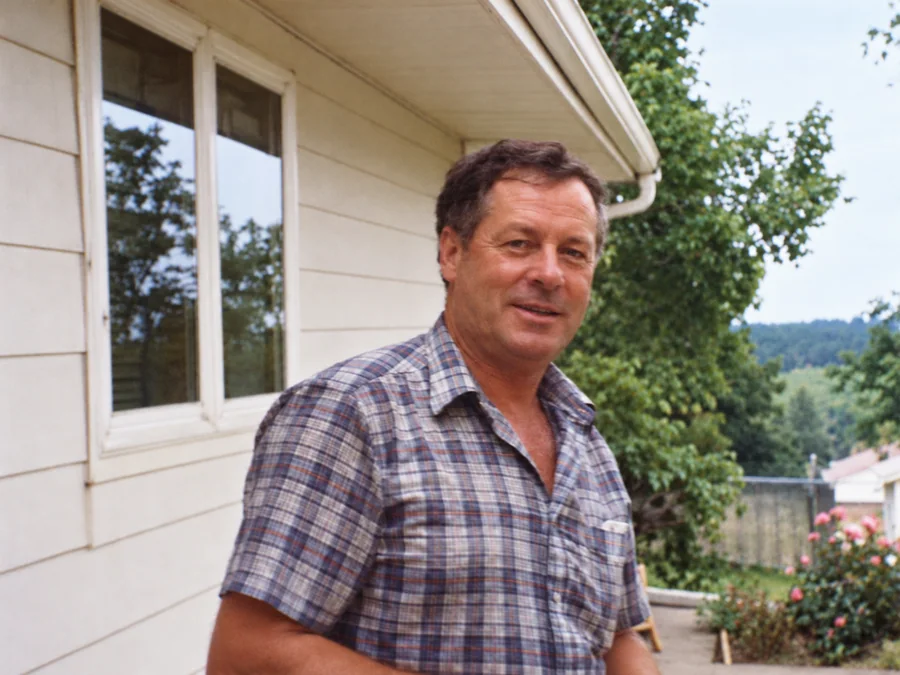 BeforeAfterIllustrative
Fix Blurry Photos
Try AI restoration on a soft or blurry photo. Results vary by image.
 BeforeAfterIllustrative
Colorize B&W Photos
Generate AI color for a black-and-white or sepia photo.
 BeforeAfterIllustrative
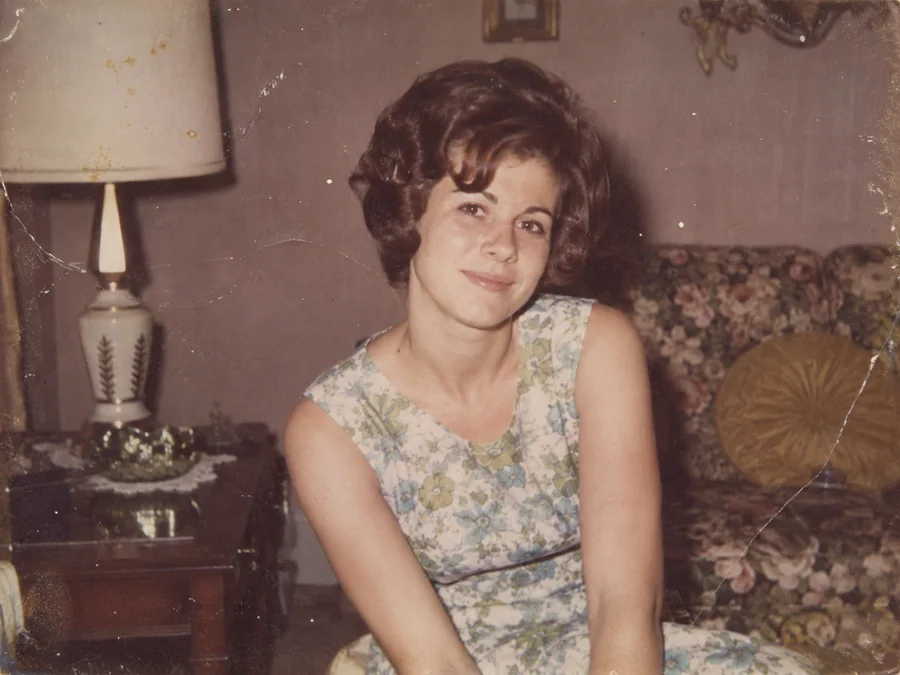
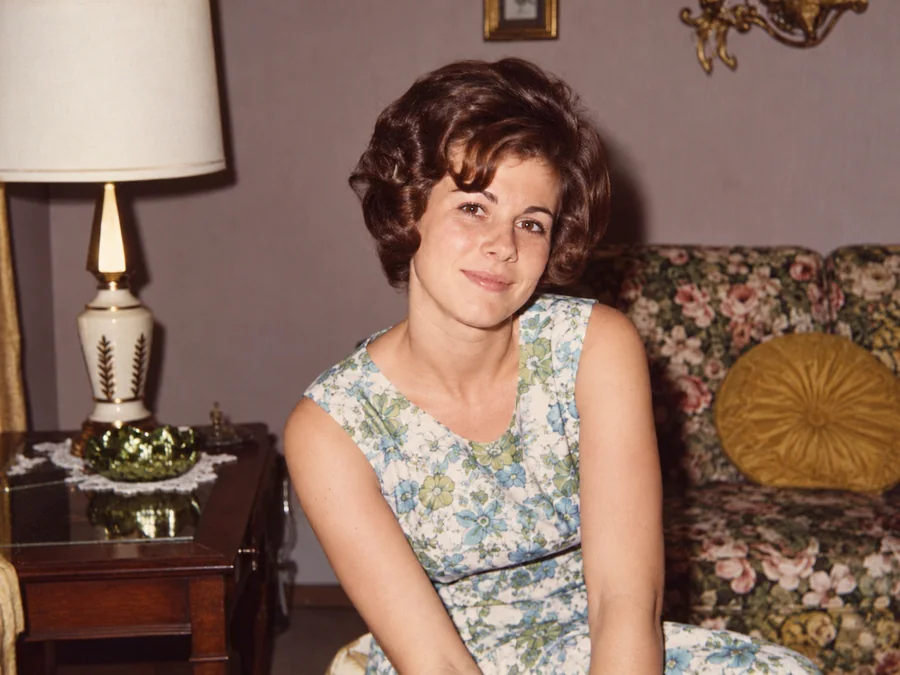
Water Damage Repair
Try AI restoration on photos with water marks or stains.
 BeforeAfterIllustrative
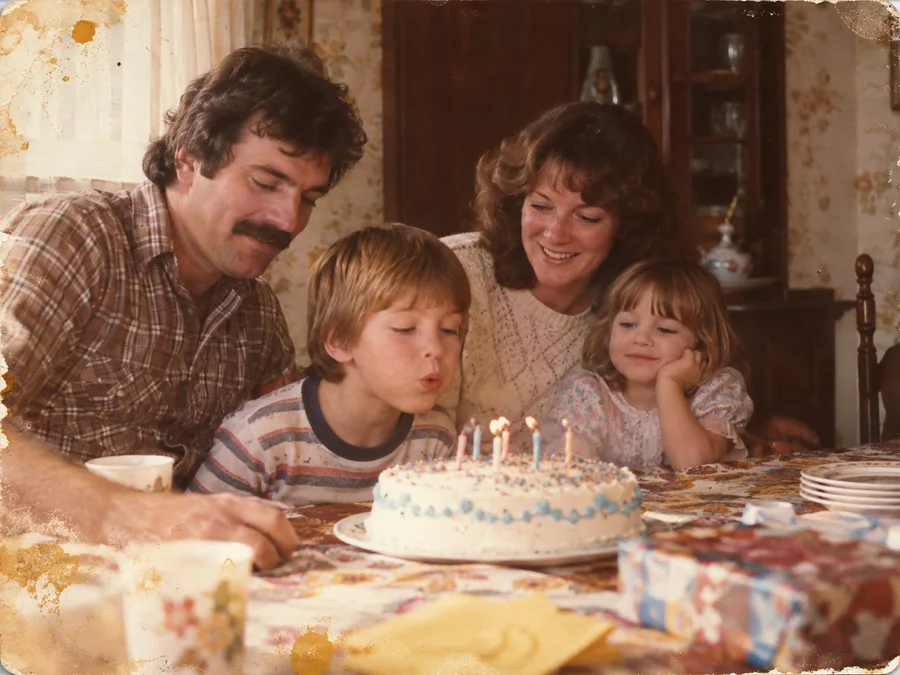
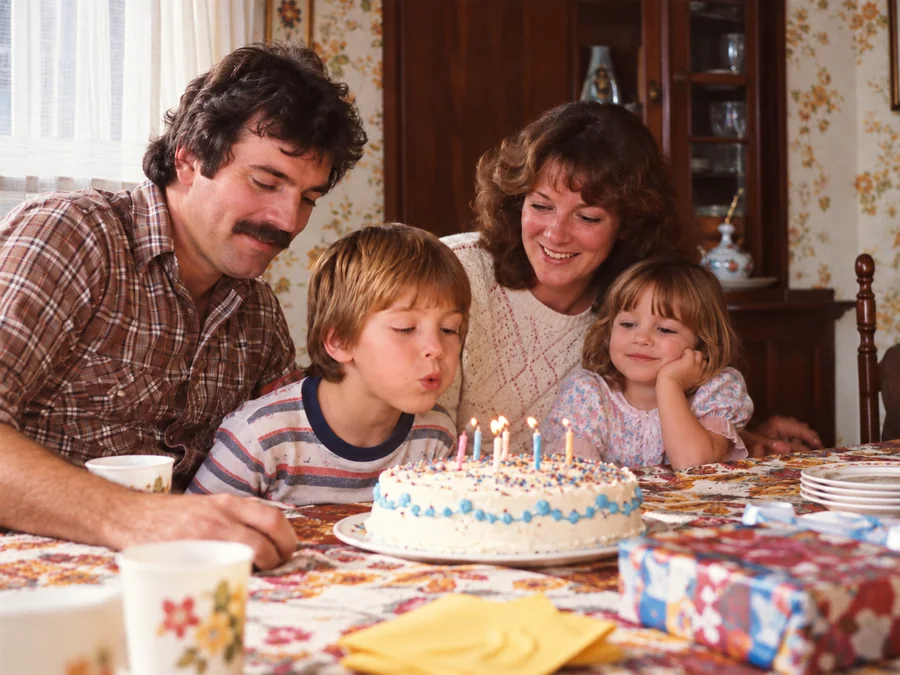
Restore Vintage Photos
Try AI restoration on a vintage or faded photograph.
 BeforeAfterIllustrative
Restore Family Photos
Create a restored version of an old family photo.