Photo restoration · Family heritage · AI restoration
Give New Life to Your Old Photos.
Upload a damaged or vintage photo and let AI restore the original details. Compare the result with your original before downloading.
Drag & drop a photo here
Scans, silver-gelatin prints, tintypes, or family albums · JPEG, PNG, WebP up to 10MB
Upload
Add your old or damaged photo from any device.
Restore
ImgHeal creates a restored version to review.
Compare
See the before and after, then download your result.
Try three restorations
No credit card required
Review before download
Compare each result first
Works with scans & phones
JPEG, PNG, WebP · up to 10 MB
Made for family archives
Restore a photo at a time
Illustrative examples
Family moments,
restored with care.
See how a careful restoration can bring old family photographs into clearer view.
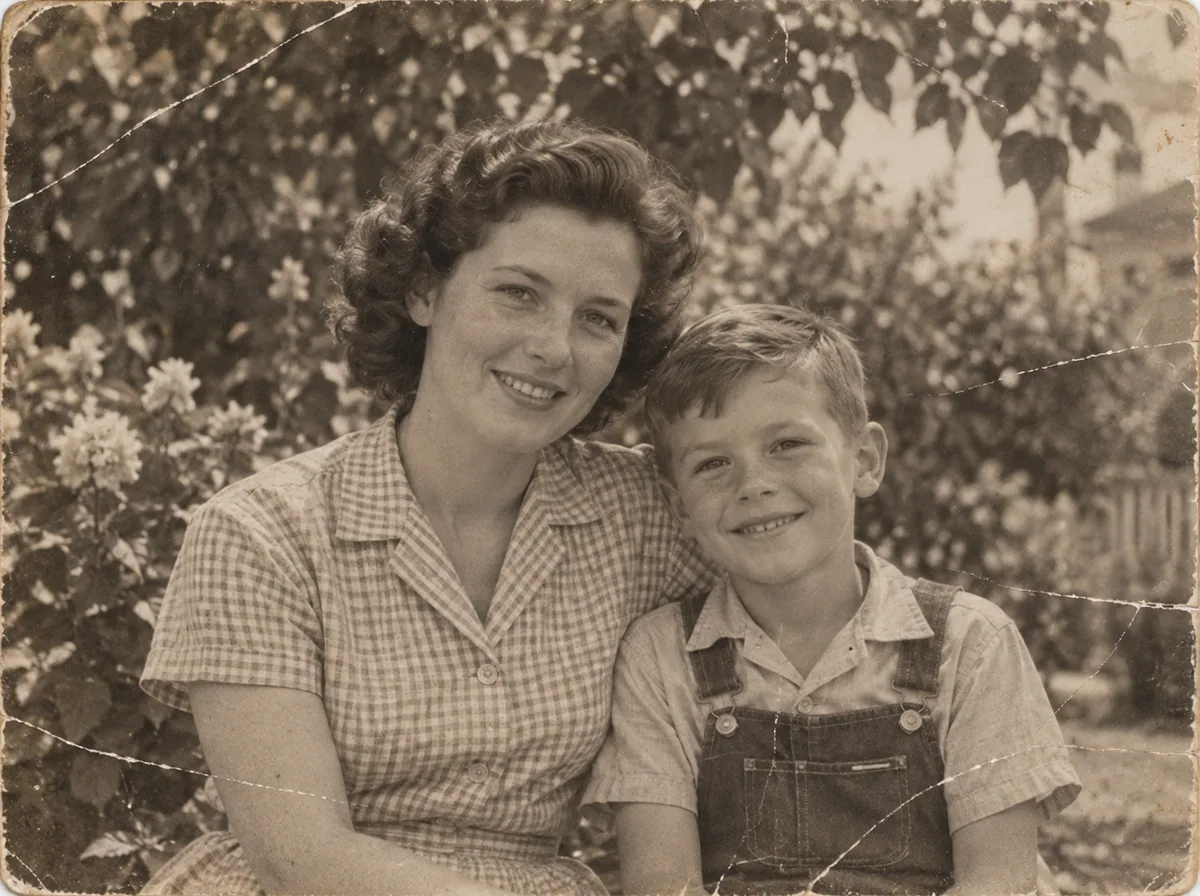
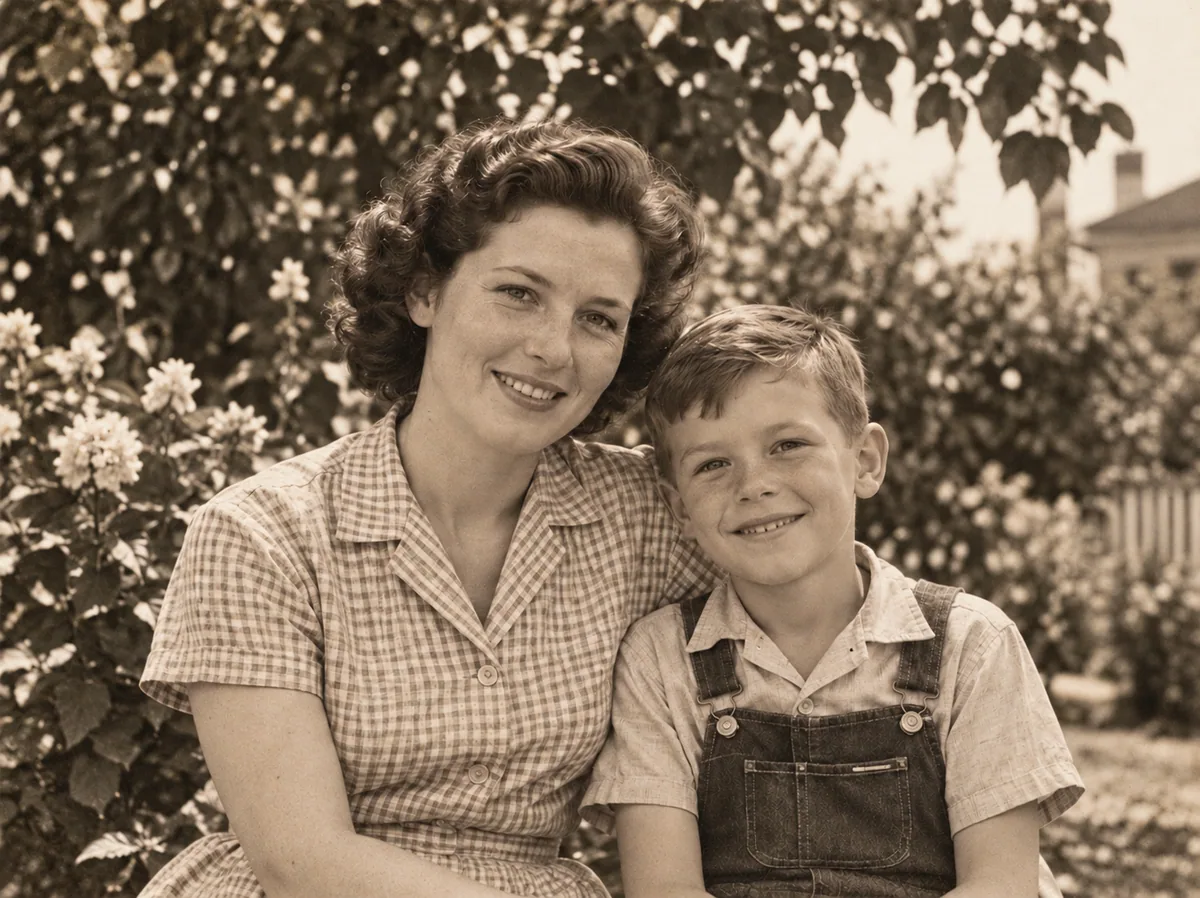 BeforeAfterIllustrative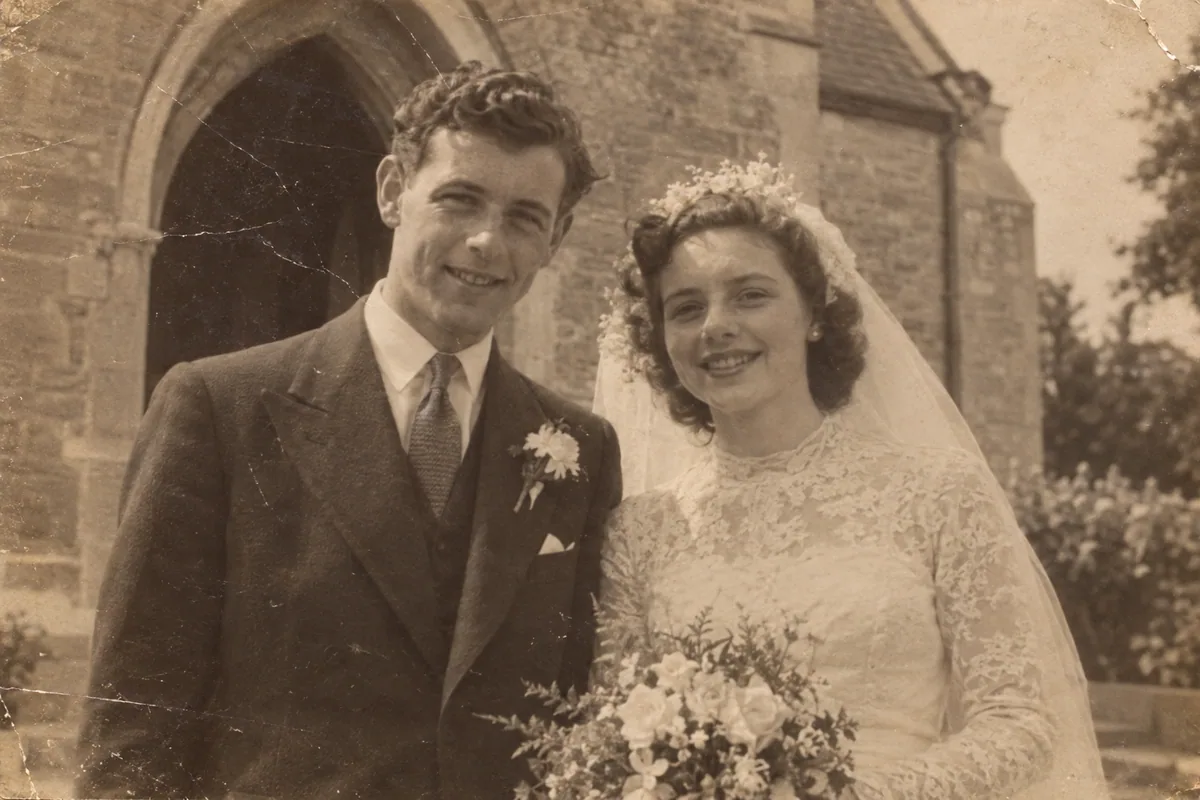
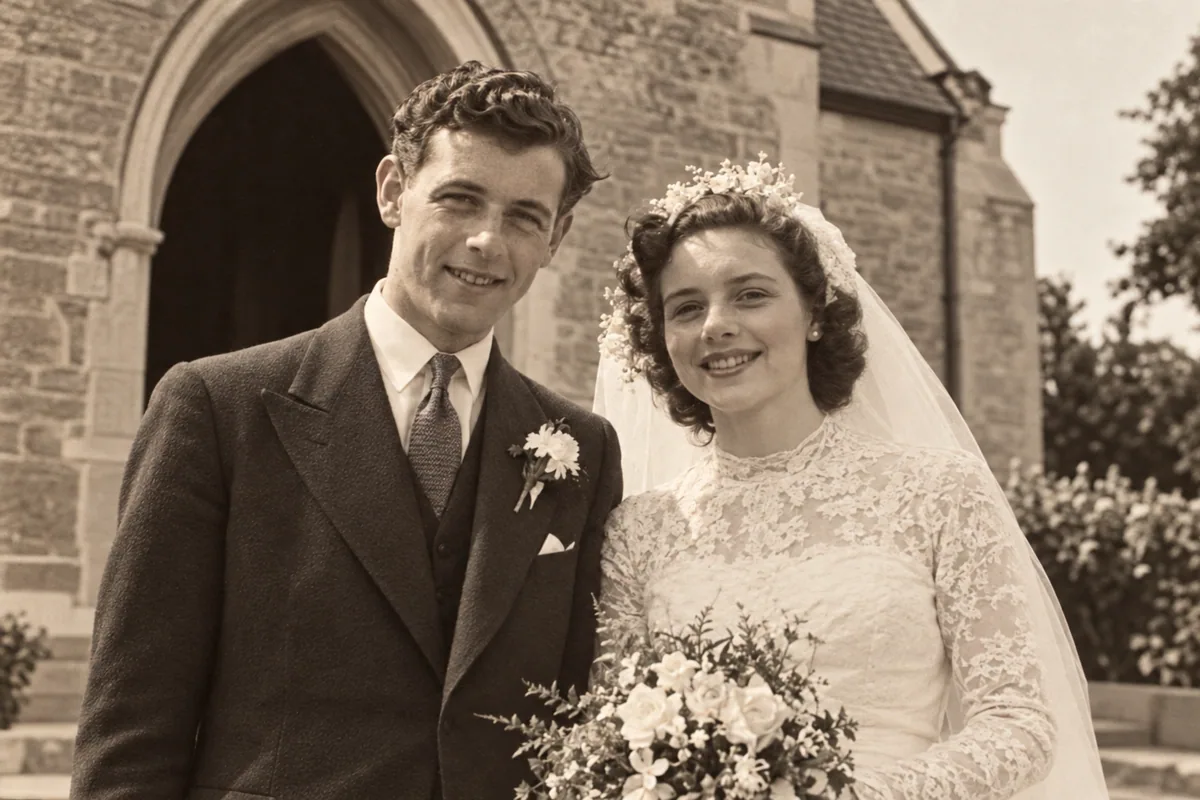 BeforeAfterIllustrative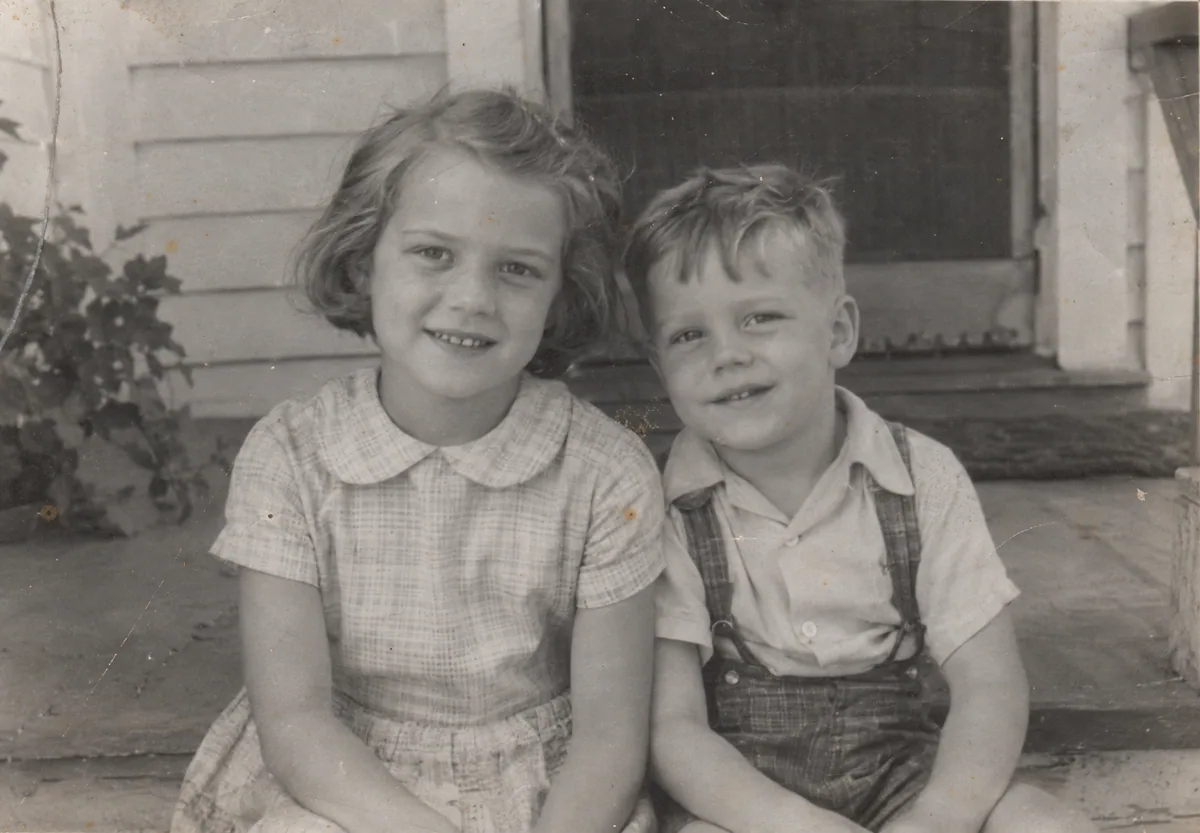
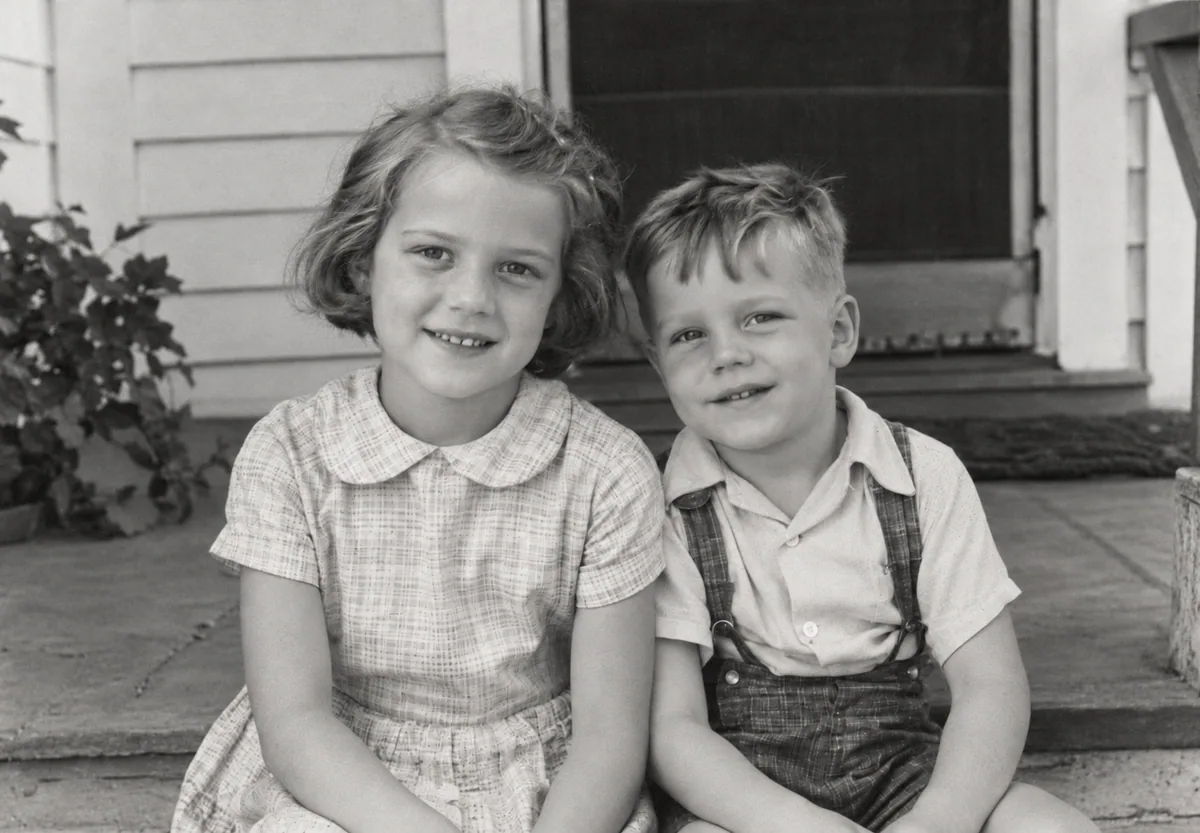 BeforeAfterIllustrative
Conservation Treatments
Every Photographic Flaw Carefully Repaired
From decades in dusty attics or damp basements to album corner tears, our specialized neural algorithms treat the exact physical degradation mechanisms of analog film.
Scratches and Creases
Use AI restoration to improve photos with visible scratches, folds, and surface damage.
Faded Photos
Restore faded or low-contrast photos and compare the generated result with the original.
Portraits
Try restoration on a portrait and review how the generated result changes facial details.
Water Marks
AI restoration can improve some photos with visible water marks. Results depend on the source image.
Historical photographs are physical objects that tell the story of where we came from. Our mission is to preserve their soul, not turn them into synthetic digital caricatures.
Photo Restoration Tools
Explore Specialized Photo Restoration Tools
From scratch removal to face unblurring and B&W colorization, select the dedicated tool tailored for your photograph.
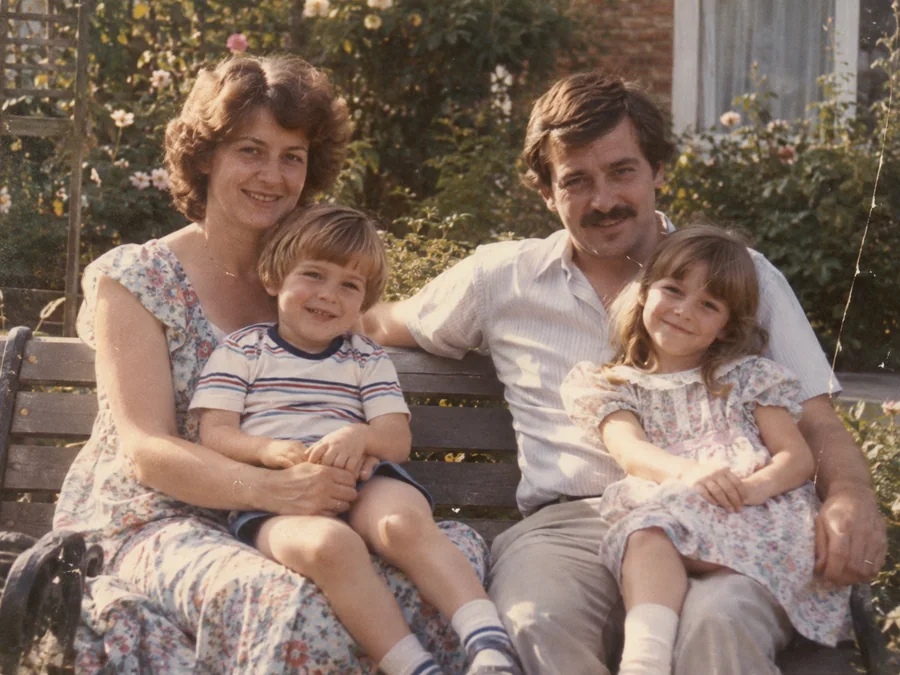
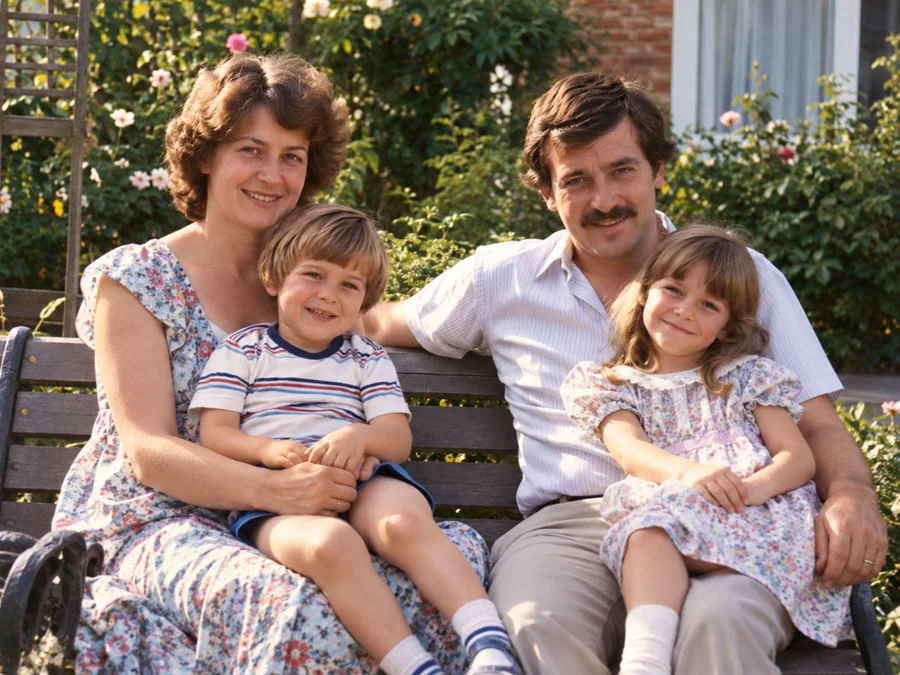 BeforeAfterIllustrative
AI Photo Restoration
Use AI to create a restored version of an old or damaged photograph.
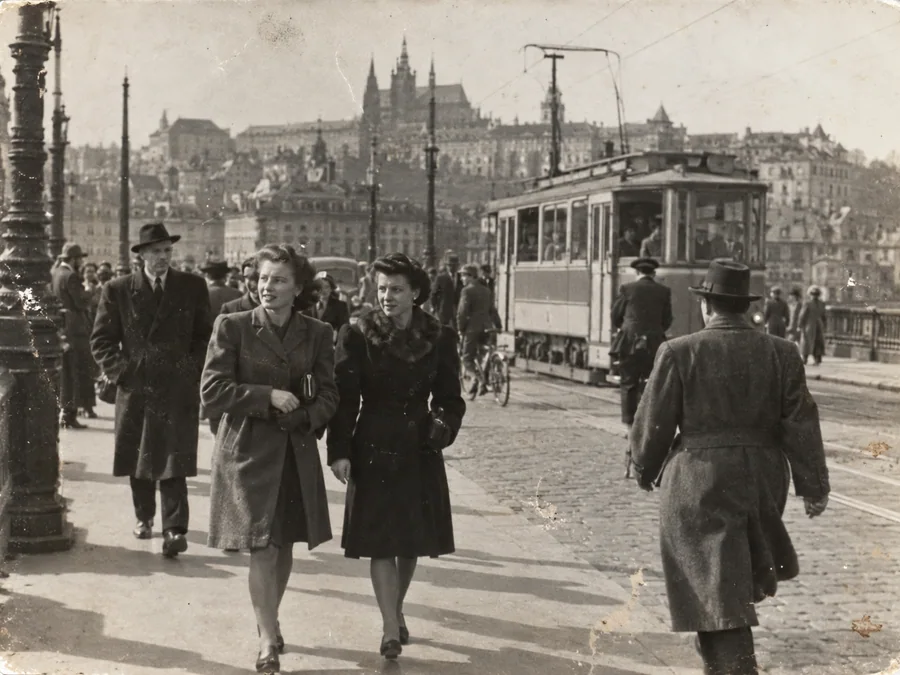
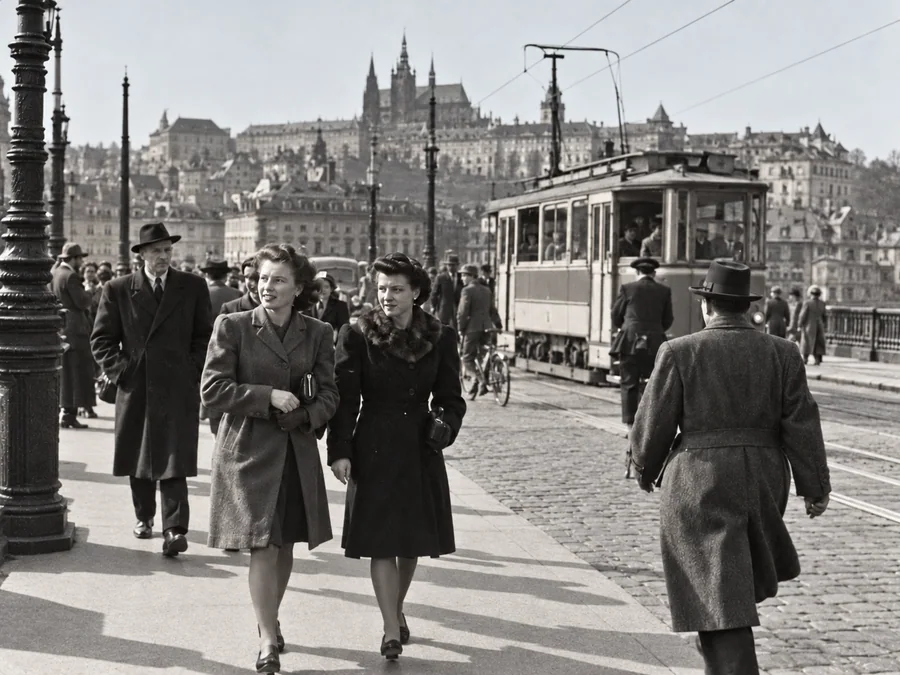 BeforeAfterIllustrative
Restore Old Photos
Try AI restoration on a faded, scratched, or damaged old photograph.
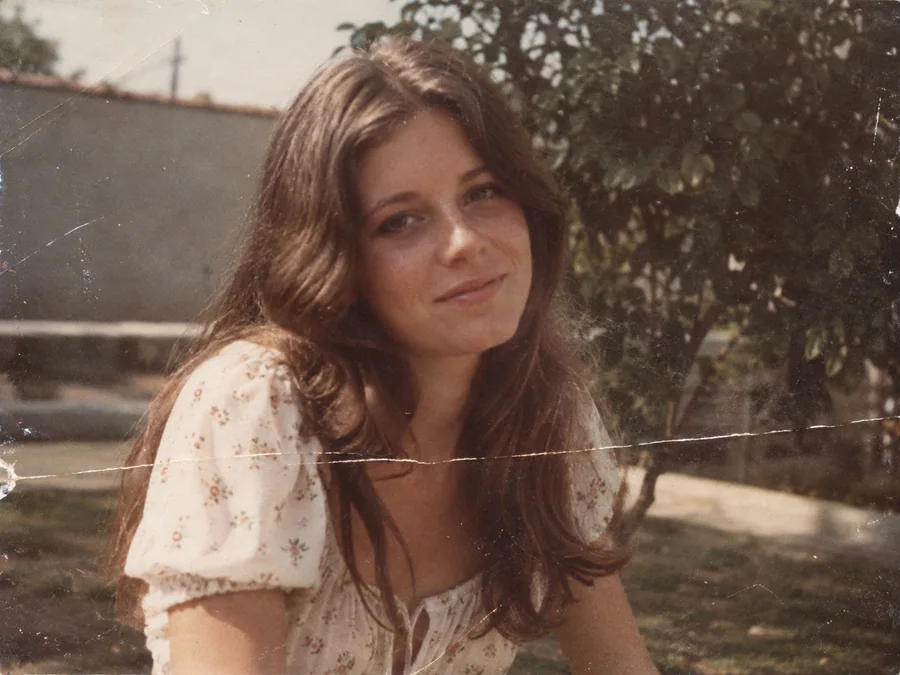
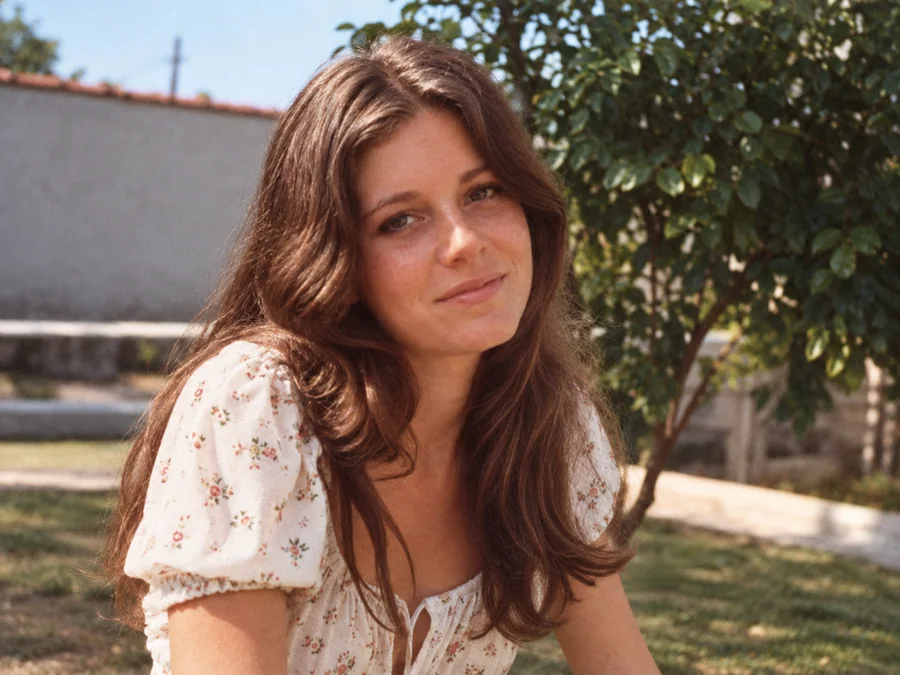 BeforeAfterIllustrative
Remove Scratches & Creases
Try AI restoration on a photo with scratches or creases.
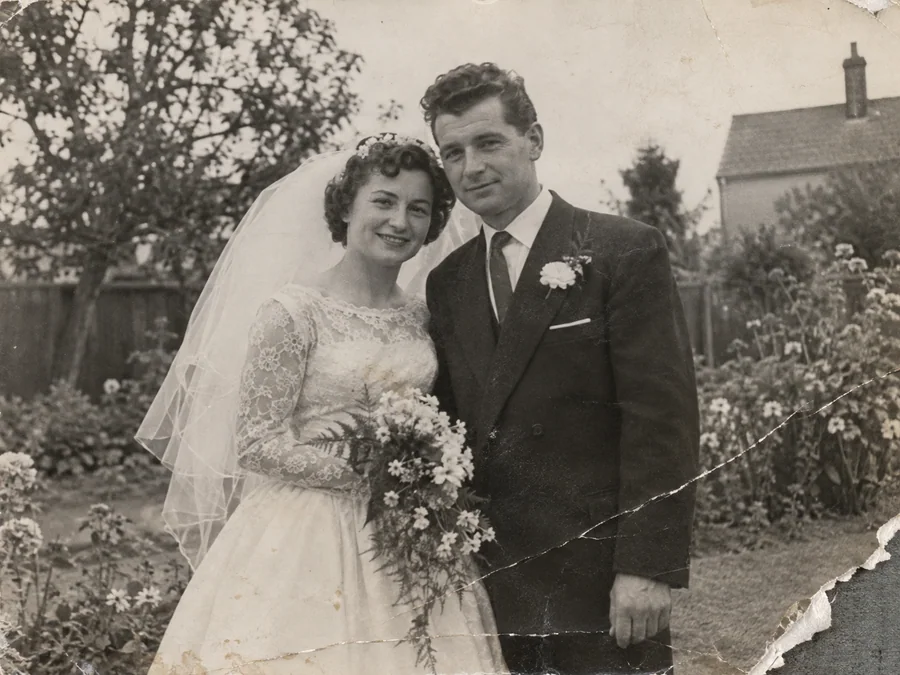
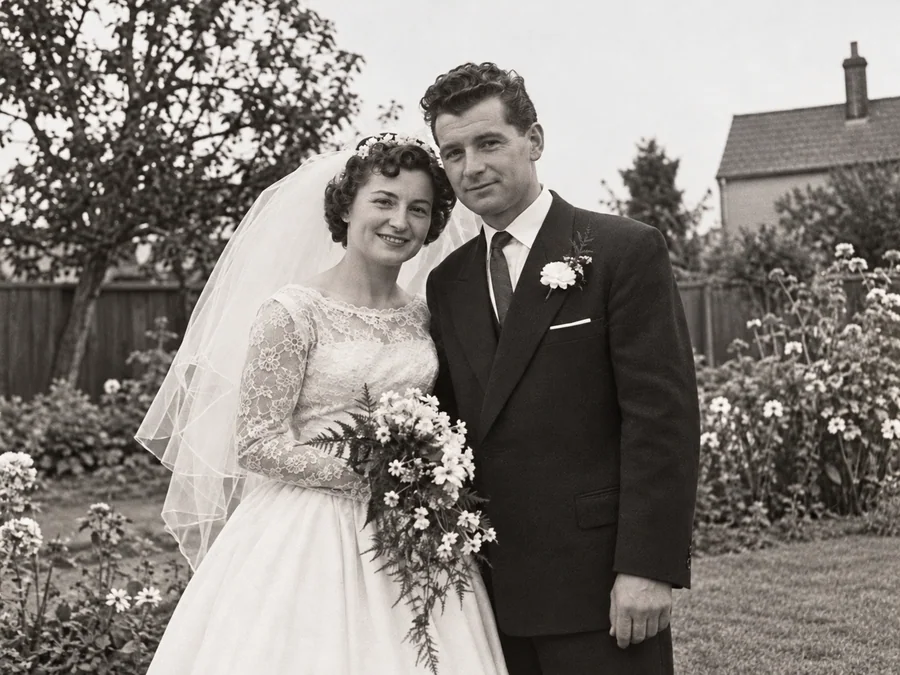 BeforeAfterIllustrative
Repair Damaged Photos
Generate a restored version of a torn, creased, or damaged photo.
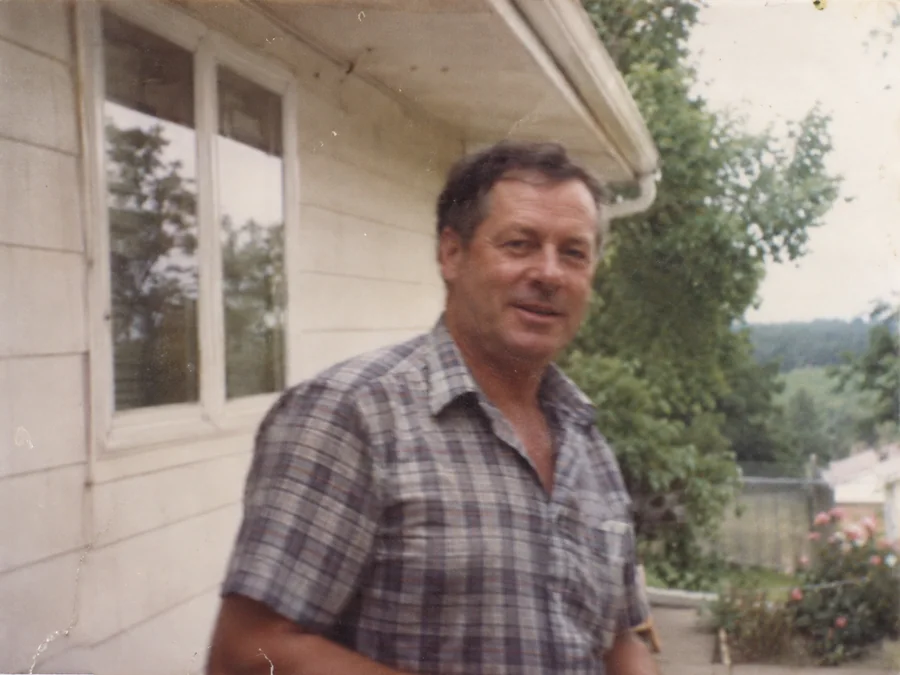
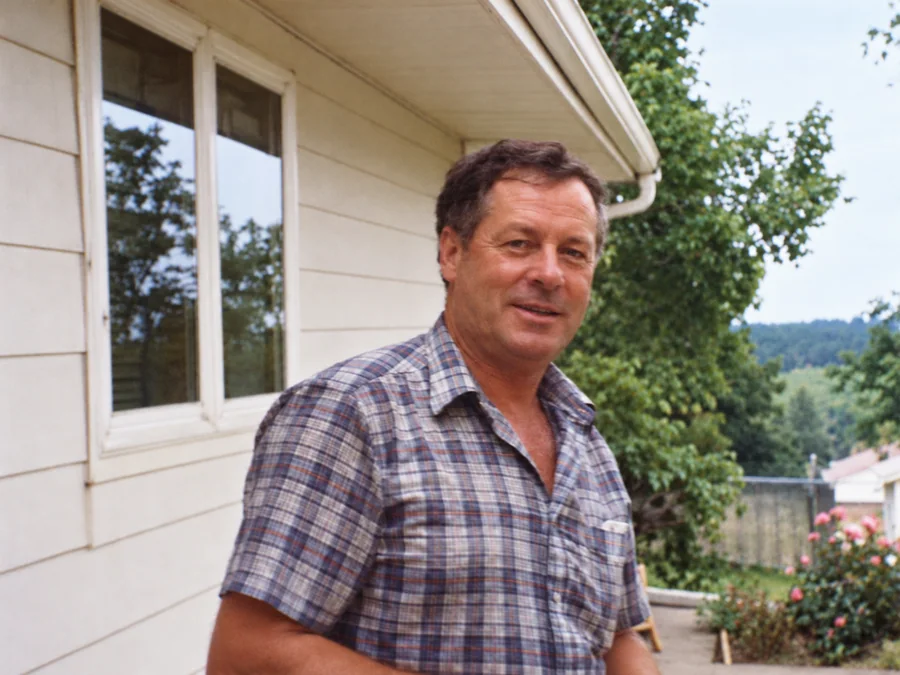 BeforeAfterIllustrative
Fix Blurry Photos
Try AI restoration on a soft or blurry photo. Results vary by image.
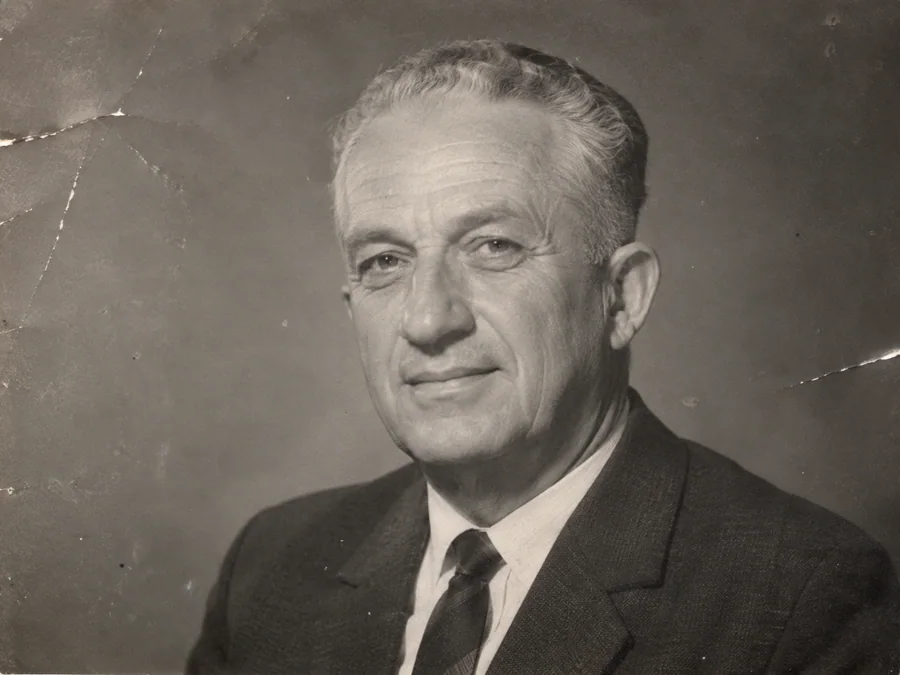
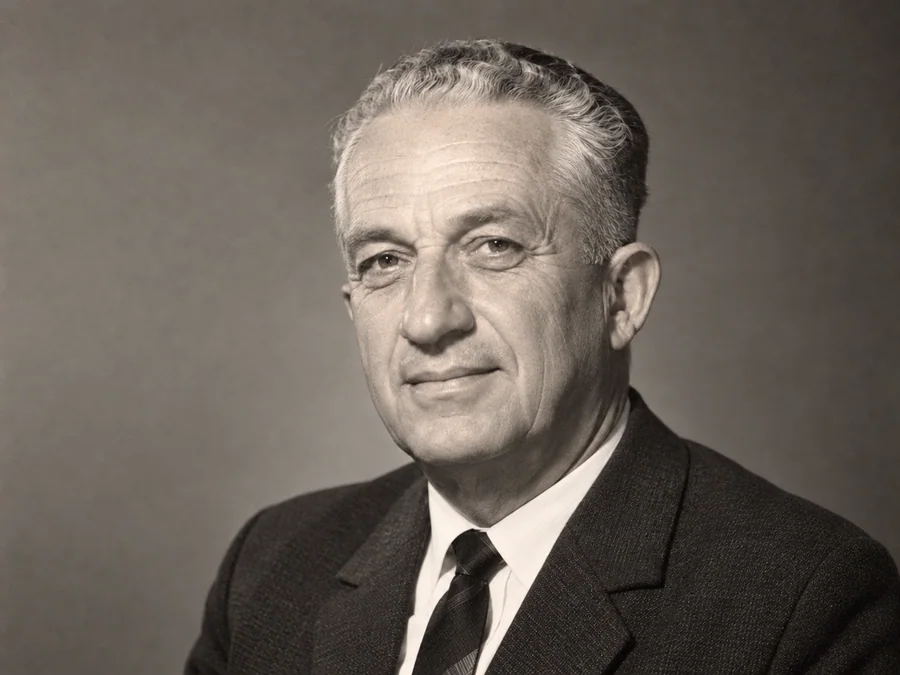 BeforeAfterIllustrative
AI Face Restoration
Try AI restoration on an old portrait and compare the result.
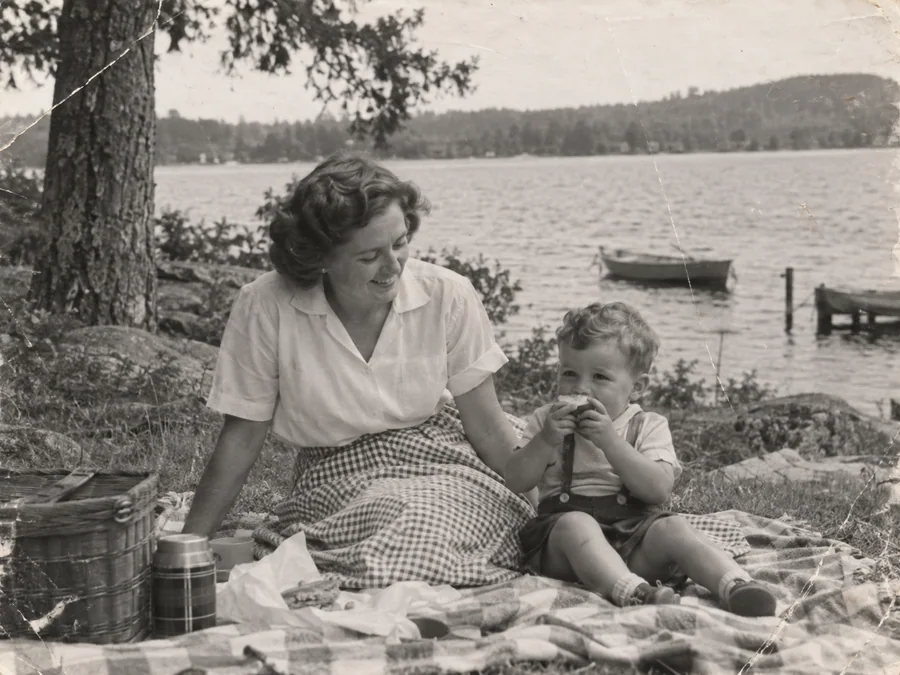
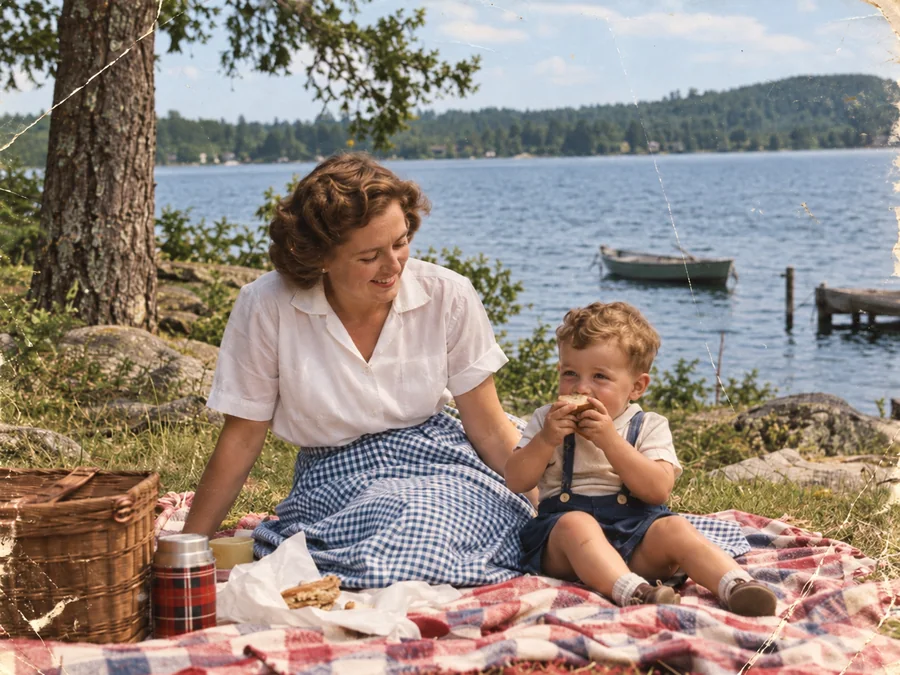 BeforeAfterIllustrative
Colorize B&W Photos
Generate AI color for a black-and-white or sepia photo.
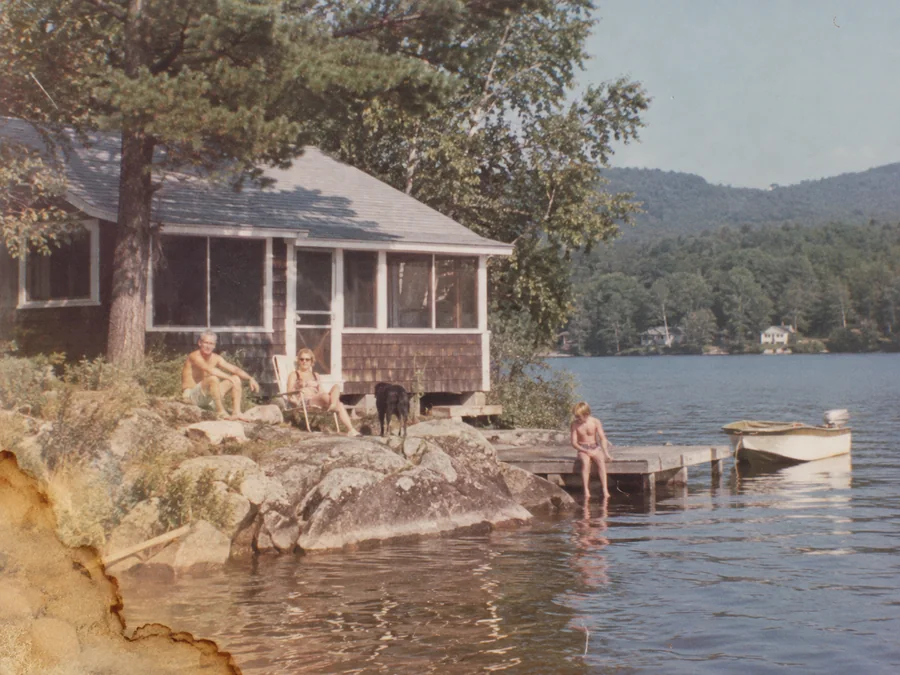
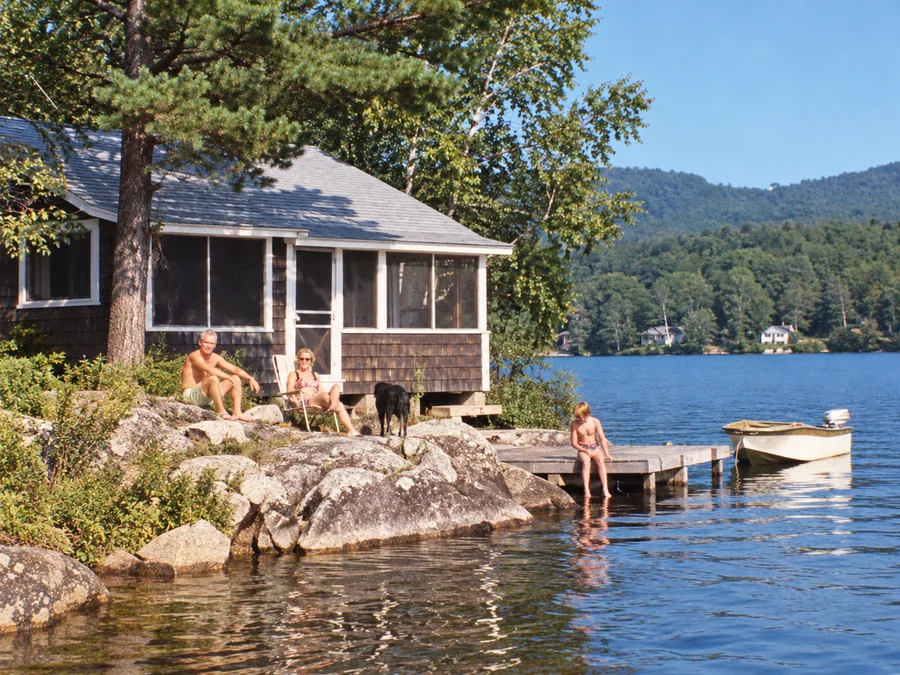 BeforeAfterIllustrative
Water Damage Repair
Try AI restoration on photos with water marks or stains.
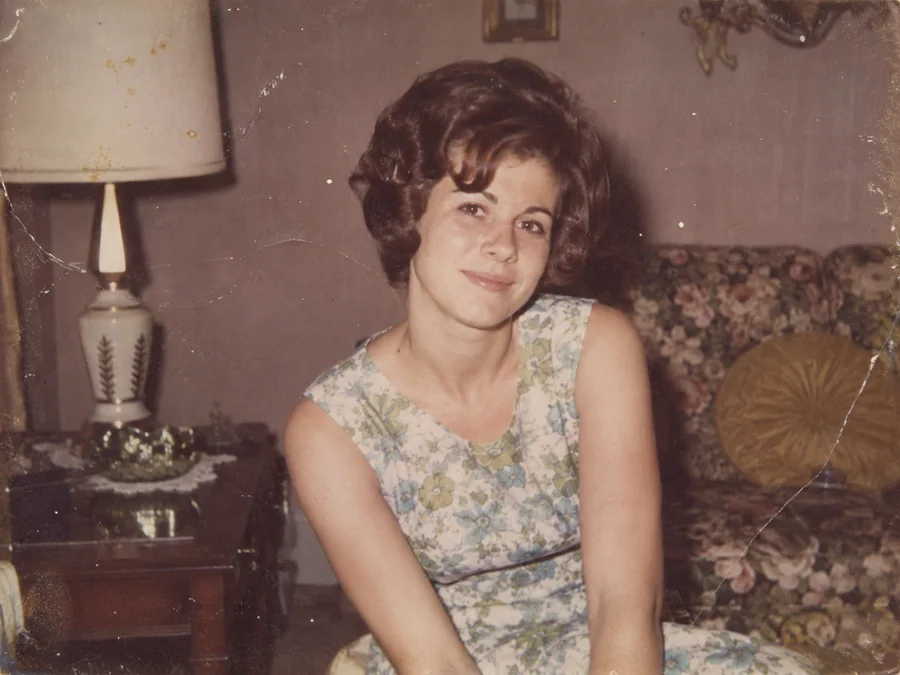
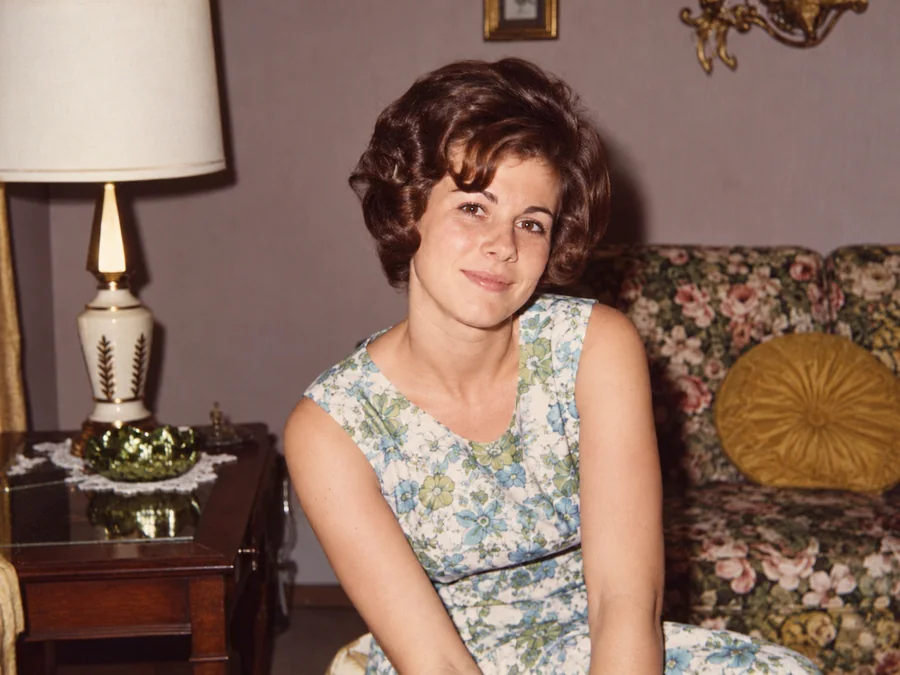 BeforeAfterIllustrative
Restore Vintage Photos
Try AI restoration on a vintage or faded photograph.
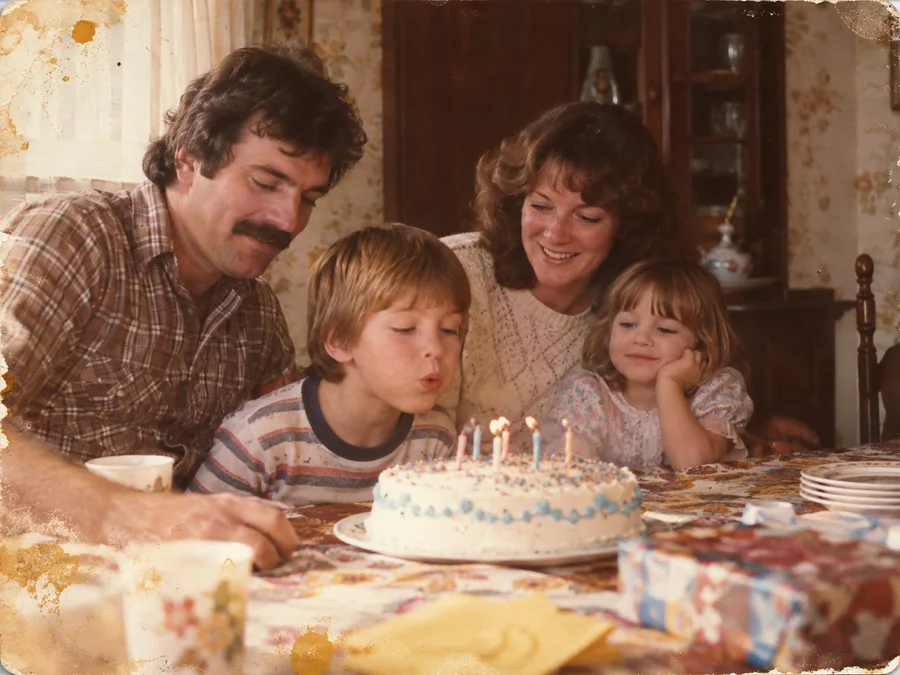
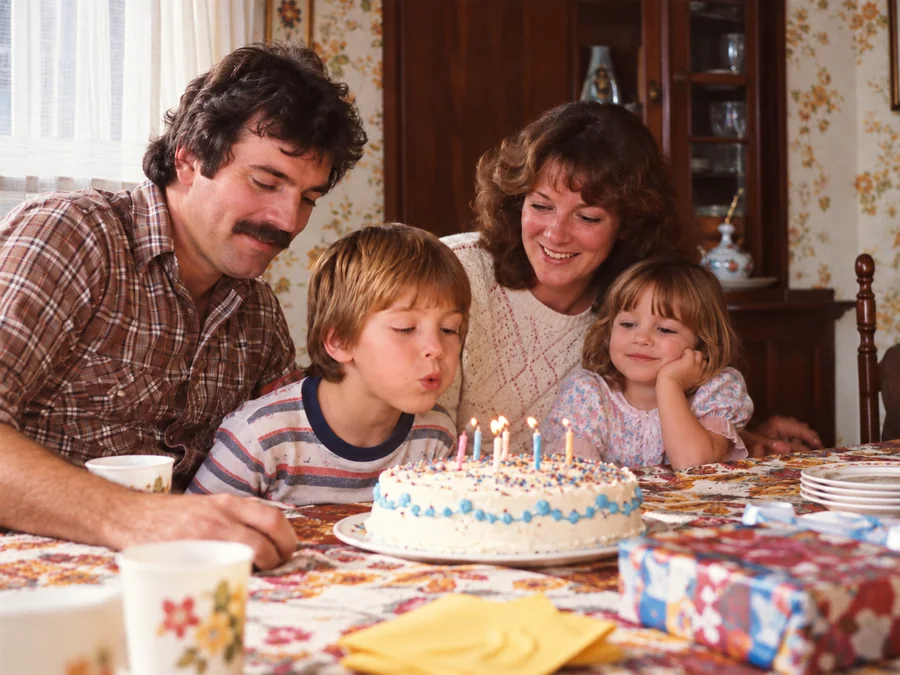 BeforeAfterIllustrative
Restore Family Photos
Create a restored version of an old family photo.
Archival Acquisitions
One-Time Restoration Folios
Simple, transparent acquisition. No recurring subscriptions, no credit expiration, and full refund guarantees.
Small Pack
Folio5 archival restorations included
Medium Pack
Folio15 archival restorations included
Large Pack
Folio35 archival restorations included
XL Pack
Folio80 archival restorations included
Clarity & Answers
Frequently Asked Questions About AI Photo Restoration
Common questions about photo uploads, AI restoration, and account privacy.
What is AI photo restoration and how does ImgHeal work?+
ImgHeal uses an AI image model to create a restored version of an uploaded photo. Results can vary by image, so review the before-and-after comparison before downloading.
Can I restore old photos online for free?+
New accounts receive three complimentary restorations. Create an account, upload a photo, review the result with the comparison slider, and download it.
How do I repair heavily damaged or scratched photographs?+
Upload a clear scan or photo of the damaged print. ImgHeal generates a restored image for you to compare with the original. Results depend on the condition and quality of the source image.
Can ImgHeal colorize vintage black and white photographs?+
Yes. Upload a black-and-white or monochrome photo and choose the colorization workflow. AI-generated colors are an interpretation and may not reflect the original colors of the scene.
Can ImgHeal fix blurry or out-of-focus family pictures?+
ImgHeal can improve some soft or blurry images as part of restoration, but it cannot recover detail that is missing from the source. Review the result before downloading.
How are my private family heirlooms protected?+
Uploads are associated with your account and handled as described in our Privacy Policy. Visit Settings to manage or delete your account and associated data.
What image formats and resolutions are supported?+
ImgHeal accepts JPEG, PNG, and WebP images up to 10 MB. The restored image is generated from your uploaded photo; output dimensions depend on the source and processing workflow.
Archival Intake
Restore your family's photographic lineage today.
Place your first photograph in our intake tray to view an instant high-resolution comparison preview.