Colorize Black-and-White Photos Online
Transform vintage monochrome and sepia portraits into rich, natural color images. Our neural pipeline analyzes contextual clothing, foliage, skin undertones, and historical scene lighting to apply realistic palettes.
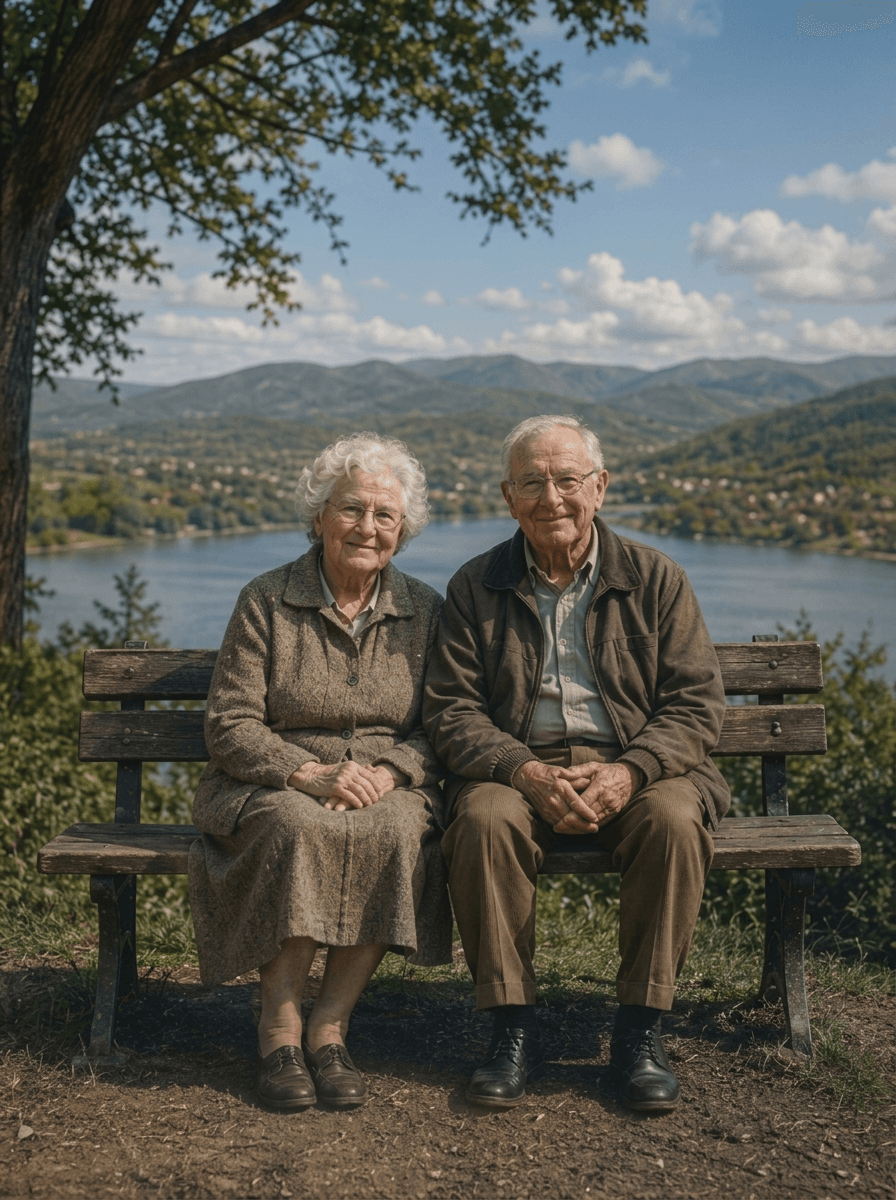
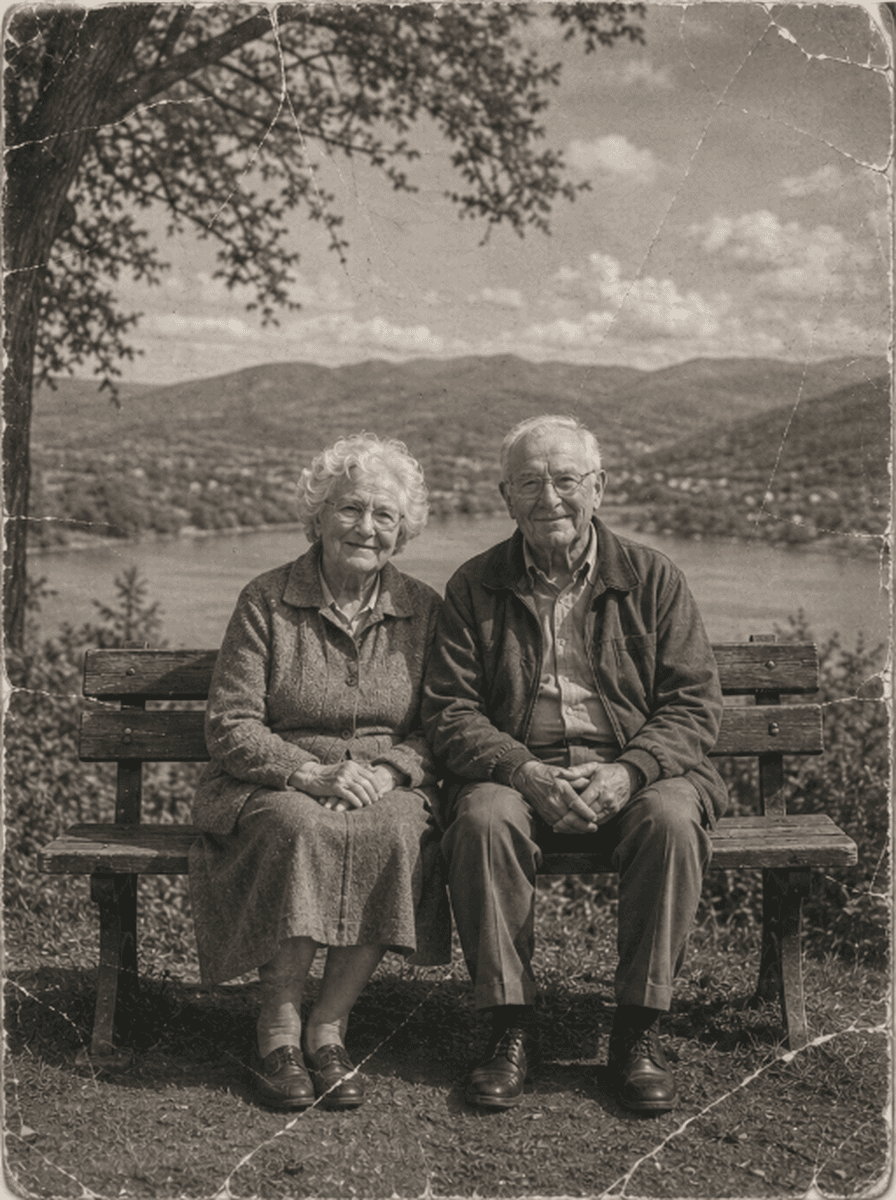
Shared restoration and colorization example. This is the same sample across our guides; it does not demonstrate every type of damage. Results vary by source photo.
How to Colorize a Black-and-White Photo
Upload Black & White Scan
Upload your monochrome or sepia photograph scan (JPEG, PNG, WebP up to 10MB) into the dropzone.
Contextual Neural Color Mapping
ImgHeal generates a colorized version of your upload. Colors are AI-generated and may not reflect the original scene.
Inspect Slider Preview & Download
Compare before and after using our interactive split-screen viewer and download your vibrant, full-color master print.
Why ImgHeal Colorization Looks Completely Natural
Avoid unnatural clownish colors with our archival calibration system:
Micro-Vascular Skin Tones
Applies multi-layered hemoglobin and melanin gradients so human skin shows natural warm blush rather than a flat peach wash.
Period Wardrobe & Textiles
Identifies fabric weaves (wool, silk, cotton, denim) to apply period-accurate dyes consistent with the photograph's historical era.
Atmospheric Lighting Balance
Calculates shadow temperatures and specular highlights to harmonize subjects with outdoor golden hour sun or studio lamps.
Answers on Photo Colorization
How does the AI choose colors for black and white photos?+
ImgHeal uses AI to generate color for a monochrome image. The colors are an interpretation and may not match the original scene, so review the result before downloading.
Can I choose different color styling palettes?+
The colorization workflow offers palette options. Each option changes the style of the generated result; none can confirm the original colors of the scene.
Does colorization work on yellowed sepia prints?+
Yes. ImgHeal automatically neutralizes yellowed sepia oxidation and paper tint first, creating a balanced grayscale foundation before applying rich, realistic multi-chromatic colors.
Can I colorize black and white photos for free?+
New accounts receive three complimentary restorations. Create an account, upload a monochrome photo, review the generated colors, and download the result.
Does the colorization process damage or alter the original photo?+
The original upload is kept as the source for comparison with the generated result. Review the Privacy Policy for details on storage and deletion.
Understand what AI colorization can tell you
A black-and-white photograph records tones rather than the original scene's colors. ImgHeal generates a color interpretation from that image. Clothing, uniforms, flowers, and buildings may receive plausible colors that differ from their actual appearance at the time.
Before you upload
Choose a clear black-and-white or sepia scan and keep a copy in its original tones. Select colorization in the dashboard. If you know the real colors from written records or another photograph, use those sources when evaluating the generated result rather than treating it as confirmation.
What to check in the result
Check skin tones, color boundaries, and whether neighboring objects blend together. Compare the composition and faces with the monochrome source. Label the shared version as AI colorized when historical accuracy matters, and preserve the original for relatives or researchers who want an unaltered record.
Photo Restoration Tools
Explore Dedicated Restoration Services
Choose a photo restoration workflow based on the image you want to improve.
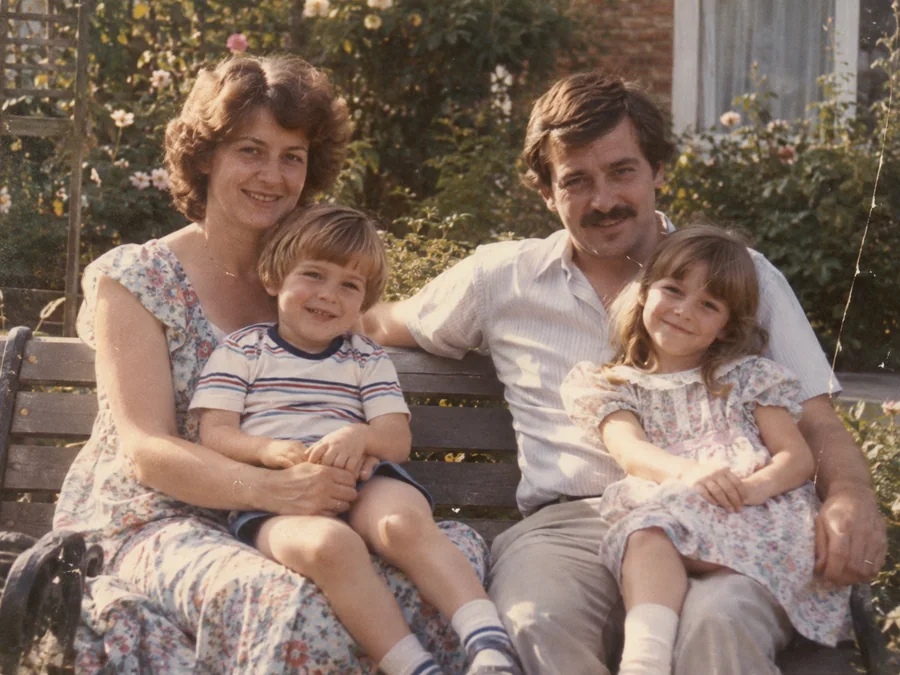
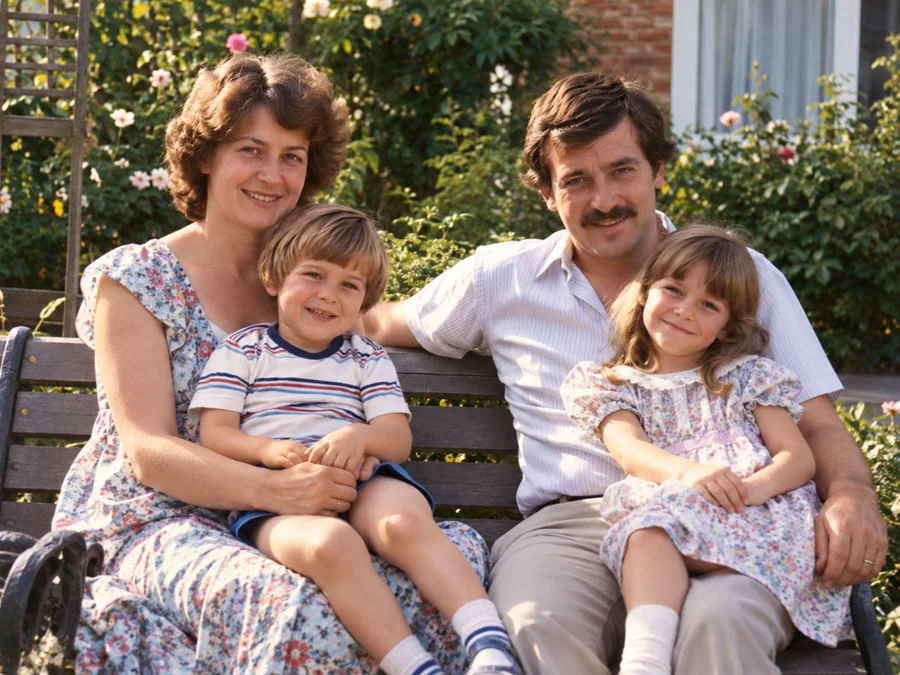 BeforeAfterIllustrative
AI Photo Restoration
Use AI to create a restored version of an old or damaged photograph.
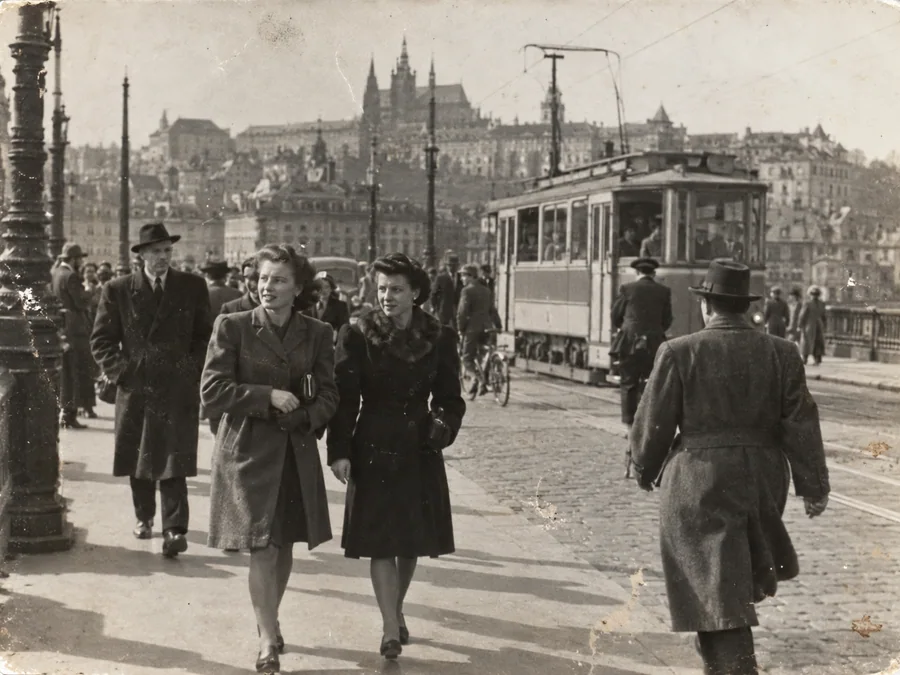
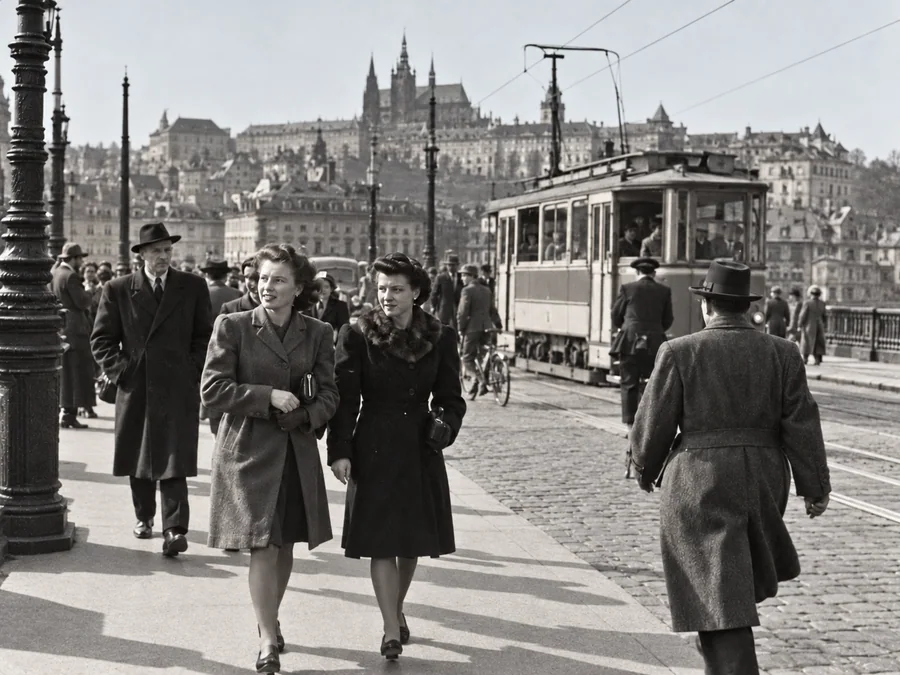 BeforeAfterIllustrative
Restore Old Photos
Try AI restoration on a faded, scratched, or damaged old photograph.
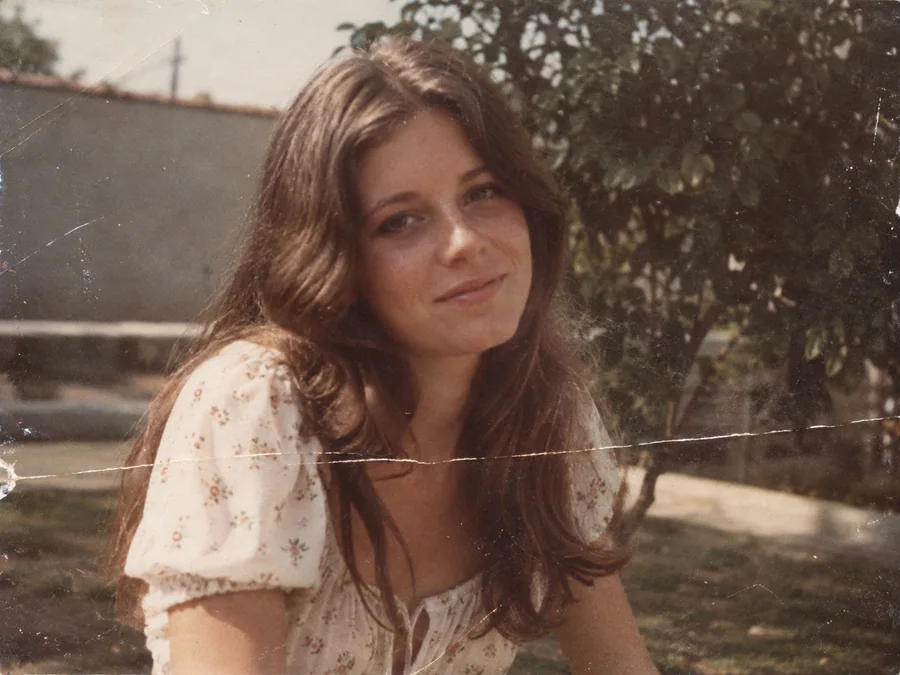
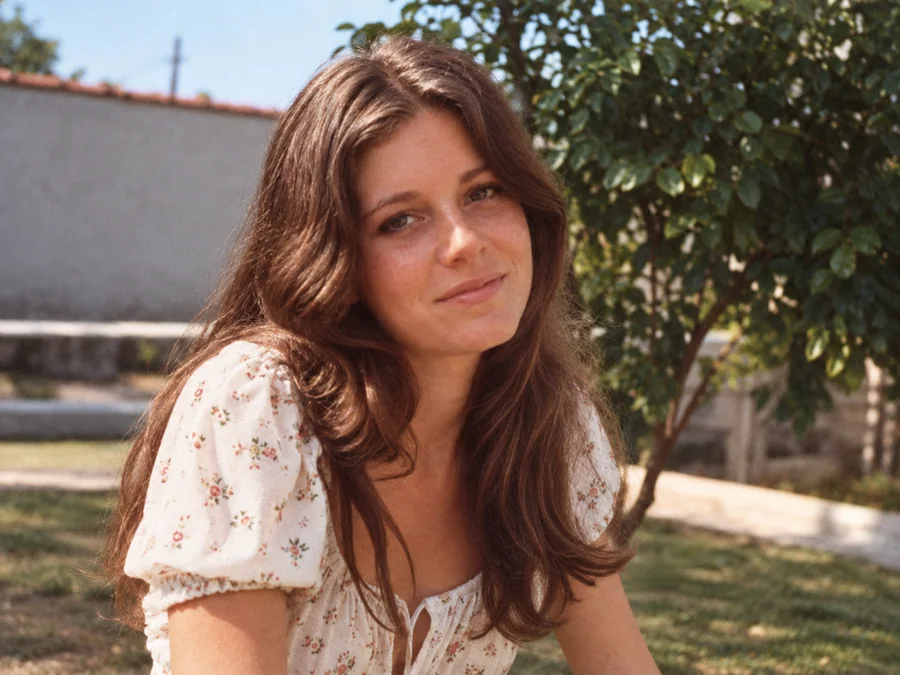 BeforeAfterIllustrative
Remove Scratches & Creases
Try AI restoration on a photo with scratches or creases.
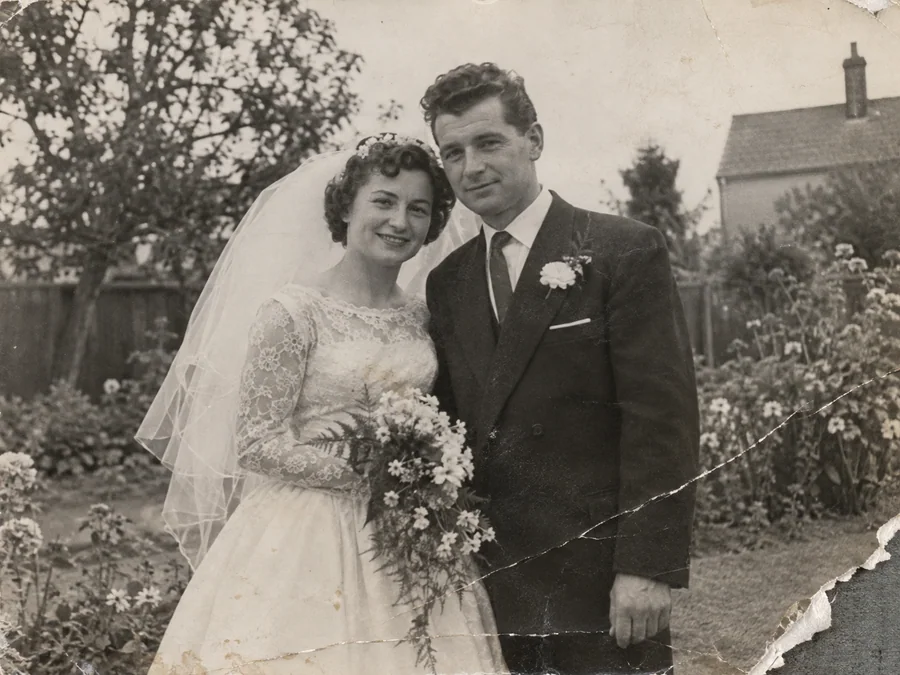
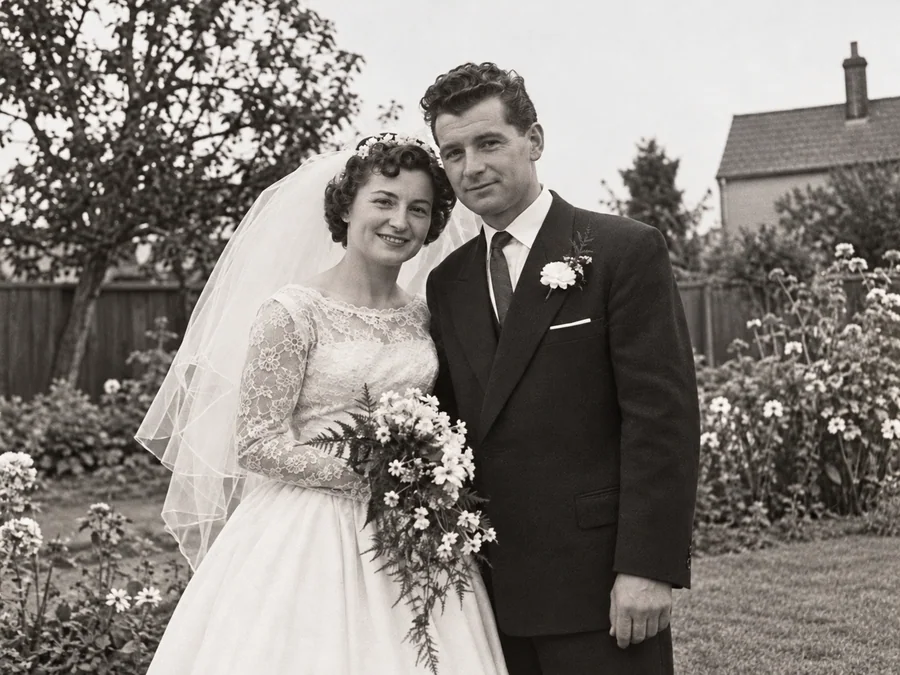 BeforeAfterIllustrative
Repair Damaged Photos
Generate a restored version of a torn, creased, or damaged photo.
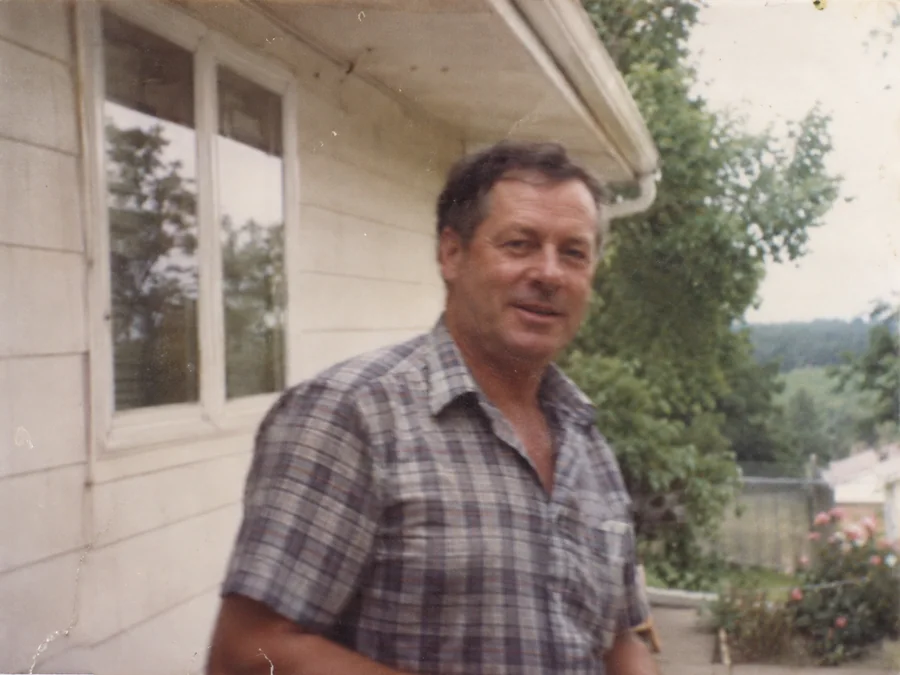
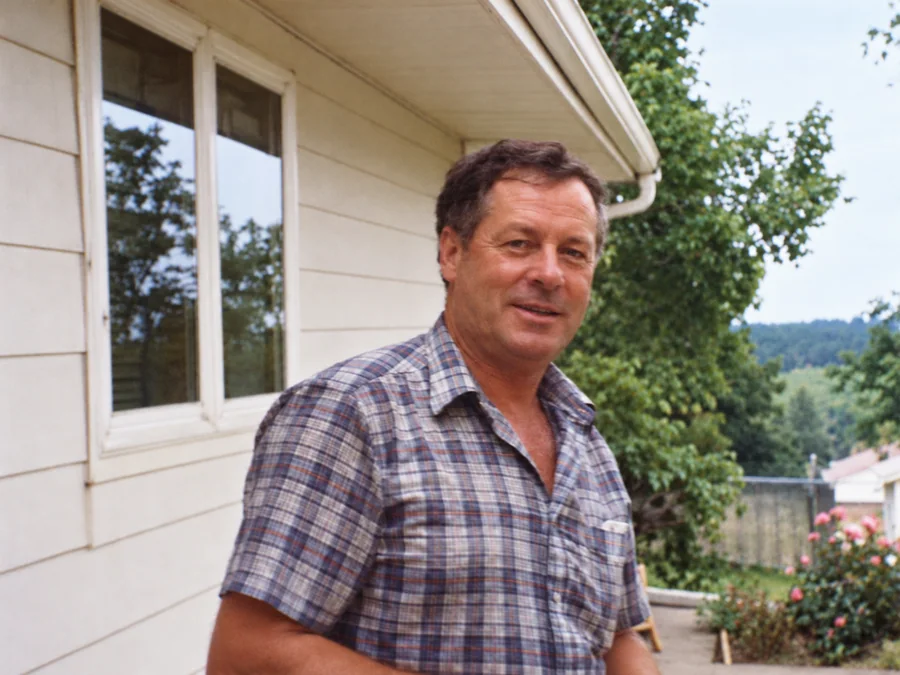 BeforeAfterIllustrative
Fix Blurry Photos
Try AI restoration on a soft or blurry photo. Results vary by image.
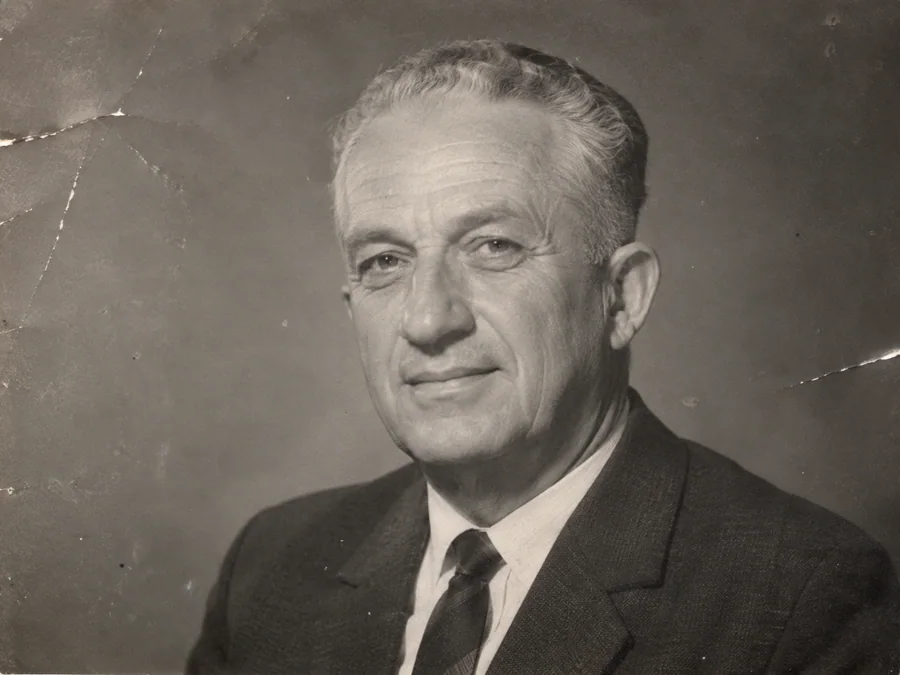
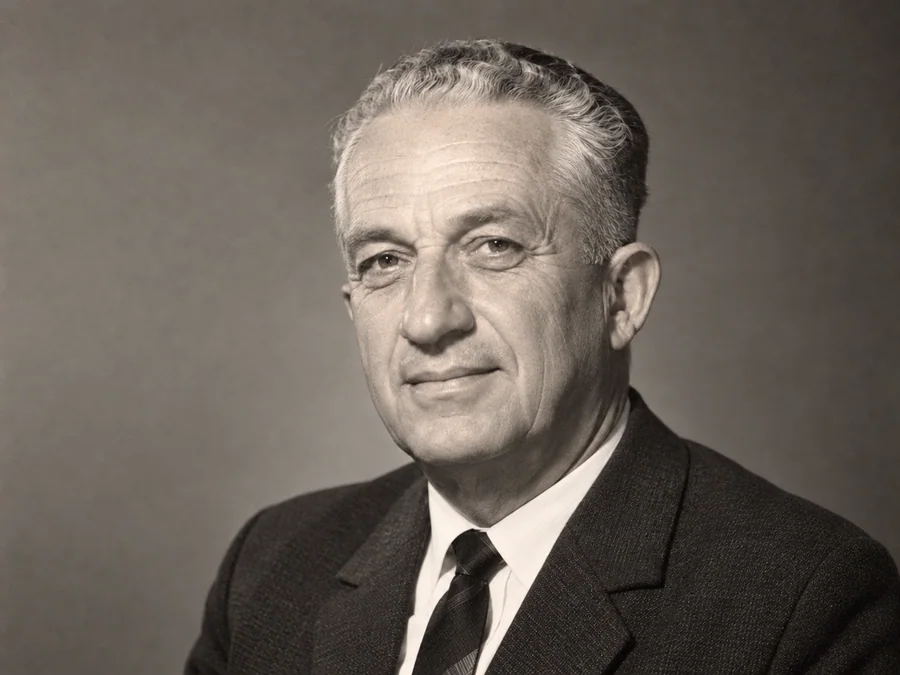 BeforeAfterIllustrative
AI Face Restoration
Try AI restoration on an old portrait and compare the result.
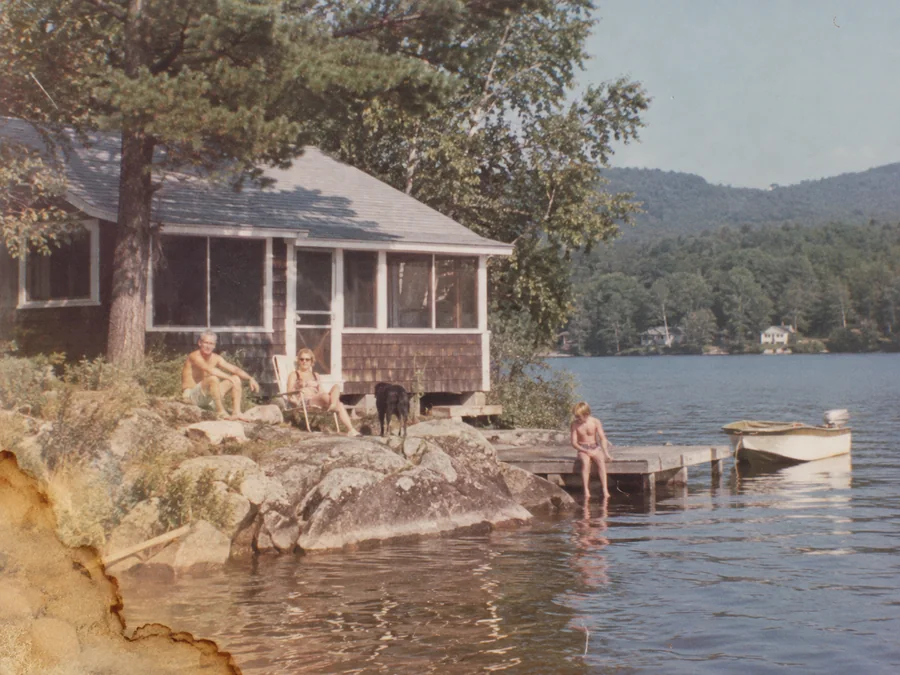
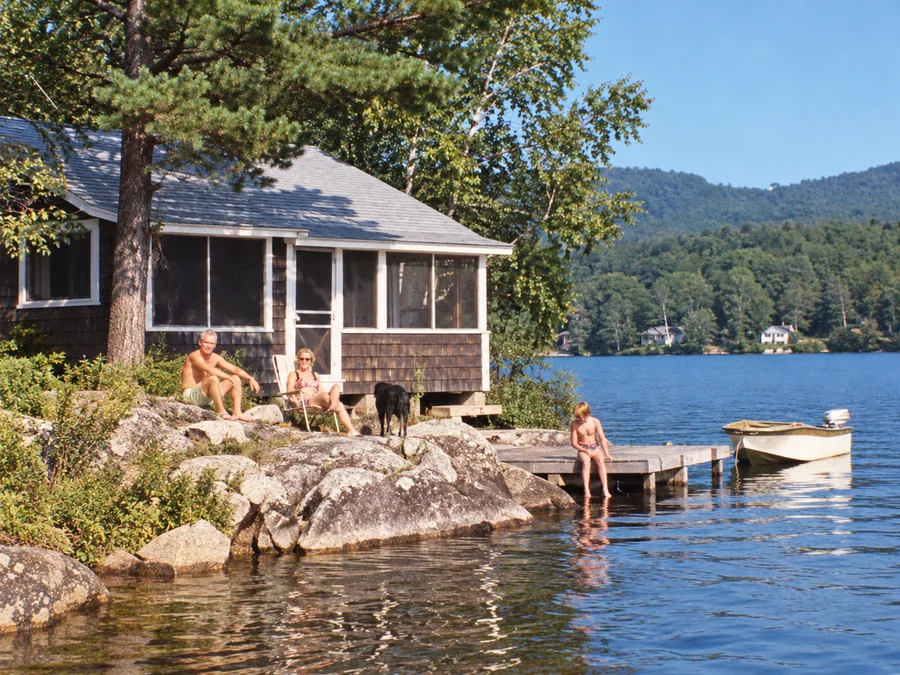 BeforeAfterIllustrative
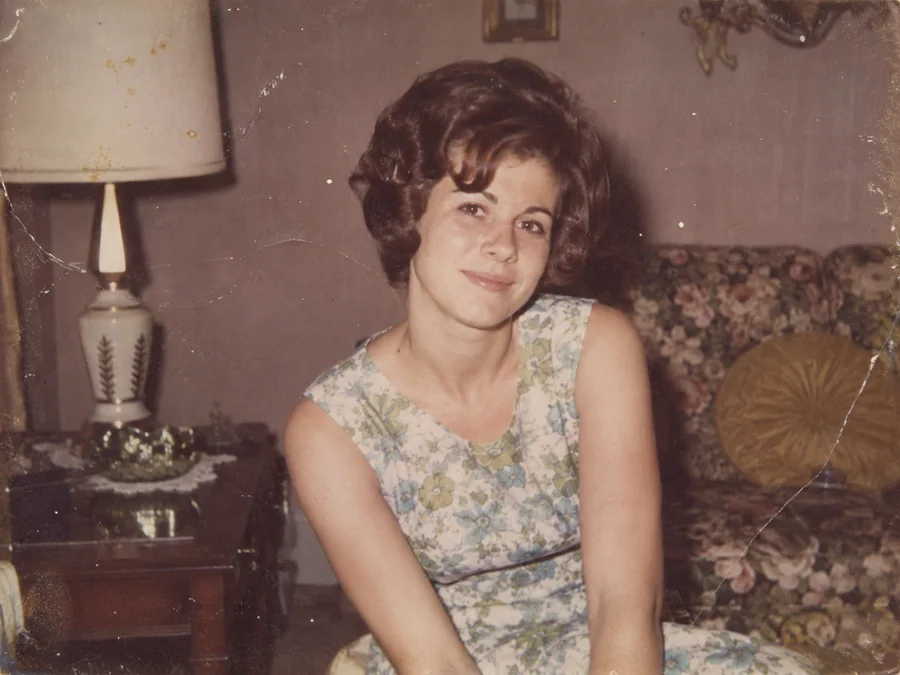
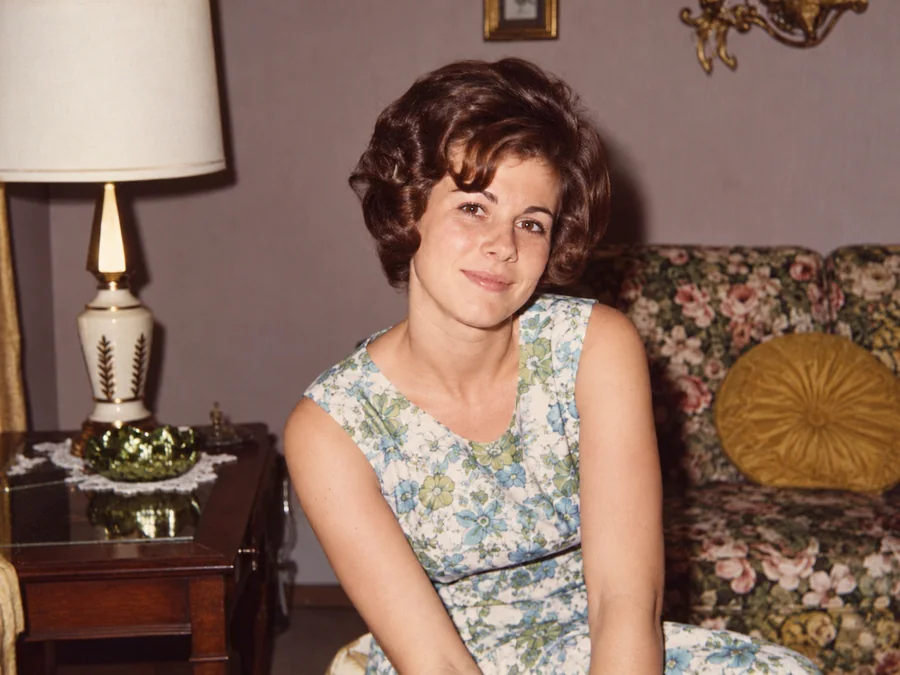
Water Damage Repair
Try AI restoration on photos with water marks or stains.
 BeforeAfterIllustrative
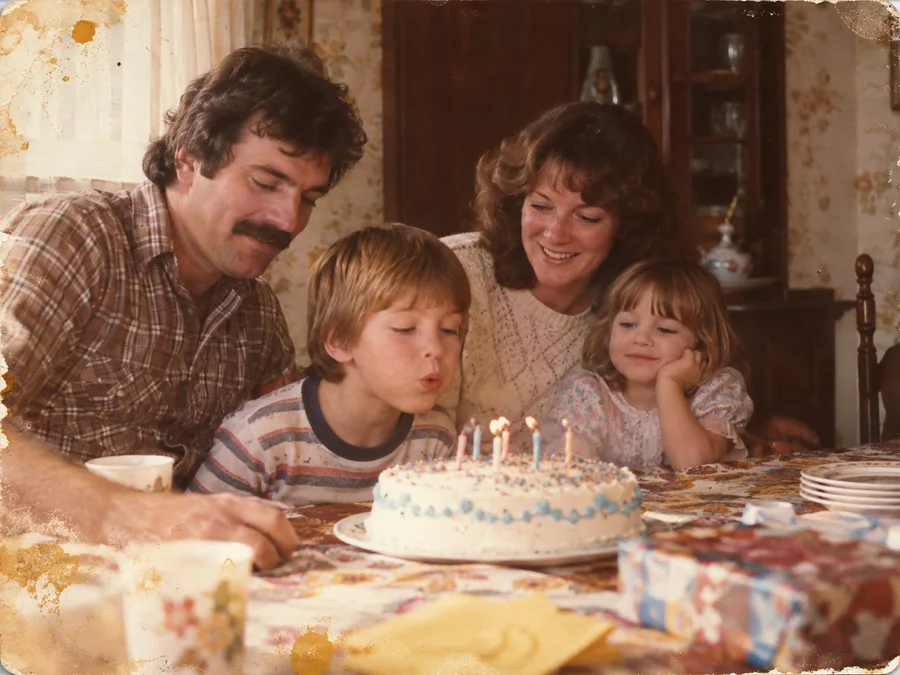
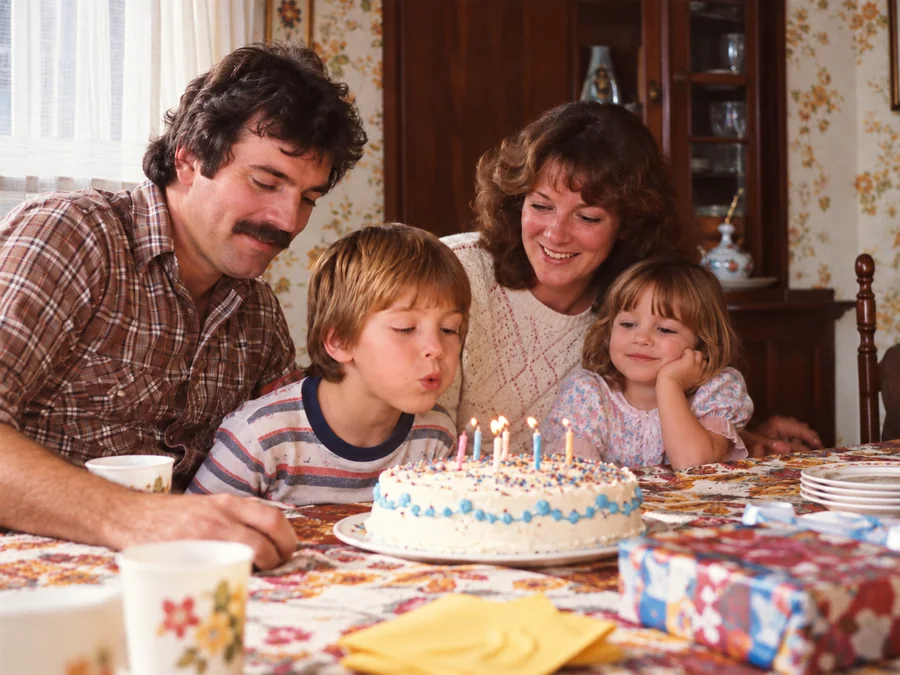
Restore Vintage Photos
Try AI restoration on a vintage or faded photograph.
 BeforeAfterIllustrative
Restore Family Photos
Create a restored version of an old family photo.