Repair a Damaged Photo with AI
Physical damage like fold creases, surface scratches, torn corners, tape marks, and water stains often ruin irreplaceable memories. ImgHeal detects and inpaints damaged sections to restore clean, continuous surfaces.
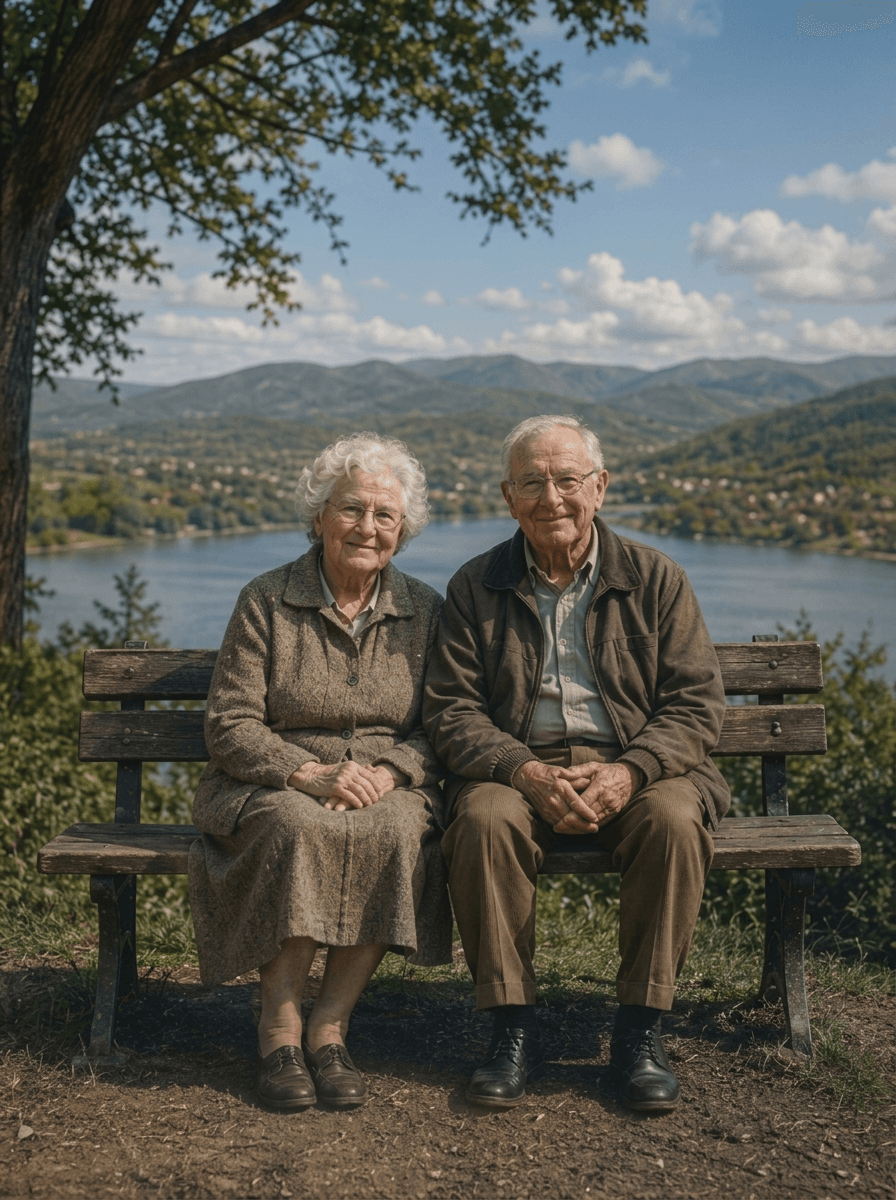
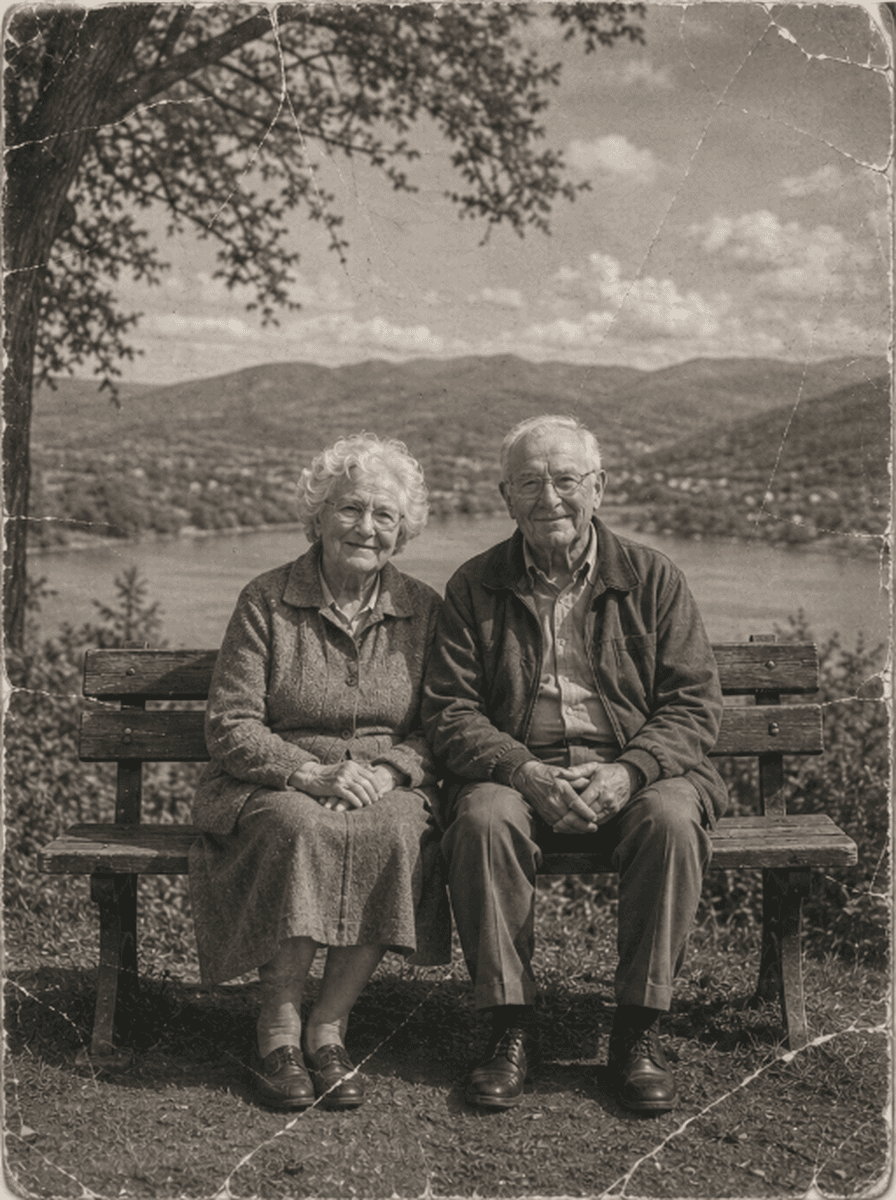
Shared restoration and colorization example. This is the same sample across our guides; it does not demonstrate every type of damage. Results vary by source photo.
How to Repair Damaged Photos
Scan or Photograph the Damaged Print
Place the damaged photograph flat on a scanner bed or take an evenly lit phone photo (JPEG, PNG, WebP up to 10MB).
Neural Damage Detection & Inpainting
ImgHeal processes the uploaded image and generates a restored version. Results and processing time vary.
Compare Before/After & Download
Compare the restored image with the original, then download the result if you are happy with it.
Physical Defects Successfully Treated
Engineered specifically to handle the most catastrophic physical trauma to photographs:
Tears & Fractures
AI restoration may improve the appearance of tears or cracks. Review the generated result for changes.
Missing Corners & Chunks
Compare any changes to missing corners or borders with the original photo before downloading.
Fold Creases
Try the AI workflow on a folded photo and inspect the full result alongside the source.
Tape & Glue Damage
Dissolves yellowed scotch tape residue, photo corner paste marks, and dried album adhesive stains.
Answers on Repairing Damaged Photos
Can AI repair photos that are physically torn into pieces?+
Yes. If a photograph has been torn, tape it carefully from the back (using archival acid-free tape or by laying pieces together on a scanner flatbed), then scan the assembled print. ImgHeal's neural inpainting model bridges the tear lines, repairs fractured emulsion, and blends background textures so the tear seam disappears completely.
How does the software treat missing chunks or ripped corners?+
AI may generate replacement content based on visible surroundings. Missing faces, text, and objects cannot be verified from the damaged photo alone, so retain the original and review reconstructed areas carefully.
Can I repair damaged photos online for free?+
New accounts receive three complimentary restorations. Upload a damaged photo, compare the generated result with the original, and download it if it meets your needs.
Will the repair make my picture look blurry or painted?+
AI-generated results can change parts of an image. Compare the output with the original and keep a separate copy of the source photo.
What scanning resolution is recommended for torn photos?+
ImgHeal accepts JPEG, PNG, and WebP images up to 10 MB. A clear scan or well-lit photo can give the AI more detail to work with.
What to expect when part of a photo is missing
Tears, folded corners, and missing paper leave different amounts of evidence for restoration. ImgHeal can generate a new version from the visible image, but missing areas are reconstructed from context. The result should be treated as an edited interpretation wherever the original scene is no longer visible.
Before you upload
Digitize the photograph as it is and include the full boundary of damaged areas. If you have another intact copy or a scan made before the damage, preserve it: that source contains evidence an AI reconstruction cannot supply. Upload a clear digital copy without adding painted patches first.
What to check in the result
Check boundaries around tears, repeated patterns, faces, and any reconstructed background. Save the source beside the result, especially when you plan to share the photo as part of a family archive. Severe damage covering the main subject may produce an attractive image that is still inaccurate.
Photo Restoration Tools
Explore Dedicated Restoration Services
Choose a photo restoration workflow based on the image you want to improve.
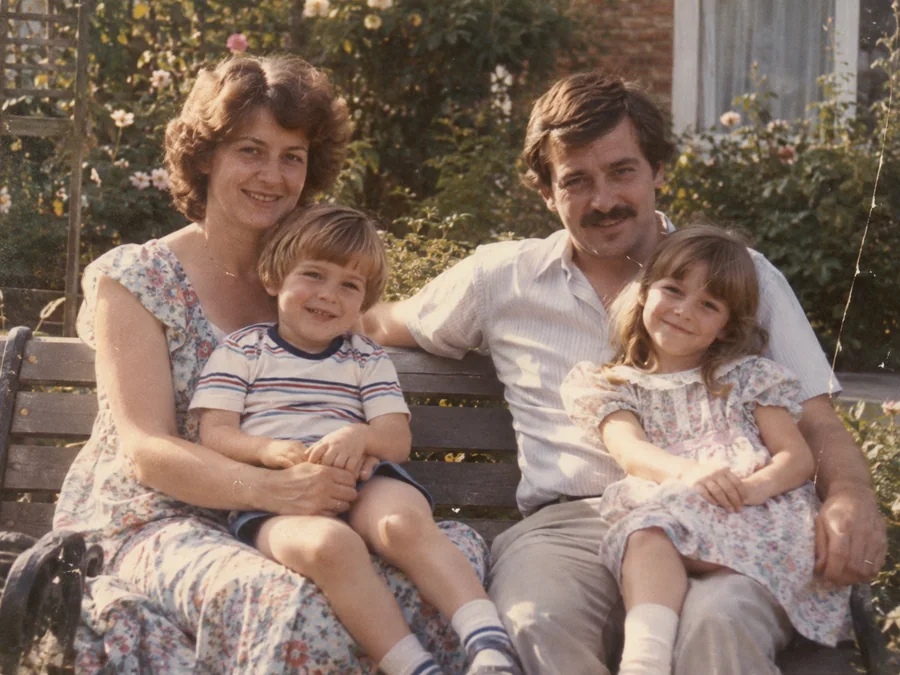
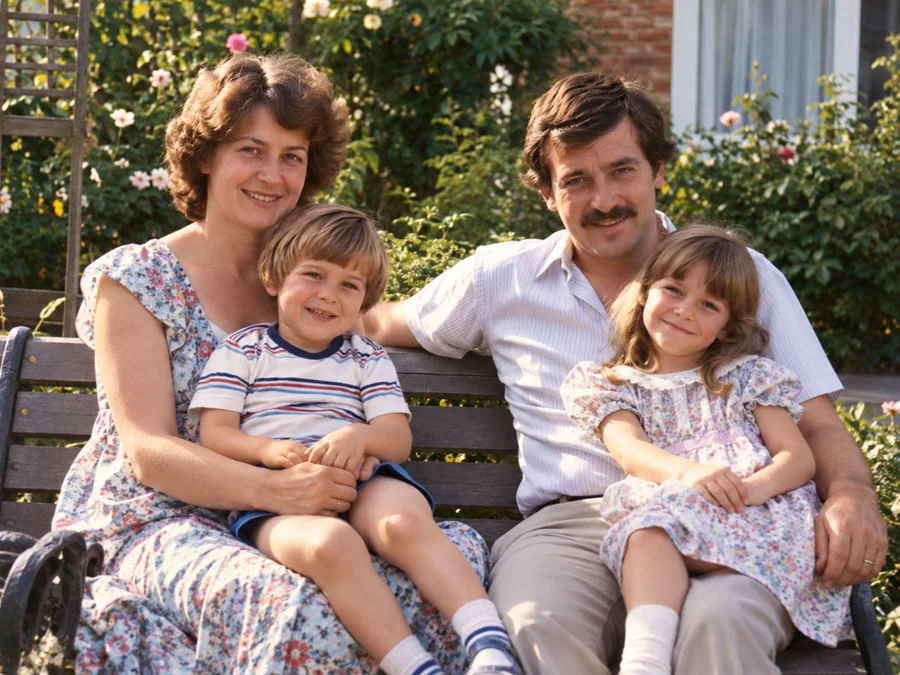 BeforeAfterIllustrative
AI Photo Restoration
Use AI to create a restored version of an old or damaged photograph.
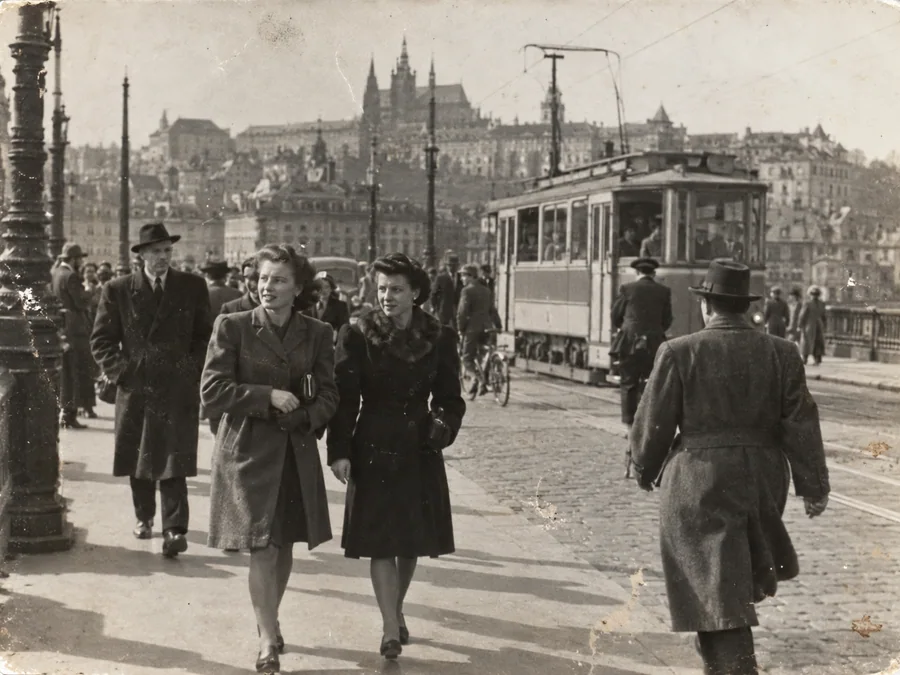
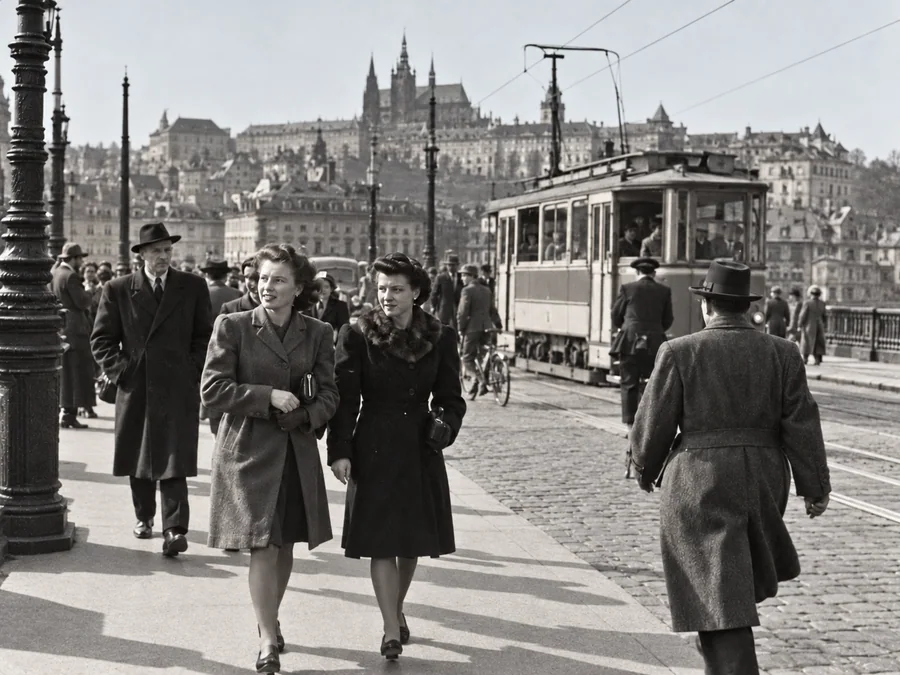 BeforeAfterIllustrative
Restore Old Photos
Try AI restoration on a faded, scratched, or damaged old photograph.
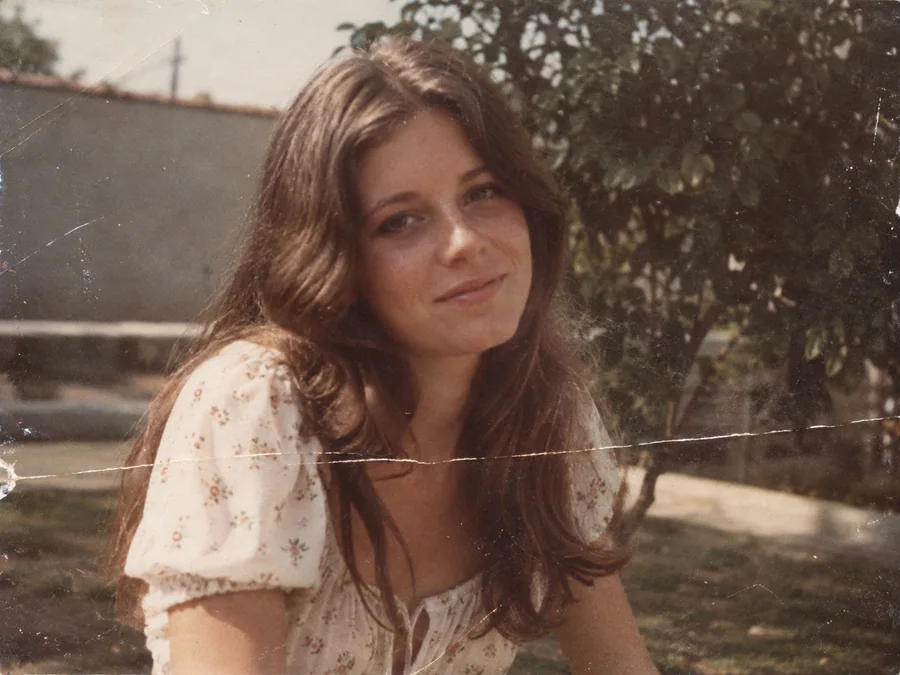
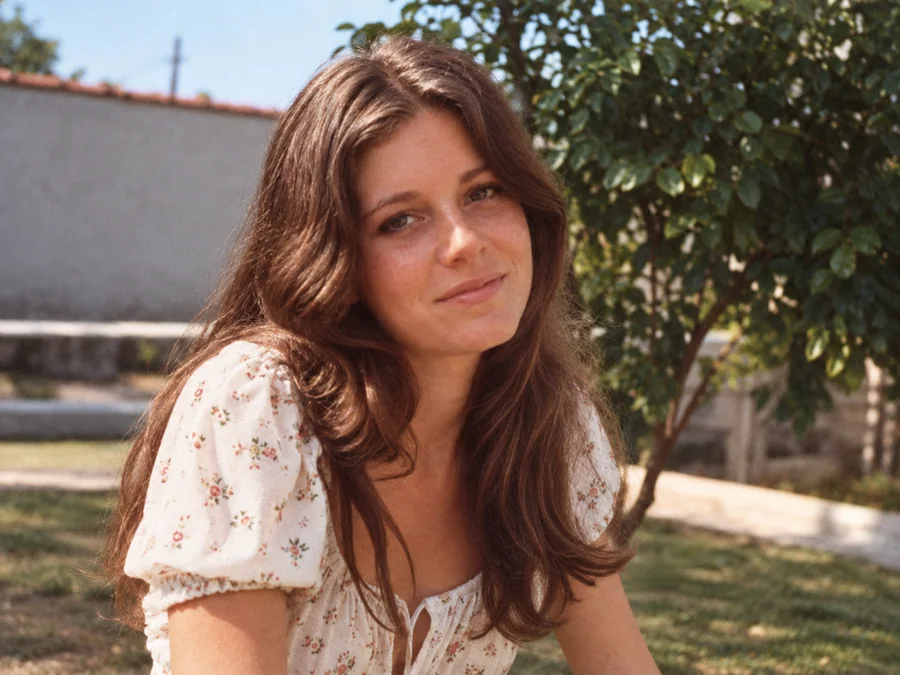 BeforeAfterIllustrative
Remove Scratches & Creases
Try AI restoration on a photo with scratches or creases.
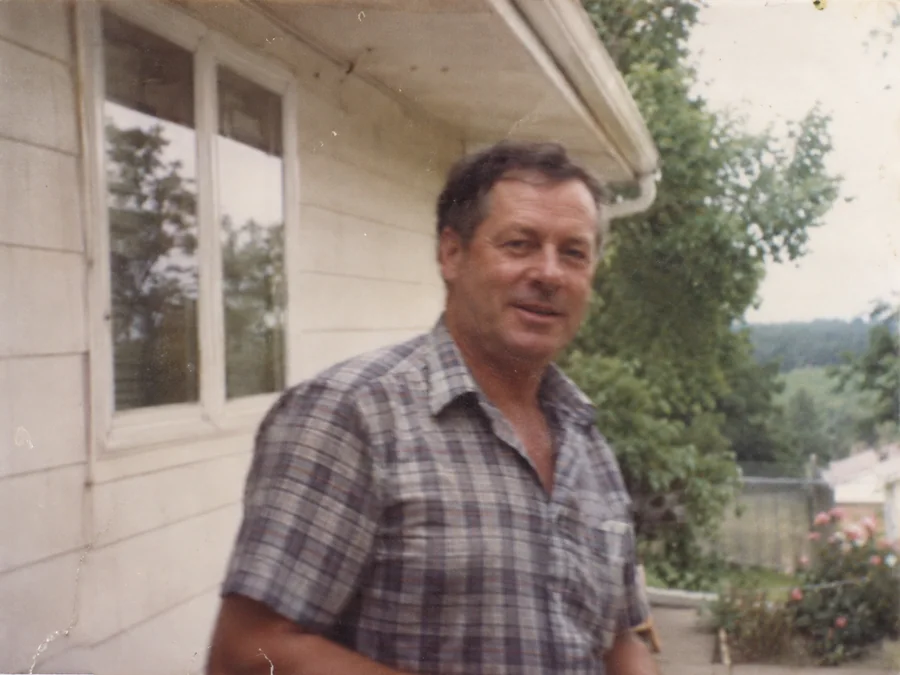
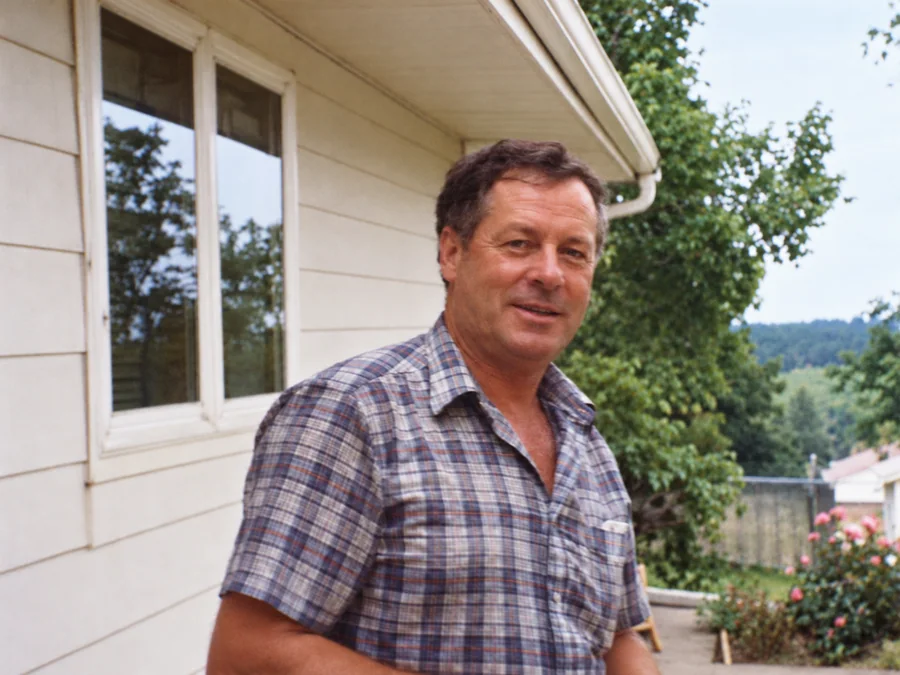 BeforeAfterIllustrative
Fix Blurry Photos
Try AI restoration on a soft or blurry photo. Results vary by image.
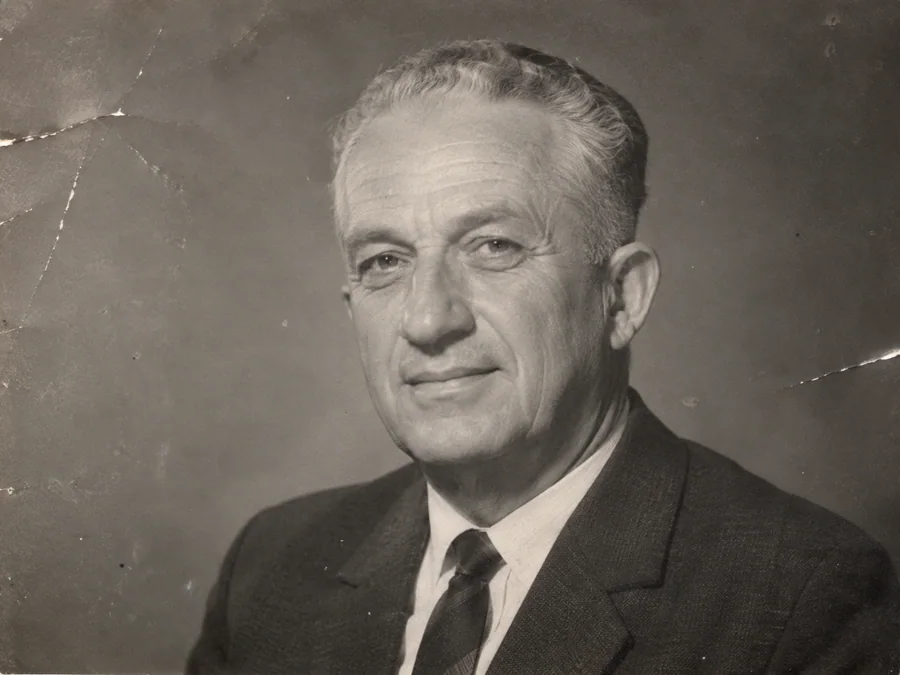
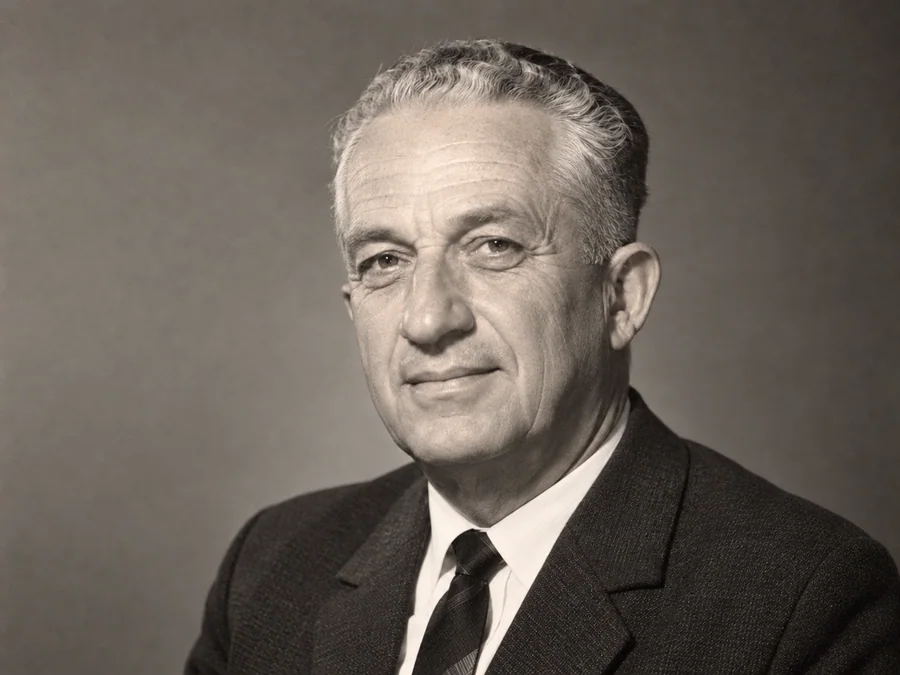 BeforeAfterIllustrative
AI Face Restoration
Try AI restoration on an old portrait and compare the result.
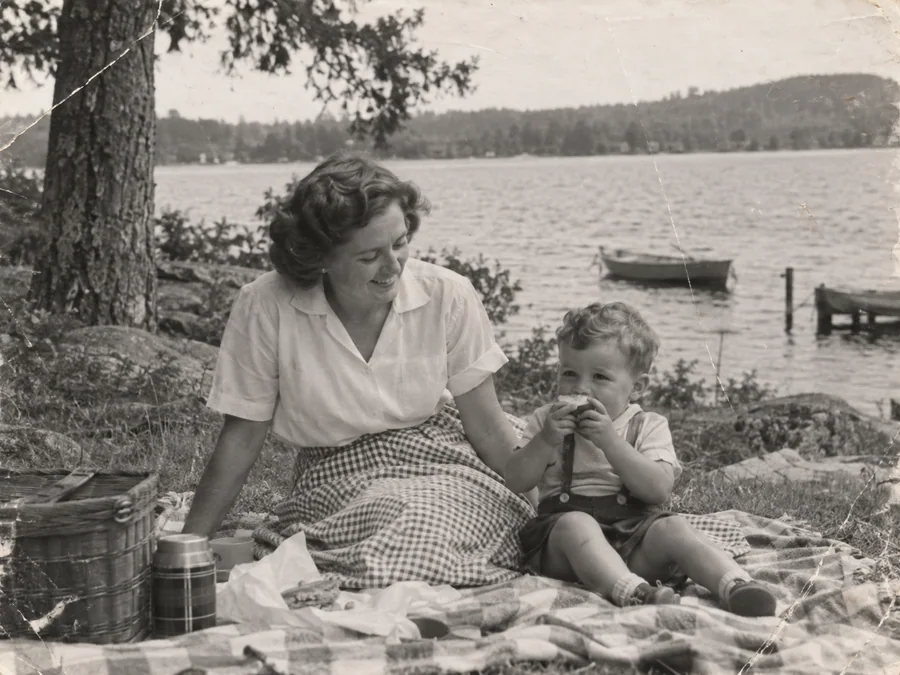
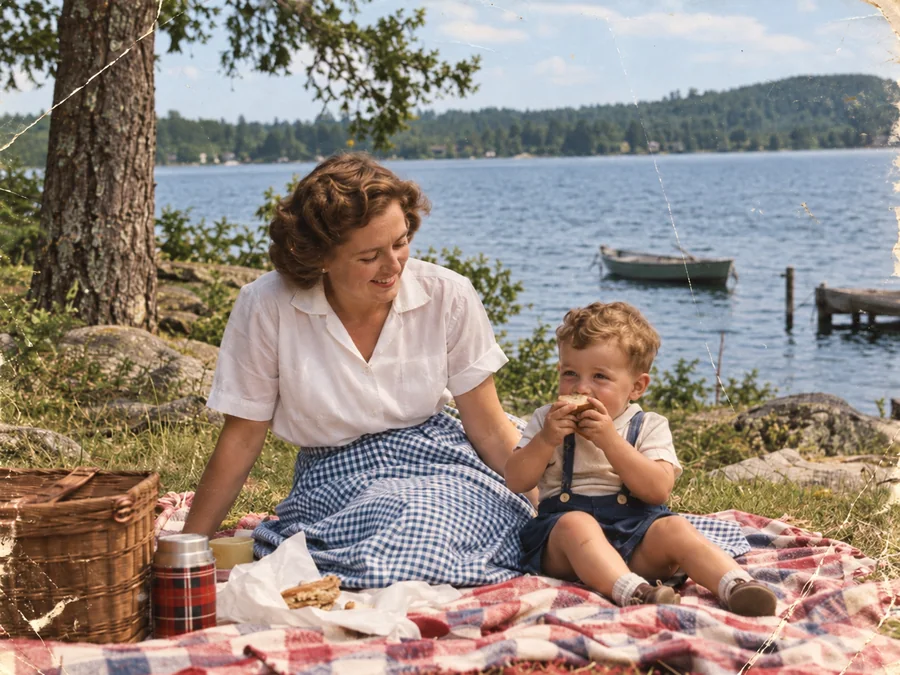 BeforeAfterIllustrative
Colorize B&W Photos
Generate AI color for a black-and-white or sepia photo.
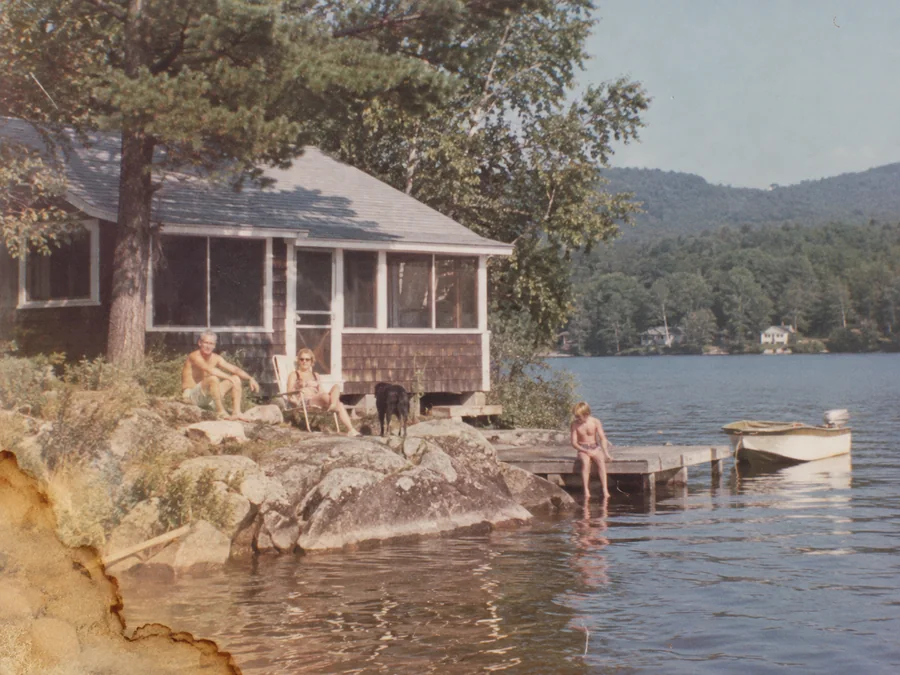
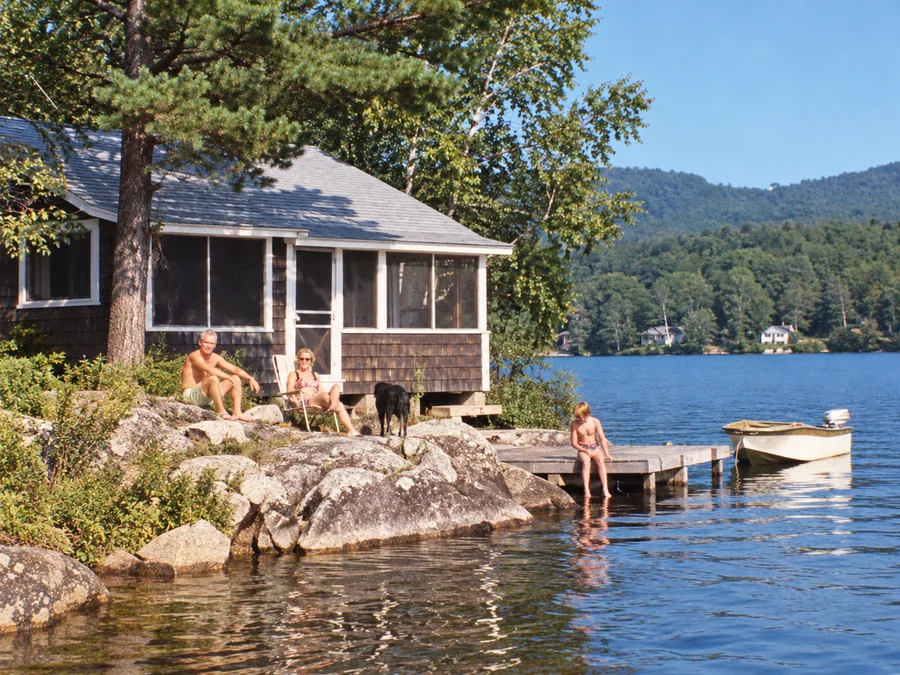 BeforeAfterIllustrative
Water Damage Repair
Try AI restoration on photos with water marks or stains.
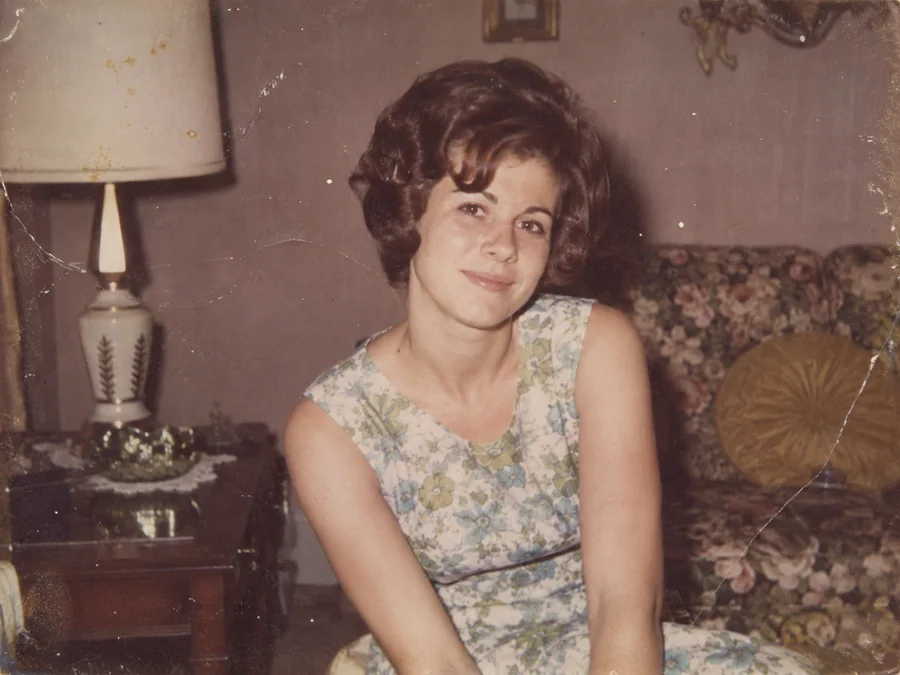
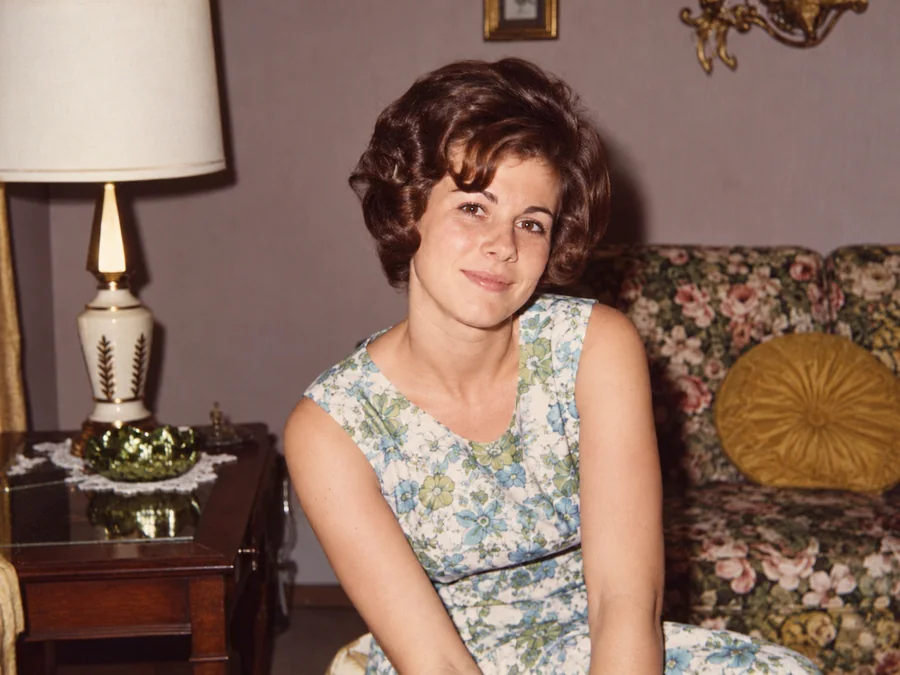 BeforeAfterIllustrative
Restore Vintage Photos
Try AI restoration on a vintage or faded photograph.
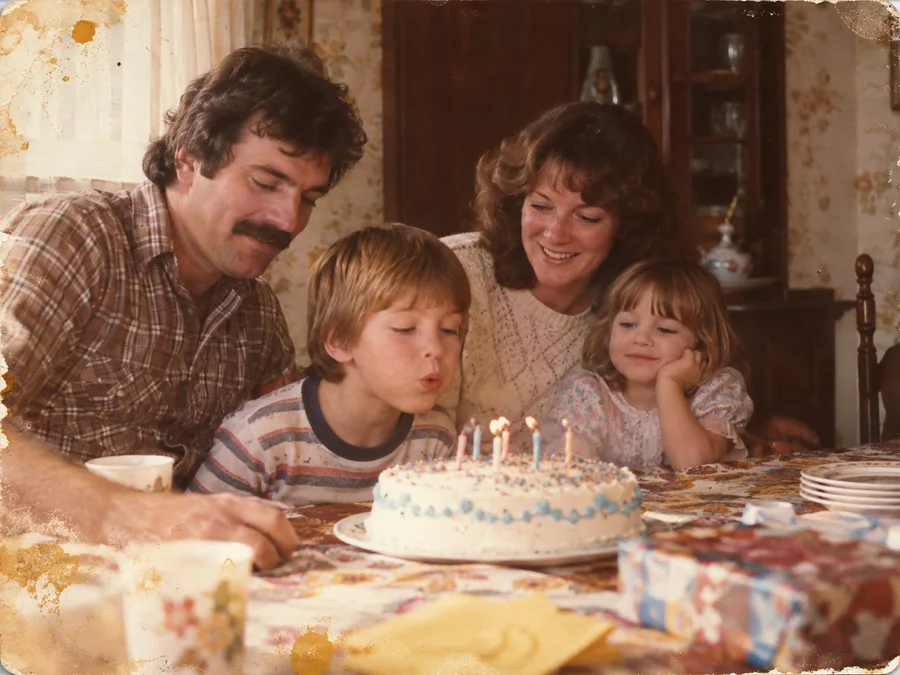
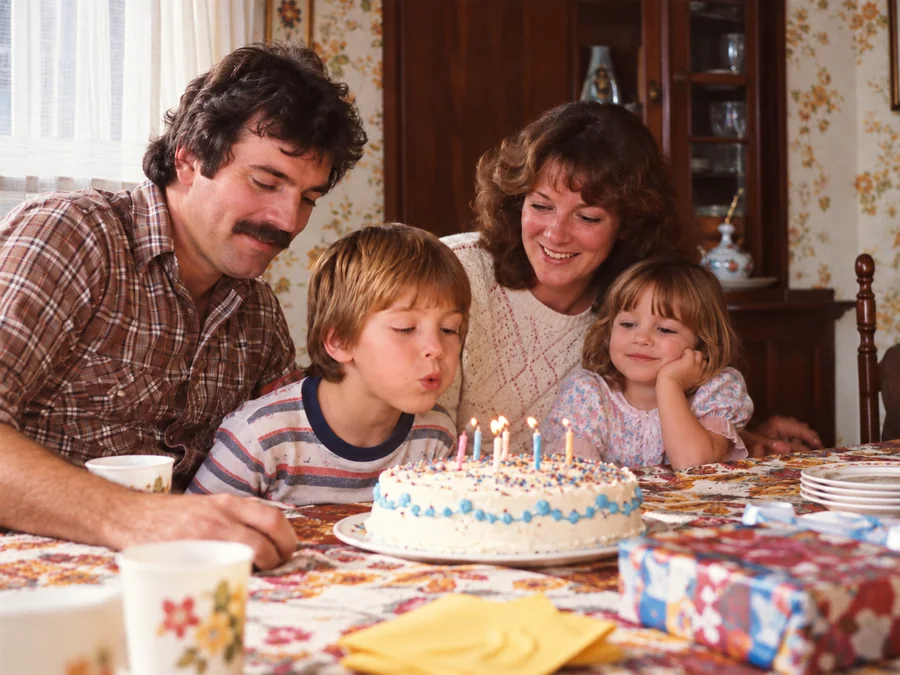 BeforeAfterIllustrative
Restore Family Photos
Create a restored version of an old family photo.