Restore a Vintage Photo with AI
Use AI to create a restored version of a vintage photo. Because the output is generated, review it carefully for changes to people and other important details.
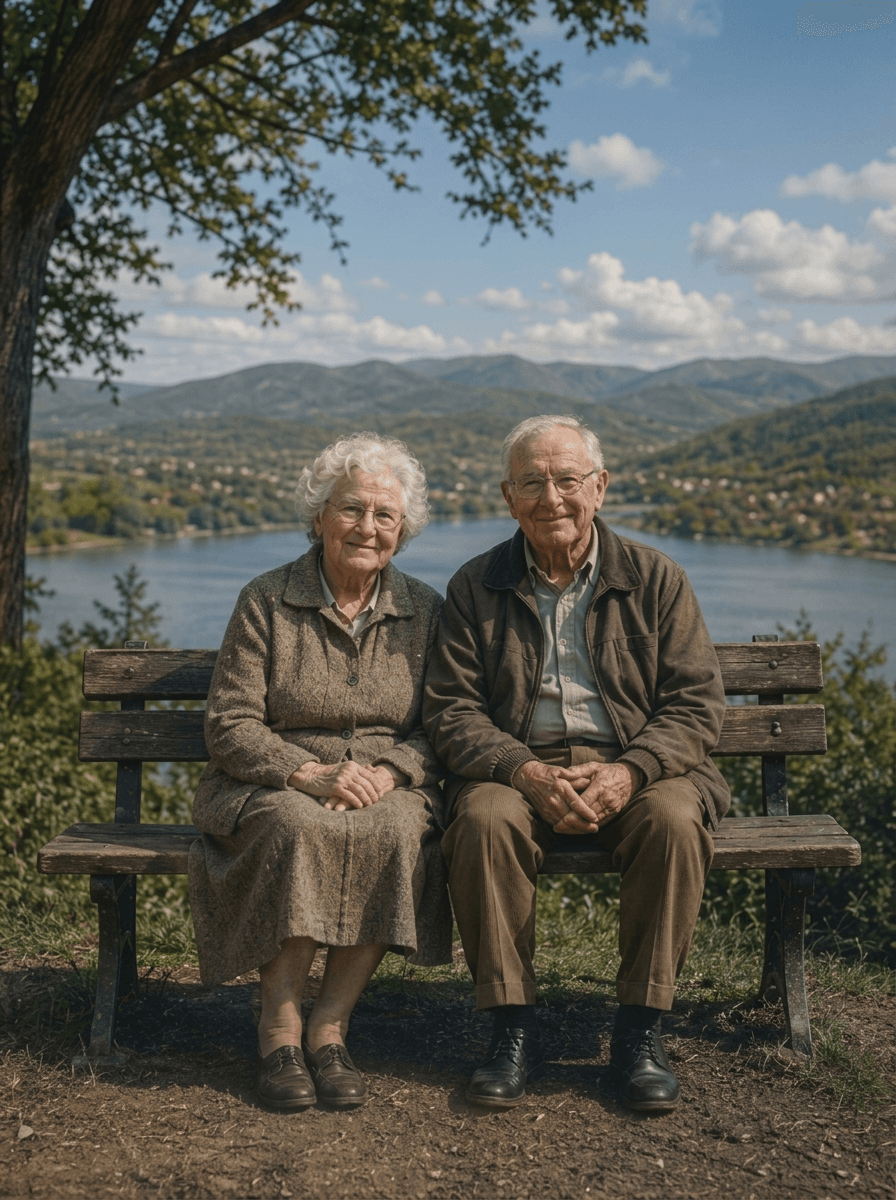
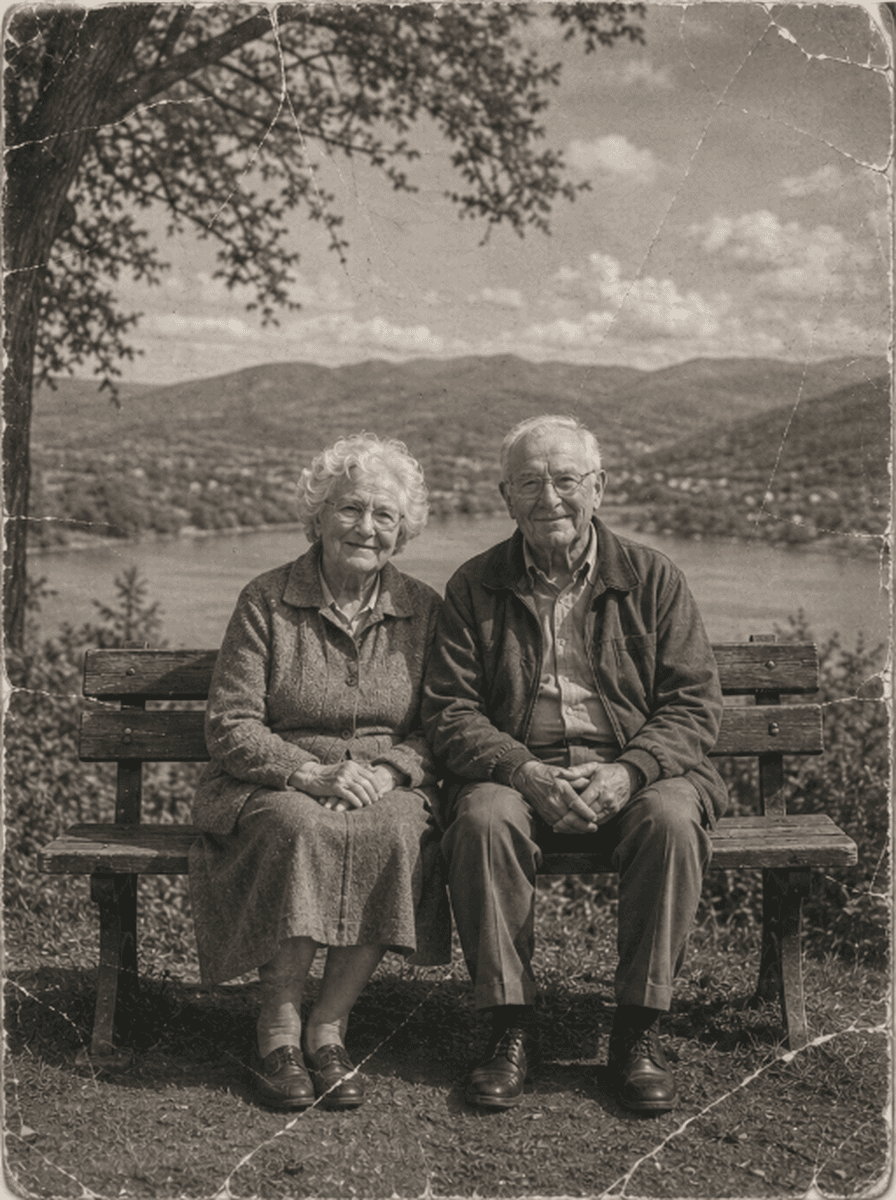
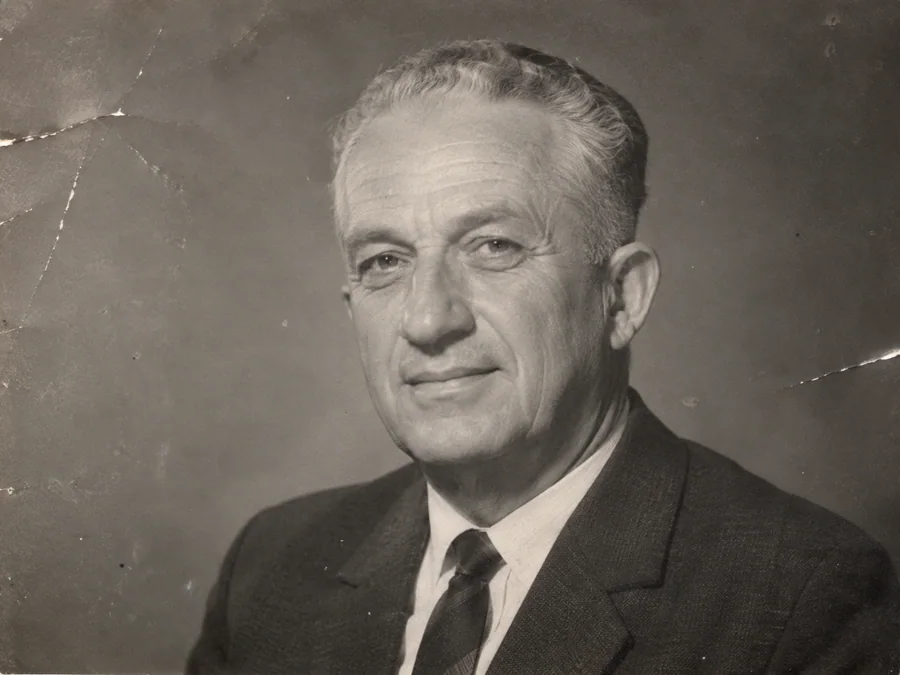
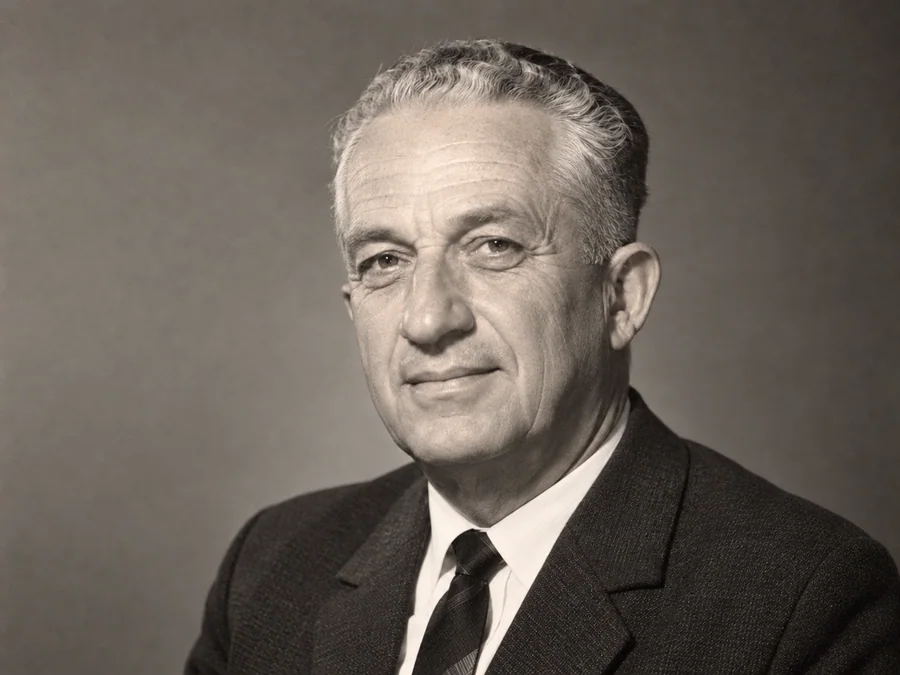
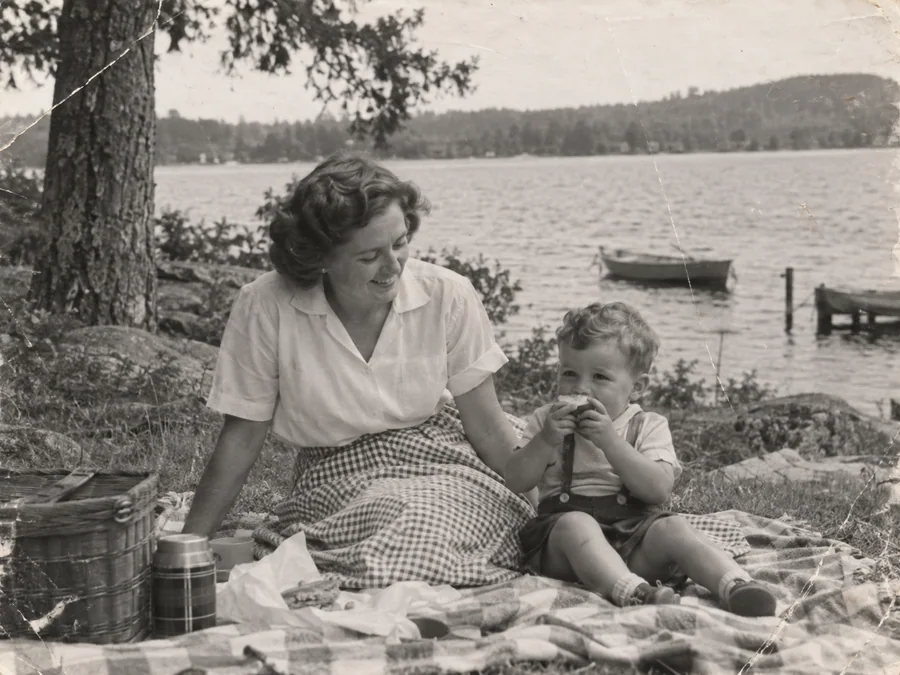
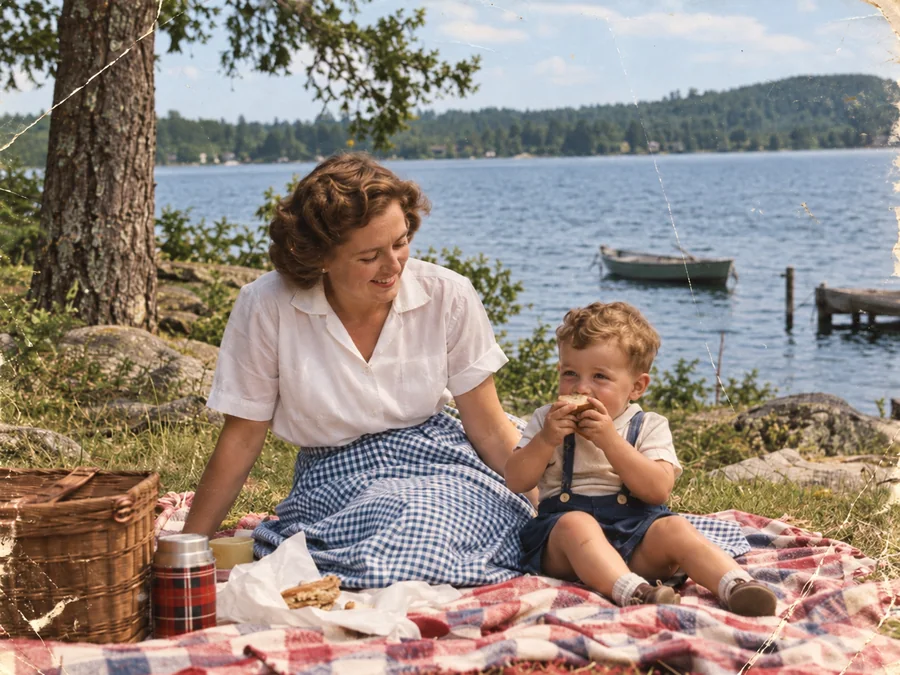
Shared restoration and colorization example. This is the same sample across our guides; it does not demonstrate every type of damage. Results vary by source photo.
How to Restore Antique Photos in 3 Steps
Upload Vintage Print Scan
Upload your antique scan (JPEG, PNG, WebP up to 10MB) to our secure archival dropzone.
Archival Emulsion & Contrast Balancing
ImgHeal processes the photo with AI to generate a restored image. Results and processing time vary.
Inspect Comparison & Download Master
Compare the generated image with the original using the slider, then download the result.
Every Historic Photographic Medium Preserved
Engineered with deep knowledge of 19th and early 20th-century photo chemistry:
Albumen & Salt Prints
Rebalances 1850s–1890s egg-white binder prints prone to severe yellowing and highlights fading.
Cabinet Cards & CDVs
Repairs card stock corner bumping, gold-embossed border bleeding, and surface foxing spots.
Tintypes & Ferrotypes
Removes iron rust stains, dark lacquer crazing, and metallic silver oxidation while preserving hand-tinted blush.
Silver Gelatin Prints
Restores deep dynamic range to 20th-century black-and-white prints suffering from silver mirroring and fading.
Answers on Vintage Photo Conservation
Can AI restore Victorian, tintype, and cabinet card photographs?+
ImgHeal uses AI to generate a restored version of an uploaded photo. It does not identify a print process or guarantee historically accurate detail, so compare the result with the original.
How does ImgHeal treat sepia toning and historical yellowing?+
AI restoration may change the tones of a sepia photograph. Keep the unedited scan and compare its tonal character with the generated image. Choose colorization if you want an interpreted color version.
Can I restore vintage photos online for free?+
New accounts receive three complimentary restorations. Upload a vintage photo, review the generated result, and download it if it meets your needs.
Does the restoration remove authentic historical character?+
Restoration can change texture, facial features, and other details. Preserve the original scan and check the generated image carefully when historical character matters.
What scanning resolution is ideal for antique prints?+
For small Victorian cartes-de-visite (CDVs) or cabinet cards, scan at 800 to 1200 DPI in 24-bit color. For standard 8x10 prints, 600 DPI is optimal.
Keep the character of a vintage photograph
Sepia tones, grain, and soft focus may be part of a vintage print's appearance rather than damage. Decide whether you want a clearer viewing copy, a color interpretation, or a record close to the original. AI restoration can change texture and small details as well as visible wear.
Before you upload
Capture the entire photograph and save any writing on the reverse separately. Preserve the original scan's tones before trying restoration. Keep dates, studio marks, and family notes with the source file; they can provide context that an edited image cannot establish.
What to check in the result
Compare clothing, decorative objects, facial expressions, and the texture of the image. Do not assume a generated detail identifies the date, location, or person in the photograph. If you choose colorization, retain the sepia or monochrome version and label the added colors as an interpretation.
Photo Restoration Tools
Explore Dedicated Restoration Services
Choose a photo restoration workflow based on the image you want to improve.
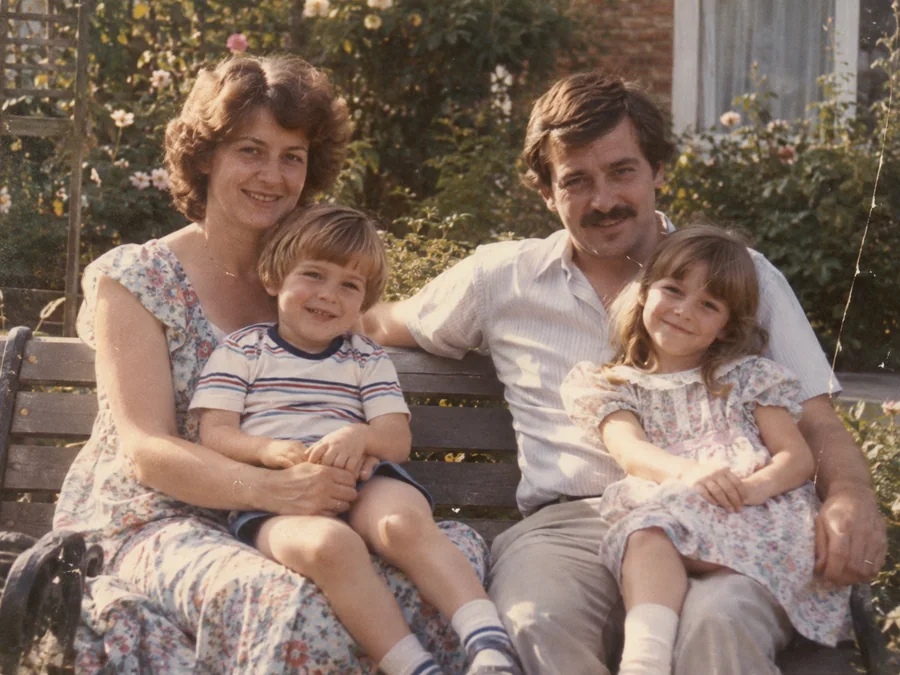
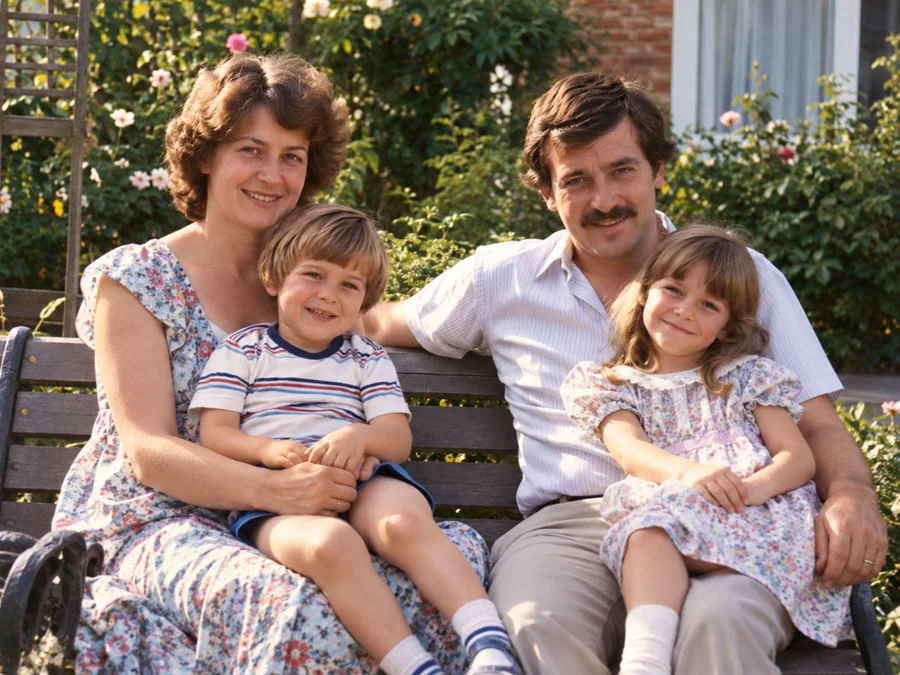 BeforeAfterIllustrative
AI Photo Restoration
Use AI to create a restored version of an old or damaged photograph.
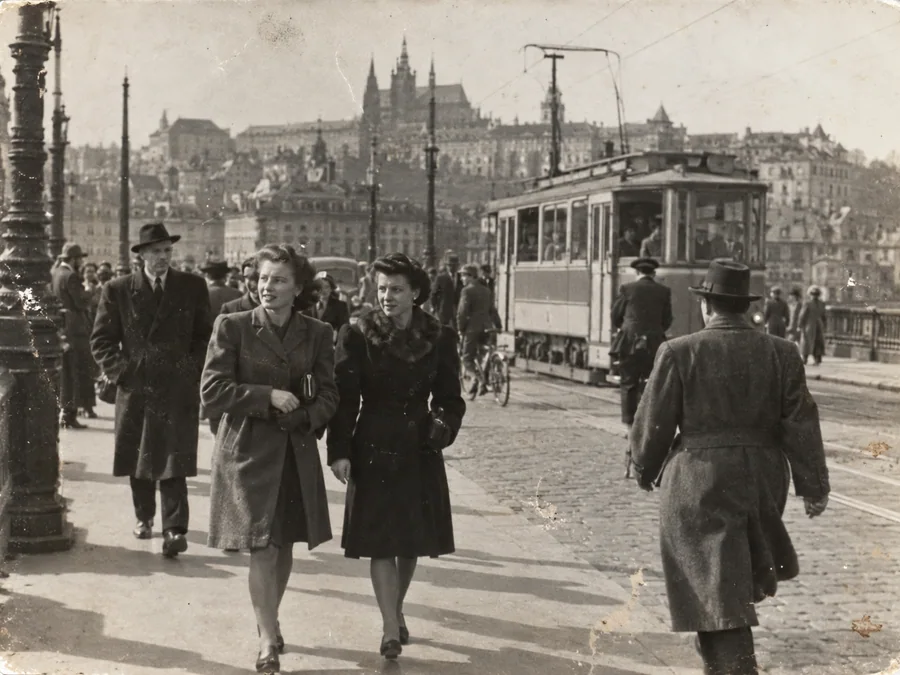
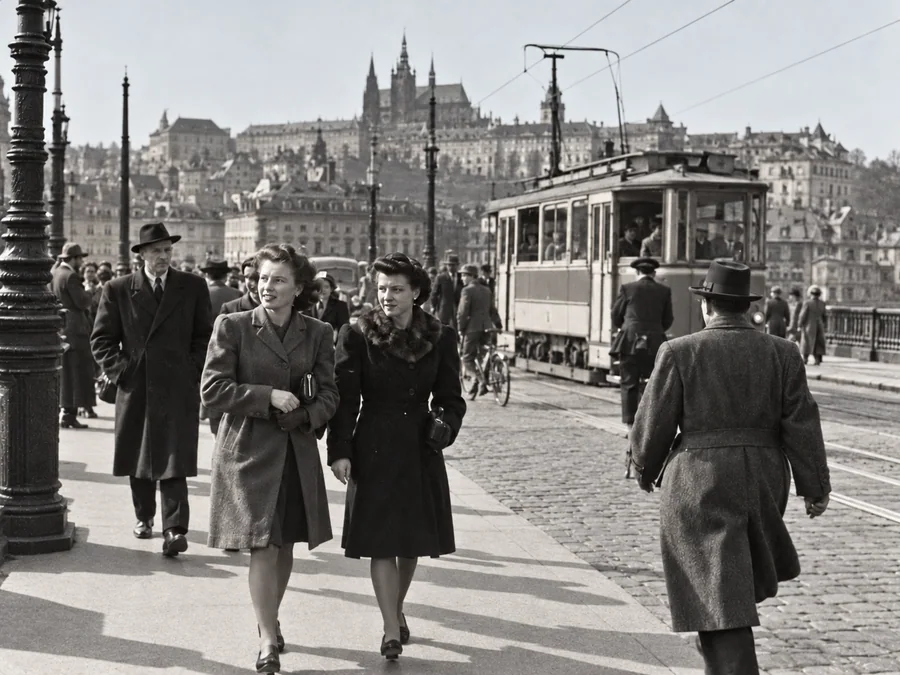 BeforeAfterIllustrative
Restore Old Photos
Try AI restoration on a faded, scratched, or damaged old photograph.
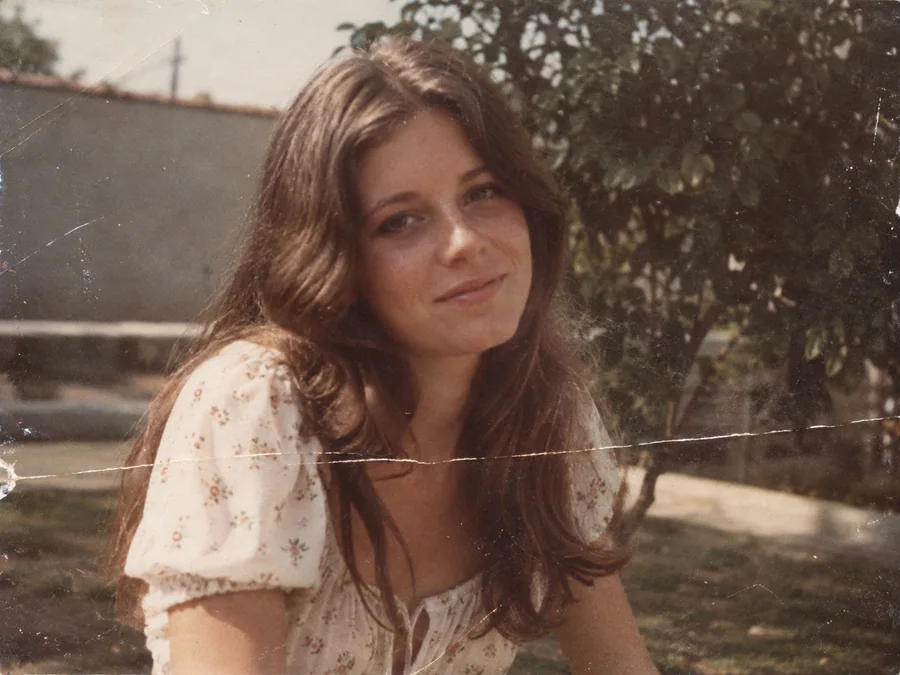
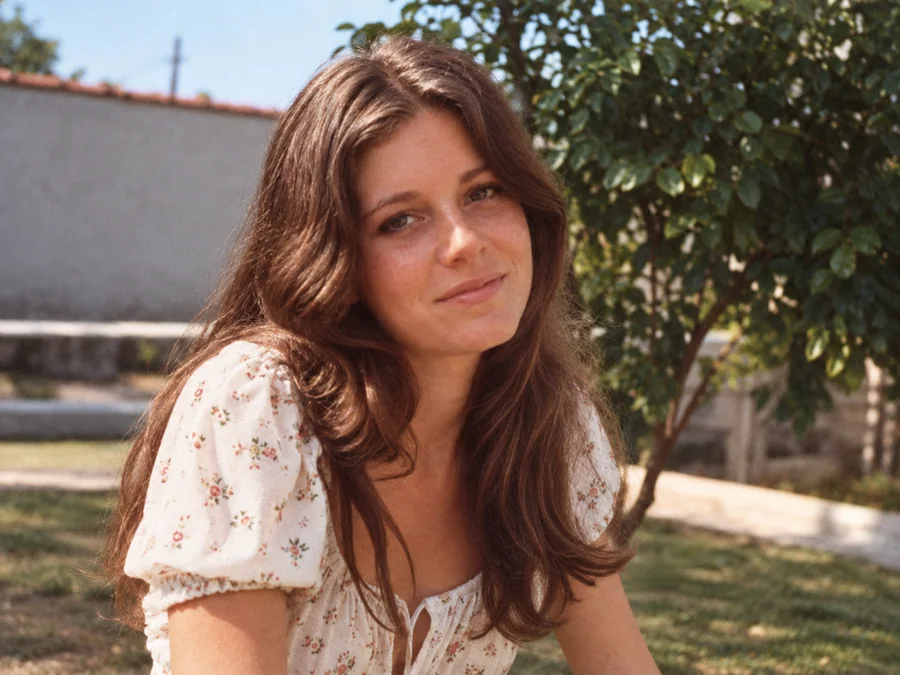 BeforeAfterIllustrative
Remove Scratches & Creases
Try AI restoration on a photo with scratches or creases.
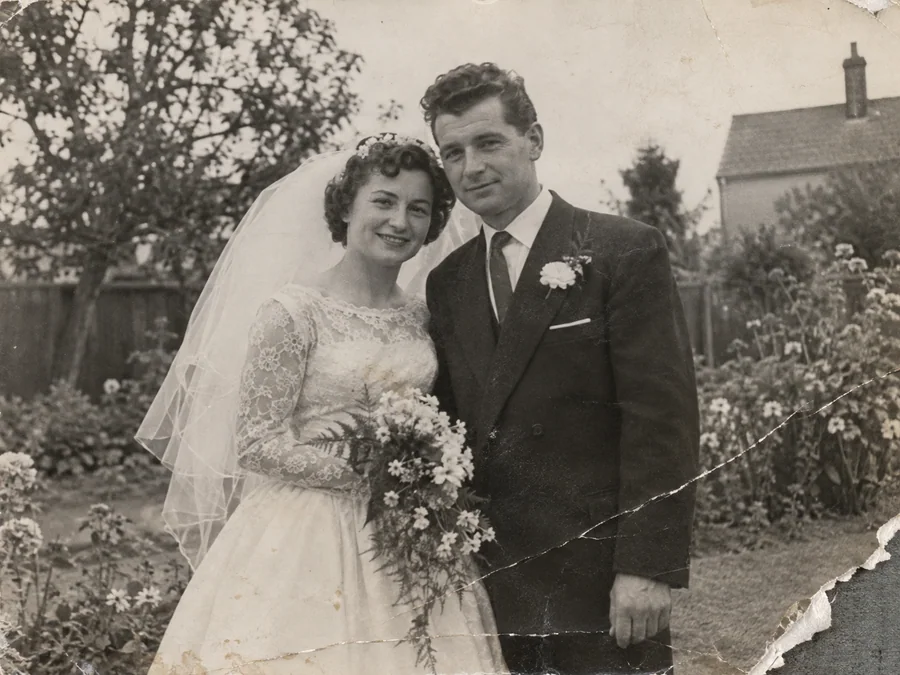
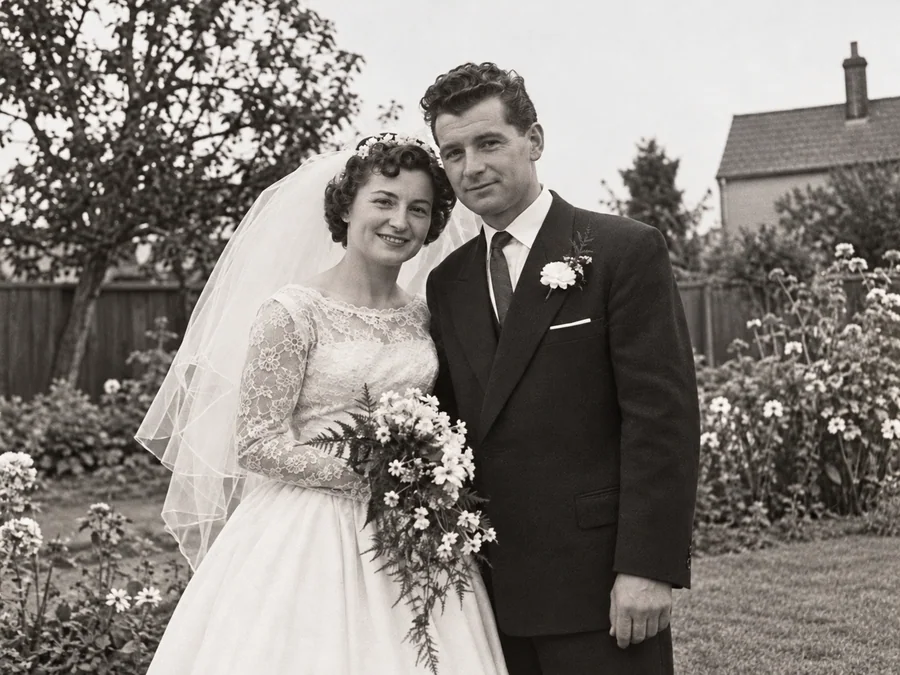 BeforeAfterIllustrative
Repair Damaged Photos
Generate a restored version of a torn, creased, or damaged photo.
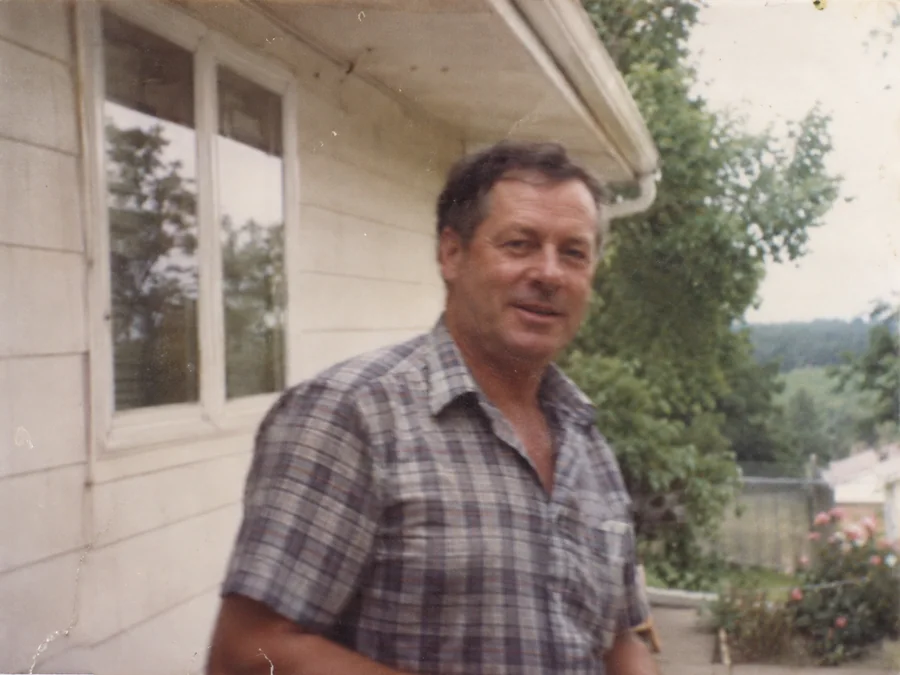
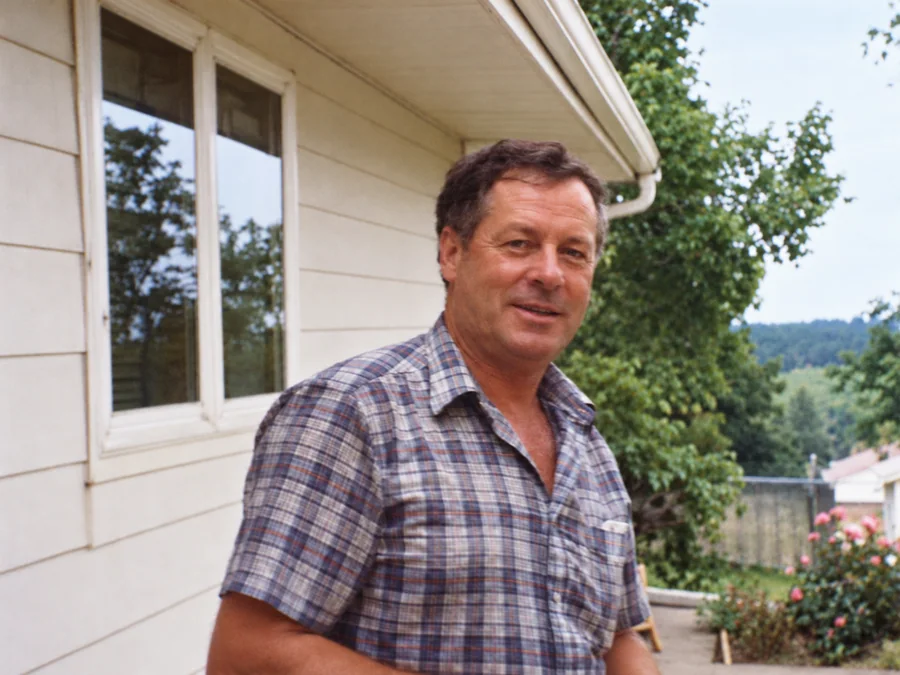 BeforeAfterIllustrative
Fix Blurry Photos
Try AI restoration on a soft or blurry photo. Results vary by image.
 BeforeAfterIllustrative
AI Face Restoration
Try AI restoration on an old portrait and compare the result.
 BeforeAfterIllustrative
Colorize B&W Photos
Generate AI color for a black-and-white or sepia photo.
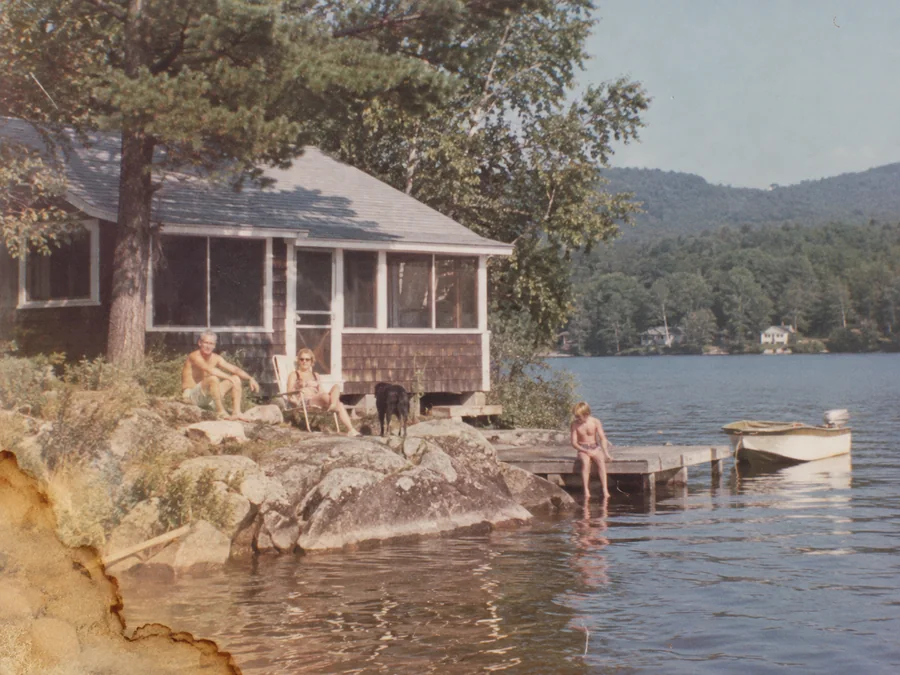
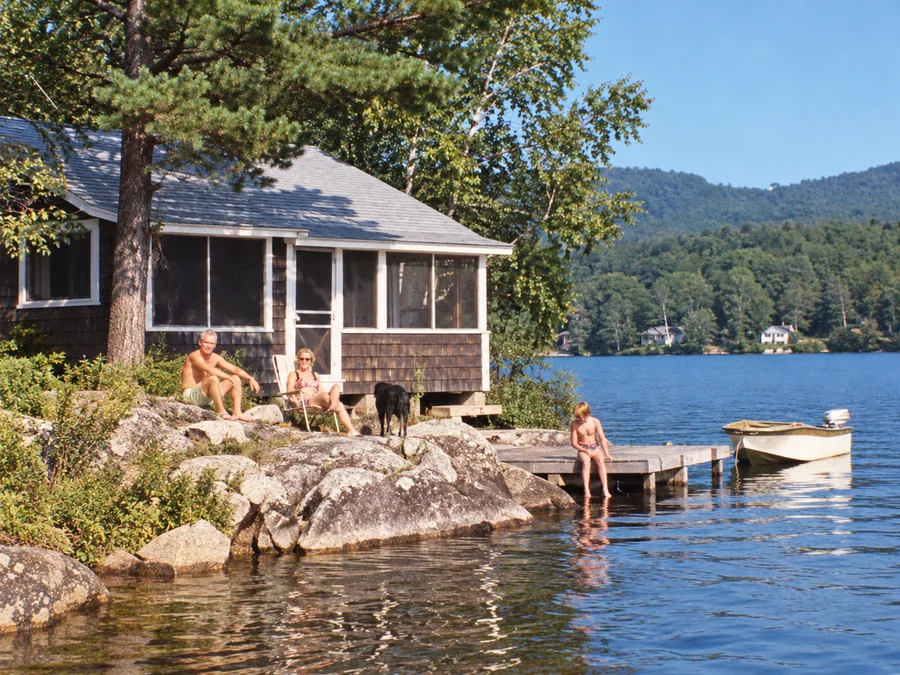 BeforeAfterIllustrative
Water Damage Repair
Try AI restoration on photos with water marks or stains.
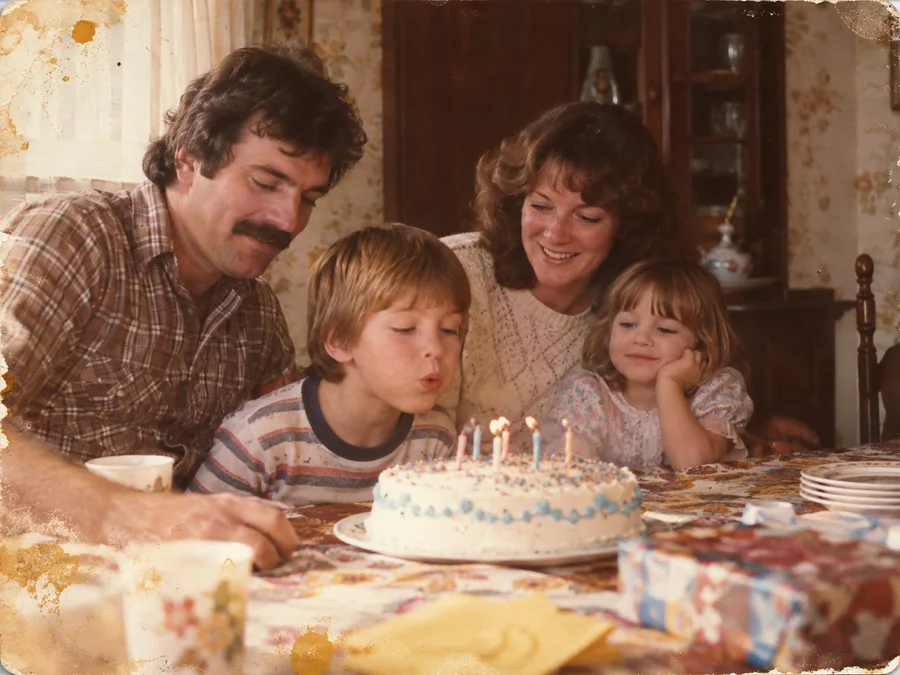
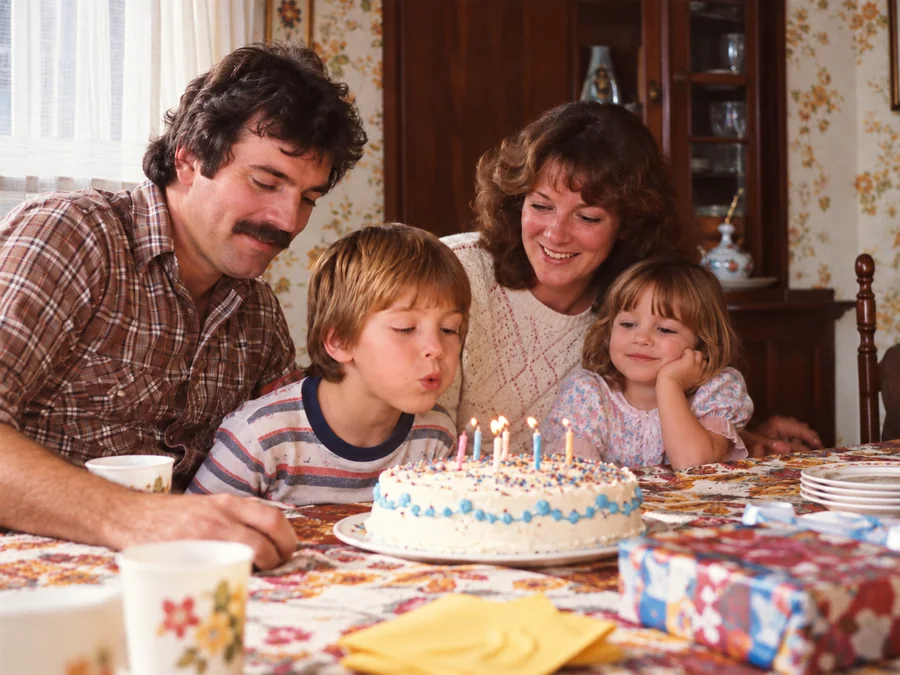 BeforeAfterIllustrative
Restore Family Photos
Create a restored version of an old family photo.