Restore and Colorize Photos Online
Upload an old or damaged photograph, choose restoration or colorization, then review and download the AI-generated result.
Currently Available Features
Scratch & Noise Reduction
AI restoration can improve visible scratches, folds, fading, and other damage. Results depend on the source image.
Face & Detail Recovery
Try restoration on a portrait and compare the generated facial details with the original.
Interactive Before/After Comparison
Move the slider to compare your uploaded photo with the AI-generated result.
Restoration History
Return to completed restoration jobs in your account history.
High-Resolution Export
Download the generated result after reviewing it.
Strict Privacy Controls
See the Privacy Policy for how account information and uploaded images are handled.
Photo Restoration Tools
Explore Dedicated Restoration Services
Choose a photo restoration workflow based on the image you want to improve.
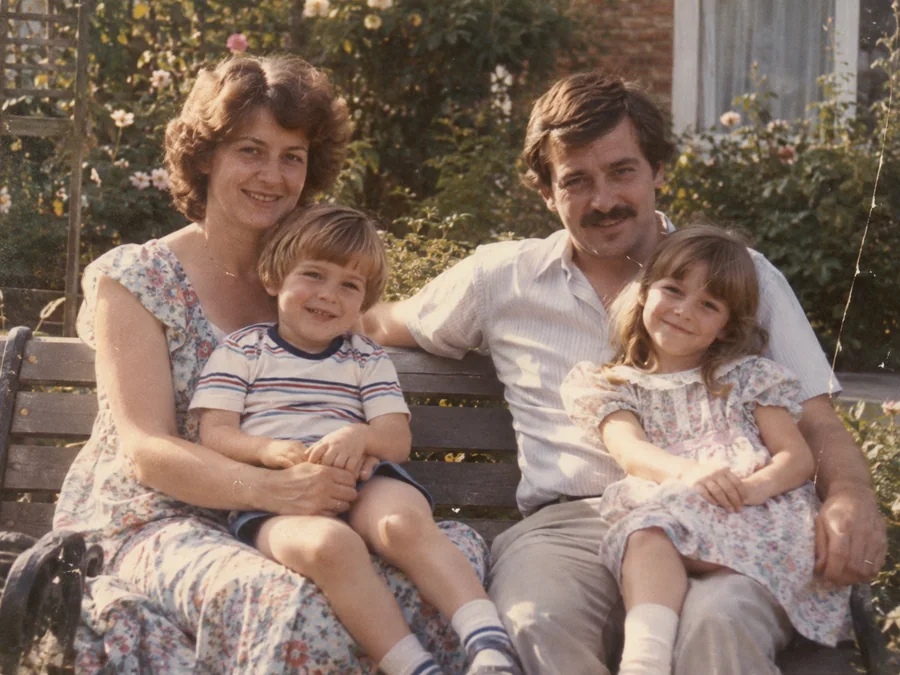
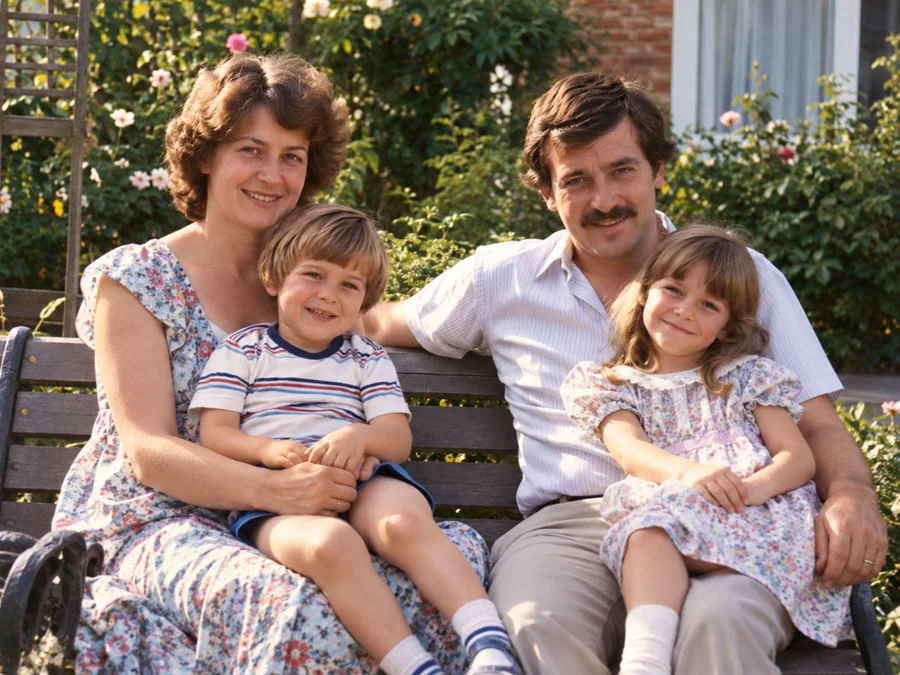 BeforeAfterIllustrative
AI Photo Restoration
Use AI to create a restored version of an old or damaged photograph.
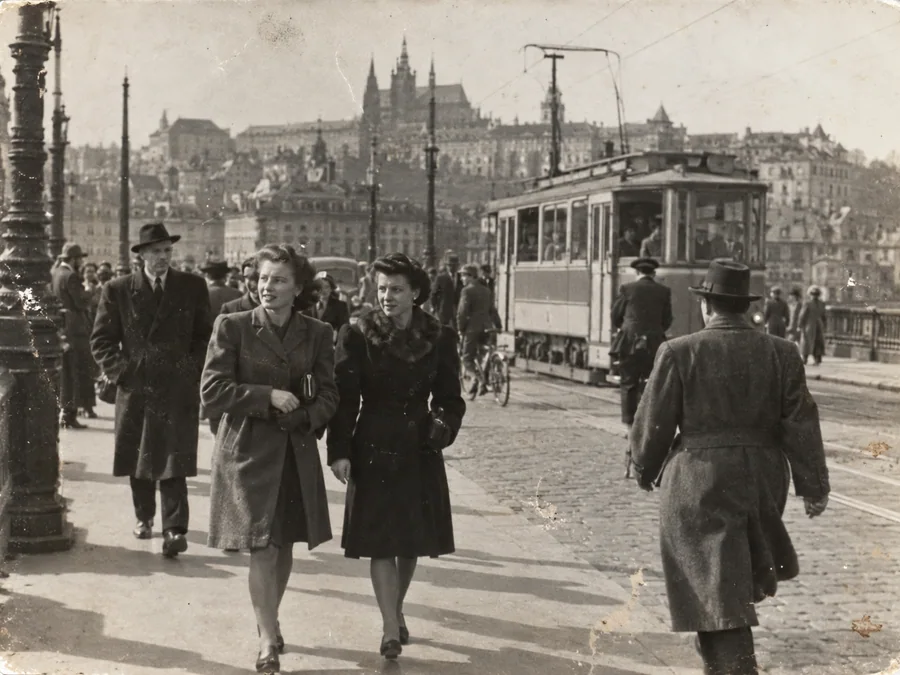
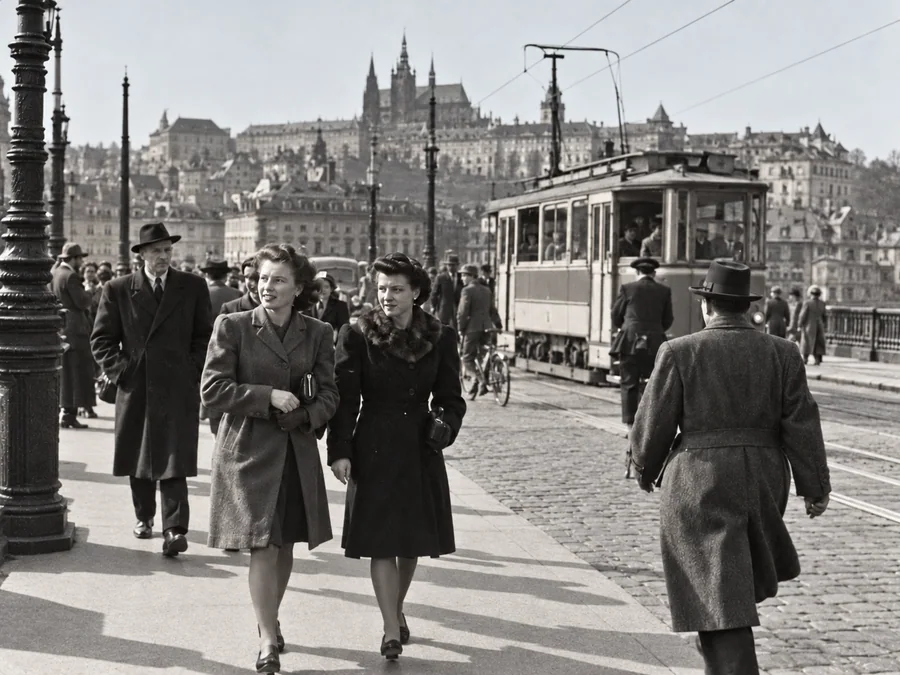 BeforeAfterIllustrative
Restore Old Photos
Try AI restoration on a faded, scratched, or damaged old photograph.
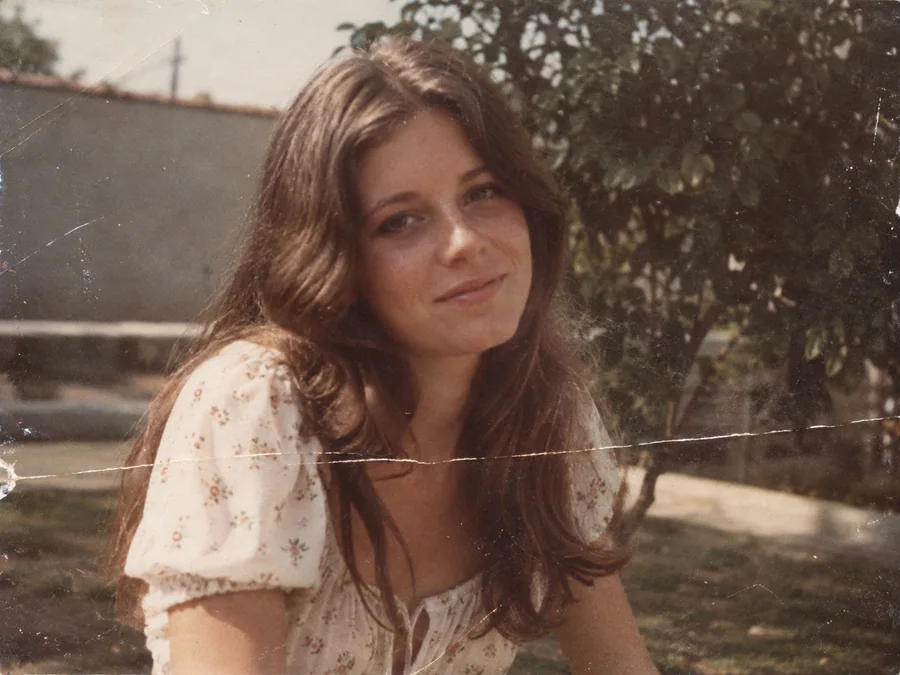
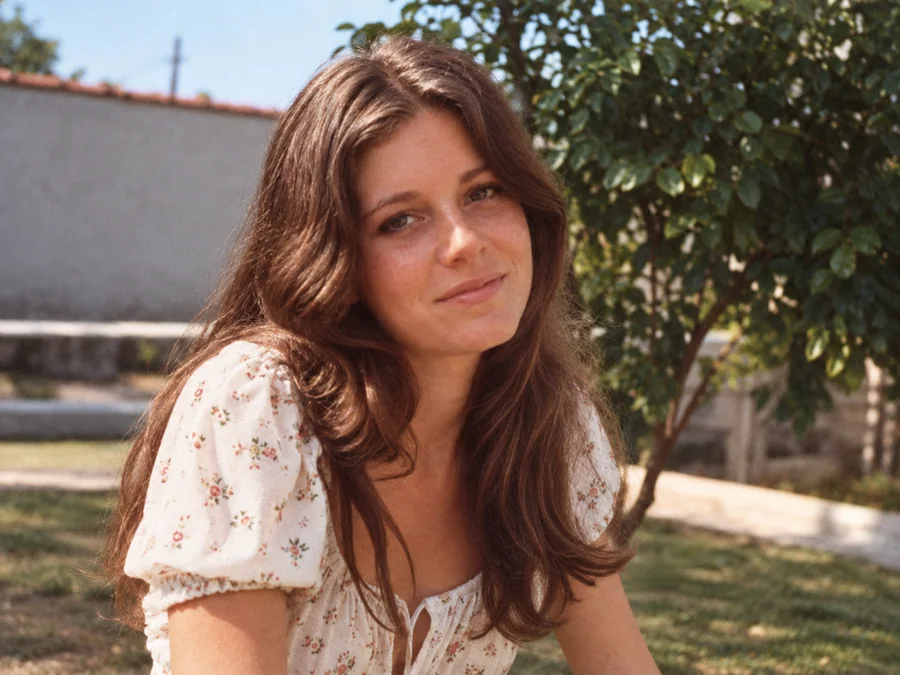 BeforeAfterIllustrative
Remove Scratches & Creases
Try AI restoration on a photo with scratches or creases.
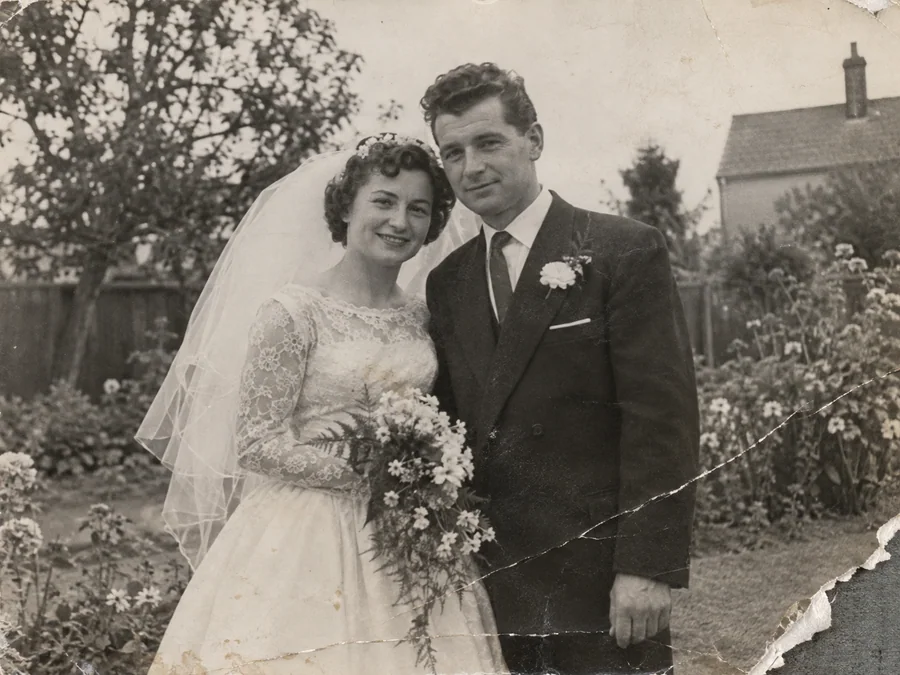
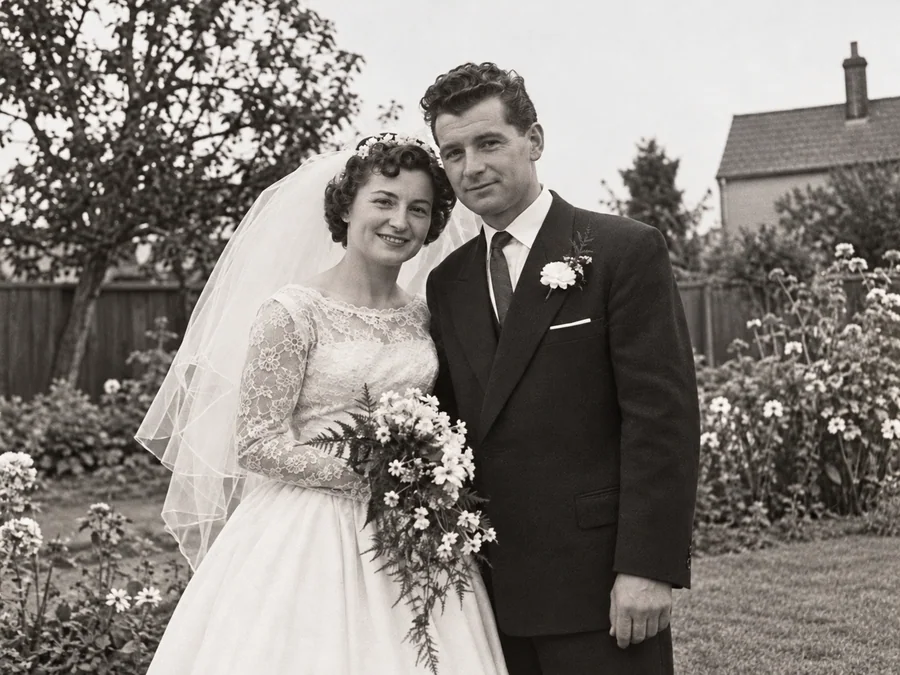 BeforeAfterIllustrative
Repair Damaged Photos
Generate a restored version of a torn, creased, or damaged photo.
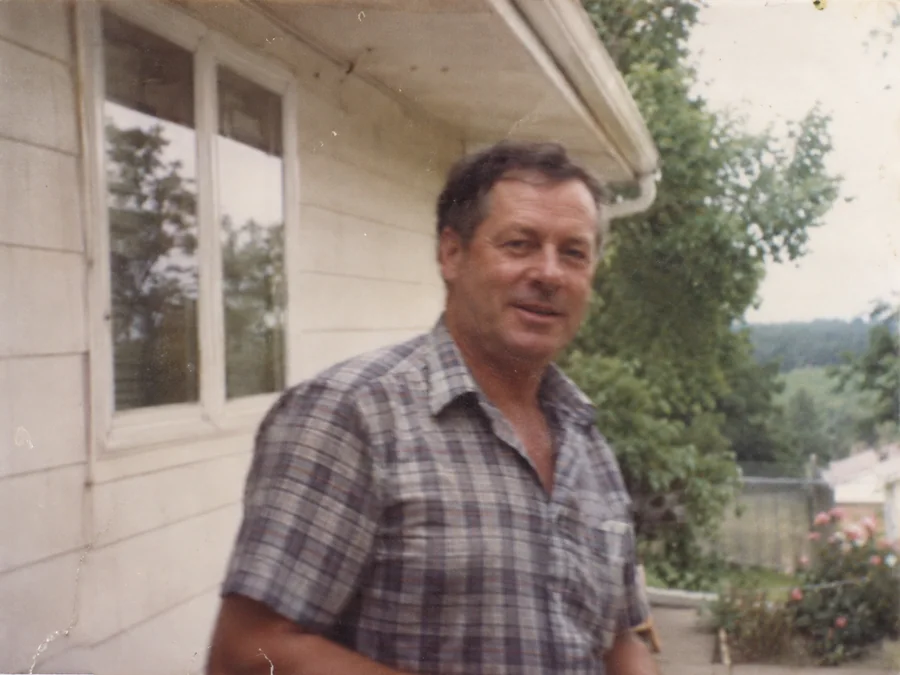
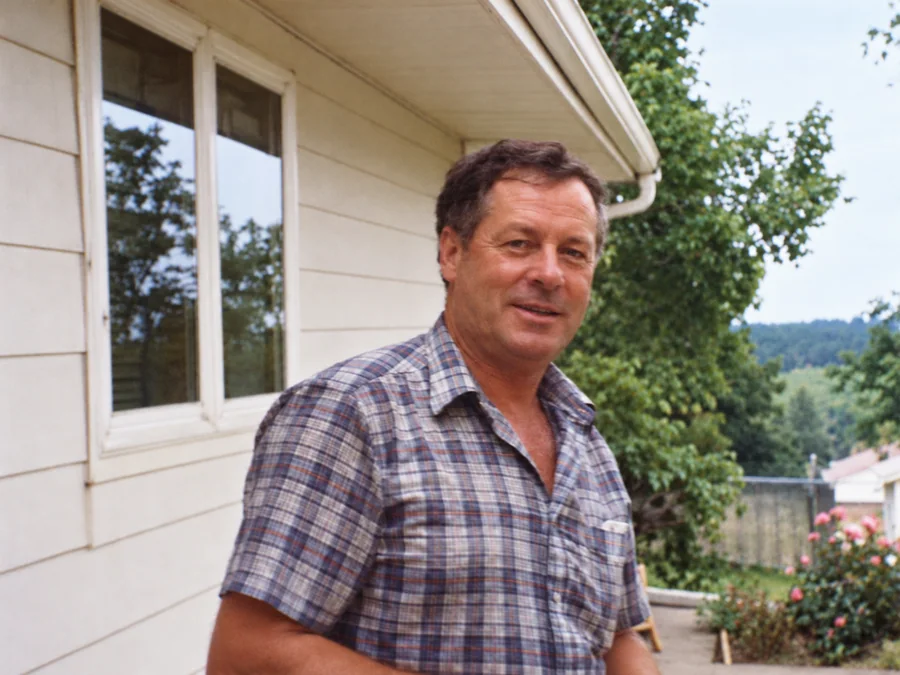 BeforeAfterIllustrative
Fix Blurry Photos
Try AI restoration on a soft or blurry photo. Results vary by image.
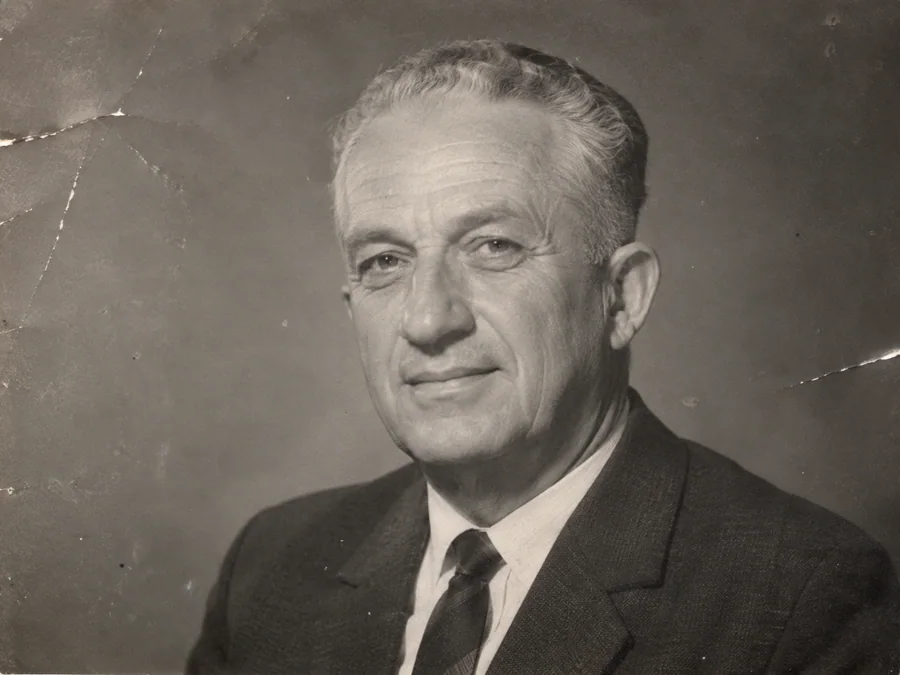
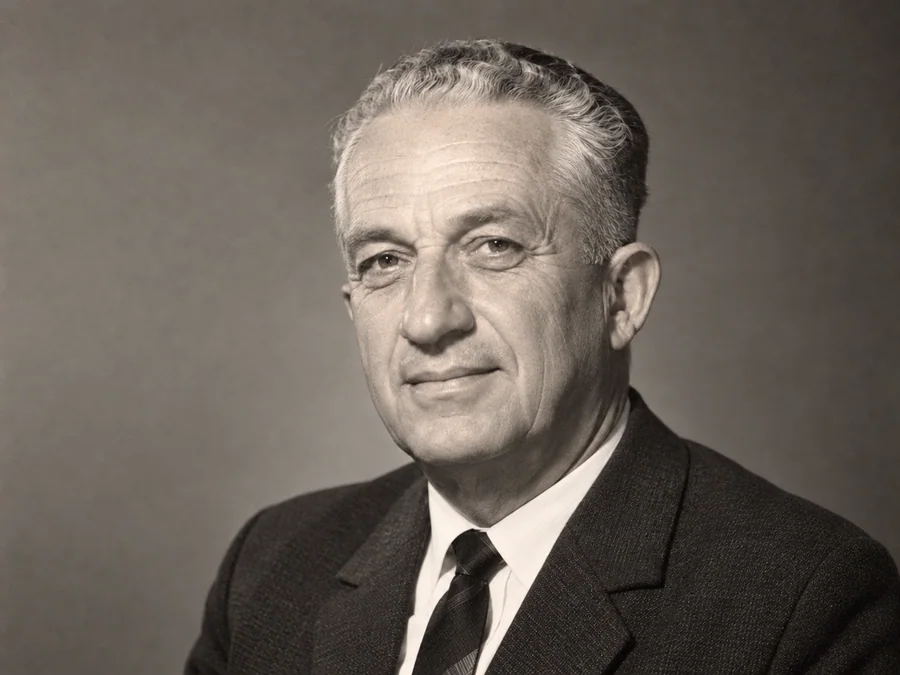 BeforeAfterIllustrative
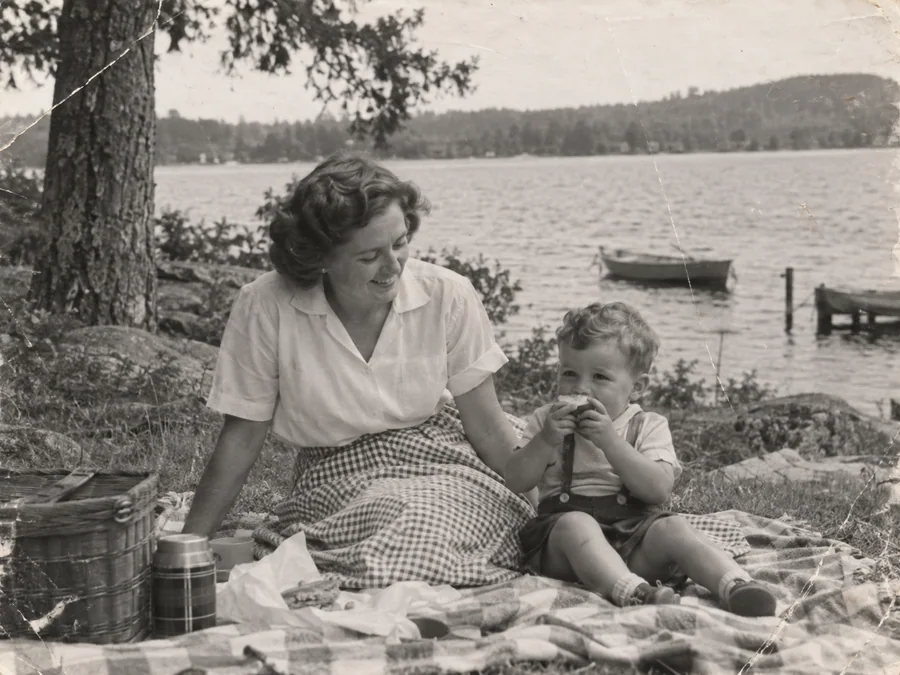
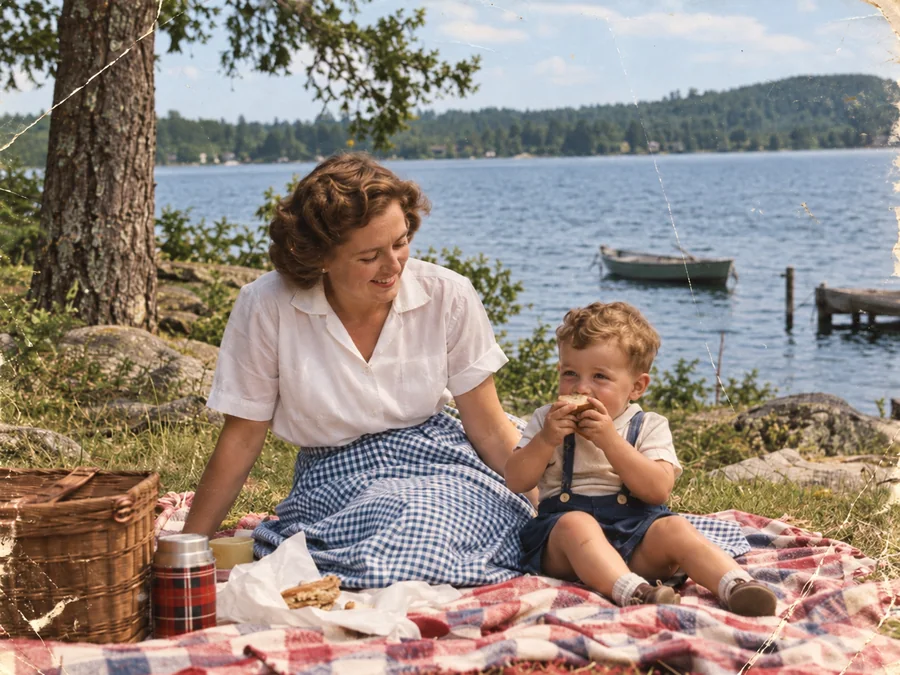
AI Face Restoration
Try AI restoration on an old portrait and compare the result.
 BeforeAfterIllustrative
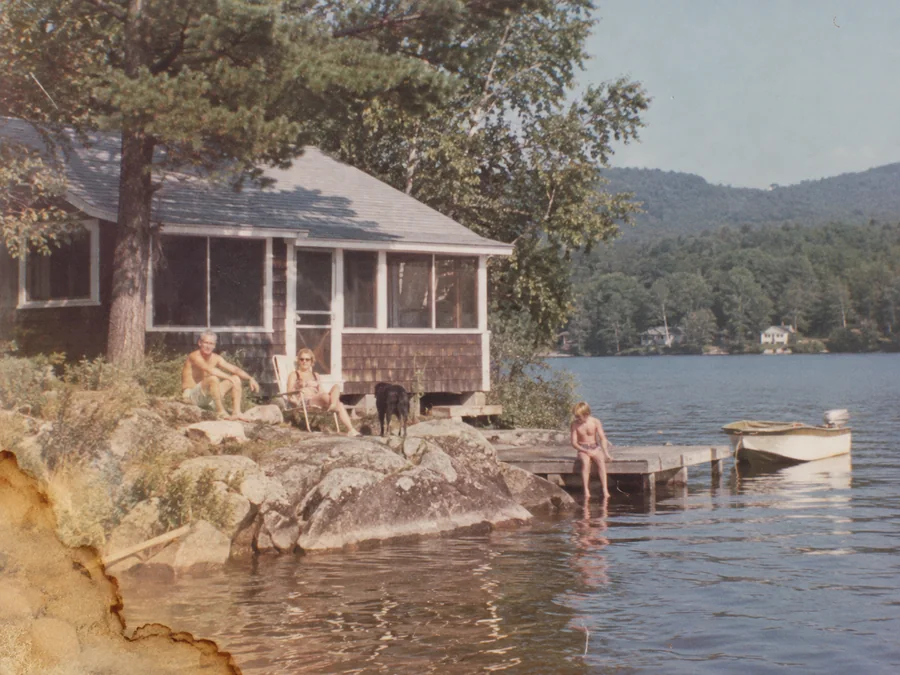
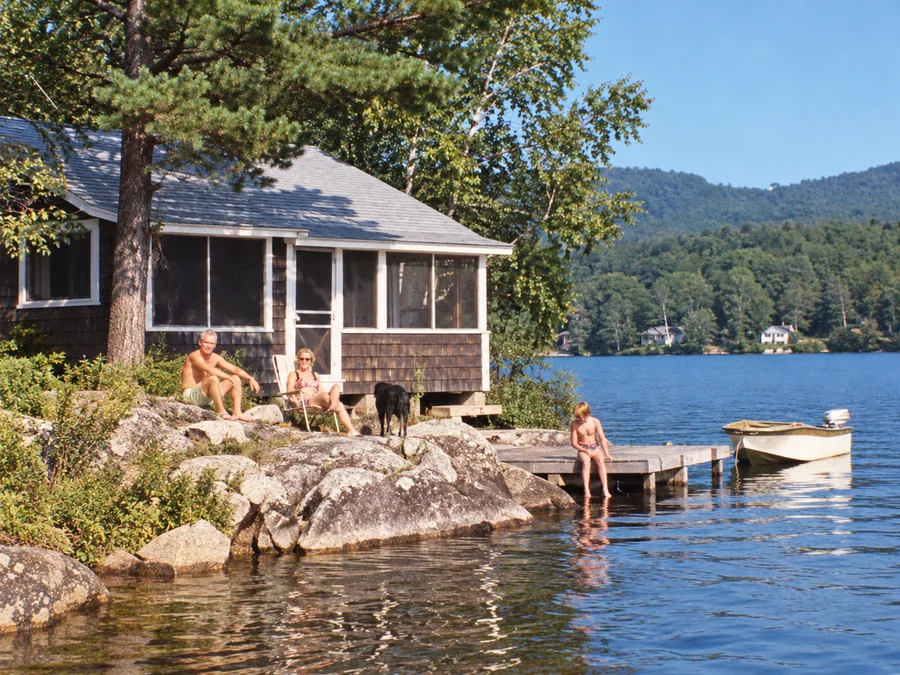
Colorize B&W Photos
Generate AI color for a black-and-white or sepia photo.
 BeforeAfterIllustrative
Water Damage Repair
Try AI restoration on photos with water marks or stains.
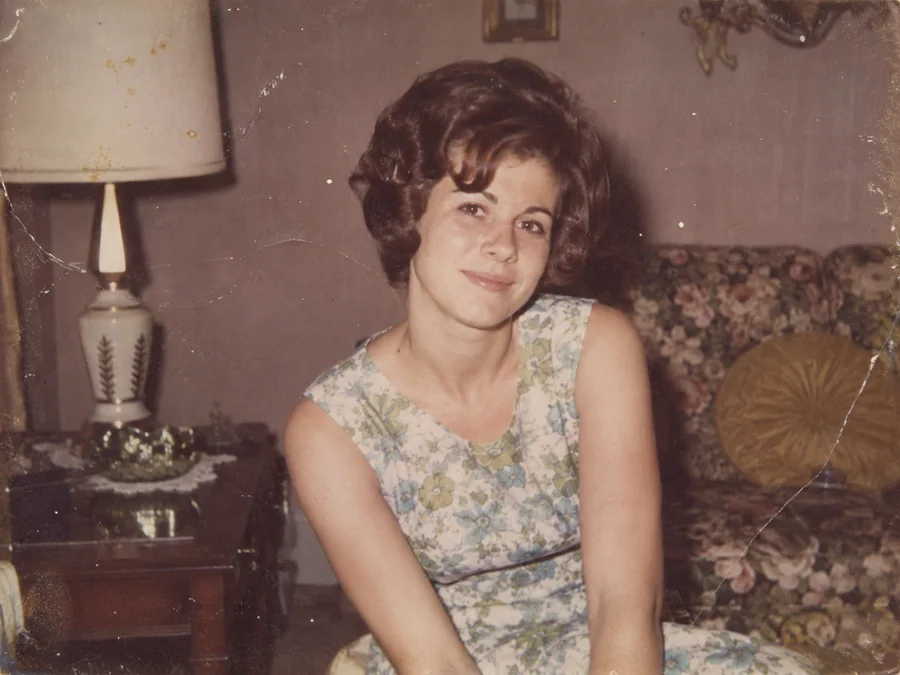
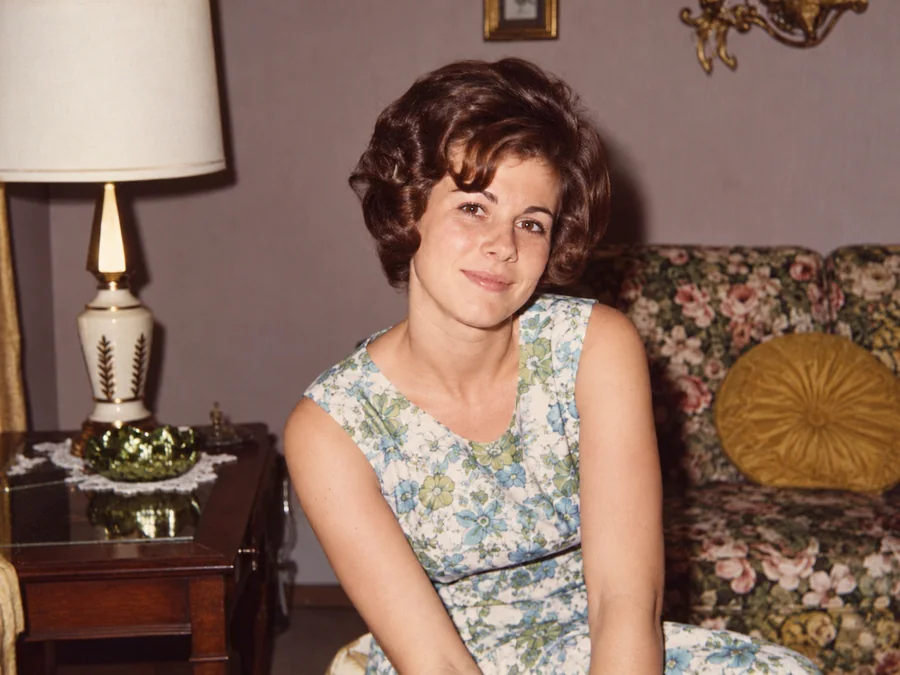 BeforeAfterIllustrative
Restore Vintage Photos
Try AI restoration on a vintage or faded photograph.
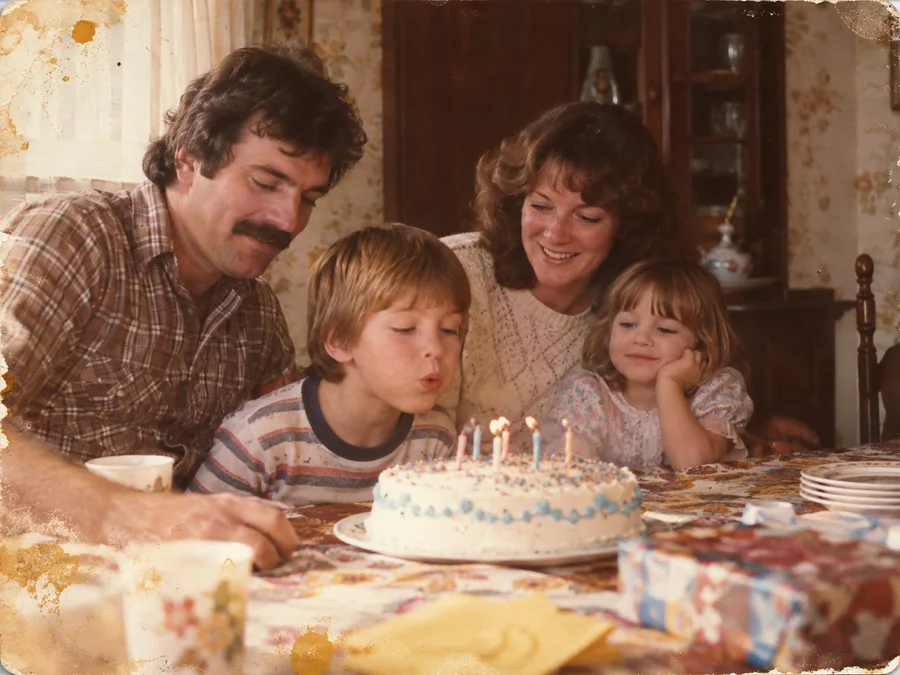
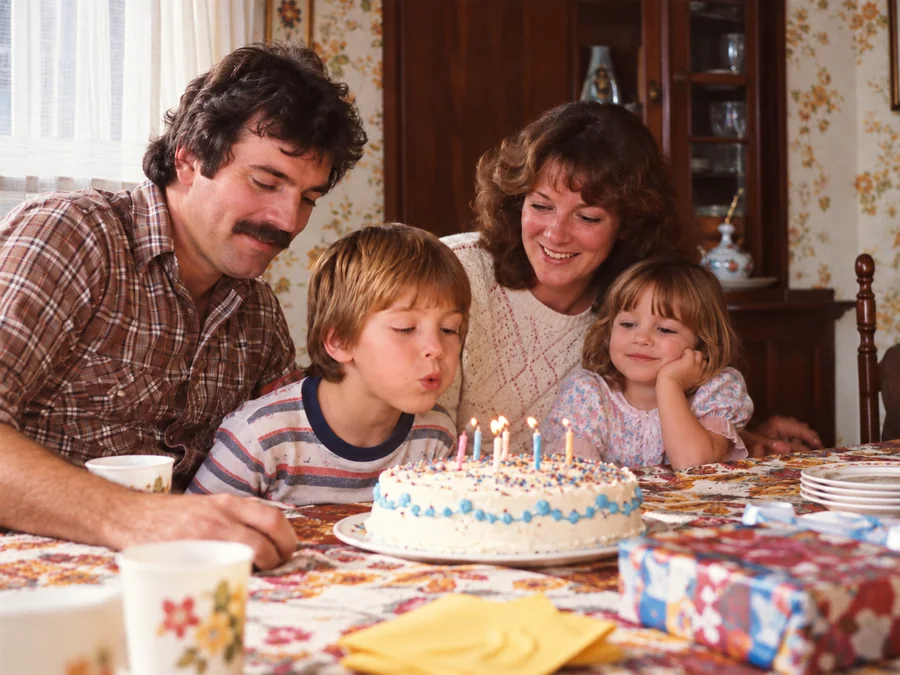 BeforeAfterIllustrative
Restore Family Photos
Create a restored version of an old family photo.