Restore an Old Family Photo with AI
Family heirlooms, vintage wedding photos, and childhood album prints deserve to be passed down in clear, vibrant condition. ImgHeal makes professional-quality archival restoration accessible for every household.
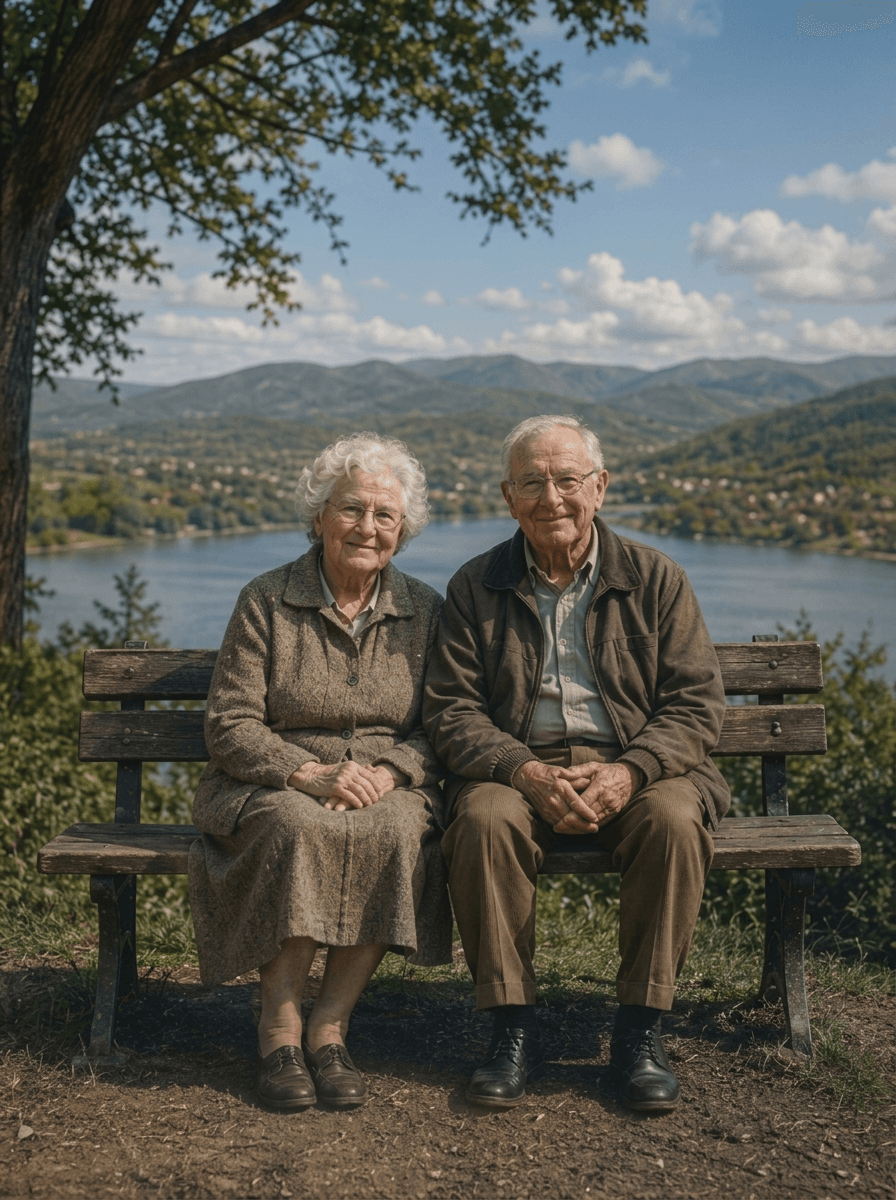
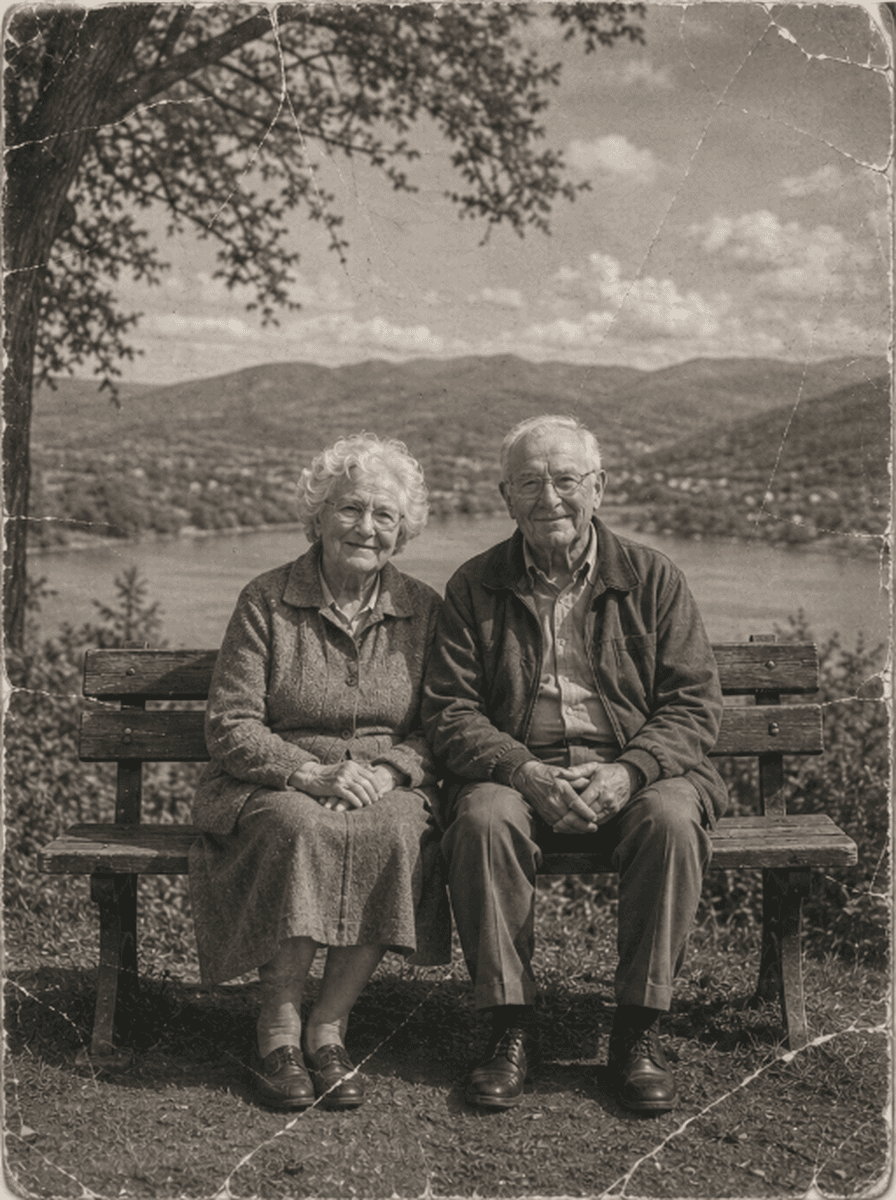
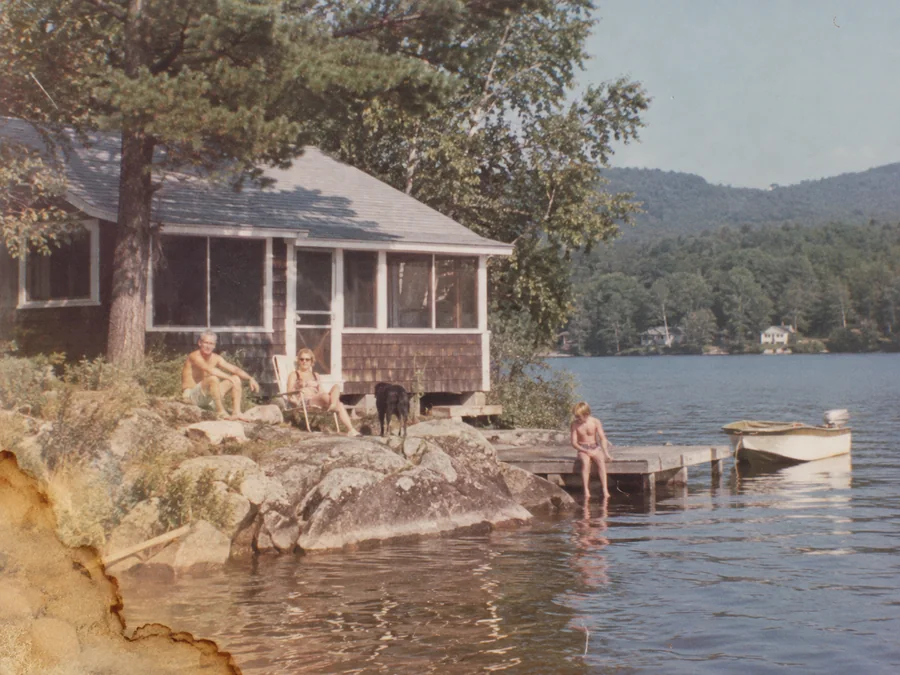
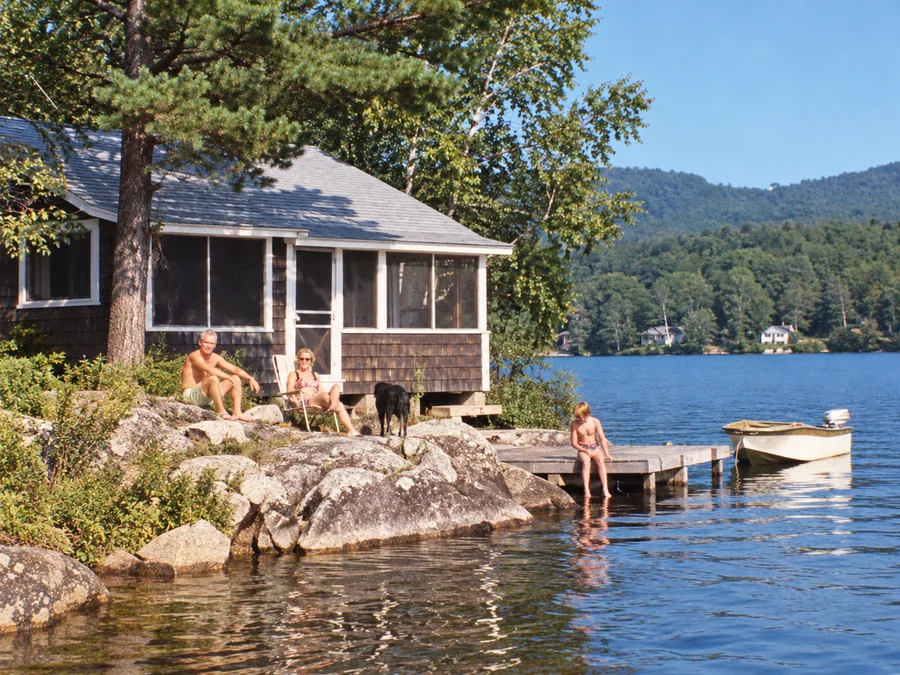
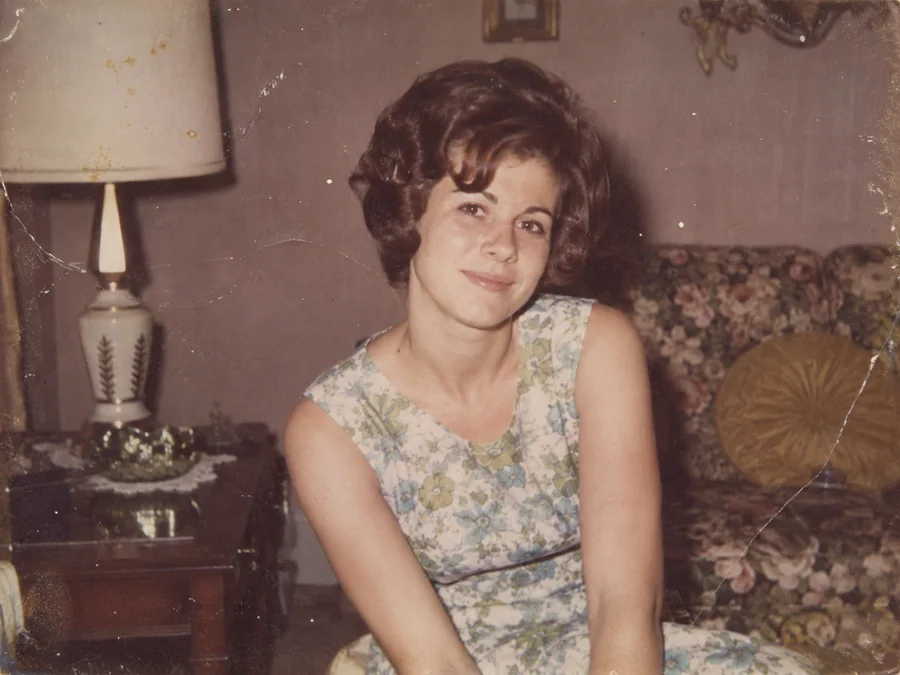
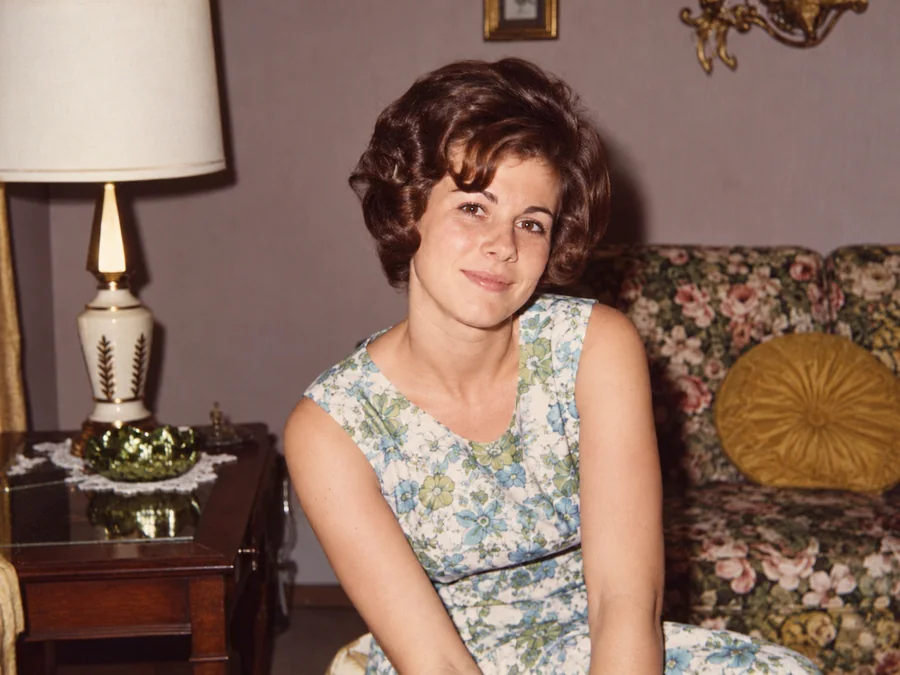
Shared restoration and colorization example. This is the same sample across our guides; it does not demonstrate every type of damage. Results vary by source photo.
How to Preserve Family Memories in 3 Steps
Upload Family Photograph Scan
Upload a scan or smartphone capture of your family photo (JPEG, PNG, WebP up to 10MB) into the dropzone.
Multi-Person Landmark Alignment & Restoration
ImgHeal uses AI to create a restored image from your upload. Processing time and results vary.
Inspect Preview & Export Archival Print
Compare before and after using our interactive slider and export your crystal-clear master file ready for printing or gifting.
Every Family Milestone Preserved
From silver wedding anniversaries to multi-generation family reunions:
Vintage Wedding Photos
Revive bride and groom portraits, delicate lace veil embroidery, and wedding party gatherings with rich contrast.
Multi-Generational Reunions
Enhance large family group shots where individual faces in the back row are soft or out of focus.
Childhood Album Prints
Repair scuffed, dog-eared childhood photos and baby pictures stored in magnetic sticky albums.
Family Heritage Gifts
Produce breathtaking restored prints for milestone birthdays, anniversaries, and family tree history books.
Answers on Family Photo Preservation
Why is ImgHeal the preferred tool for genealogists and family historians?+
ImgHeal can generate a restored version of an old family photo. AI may change facial details, so compare the result with the original before downloading.
Can it restore multi-person family group portraits and wedding photos?+
Yes. ImgHeal detects and enhances every individual face in group gatherings, wedding portraits, and school photos, ensuring all family members receive equal sharpness and contrast rebalancing.
Can I restore my family photographs for free?+
New accounts receive three complimentary restorations. Upload a family photo, review the generated result, and download it if it meets your needs.
How are our private family photographs protected?+
See the ImgHeal Privacy Policy for details about how uploaded photos and account data are handled.
Can I upscale old family photos for large physical framing?+
ImgHeal does not promise to enlarge images beyond their source dimensions. Its restoration workflow generates an adjusted version of your upload.
Preserve the story alongside the restored image
Family photographs often matter because of who and what they show. A restored copy can make them easier to view, but the original scan and its context remain valuable. Keep names, dates, places, and recollections separate from details generated during restoration.
Before you upload
Choose the clearest source and save an untouched copy. Record names and any writing on the back of the print before uploading. For album pages or group pictures, preserve the complete scan even if you make separate viewing copies of individual photographs.
What to check in the result
Ask relatives to compare faces and expressions with the original. Check every face in group photographs, since improvements to one subject do not guarantee accurate results for the others. Save source and restored files with clear names, and label colorized or reconstructed versions when sharing your family archive.
Photo Restoration Tools
Explore Dedicated Restoration Services
Choose a photo restoration workflow based on the image you want to improve.
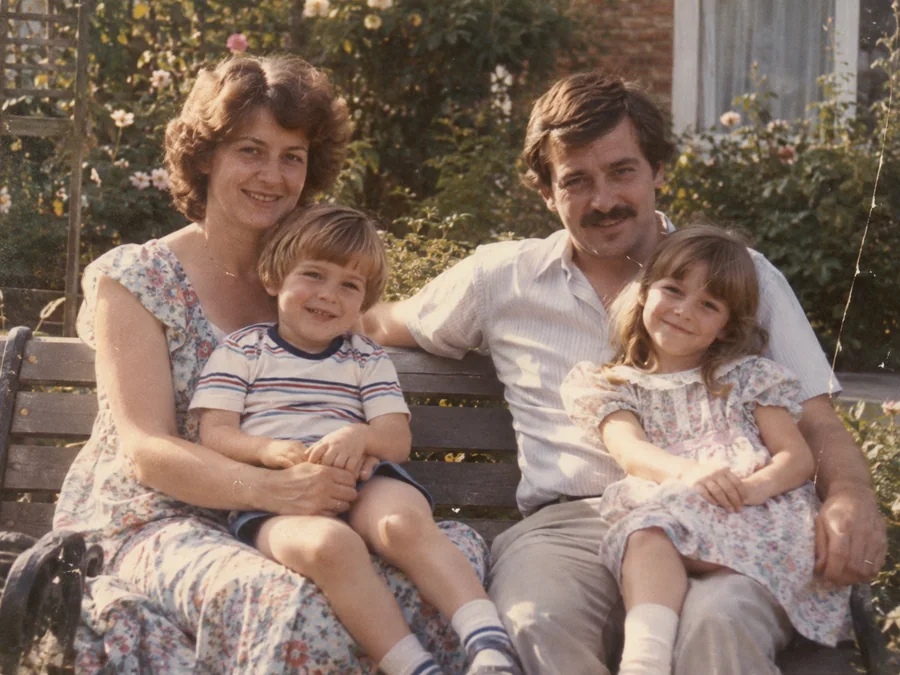
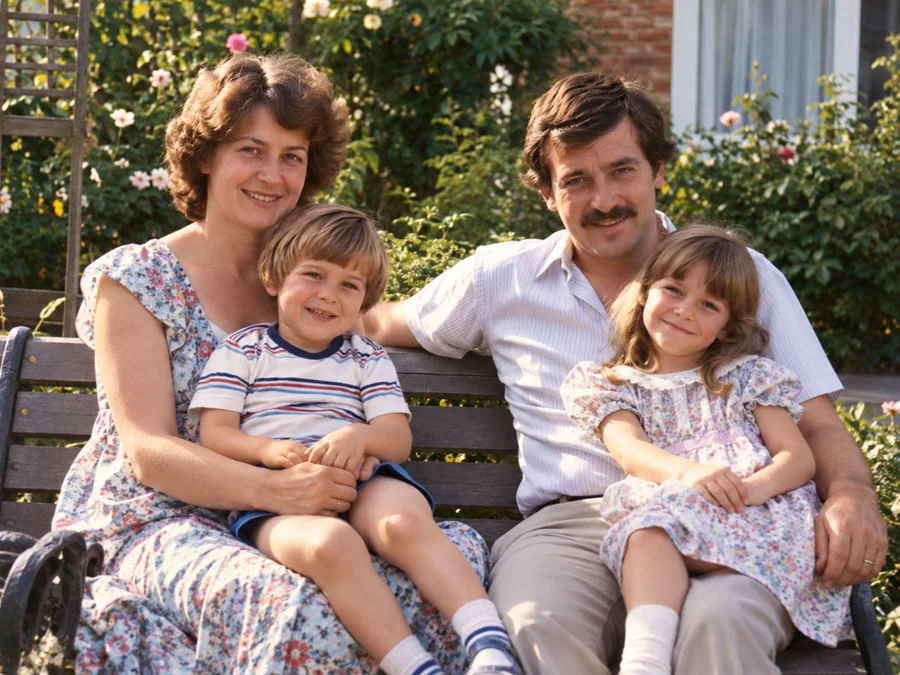 BeforeAfterIllustrative
AI Photo Restoration
Use AI to create a restored version of an old or damaged photograph.
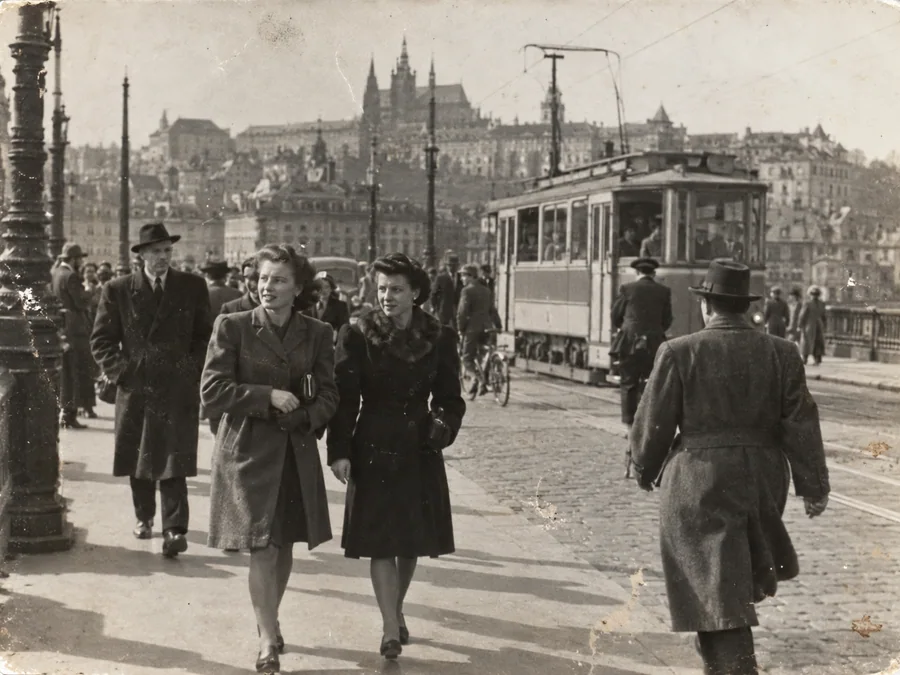
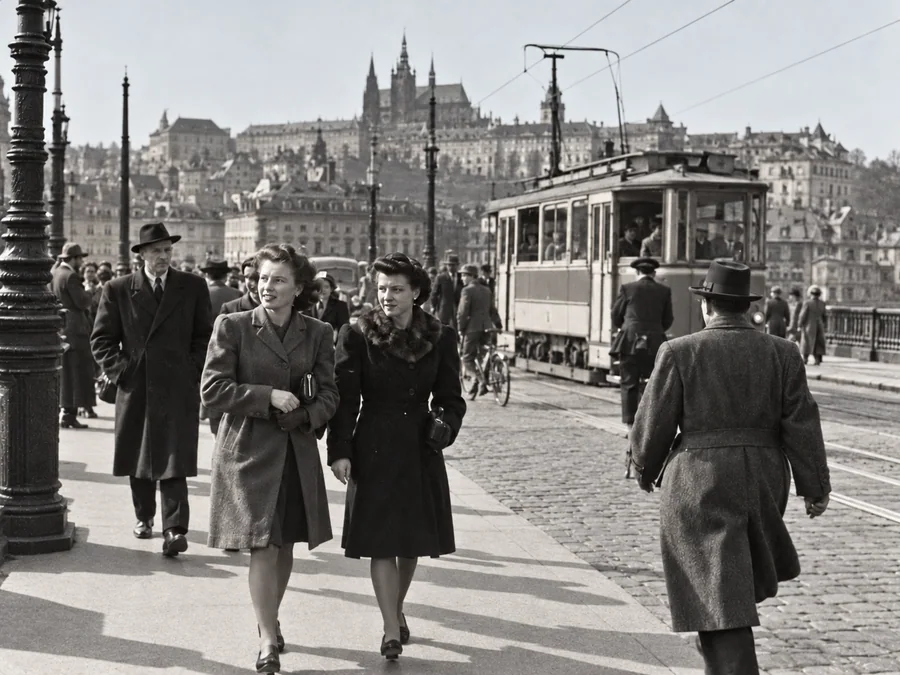 BeforeAfterIllustrative
Restore Old Photos
Try AI restoration on a faded, scratched, or damaged old photograph.
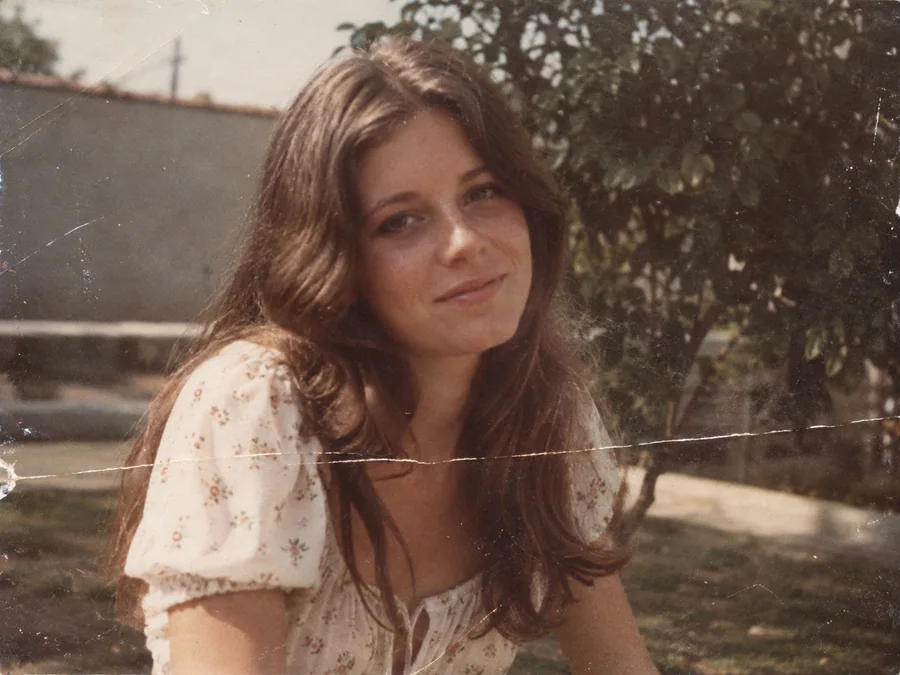
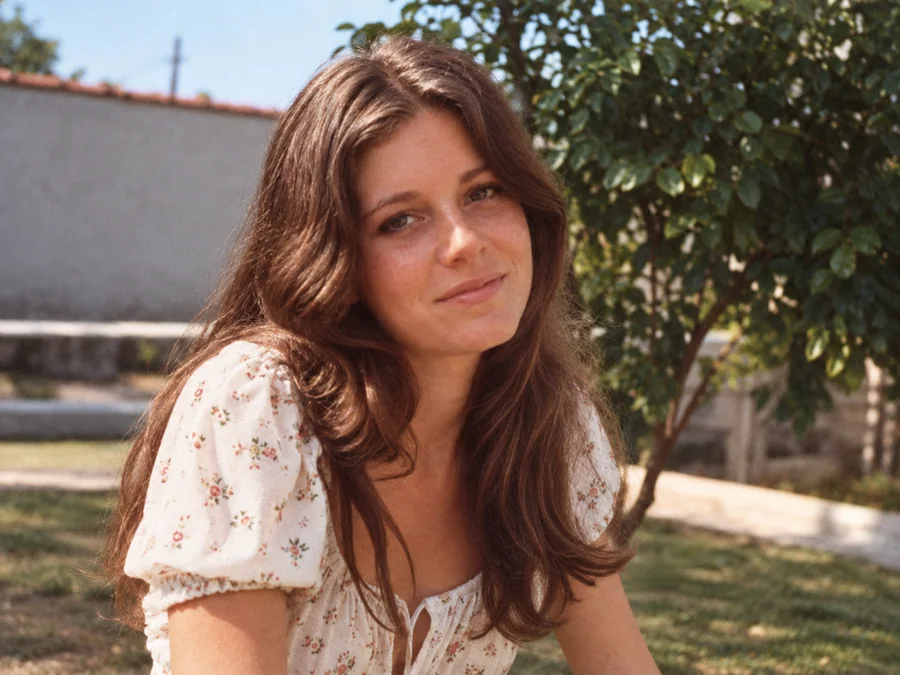 BeforeAfterIllustrative
Remove Scratches & Creases
Try AI restoration on a photo with scratches or creases.
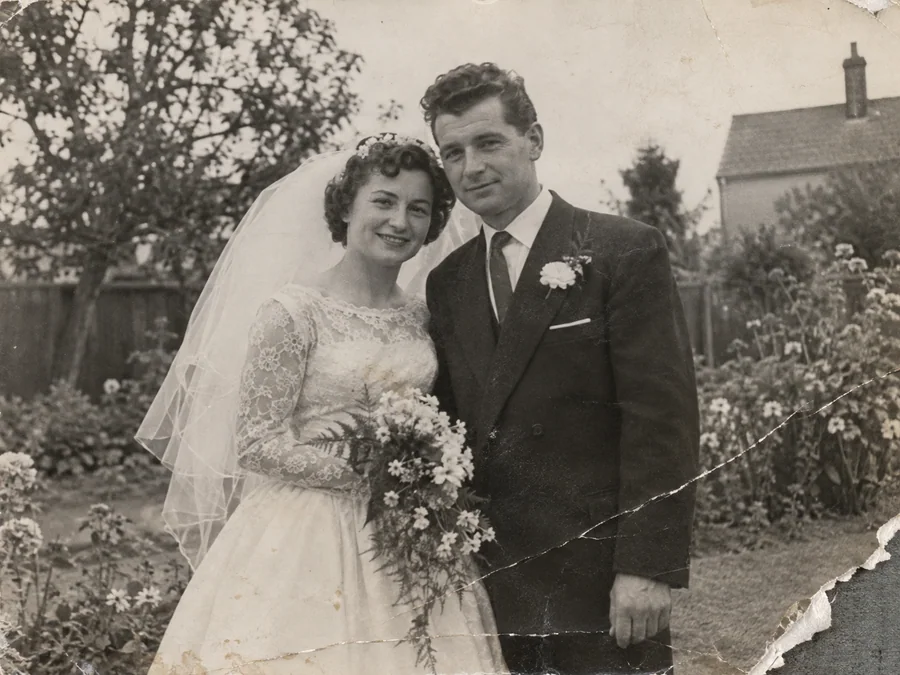
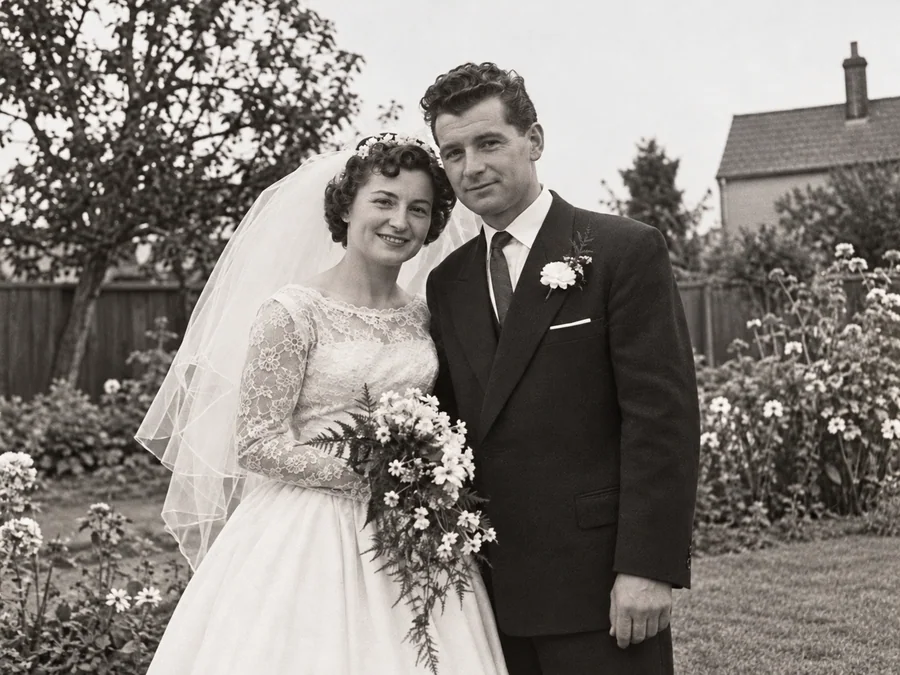 BeforeAfterIllustrative
Repair Damaged Photos
Generate a restored version of a torn, creased, or damaged photo.
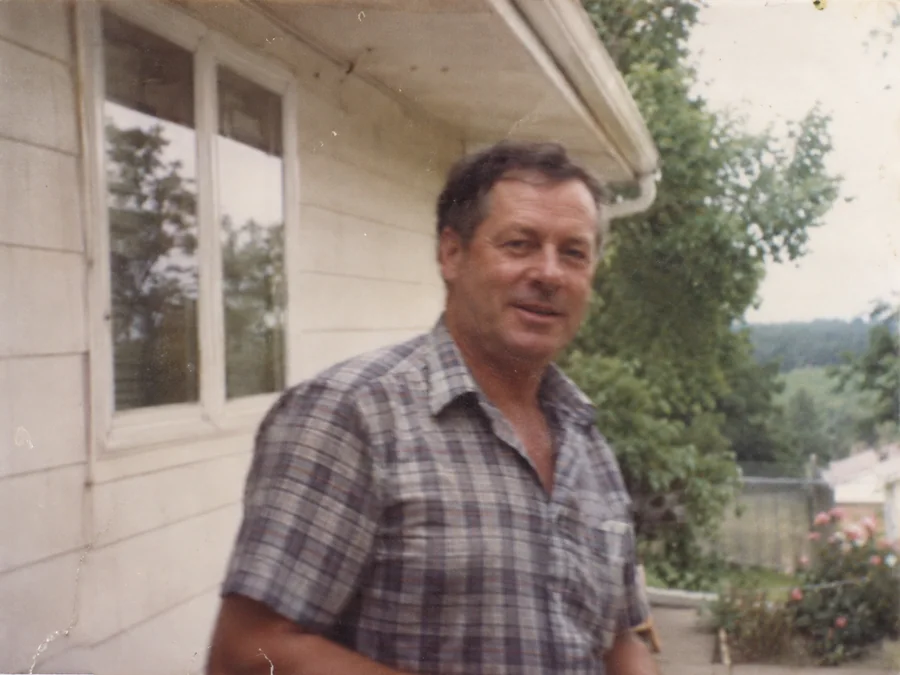
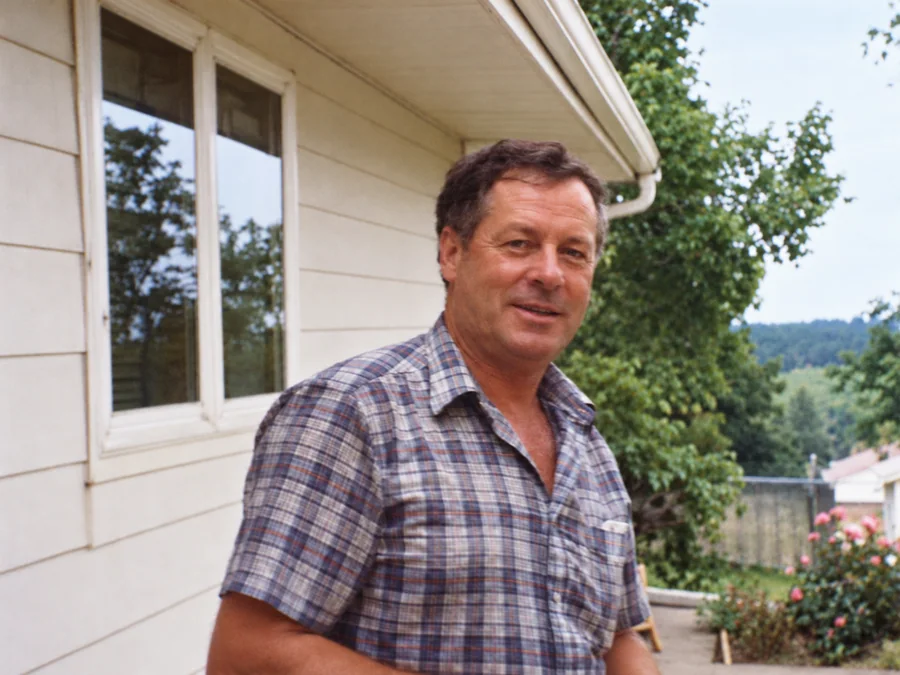 BeforeAfterIllustrative
Fix Blurry Photos
Try AI restoration on a soft or blurry photo. Results vary by image.
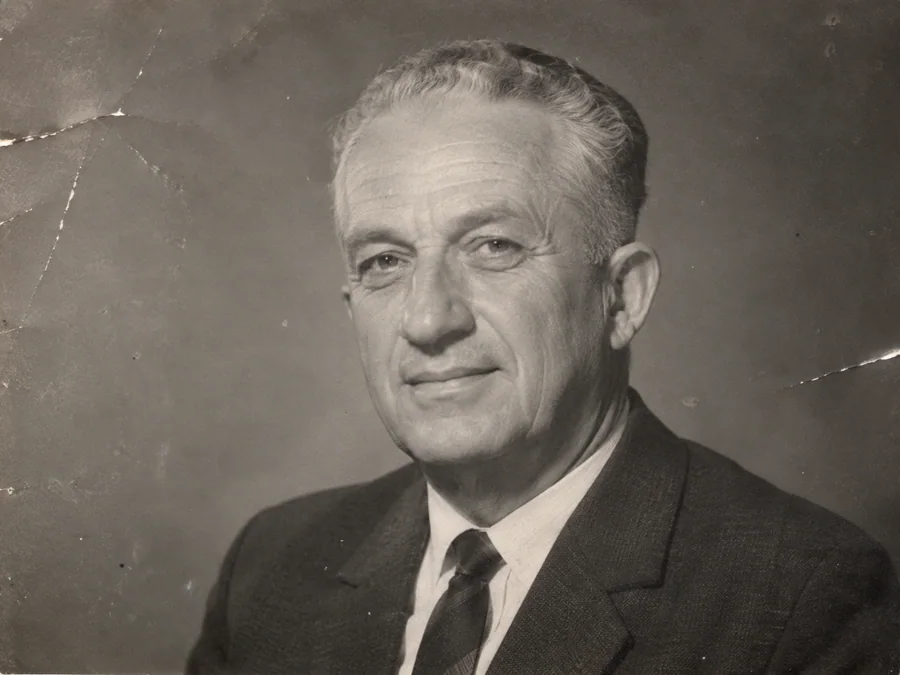
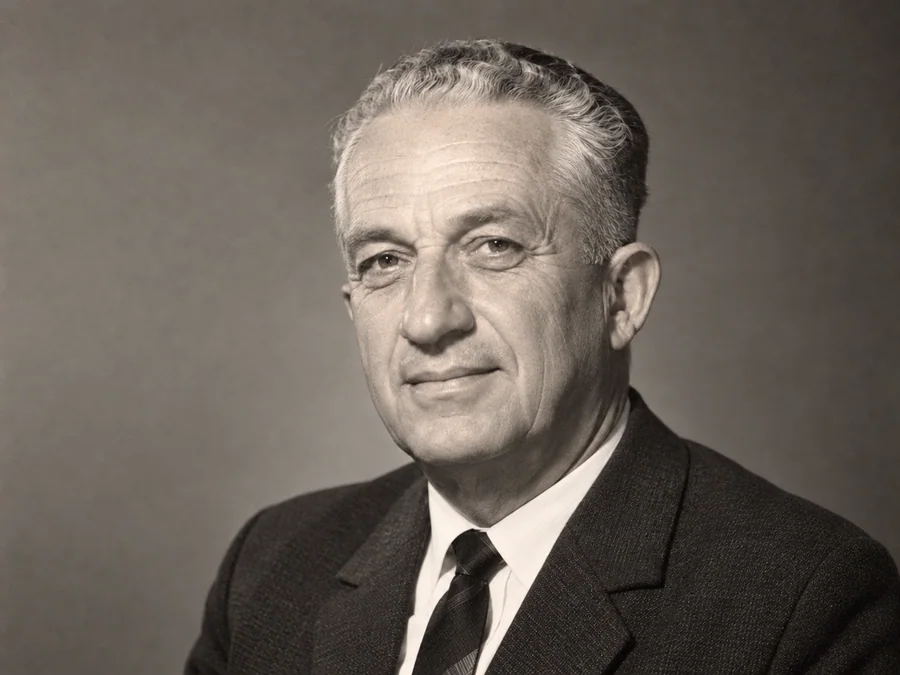 BeforeAfterIllustrative
AI Face Restoration
Try AI restoration on an old portrait and compare the result.
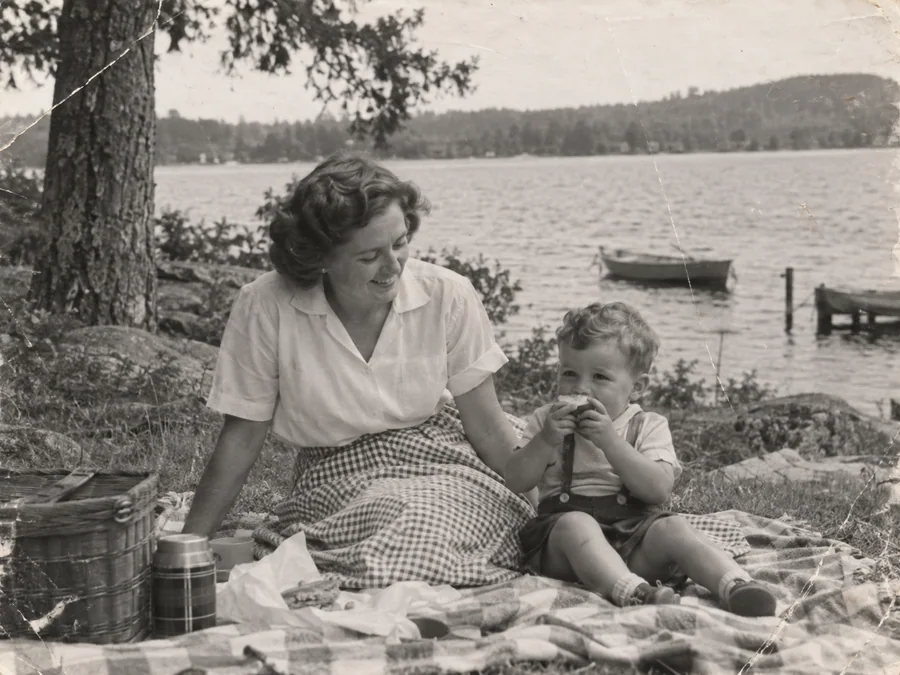
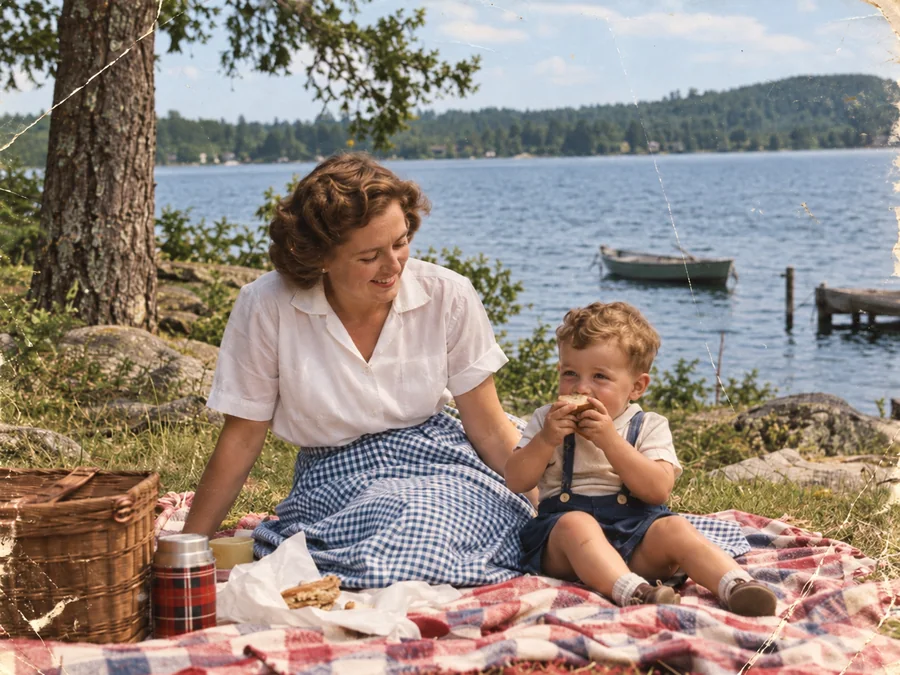 BeforeAfterIllustrative
Colorize B&W Photos
Generate AI color for a black-and-white or sepia photo.
 BeforeAfterIllustrative
Water Damage Repair
Try AI restoration on photos with water marks or stains.
 BeforeAfterIllustrative
Restore Vintage Photos
Try AI restoration on a vintage or faded photograph.