Remove Scratches from an Old Photo with AI
Try AI restoration on a scratched or creased photo. Review the full generated image because AI may change details beyond the damaged area.
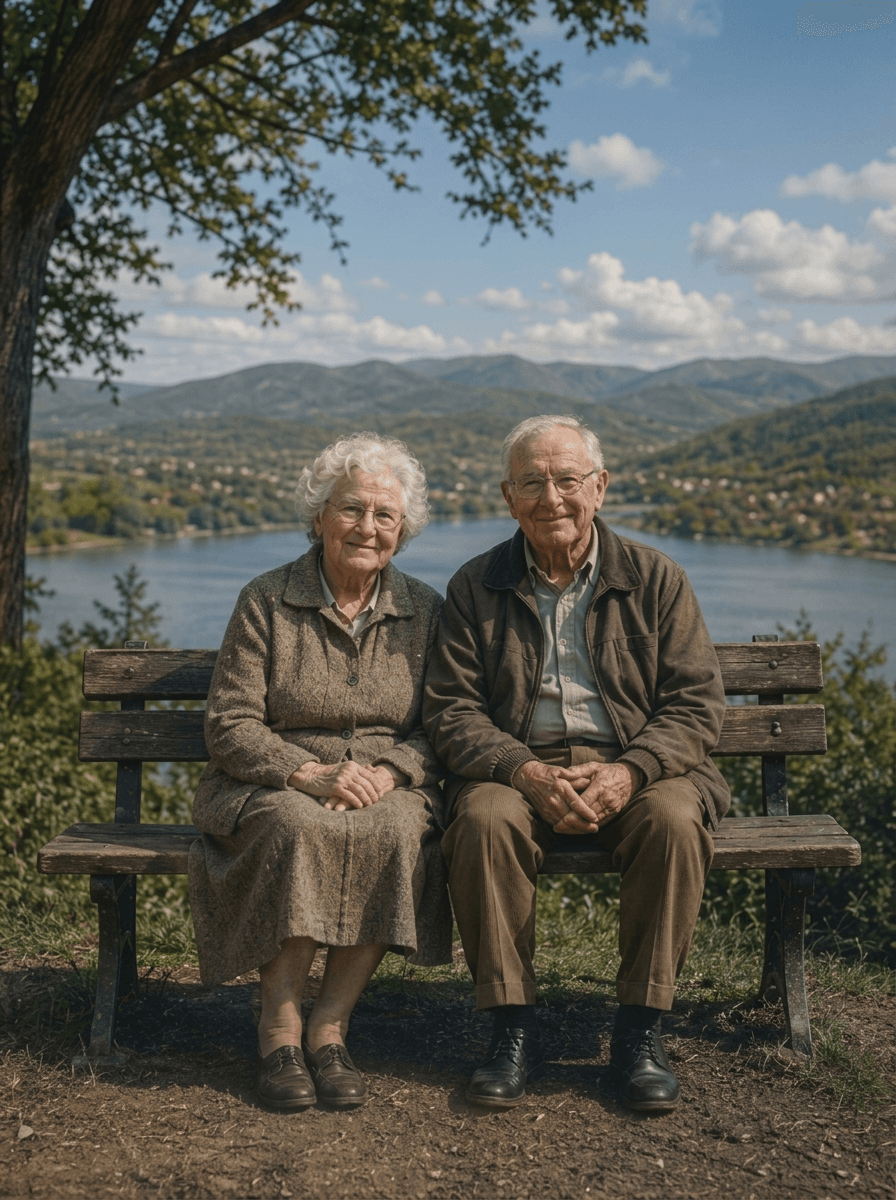
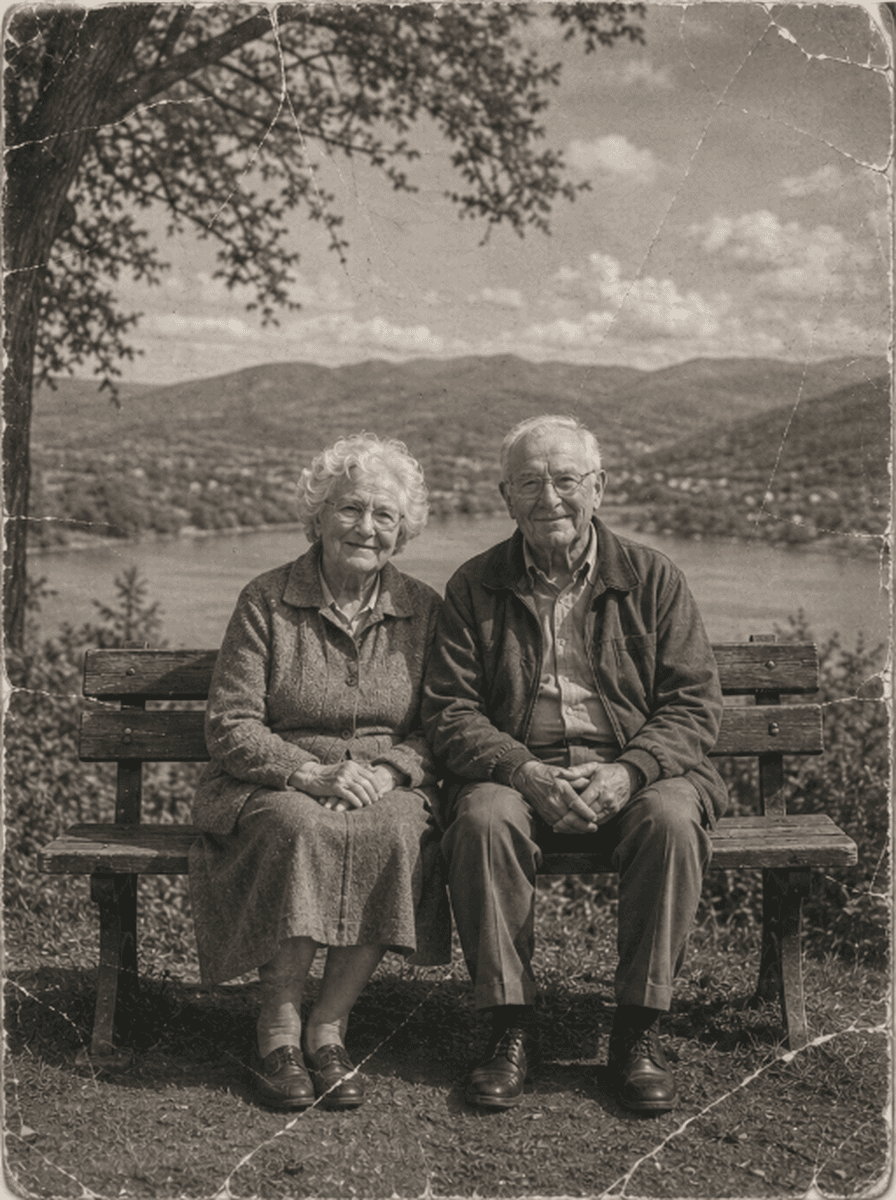
Shared restoration and colorization example. This is the same sample across our guides; it does not demonstrate every type of damage. Results vary by source photo.
How to Review Scratch Removal Results
Upload Scratched Photograph
Upload your scanned vintage photo (JPEG, PNG, WebP up to 10MB) showing scratches, folds, or cracks.
Generate a Restored Digital Copy
ImgHeal generates a restored digital image from the uploaded photograph. Processing time and results depend on the source image.
Inspect Clean Master & Download
Compare the generated image with your source using the slider, then download the result.
Every Type of Surface Blemish Repaired
Physical photographs endure decades of mishandling. Here is what ImgHeal repairs:
Album Scratches
Surface scuffs and linear hairline scratches caused by sliding prints in and out of tight vintage photo album sleeves.
Deep Pocket Folds
Severe horizontal and vertical creases from photographs folded into wallets, bibles, or letters across generations.
Emulsion Fractures
Dry gelatin cracking (crazing) where environmental humidity shifts caused the print emulsion to splinter into micro-fissures.
Tape & Adhesive Marks
Stains and peeling damage left by dried scotch tape, photo corners, or adhesive mounting paste.
Common Questions About Photo Scratch Removal
How does the AI remove scratches from old photos?+
ImgHeal uses AI to generate a restored version of the image. The output may change details beyond the scratch or crease, so compare it with the original.
Can it remove deep paper creases where emulsion has completely peeled off?+
The AI may improve the appearance of some scratches and creases, but results vary. Check the generated image for unwanted changes before downloading.
Does scratch removal blur or soften surrounding facial details?+
The restoration result is AI-generated and can affect areas beyond visible damage. Use the comparison slider to inspect the full image.
Can I remove scratches from photos for free?+
New accounts receive three complimentary restorations. Upload a photo with scratches, compare the result with the original, and download it if you are happy with it.
What is the best way to scan a scratched photograph?+
ImgHeal accepts JPEG, PNG, and WebP images up to 10 MB. A sharp, well-lit scan or photo gives the AI more detail to work with.
Review scratch removal without losing real details
Scratches can cross faces, clothing, and backgrounds. Restoration can generate replacement pixels around these marks, but the amount of original information beneath a scratch affects the result. A scratch across a plain wall is different from one covering an eye or handwritten name.
Before you upload
Use a clear scan that shows the scratch and the surrounding texture. Avoid blurring or painting over the mark before uploading: those edits can remove useful context. Keep the uncropped scan as a reference if a crease extends to the edge of the print.
What to check in the result
Inspect the damaged areas at a comfortable enlarged view and compare them with nearby undamaged features. Check eyes, outlines, and text where a scratch crossed the subject. The goal is a useful restored copy; AI cannot verify the exact content hidden by the original damage.
Photo Restoration Tools
Explore Dedicated Restoration Services
Choose a photo restoration workflow based on the image you want to improve.
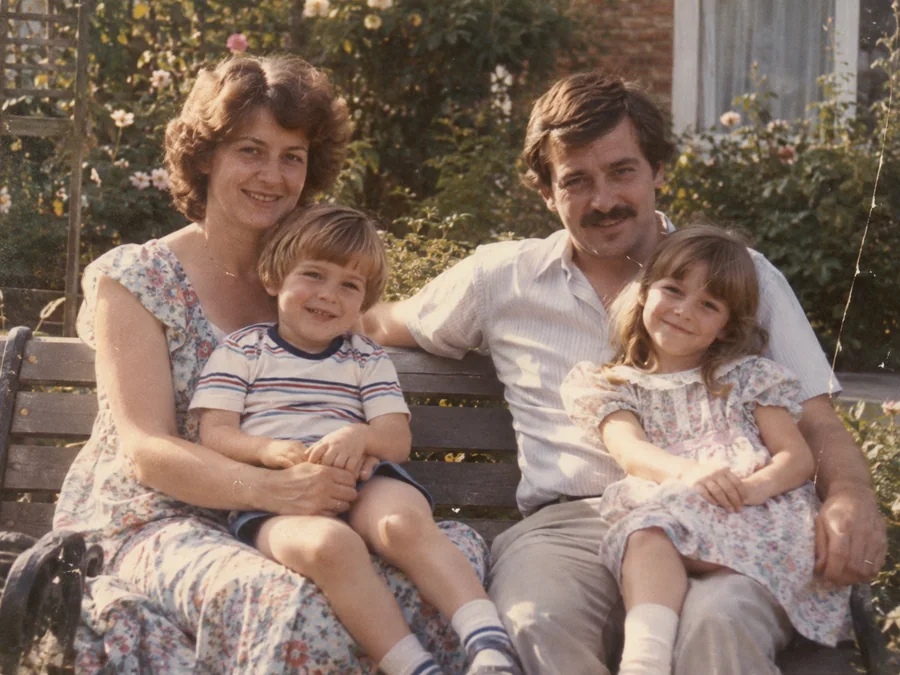
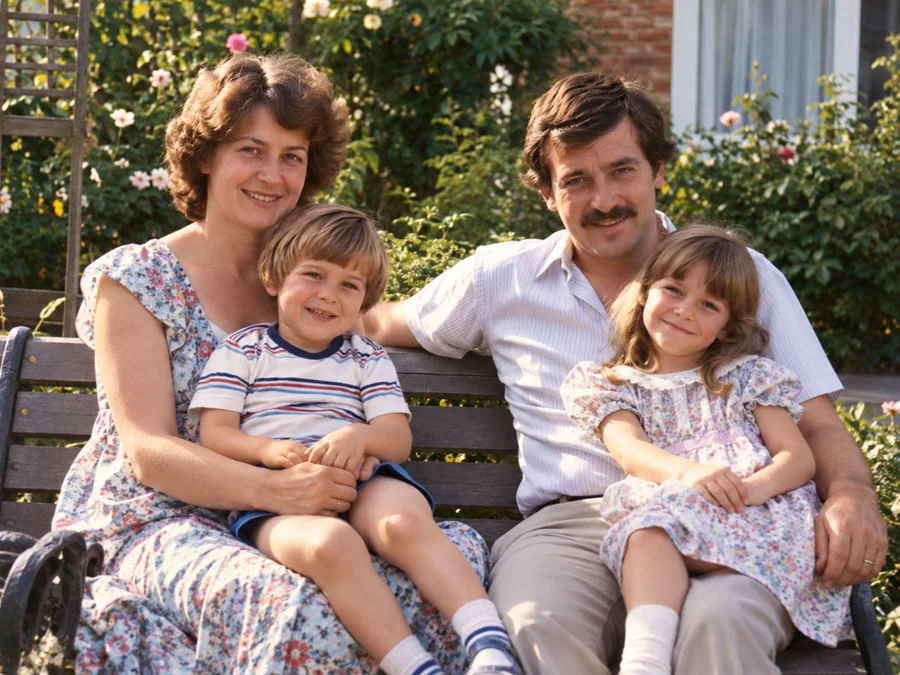 BeforeAfterIllustrative
AI Photo Restoration
Use AI to create a restored version of an old or damaged photograph.
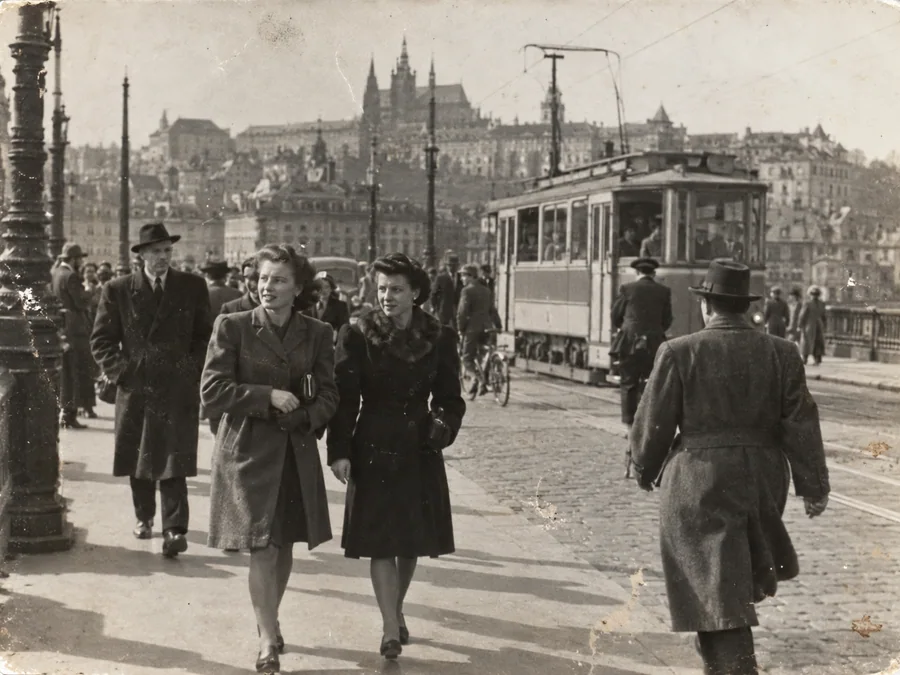
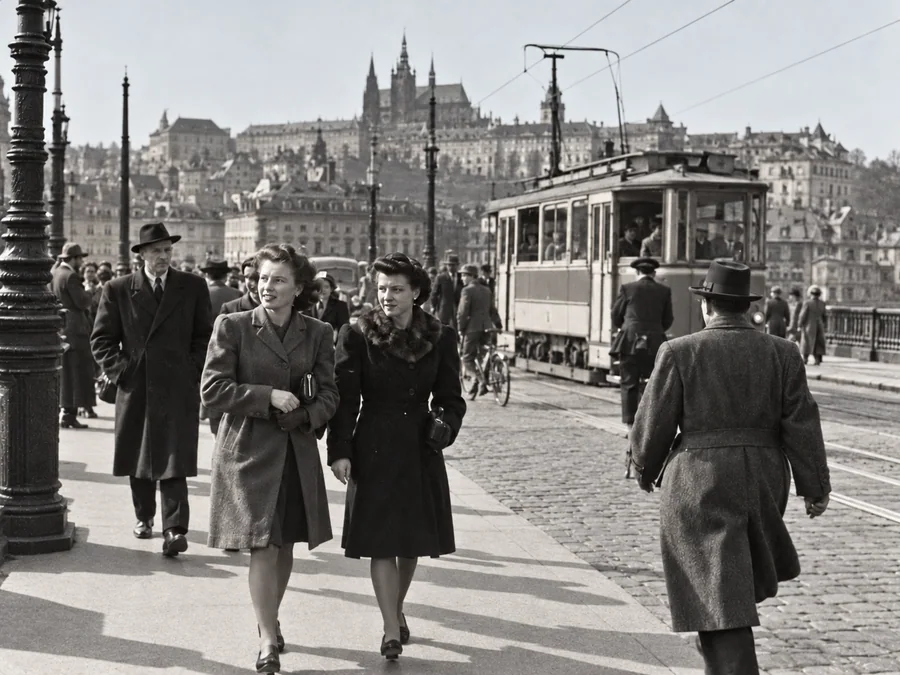 BeforeAfterIllustrative
Restore Old Photos
Try AI restoration on a faded, scratched, or damaged old photograph.
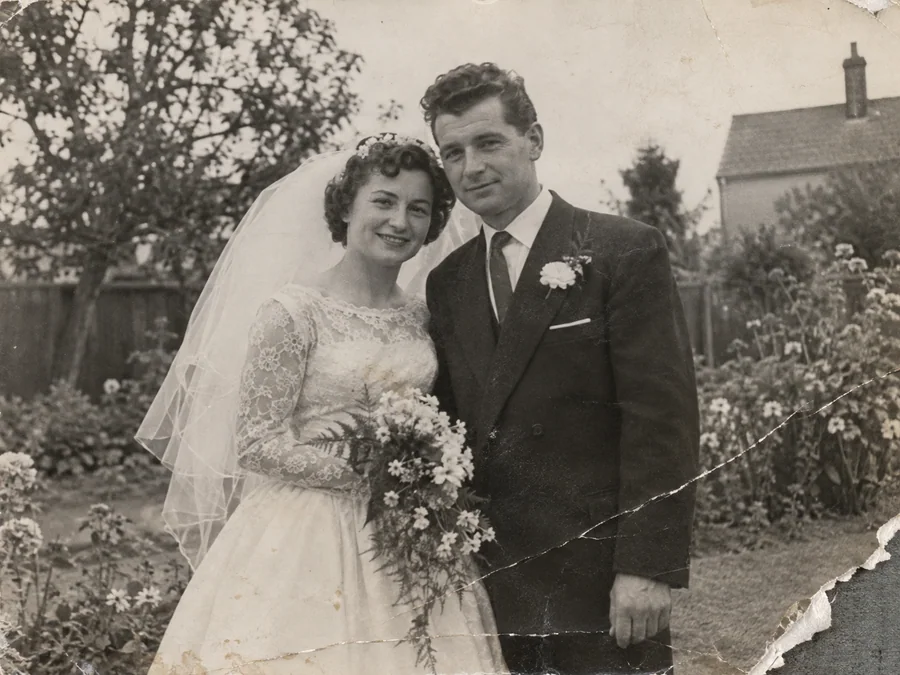
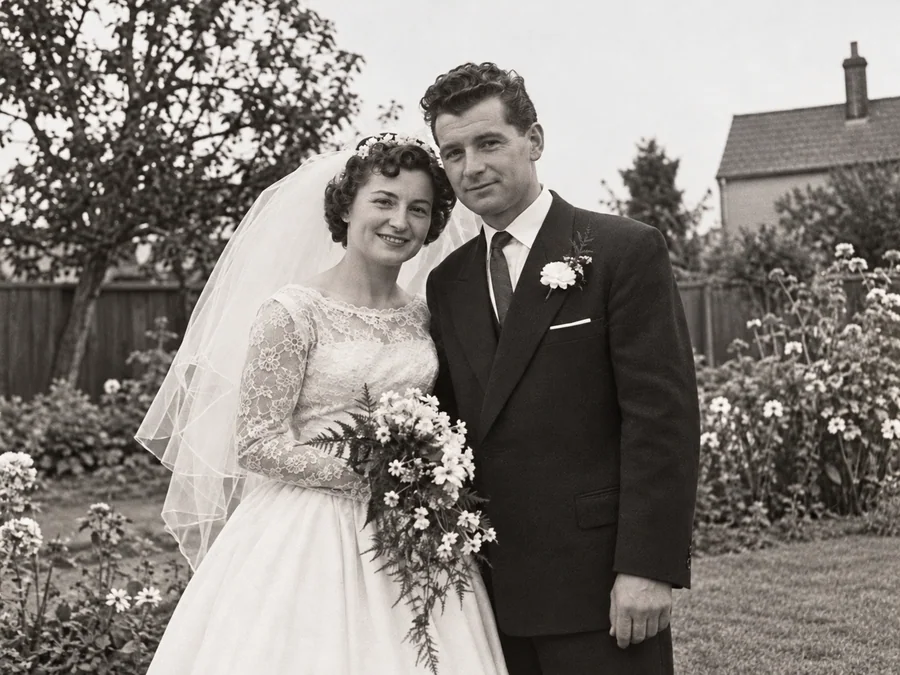 BeforeAfterIllustrative
Repair Damaged Photos
Generate a restored version of a torn, creased, or damaged photo.
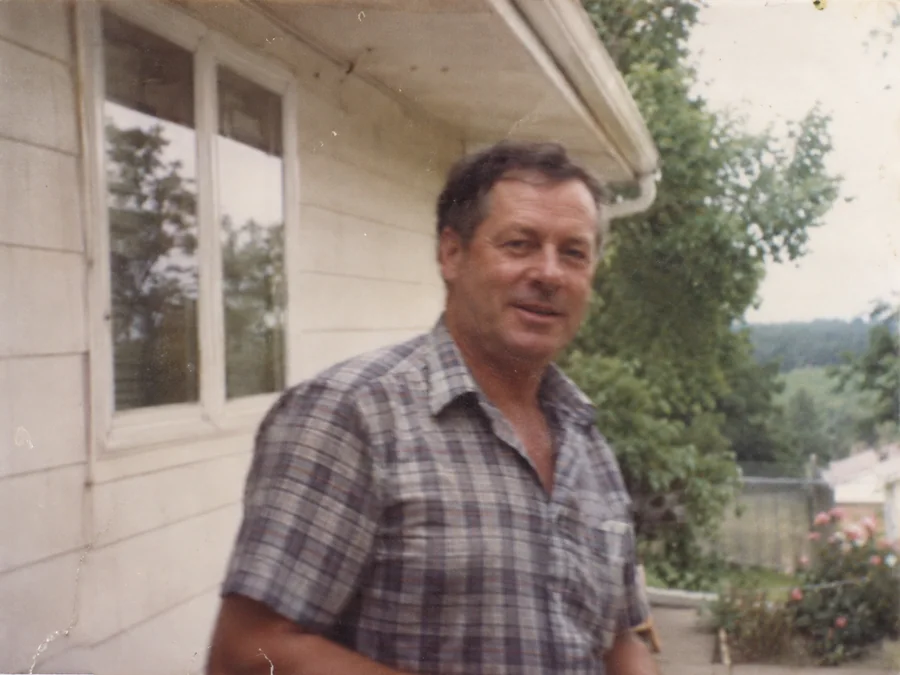
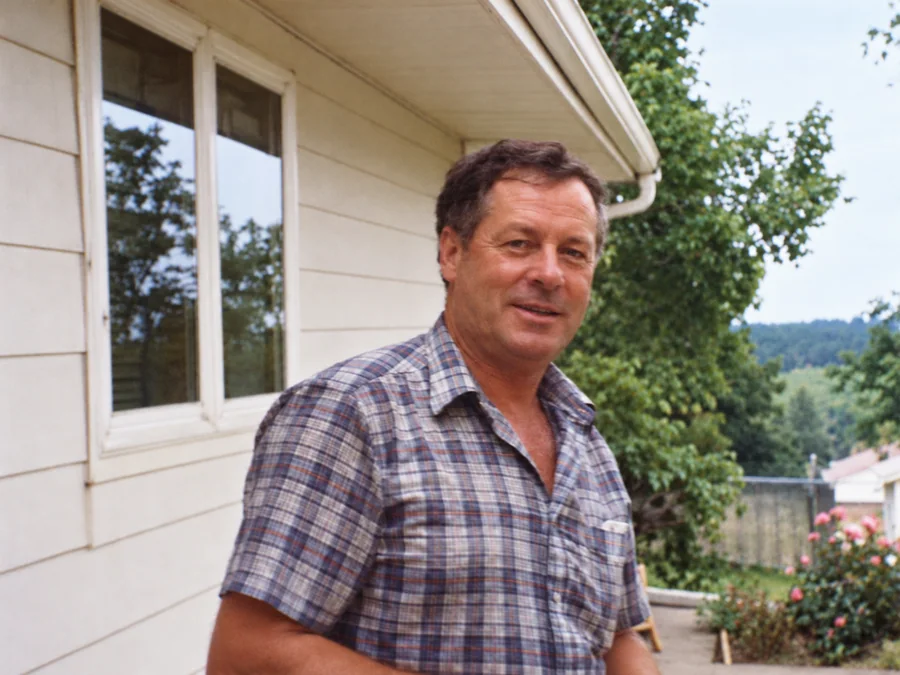 BeforeAfterIllustrative
Fix Blurry Photos
Try AI restoration on a soft or blurry photo. Results vary by image.
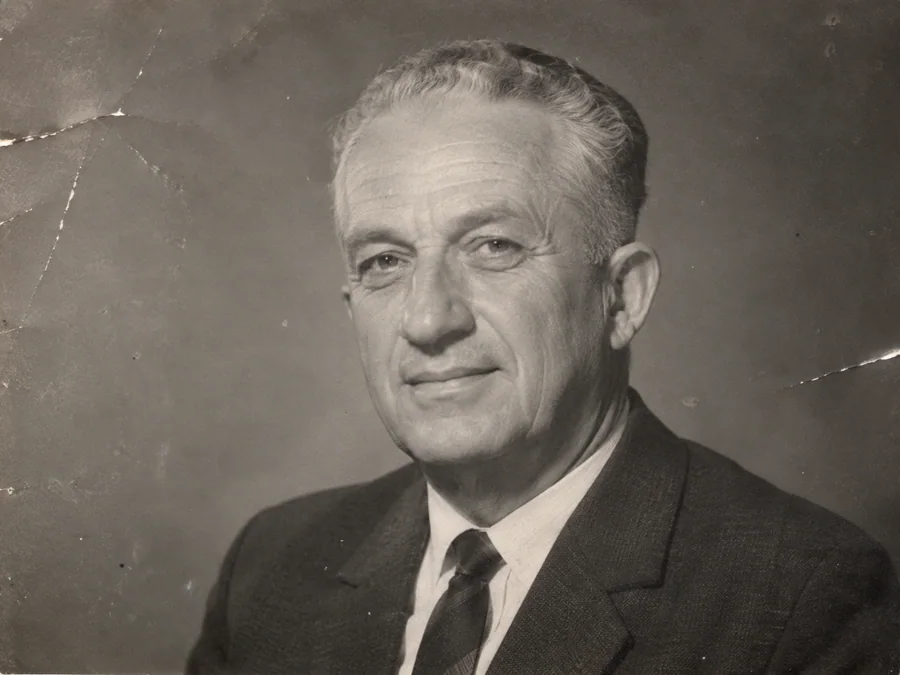
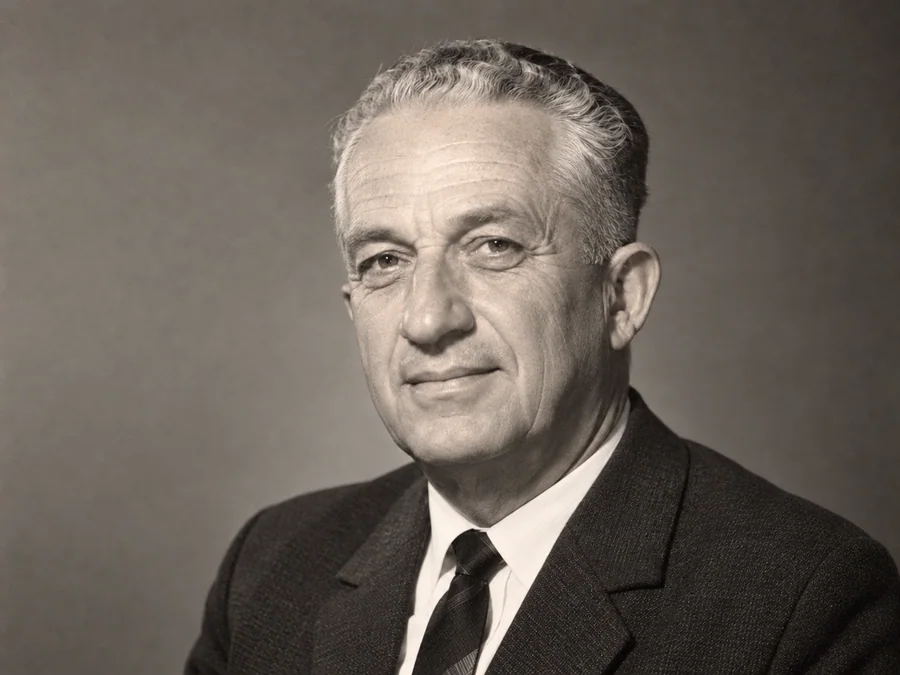 BeforeAfterIllustrative
AI Face Restoration
Try AI restoration on an old portrait and compare the result.
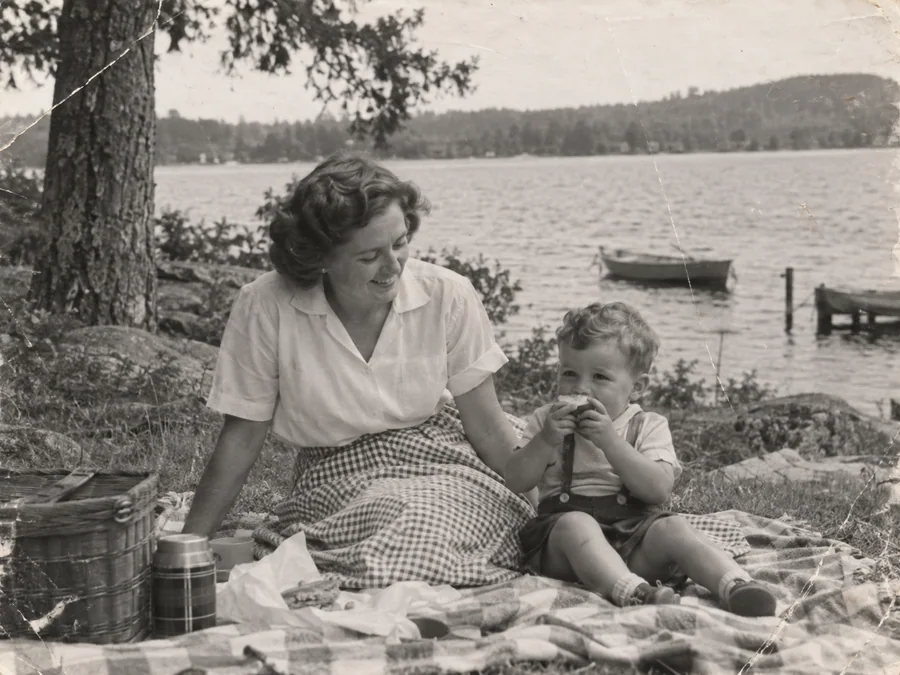
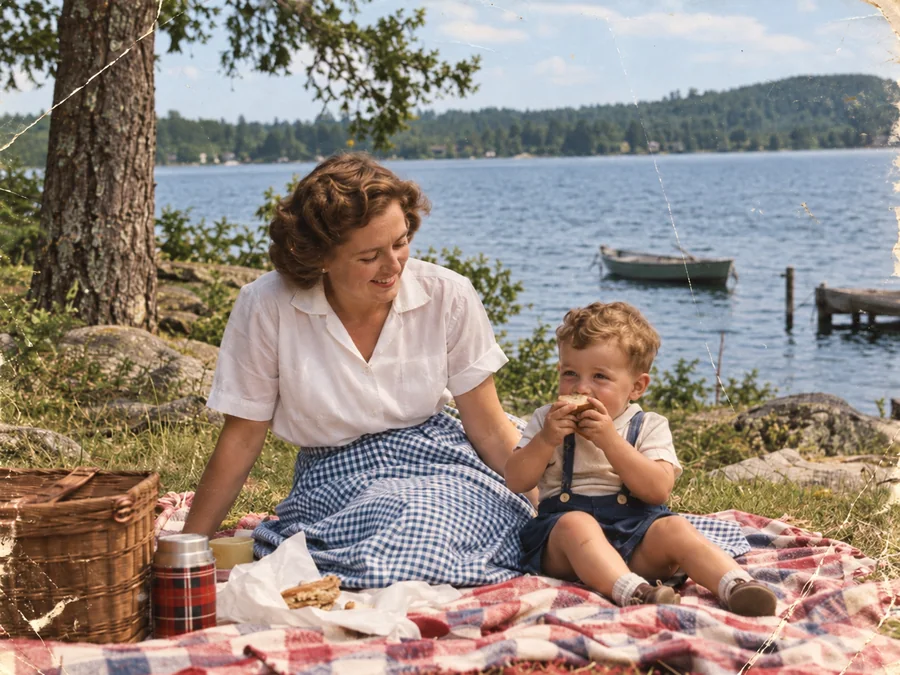 BeforeAfterIllustrative
Colorize B&W Photos
Generate AI color for a black-and-white or sepia photo.
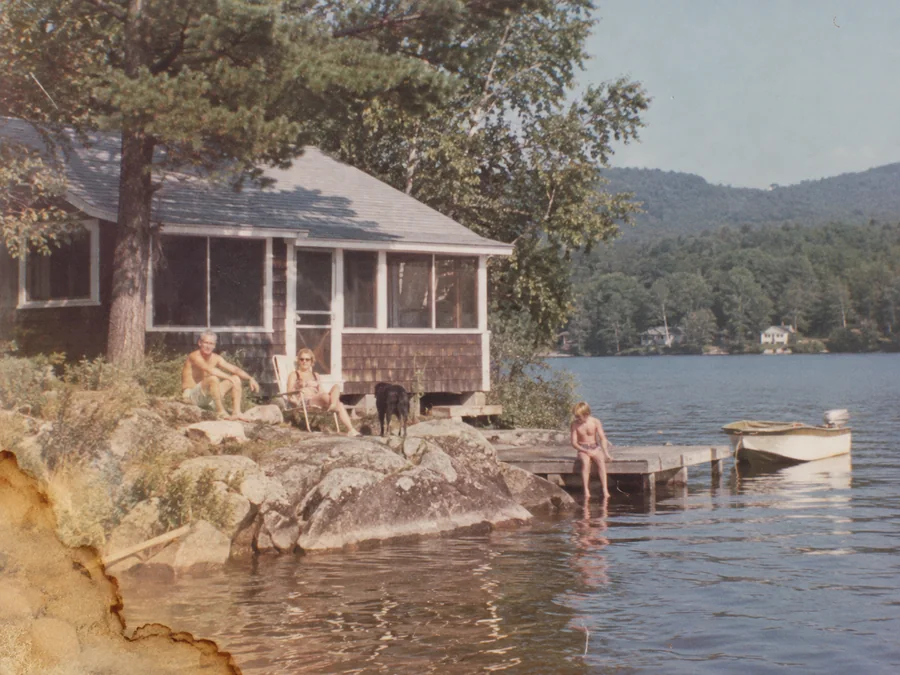
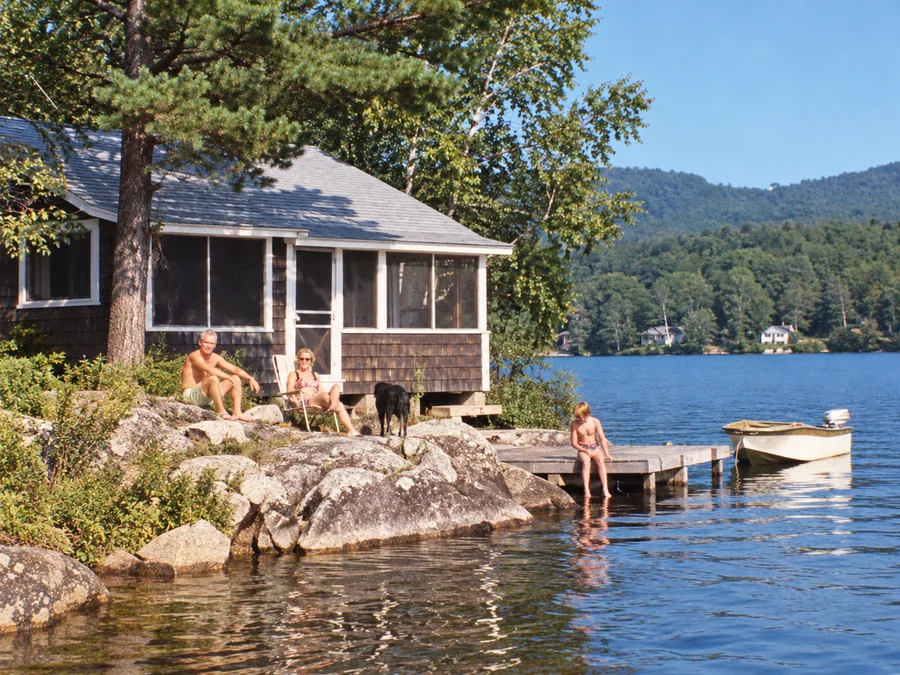 BeforeAfterIllustrative
Water Damage Repair
Try AI restoration on photos with water marks or stains.
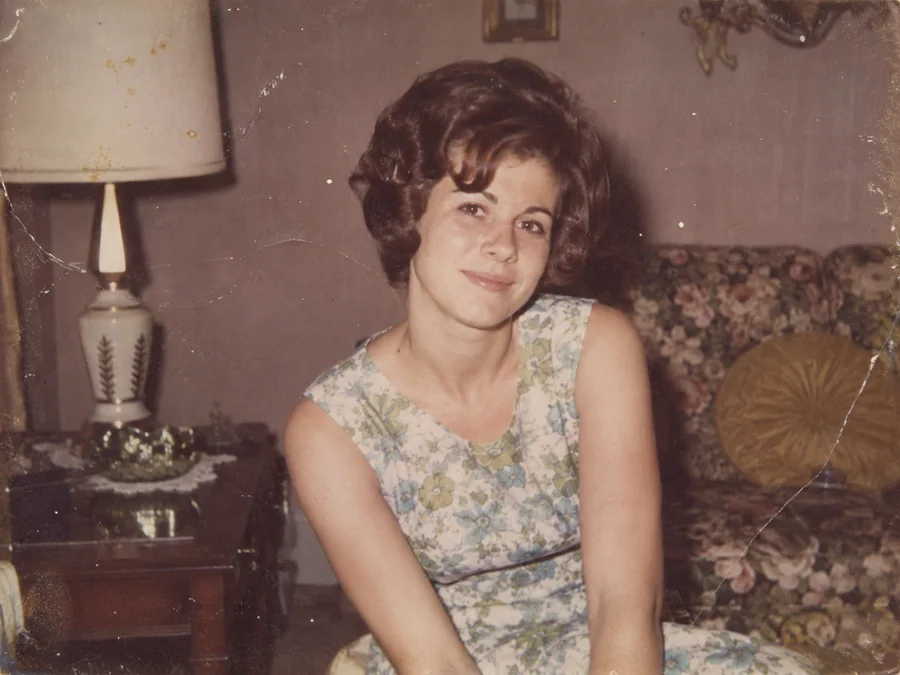
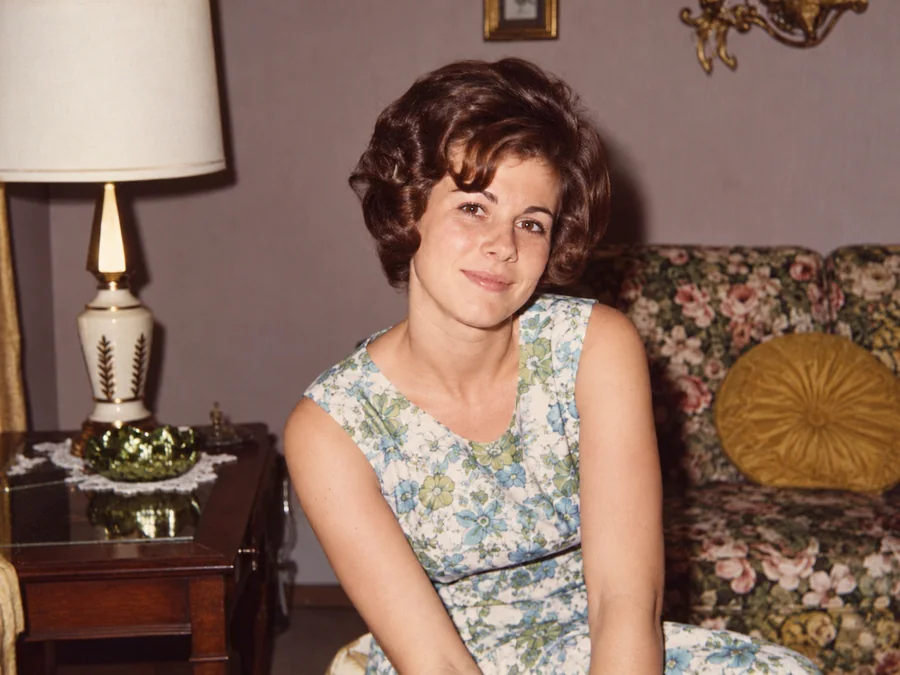 BeforeAfterIllustrative
Restore Vintage Photos
Try AI restoration on a vintage or faded photograph.
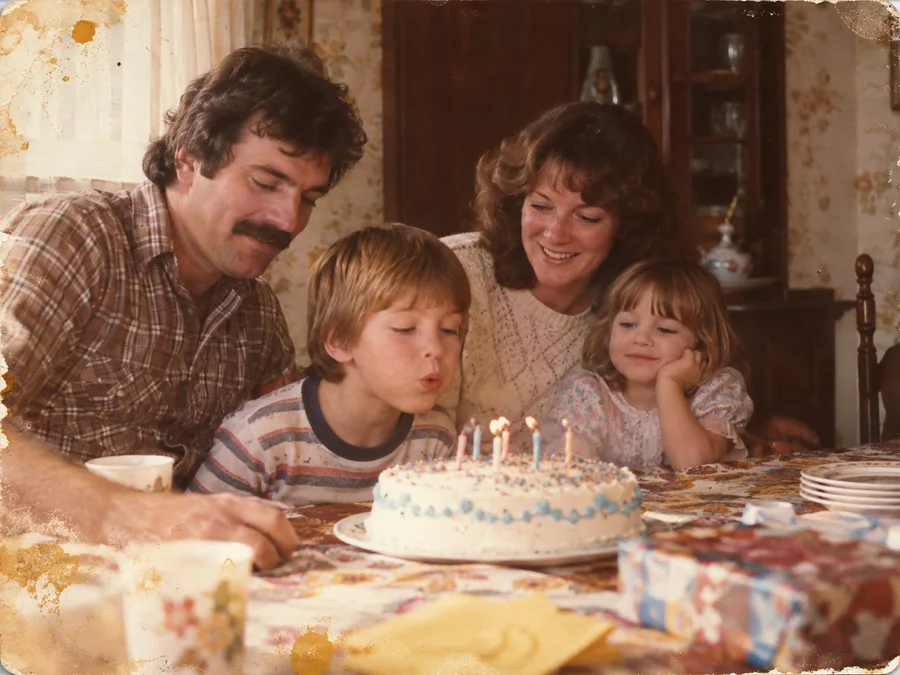
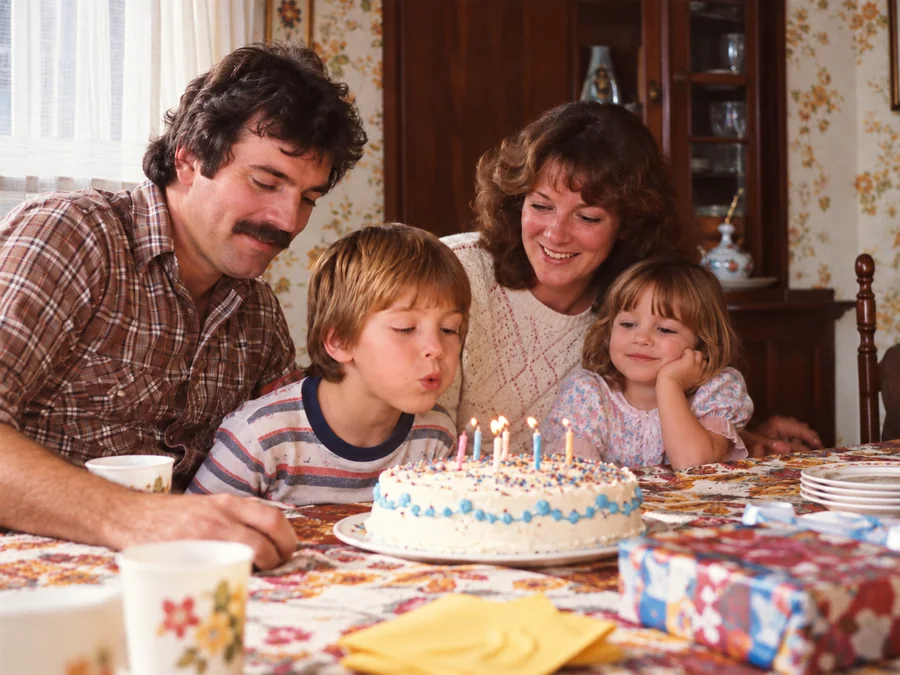 BeforeAfterIllustrative
Restore Family Photos
Create a restored version of an old family photo.