AI Photo Upscaler & Resolution Enhancer Online Free
Enlarge small wallet prints, low-resolution phone scans, and cropped sections into crisp, high-resolution photographs ready for large-format physical framing and fine art print.
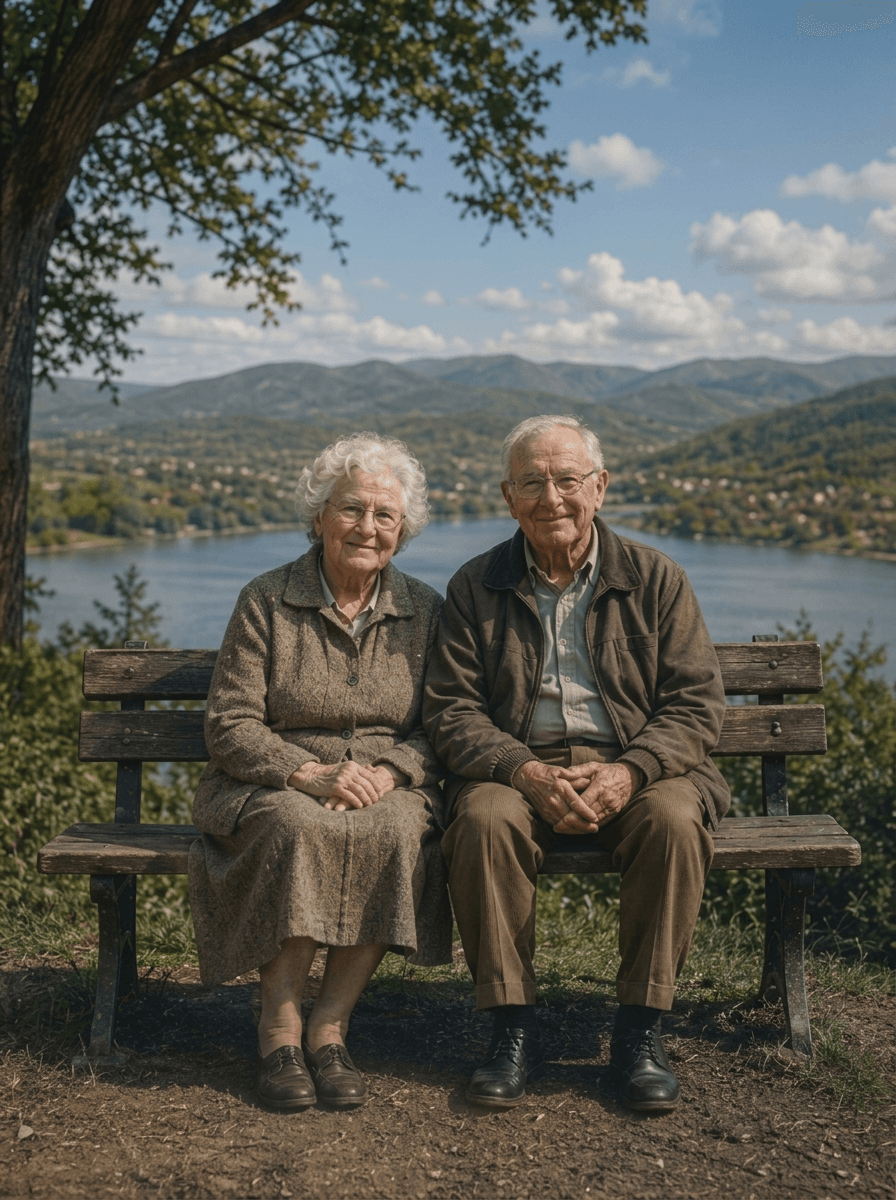
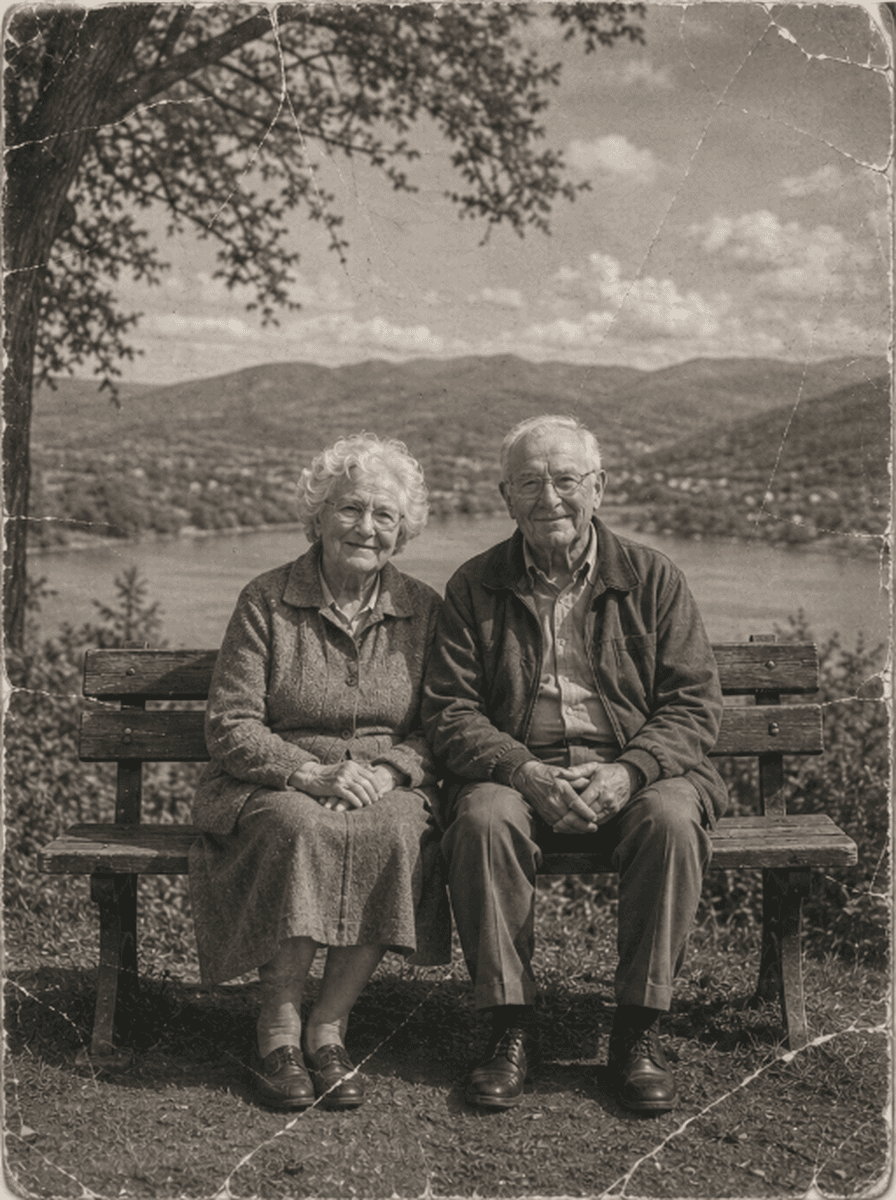
Slide horizontally to evaluate sub-pixel detail recovery and print-ready sharpness.
How to Enlarge Photos with AI
Upload Low-Resolution Photo or Scan
Upload your small, cropped, or low-resolution photo (JPEG, PNG, WebP up to 10MB) into the dropzone.
Neural Super-Resolution Synthesis
ImgHeal reconstructs sub-pixel edge detail, removes pixelation artifacts, and enlarges resolution up to 4x in seconds.
Inspect Zoomed Preview & Download
Compare before and after using our interactive viewer, then export your uncompressed 4K master print.
Why Our Upscaler Surpasses Traditional Interpolation
Experience true structural synthesis rather than simple pixel stretching:
Sub-Pixel Detail Recovery
Neural deep networks reconstruct genuine micro-textures in eyes, jewelry, hair, and lace that were previously lost to compression.
Print-Ready 300 DPI
Enlarge low-DPI smartphone captures into crisp 300 DPI files ready for gallery canvas prints, wall art, and photo books.
Zero Plastic Artifacts
Preserves authentic organic film grain while eliminating JPEG blocking artifacts, ringing, and edge halos.
Answers on AI Photo Upscaling
How does AI upscale photos without making them look pixelated or blurry?+
Traditional bicubic enlargement stretches existing pixels, causing fuzzy edges and blocky artifacts. ImgHeal uses deep neural super-resolution networks that predict and synthesize missing high-frequency micro-details (such as fine hair strands, eye catchlights, and clothing weaves), producing crisp lines even when enlarged 400%.
Can I enlarge small wallet prints for large physical framing?+
Yes. Wallet prints or passport photos (typically 2x3 inches) can be scanned and upscaled into uncompressed 4K+ resolutions suitable for large 16x20 or 24x36 inch canvas or archival giclée fine art prints.
Can I upscale photos online for free?+
Yes. Every new account receives 3 complimentary full-resolution restorations and upscales. You can test your low-resolution scan, preview before-and-after results with our split-screen slider, and download the print-ready master file completely free.
Does the upscaler preserve authentic film grain?+
Yes. Unlike generic upscalers that wipe the image into an unnaturally smooth plastic texture, ImgHeal applies texture-aware super-resolution that respects and refines the organic film grain structure.
What maximum resolution and file formats can I output?+
ImgHeal outputs uncompressed PNG and high-quality JPEG master files up to 4K+ resolution (over 4000 pixels on the long edge), ready for professional printing labs.
Photographic Conservation Hub
Explore Dedicated Restoration Services
Specialized AI photographic conservation tools tailored for every type of photographic defect and memory.
AI Photo Restoration
All-in-one neural restoration reviving faded, scratched, and aged photographs.
Restore Old Photos
Rebalance oxidized silver-gelatin contrast, yellowed borders, and aging prints.
Remove Scratches & Creases
Inpaint paper fractures, surface cracks, and album scratches seamlessly.
Repair Damaged Photos
Reconstruct torn corners, physical holes, and heavy emulsion degradation.
Fix Blurry Photos
Sharpen lens blur, camera shake, and soft focus while preserving film grain.
AI Face Restoration
Clarify eyes, smiles, and ancestral facial details without artificial smoothing.
Colorize B&W Photos
Add realistic, natural historical palettes to black-and-white and sepia pictures.
Water Damage Repair
Remove liquid tide marks, damp blemishes, and mold stains from vintage prints.
Restore Vintage Photos
Specialized archival care for Victorian, tintype, cabinet card, and sepia prints.
Restore Family Photos
Preserve multi-generational family ancestry albums and irreplaceable wedding prints.